
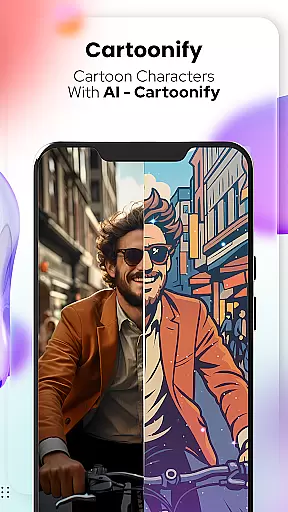
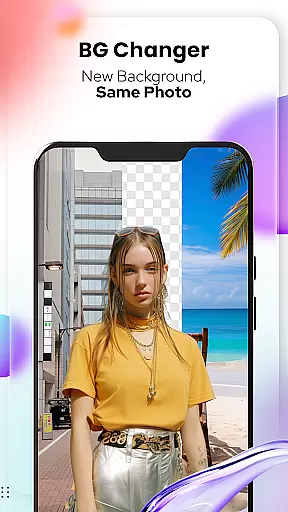
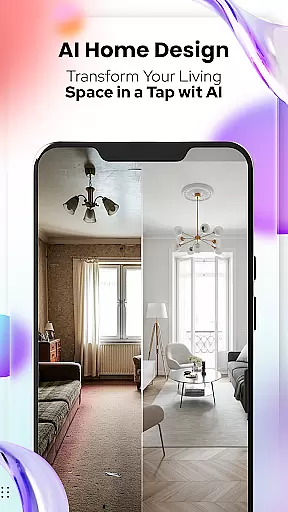
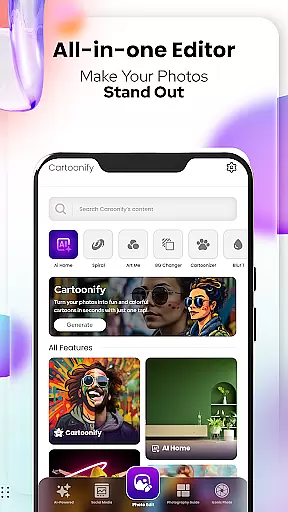
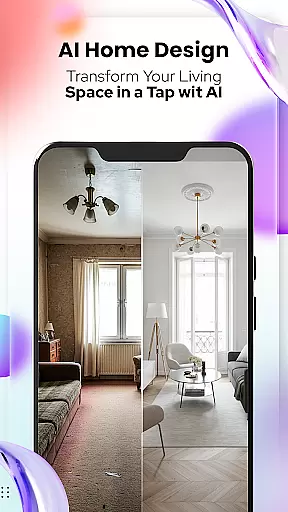
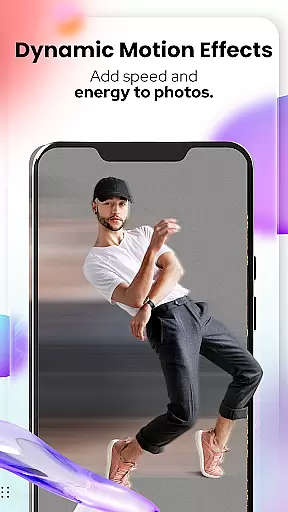
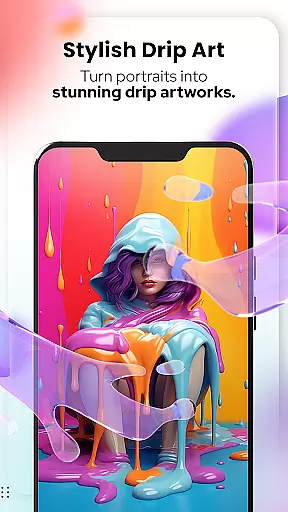
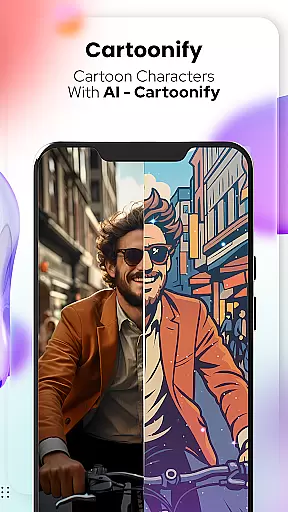
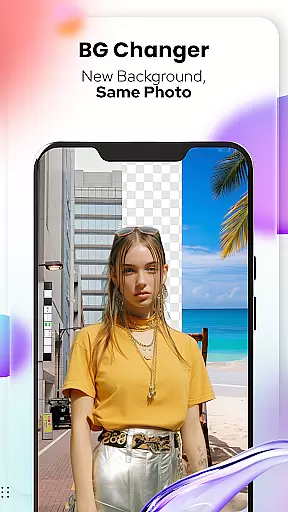
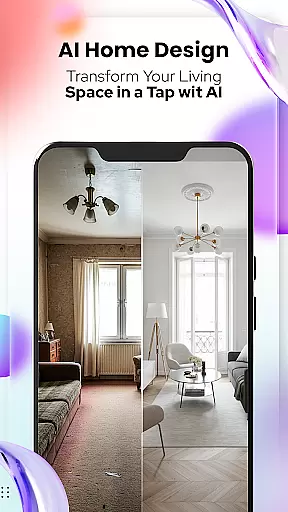
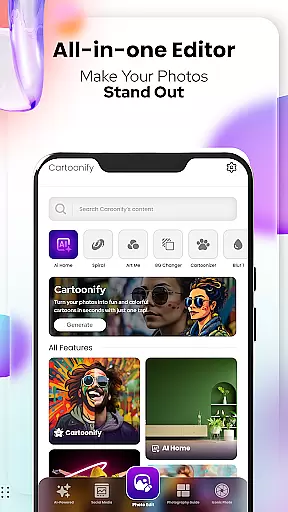
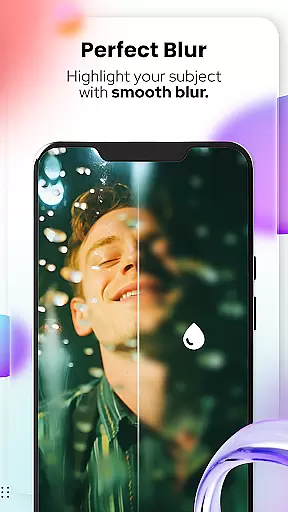
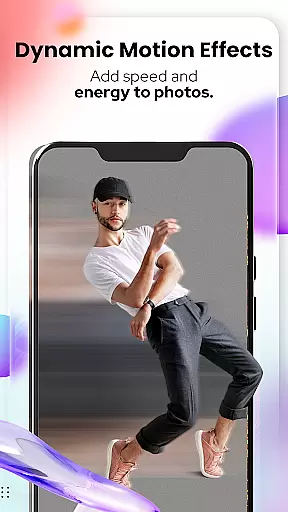
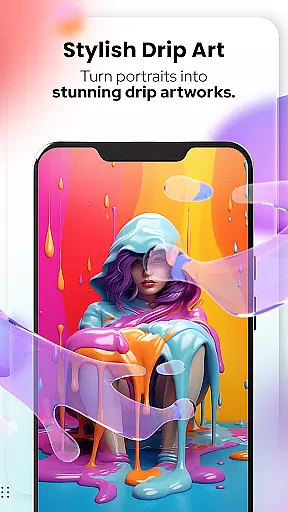
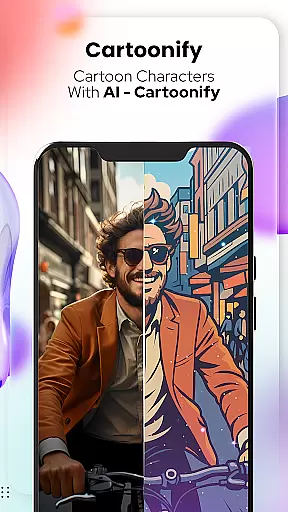
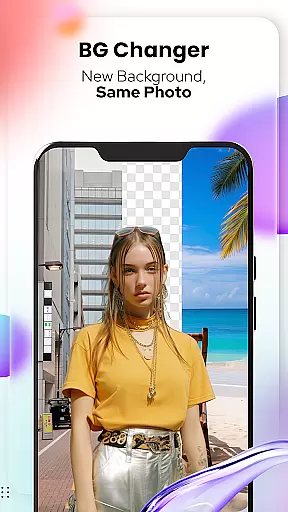
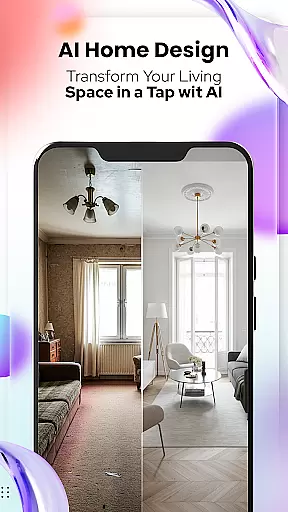
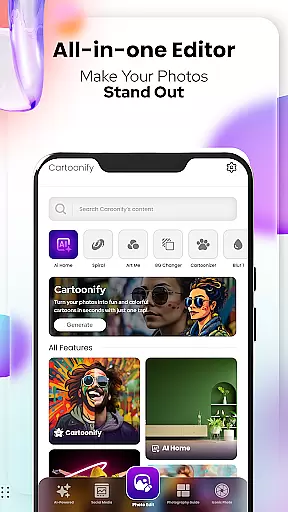
Cartoon Photo Editor - Toon Art is a creative photo editing app designed for art enthusiasts and casual users alike. This powerful tool allows you to transform ordinary photos into stunning cartoon-style artworks with just a few taps. The app features multiple artistic filters, background editing tools, and special effects that give your images a unique comic book appearance.
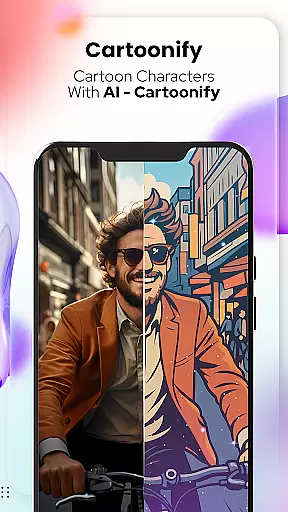
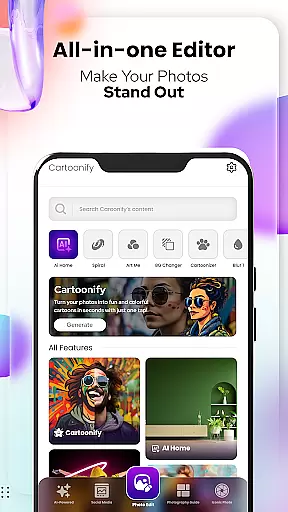
The application's standout feature is Cartoonify, which instantly converts any portrait into a fun cartoon representation. With additional tools like Pet Cartoonizer, Background Changer, and professional-grade photo editing options, users can create truly personalized artwork. Whether you're looking to enhance social media profiles or simply explore your artistic side, this app provides everything needed to produce professional-looking cartoon images.
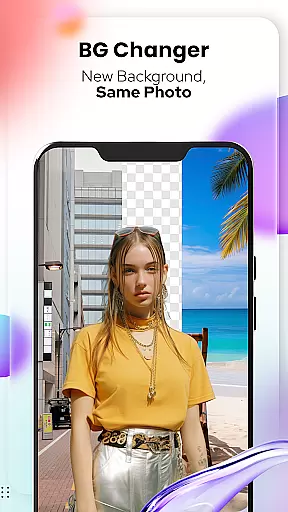
Cartoon Photo Editor offers an impressive array of features that cater to various artistic needs. The Art Me function provides multiple artistic styles, allowing users to apply breathtaking filters that mimic famous painting techniques. The Sketching tool creates detailed pencil drawings from regular photos, while the Background Changer enables seamless background replacement with advanced editing capabilities.
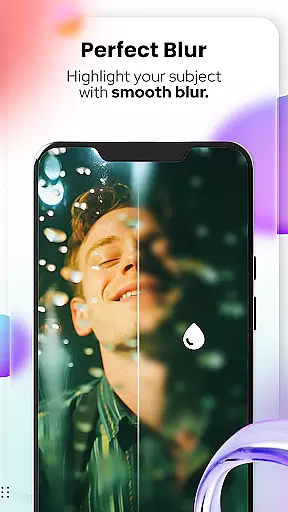
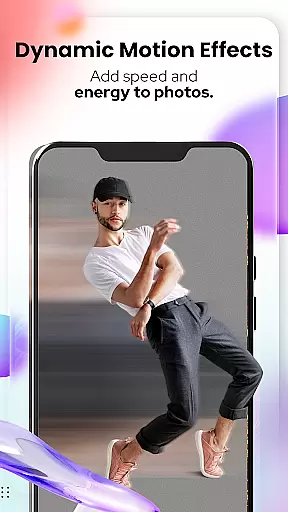
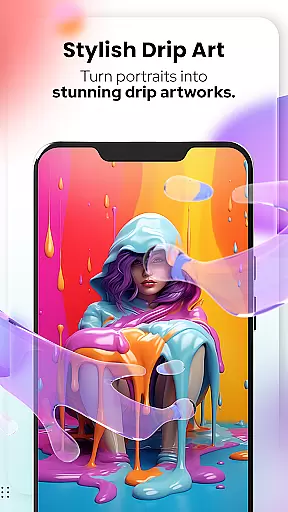
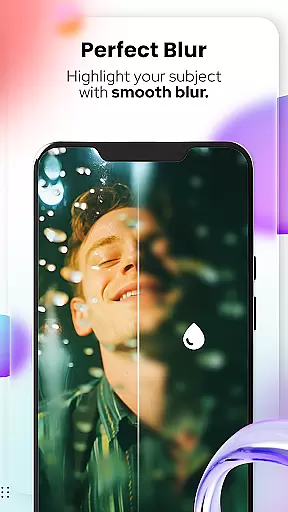
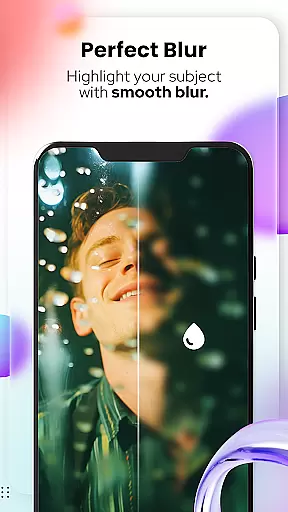
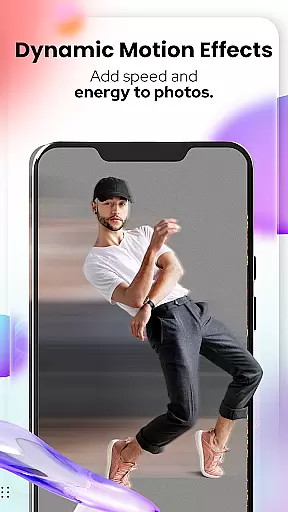
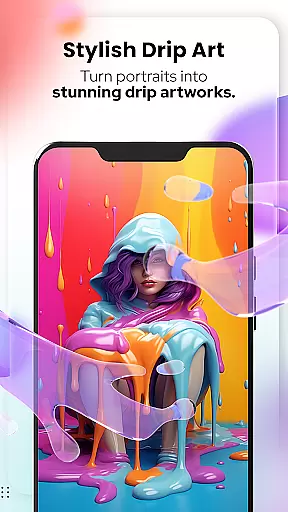
Additional features include a comprehensive set of photo editing tools such as Blur & Motion Effects, Spiral & Drip Effects, and Mosaic options. Users can also add text, stickers, and other decorative elements to their creations. The app's intuitive interface makes these professional-grade tools accessible to both beginners and experienced artists, ensuring high-quality results regardless of skill level.
In the realm of digital artistry, having a comprehensive suite of creative tools is essential for unleashing one's full artistic potential. Cartoon Photo Editoruff0dToon Art offers an impressive array of features that cater to both amateur enthusiasts and professional artists alike.
From the Cartoonify feature that ingeniously transforms any image into a delightful cartoon, to the Art Me option which bestows a unique, professional touch through stunning art styles, this app ensures your creativity knows no bounds. The inclusion of specialized tools such as Pet Cartoonizer and Sketching further enriches the user experience by providing niche functionalities that extend artistic possibilities.
Moreover, with NEW! Photo Edit Tools, users can delve into advanced editing techniques including Background Remover/Changer, Blur & Motion Effects, Spiral & Drip Effects, Filters & Stickers, Mosaic, Splash & Brush, Crop, Adjust & Overlay, Text & Fit Tools. This extensive toolkit empowers users to refine their work with precision and flair.
The true value of these complete creative tools lies in their ability to transform ordinary photos into extraordinary pieces of art. Whether you're looking to enhance social media presence or seeking inspiration for your next masterpiece, Cartoon Photo Editoruff0dToon Art stands as a beacon of innovation and limitless creativity.
A canvas in the digital world serves as the foundational space where ideas take shape and visions come to life. The flexibility of this space, along with format compatibility, plays a crucial role in determining how freely an artist can express themselves. Cartoon Photo Editoruff0dToon Art excels in offering unparalleled canvas and format adaptability.
This application allows creators to manipulate their workspace with ease, thanks to features like Background Changer which enables swift removal or replacement of backgrounds. Such functionality not only enhances creative control but also streamlines workflow efficiency.
Additionally, support for various effects such as Blur & Motion, Spiral & Drip, alongside an assortment of Filters & Stickers, ensures that regardless of the envisioned style or desired outcome, users have at their disposal a versatile platform capable of adapting to diverse artistic demands.
Ultimately, the canvas and format flexibility provided by Cartoon Photo Editoruff0dToon Art translates into enhanced productivity and expanded creative horizons. Artists are empowered to experiment without constraints, pushing boundaries while achieving professional-grade results across multiple formats effortlessly.
User-friendly interface
Multiple artistic filters
Advanced editing tools
Instant cartoon conversion
Pet-specific effects
Some features may require payment
Advanced tools have learning curve
Occasional processing delays
Limited free content
Ads in free version

Remove Background, Magic Eraser, Photo Enhancer, Story Templates, Collage Maker
 4.30
4.30
Draw beautiful mandala's very easily
4.60
The perfect place to start sketching! Use Sketchbook to draw and paint sketches.
4.50
Art of Combination Wear OS Watch Faces
3.30
Art of Combination Wear OS Watch faces (for Wear OS 5+ devices)
3.90
Create and Design Custom Logos in Seconds with AI-Powered Tools!
4.40
Sketch and paint on your device with the feel and freedom of drawing on paper
4.00
How to draw anime step by step for beginner easily by AR drawing sketch & paint.
3.60
Multiplayer Drawing game, Coloring, Painting・Sketch, Handwriting・Paint, draw
4.30
Photo editor for art, avatars, filters & fun transformations.
4.60
Painting, drawing, & sketching
4.50
Video AI: Revolutionize Your Content Creation with Advanced Video Generation
4.50
AI generated images & photos, turn your words into drawing, painting & pictures.
4.30
Unleash Your Creativity with Draw Cartoon - AR Drawing App
4.10
OneUI 8.5 icons ✨ Smooth, modern & based on the latest Play Store design ??
4.10
Design unique, funny and adorable cat stickers that reflect your own style!
3.80
Resize photos and print photos in exact size with our powerful photo printer!
3.80
Create trending AI photos & videos with powerful effects and 3D styles.
3.20
Meet the magic aı 3d photo generator and smart AI video generator app.
3.20


User Reviews