
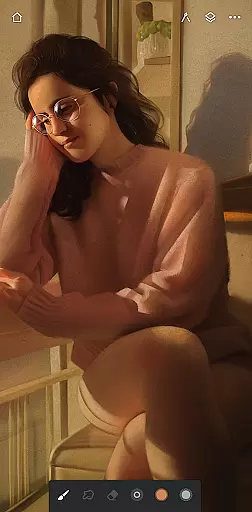
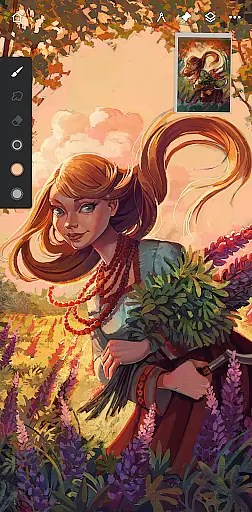
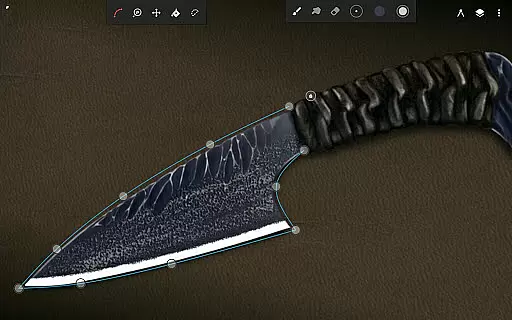
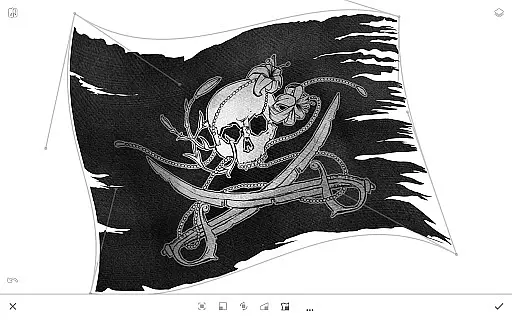
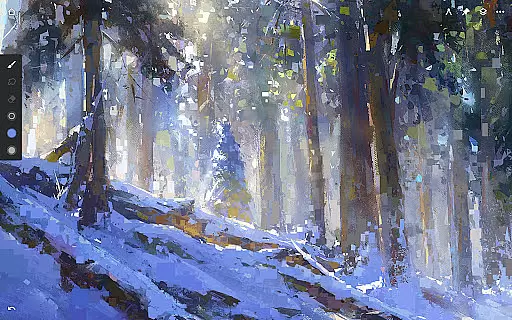
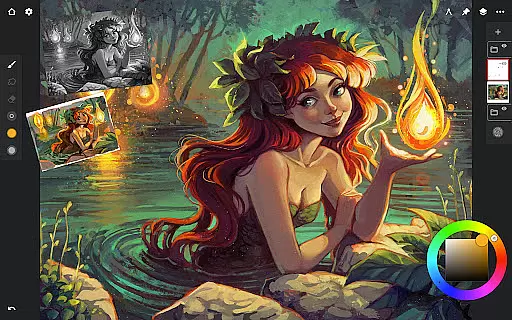
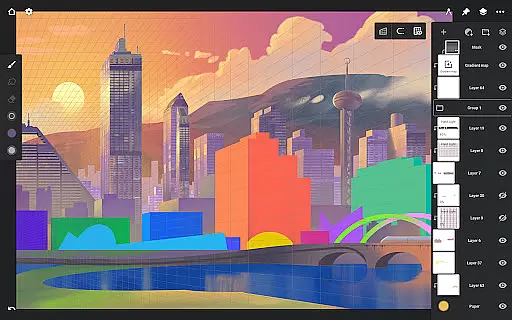
Infinite Painter stands as a premier digital art application, offering an extensive suite of tools for painting, sketching, and drawing. Designed for artists across all levels, it provides a seamless experience on tablets, phones, and Chromebooks.
The app boasts an intuitive interface with powerful features such as customizable brushes, symmetry tools, and perspective guides. Whether creating detailed artwork or casual sketches, Infinite Painter supports diverse artistic expressions while enhancing productivity through innovative functionalities.
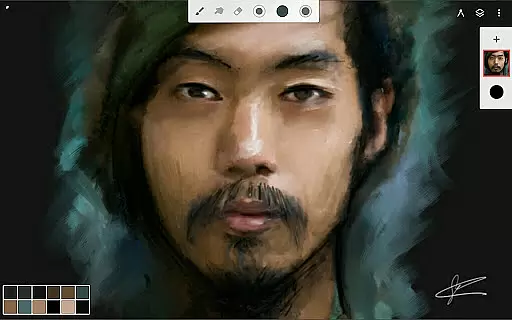
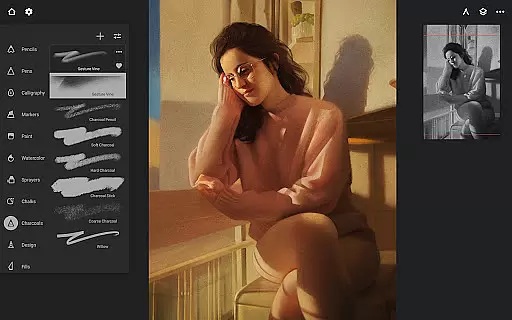
Infinite Painter is renowned for its comprehensive feature set tailored to digital artists. The app includes hundreds of built-in brushes with realistic interactions, customizable settings, and support for stylus devices.
Artists can leverage advanced tools like layer support with blend modes, mask creation, and industry-leading transformations. Additionally, the app facilitates workflow acceleration by allowing imports from various sources and exporting in multiple formats, ensuring compatibility and convenience.
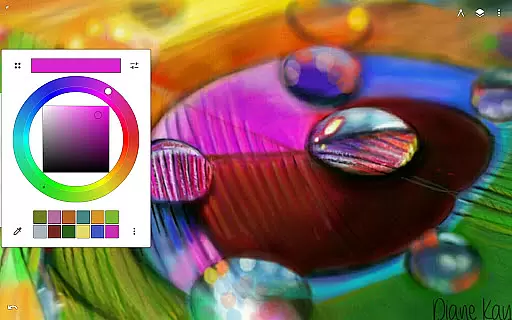
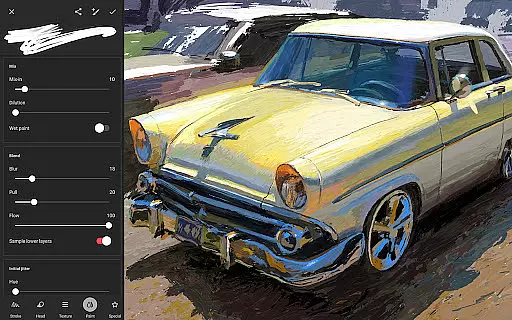
Infinite Painter offers an extensive suite of creative tools that cater to both amateur and professional artists. The app includes hundreds of built-in brushes with realistic brush-to-canvas interaction, offering over 100 customizable settings. This allows users to fine-tune their drawing experience according to their preferences and needs.
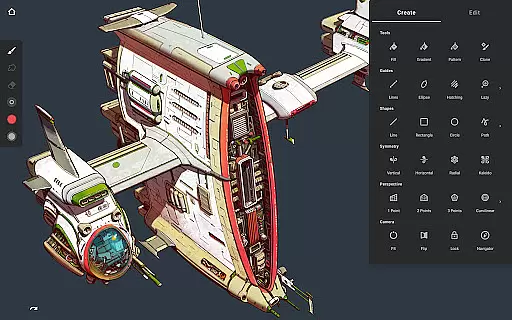
For those who require precision and diversity in their work, the app supports simple or complex symmetry tools, guides, and shapes. It also features smart shape detection and an innovative hatching guide, empowering users to draw with accuracy and ease. These tools are designed to make the artistic process less cumbersome while expanding the possibilities for creativity.
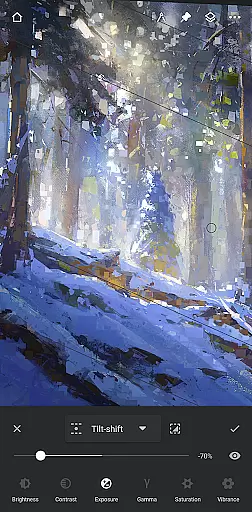
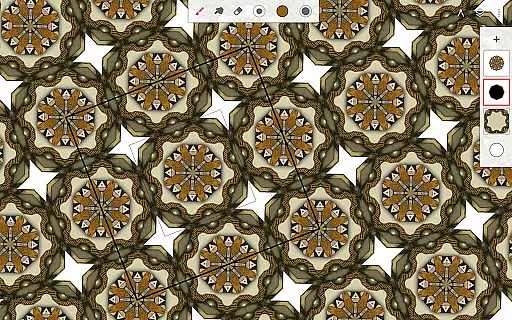
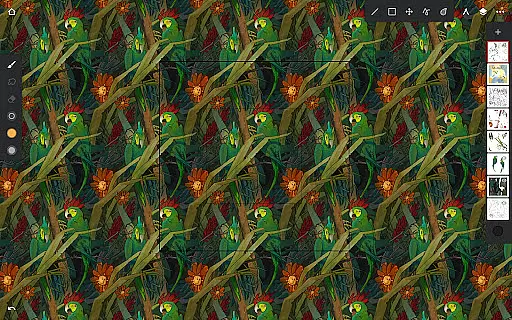
The app stands out with industry-leading features such as seamless pattern projects, selection and masking tools, and powerful transformation capabilities. Users can apply gradient and pattern fills, utilize focus and tilt-shift masking, and even liquify their artwork. Such comprehensive features ensure that artists have everything they need to bring their visions to life.
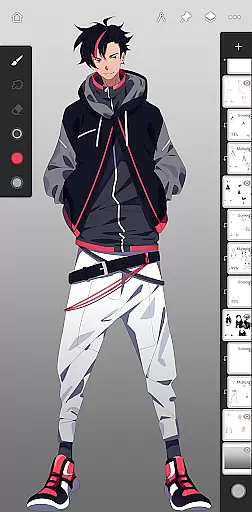
Infinite Painter is not just about painting; it's about providing a complete art studio on your device. With layer support including 30 blend modes, masks for layers, adjustments, groups, and clipping masks, the app delivers a robust platform for all forms of digital art creation.
Flexibility in canvas and format options is crucial for artists who need to adapt their work across different mediums and sizes. Infinite Painter excels in this area by allowing users to create 3D cityscapes with five different perspective guides and draw shapes in perspective. This feature is particularly beneficial for creating game art with isometric perspectives.
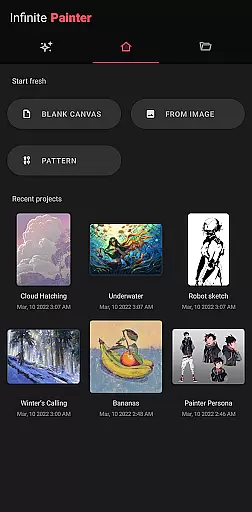
The app provides a clean, customizable interface that maximizes the canvas space while minimizing clutter. Artists can assign finger functions separately from their stylus, expand and collapse layers quickly, and dock brush settings for easy access. These functionalities contribute to a more efficient workflow and a distraction-free environment.
Infinite Painter supports high-definition canvas sizes and multiple layers, which depend on the device's capacity and canvas dimensions. This ensures that professionals working on detailed projects have the space and flexibility needed for their intricate designs. Additionally, exporting options include JPG, PNG, WEBP, ZIP, layered PSD files, or Painter projects, giving artists the freedom to use their work in various contexts.
With its ability to handle 64-bit deep color when painting and offering print presets along with CMYK color modes, Infinite Painter ensures pixel-perfect editing. Whether you're designing for digital platforms or preparing artwork for print, the app provides the necessary tools to maintain quality and consistency across formats.
User-friendly interface
Extensive brush library
Advanced layer support
Real-time collaboration
Cross-device functionality
Limited free features
Pro subscription required
Occasional bugs
High system requirements
Learning curve for beginners

Stylish letters, Stylish Keyboard, Symbols, Emojis, Cool nickname
 4.40
4.40
Design your dream room with AI. Get decor ideas & plan home interiors
3.90
Make your phone cooler and have a fantastic experience
4.80
Minecraft & Roblox Clothes
4.70
Your homescreen as an elegant glass with customized blur, lighting, and visuals.
3.70
OneUI 8.5 icons ✨ Smooth, modern & based on the latest Play Store design ??
4.10
Kling AI is an image and video generation and editing studio powered by AI.
4.50
Sketch and paint on your device with the feel and freedom of drawing on paper
4.00
How to draw anime step by step for beginner easily by AR drawing sketch & paint.
3.60
2D animation studio for Android tablets - unlimited layers, infinite timeline
4.70
Your AI soulmate — meaningful chats, and unique emotional moments
4.70
Photo stitcher for automatically screenshot stitching into a long screenshot
4.70
Castle is social media for creating and playing games!
4.60
Draw glowing spinners, relax, and spin your creative art
4.60
Unleash your drawing and painting potential
4.50
Beauty Camera - Selfie Camera is the ultimate beauty camera and selfie app
4.30
Create stylish invitation cards using templates for weddings, birthdays & RSVP.
4.20
Digital Drawing: Draw & Paint
4.10
Inky runs Inkscape on Android devices and Chromebooks
2.90


User Reviews