
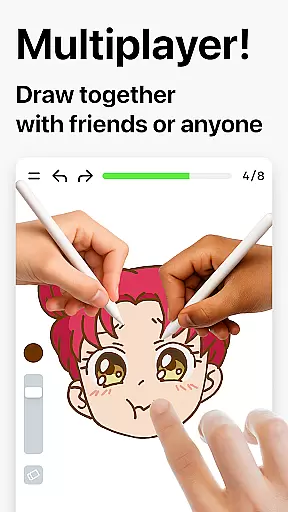
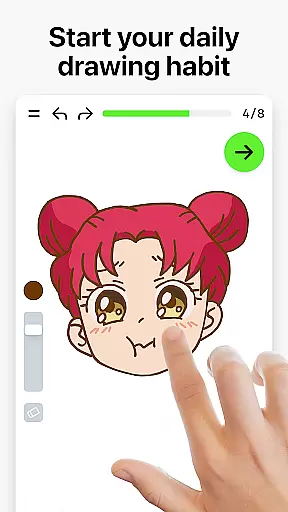
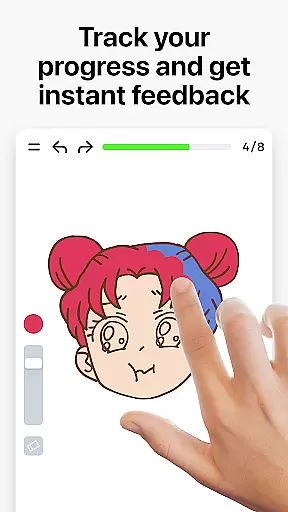
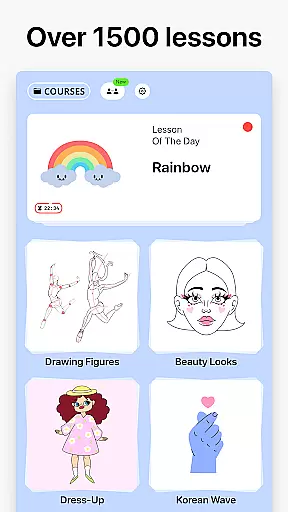

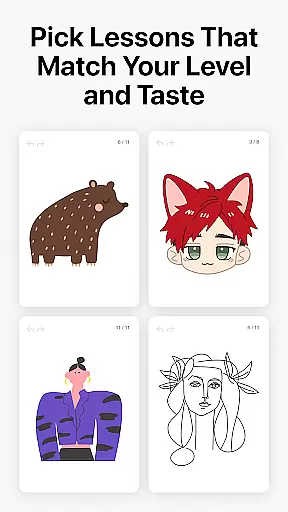
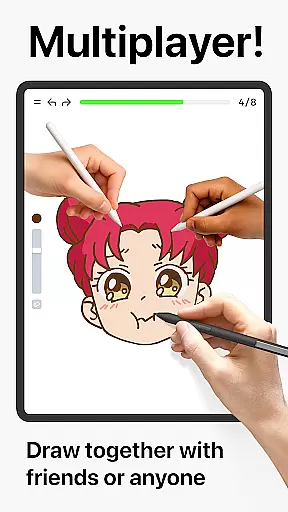
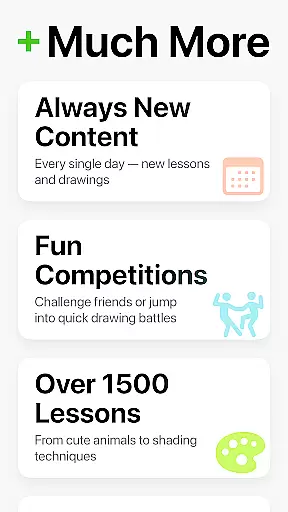
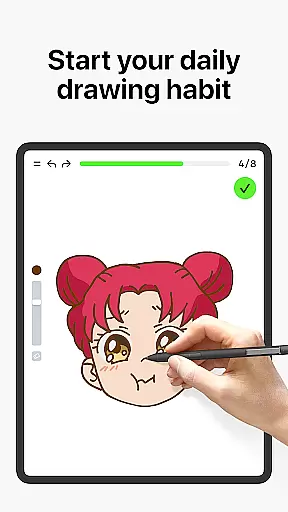
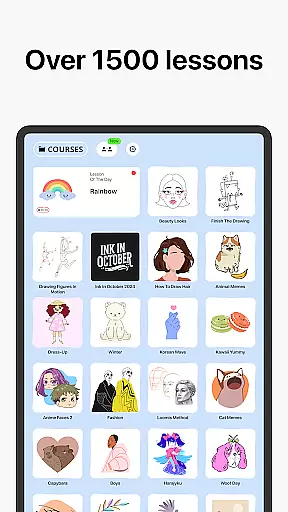
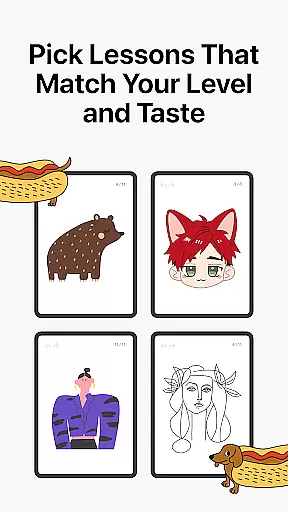
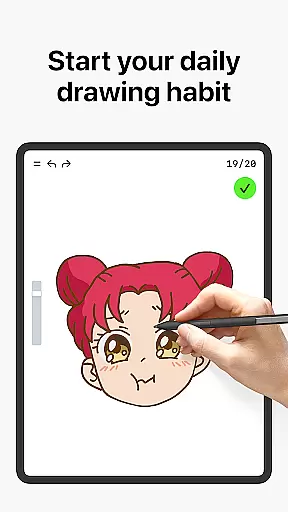
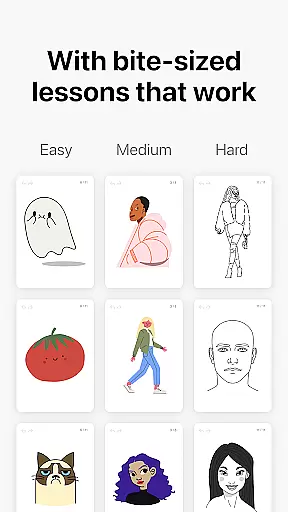
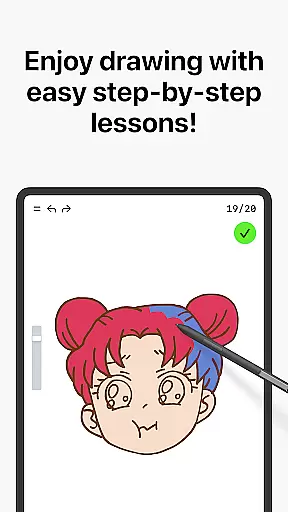
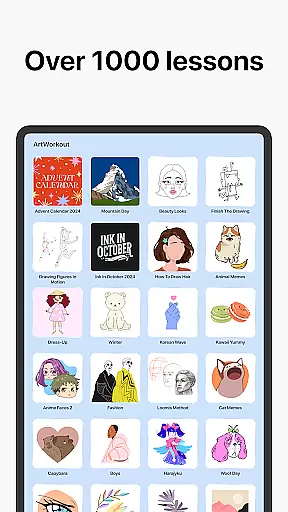
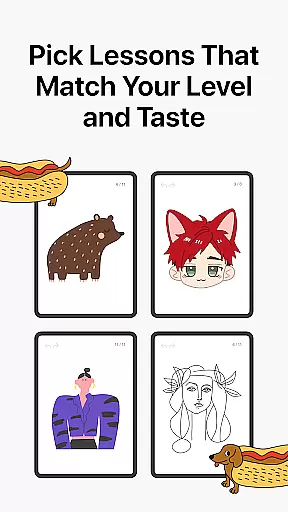
Learn how to draw is an innovative drawing and painting trainer app that combines art education with interactive gameplay. Designed for users of all ages, the app offers over 1000 step-by-step tutorials that cater to both beginners and experienced artists. The unique multiplayer mode allows users to draw and trace together in real time, creating a collaborative creative space. Whether you're learning basic sketching techniques or perfecting advanced skills, this app provides a comprehensive platform for artistic growth.
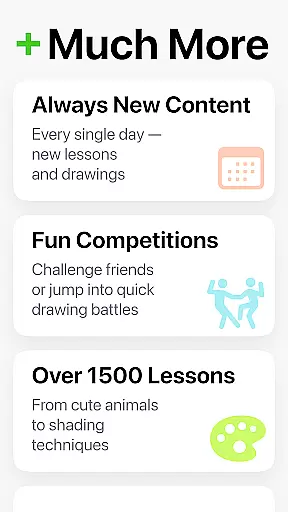
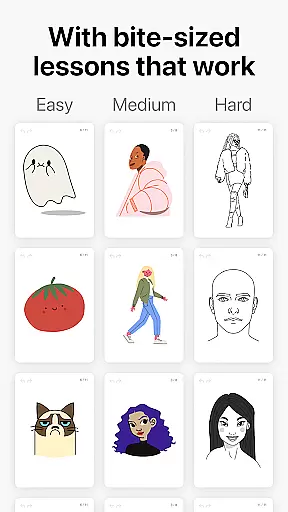
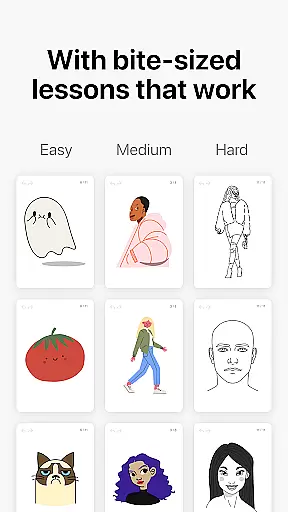
The app's dynamic tutorials break down each lesson into 10-30 simple steps, making it easy to follow along and master various drawing techniques. With its innovative scoring system, users can track their progress and see tangible evidence of improvement. The bite-sized lessons cover diverse themes including doodling, sketching, painting, and handwriting, ensuring there's something for everyone. Regular updates bring new courses weekly, often inspired by global cultures and holiday events.
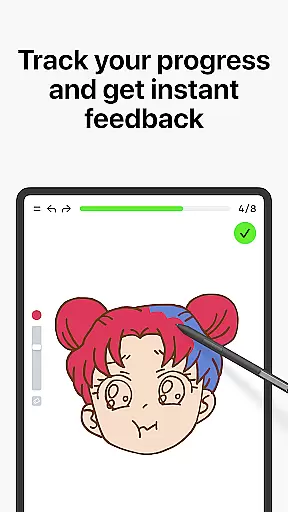
Learn how to draw stands out with its unique combination of features that enhance the learning experience. The app's proprietary algorithm analyzes both the accuracy and quality of each stroke, providing detailed feedback on steadiness, cleanliness, and expressiveness of lines. This goes beyond simple tracing apps, offering meaningful insights into areas for improvement while maintaining an engaging game-like experience.
The multiplayer functionality revolutionizes digital art learning by enabling real-time collaboration and friendly competition. Users can participate in interactive courses covering various artistic disciplines while enjoying stress-free, accessible lessons. The app maintains active community engagement through Discord and Telegram channels, while its regular content updates ensure fresh material every week. This comprehensive approach combines essential theory with practical exercises, helping users develop their artistic foundation through structured yet flexible learning paths.
ArtWorkout offers a comprehensive suite of creative tools that cater to artists of all skill levels. With over 1000 step-by-step tutorials, users can explore various drawing and painting techniques in a structured manner.
The app's unique algorithm provides real-time feedback on stroke accuracy and quality, helping users refine their skills effectively. This feature goes beyond basic line tracing by analyzing the steadiness and expressiveness of each stroke.
Interactive courses cover multiple art forms including doodling, sketching, and handwriting, ensuring a well-rounded artistic development. The inclusion of theoretical concepts alongside practical exercises creates a balanced learning experience.
Regular updates and new courses keep the content fresh and engaging, while the multiplayer mode allows collaborative drawing sessions with friends and other users worldwide.
ArtWorkout demonstrates impressive canvas and format flexibility, accommodating various artistic styles and preferences. Users can work on different canvas sizes and orientations, making it suitable for both quick sketches and detailed masterpieces.
The app supports multiple drawing modes, from simple tracing to complex painting techniques, allowing artists to experiment with diverse mediums digitally. Its adaptive interface ensures smooth performance across devices, maintaining consistent quality.
With specialized courses focusing on specific art forms and techniques, users can customize their learning paths. The app's scoring system tracks progress across different formats, providing measurable improvement metrics.
Regular updates introduce new features and formats, keeping the platform dynamic and responsive to user needs. This flexibility extends to its suitability for both casual learners and professional artists seeking daily warm-up exercises.
User-friendly interface
Comprehensive tutorials
Real-time feedback
Multiplayer functionality
Regular content updates
Limited advanced tools
Internet connection required
Premium features locked
Steep learning curve
Occasional bugs

Text to Image, Image to Video & AI Chat
 4.20
4.20
Design unique, funny and adorable cat stickers that reflect your own style!
3.80
Draw Trace image sketch by, AR art projector app, Easy to trace any image.
4.50
Powerful home decoration & house design that allows you to design dream home.
3.80
Art of Combination Wear OS Watch Faces
3.30
Just trace a projected picture on paper and color! Draw & Paint with AR drawing
4.40
Draw, make movies & animate cartoons easily with our 2D animation maker app
4.40
Create amazing pictures and unleash your creative genius with AR Drawing Sketch
4.40
All-in-One art, logo & collage maker. Design photos and edit video backgrounds
4.80
Novices can also easily complete diamond painting masters
4.70
Logo Generator powered by AI: Create stunning logos effortlessly!
4.70
Create neon drawing with magic doodle and fun doodle art effects!
4.50
Image/ Text to Video Generator
4.40
Create Logos, Tattoos, AI Art & more with our AI Photo Generator & Design Editor
4.20
OneUI 8.5 icons ✨ Smooth, modern & based on the latest Play Store design ??
4.10
AR Anime Drawing: How to draw anime with AR drawing & sketching apps!
4.00
Art of Combination Wear OS Watch faces (for Wear OS 5+ devices)
3.90
Paint with oils and sketch with natural tools on a realistic virtual canvas.
3.80
Download now for a stylish and functional timepiece
4.1


User Reviews