

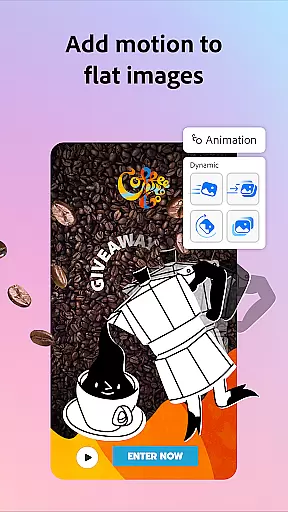
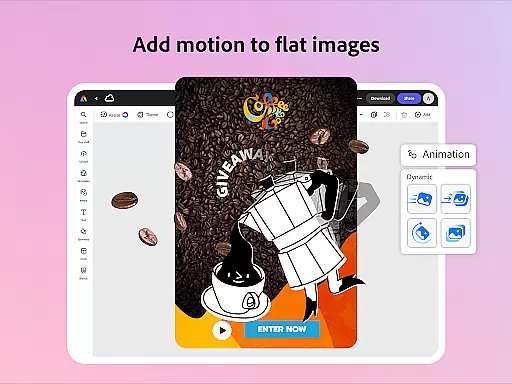
Adobe Express is a versatile design application that empowers users to create professional-quality marketing materials while maintaining brand consistency. The app offers an intuitive interface for both beginners and experienced designers, featuring customizable templates, photo editing tools, and video creation capabilities.
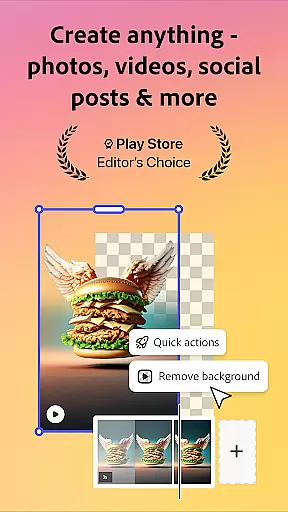
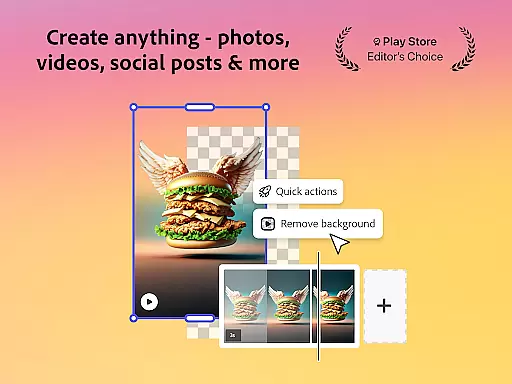
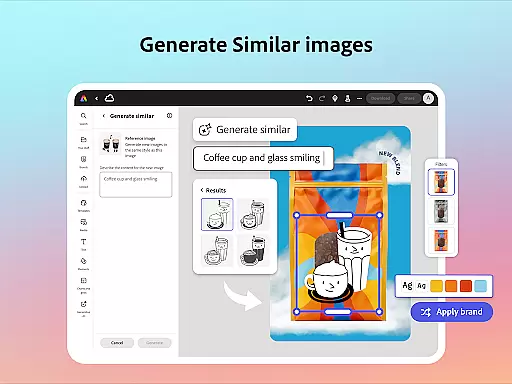
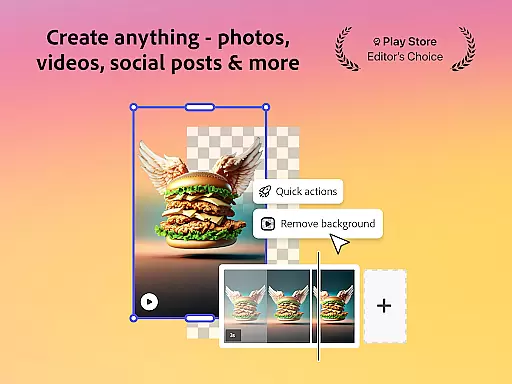
One of the standout features is its AI-powered editing functions, which allow users to enhance images, remove backgrounds, and generate photo art effortlessly. The app also provides robust branding tools including brand kits and QR code generation, making it ideal for businesses looking to maintain a cohesive visual identity across different platforms.
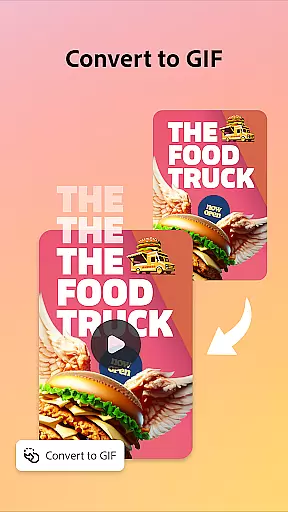
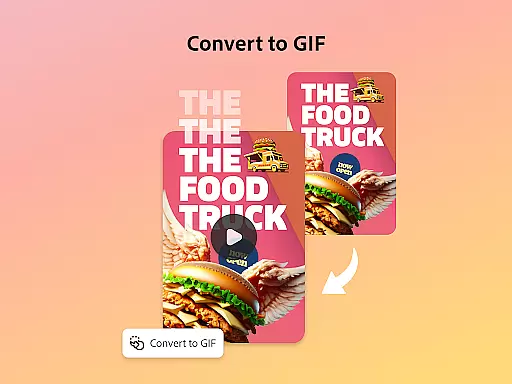
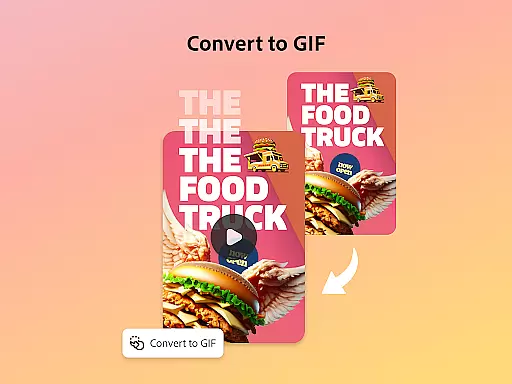
The application's value extends beyond basic design functions through its Quick Action tools that enable users to trim and resize designs, convert files to GIFs, and even animate characters using voice commands. With cross-platform support and integration with Adobe Stock assets, Adobe Express serves as an all-in-one solution for creating impactful business content.
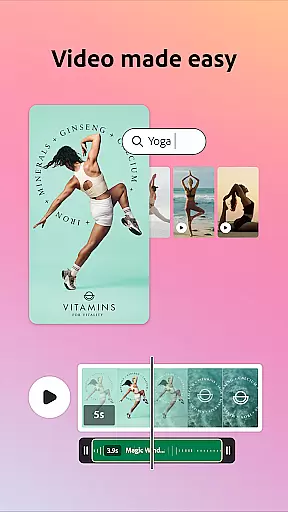
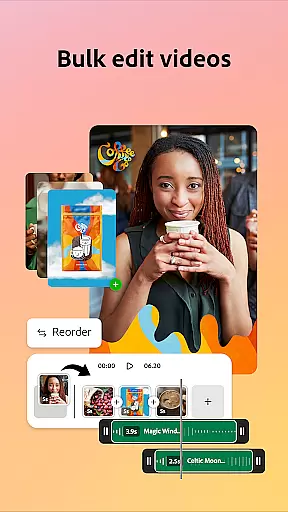
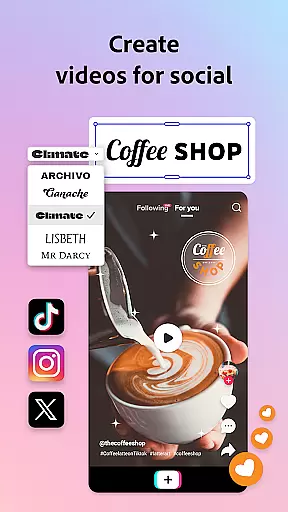
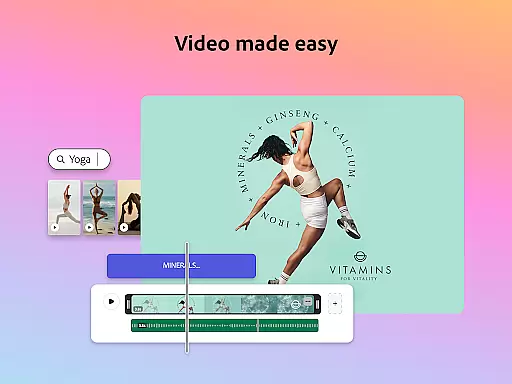
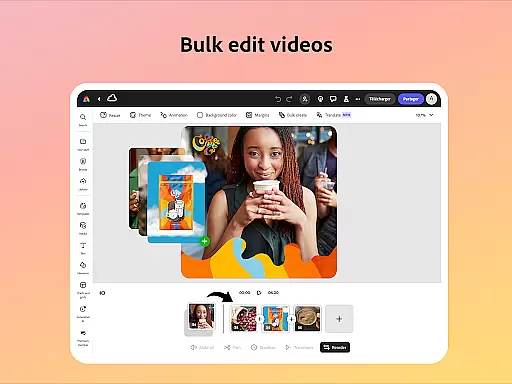
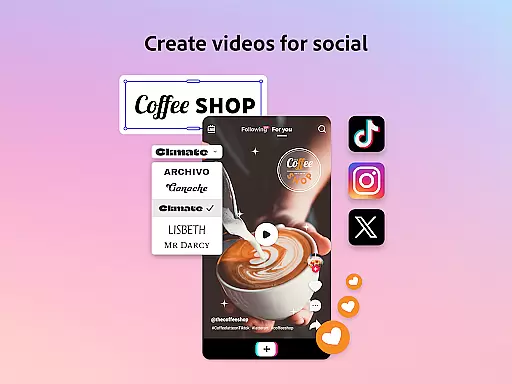
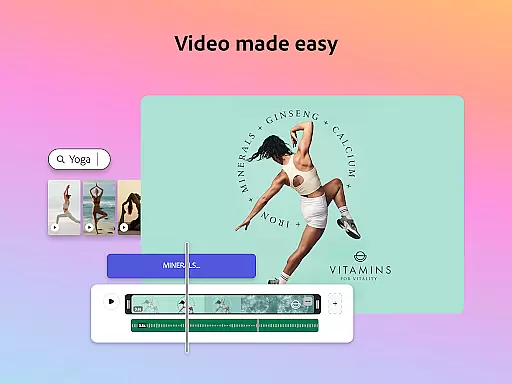
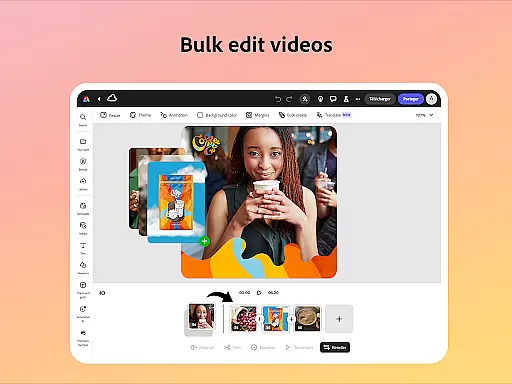
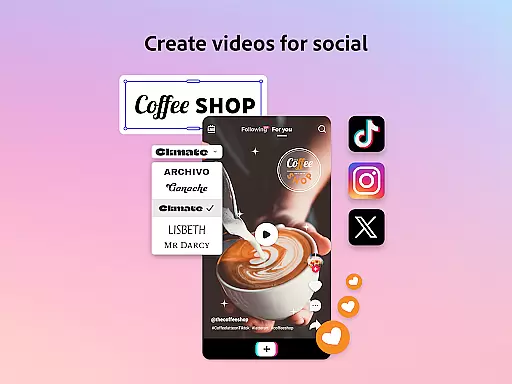
Adobe Express distinguishes itself through its comprehensive feature set designed for modern content creators. The app's video editing capabilities include customizable templates, automatic captioning, background noise removal, and social media optimization tools. These features are complemented by professional-grade audio effects and transition options.
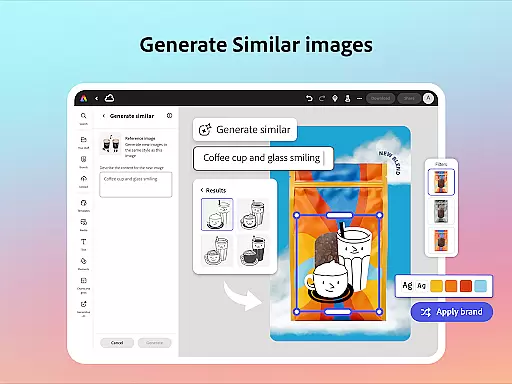
The photo editing suite showcases advanced AI tools that simplify complex tasks such as object removal and background replacement. Users can leverage Photoshop-powered filters and generate unique photo art through the integrated AI photo generator. The app's Quick Actions provide efficient solutions for common design challenges, including PDF editing and file format conversion.
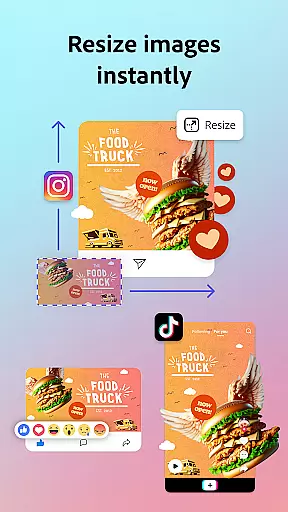
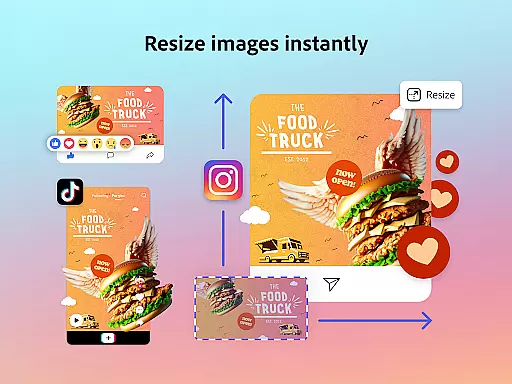
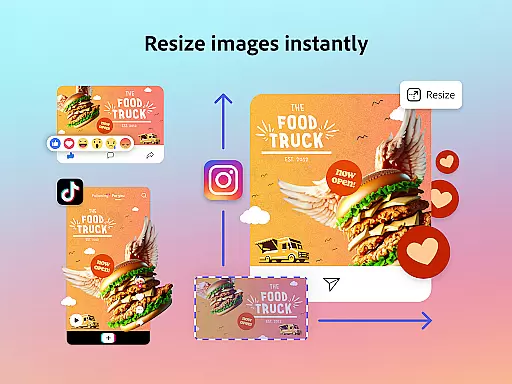
Brand management features are particularly robust, offering tools to maintain consistent fonts, colors, and logos across all materials. The Premium membership expands these capabilities further with access to over 200 million royalty-free Adobe Stock assets, generative credits for creating new content, and advanced features like video background removal and one-click resizing for multiple channels.
Adobe Express offers a comprehensive suite of creative tools that cater to both beginners and seasoned creators. The app provides customizable templates for video editing, allowing users to trim and combine footage, add text, music, transitions, and sound effects effortlessly.
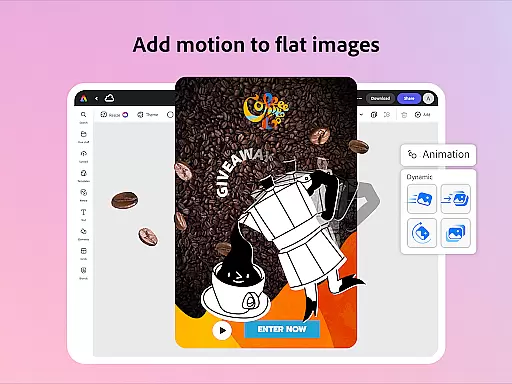
In photo editing, Adobe Express leverages AI technology to enhance images with intuitive tools. Users can apply Photoshop-powered filters, generate stunning photo art, and even add or remove objects seamlessly. This ensures that every user, regardless of skill level, can achieve professional-quality results.
The Quick Actions feature further extends the creative possibilities by enabling users to remove backgrounds from photos or videos, convert images to GIFs, and resize content with a single tap. These versatile tools ensure that Adobe Express remains an indispensable companion for all your creative needs.
With Adobe Express, users enjoy remarkable flexibility in canvas and format options, empowering them to create content that perfectly fits their vision. The app allows effortless resizing of designs for any channel, ensuring that your creations maintain their impact across different platforms.
Whether you need to crop photos, convert image files, or transform images and videos into GIFs, Adobe Express makes it simple and efficient. This adaptability is crucial for maintaining brand consistency and visual appeal in various formats.
Additionally, Adobe Express supports importing PDFs and refining layouts with ease. You can update content, swap images, and apply your brand's colors and fonts with just a few clicks. This versatility ensures that your designs are always presentation-ready, no matter the format or platform.
User-friendly interface
Powerful AI tools
Comprehensive brand management
Wide range of templates
Cross-platform compatibility
Premium features locked
Some tools device-specific
Occasional performance issues
Limited free stock assets
Steep learning curve

Art of Combination Wear OS Watch faces
 4.0
4.0
Custom Character Creator & PFP Maker!
4.20
Meet the magic aı 3d photo generator and smart AI video generator app.
3.20
Text to Image, Image to Video & AI Chat
4.20
See Color, Paint Color
4.90
Create stunning art with AI.
4.80
Create and Design Custom Logos in Seconds with AI-Powered Tools!
4.40
Create amazing pictures and unleash your creative genius with AR Drawing Sketch
4.40
All-in-One art, logo & collage maker. Design photos and edit video backgrounds
4.80
Draw on screen: FP sDraw is a simple and lightweight drawing app
4.70
Digital, Abstract, Classic - all types of color wheels in one app!
4.60
Everything you need to create hand drawn animation, anywhere you go!
4.40
Your homescreen as an elegant glass with customized blur, lighting, and visuals.
3.70
Apply cartoon, caricature, and portrait effects to make your photos stand out!
3.60
Create sweet, cool and unique couple avatars easily, in just a few steps!
3.40
Sketch, trace and master AR drawing with awesome anime art!
3.30
Pose and morph realistic male and female models! 3D poser app
3.00
Art of Combination Wear OS Watch faces
4.0
Android 14 style widgets and wallpapers app.
4.1


User Reviews