
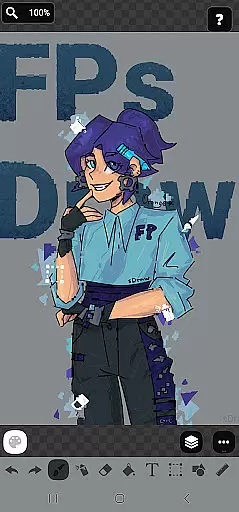
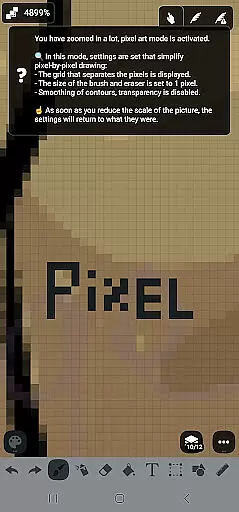
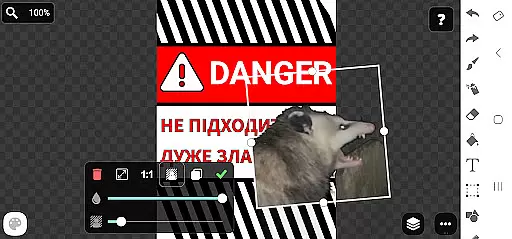
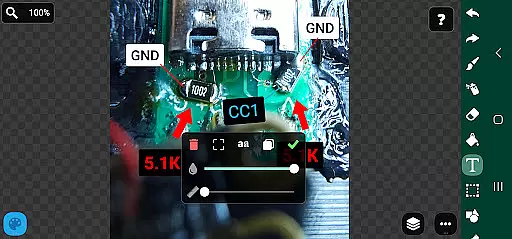
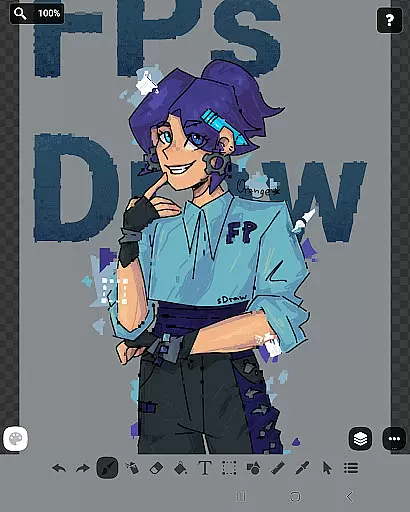
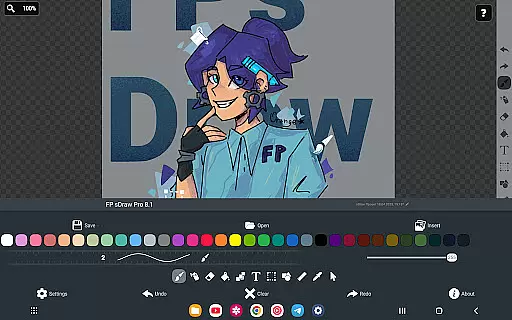
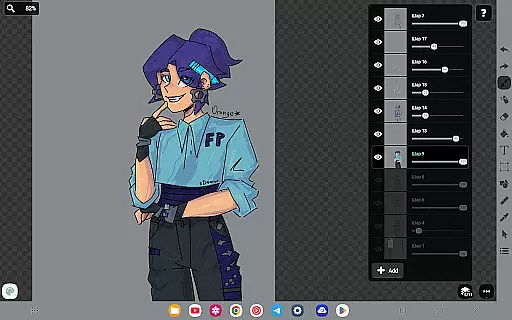
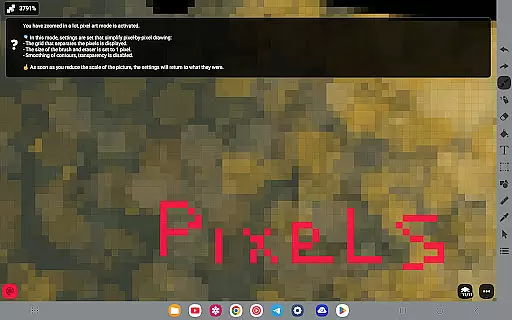
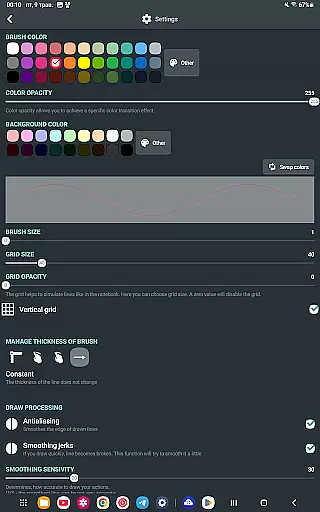
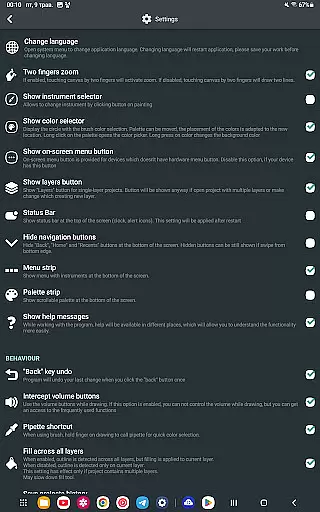
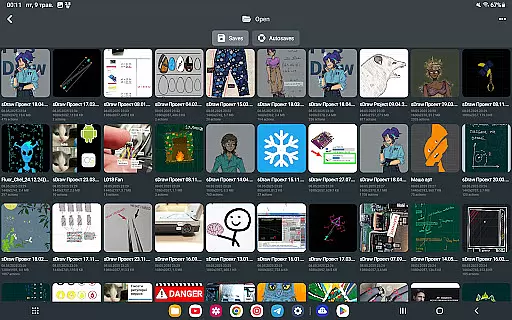
FP sDraw Pro is a streamlined drawing application tailored for users who need a simple yet effective tool for creative tasks. This app allows you to create memes, sketch diagrams, and experiment with various drawing styles using lines, shapes, airbrush, text, and more.
Designed with minimalism in mind, FP sDraw Pro offers a clutter-free experience without ads or background processes. It's lightweight, installs quickly, and works seamlessly even on older devices. The flexible UI and stylus support make it adaptable to different user preferences and hardware configurations.
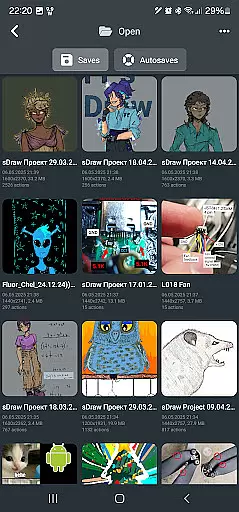
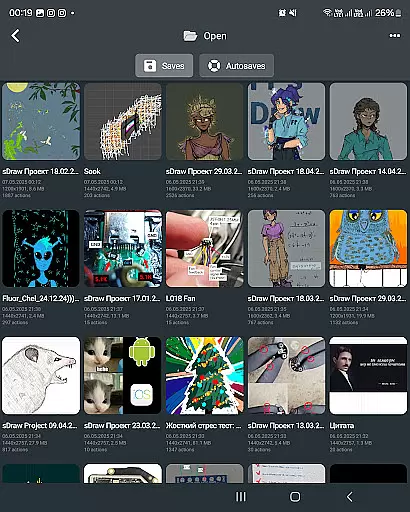
Perfect for quick sketches or detailed artwork, the app includes automatic backup functionality and customizable button shapes, ensuring your creative process remains uninterrupted and personalized.
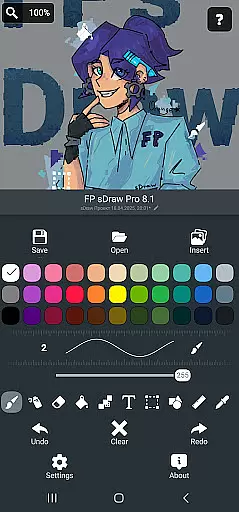
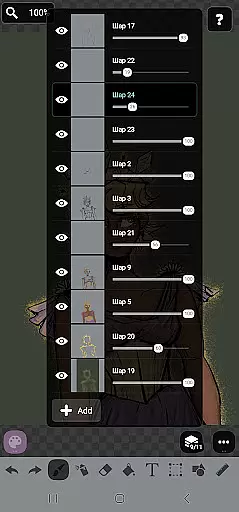
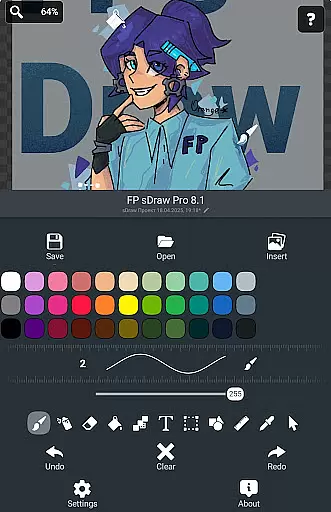
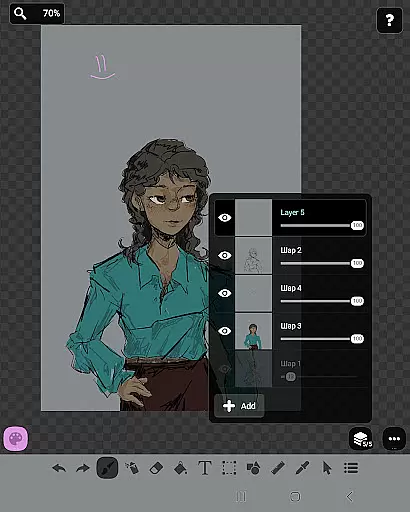
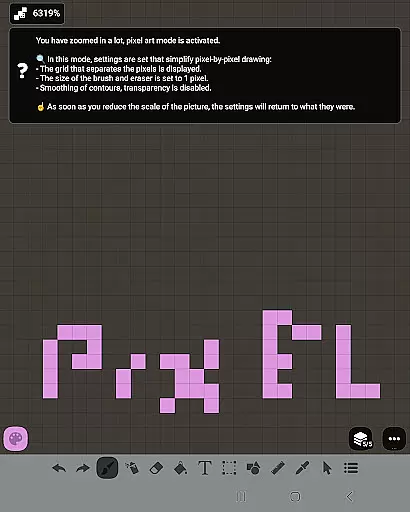
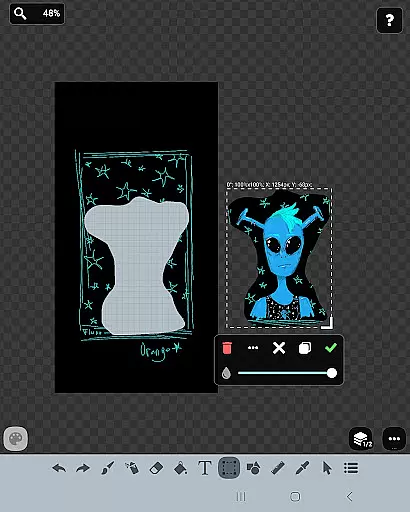
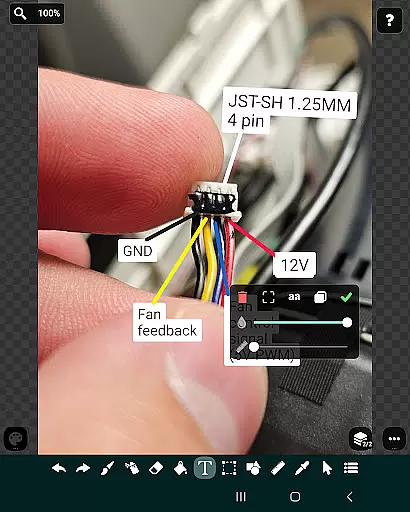
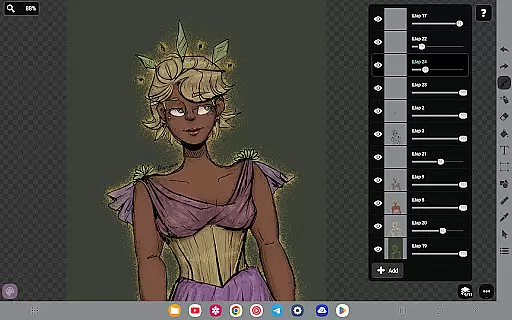
FP sDraw Pro stands out with its comprehensive set of drawing tools designed to cater to both casual doodlers and serious artists. The app supports layers, allowing users to organize complex sketches efficiently. With features like brush and eraser, airbrush, fill, text insertion, and shape tools, creativity knows no bounds.
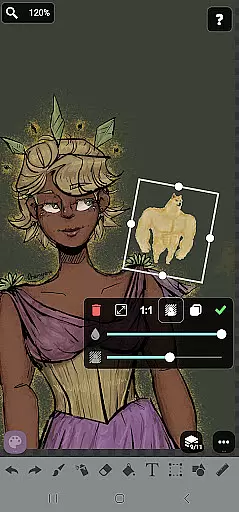
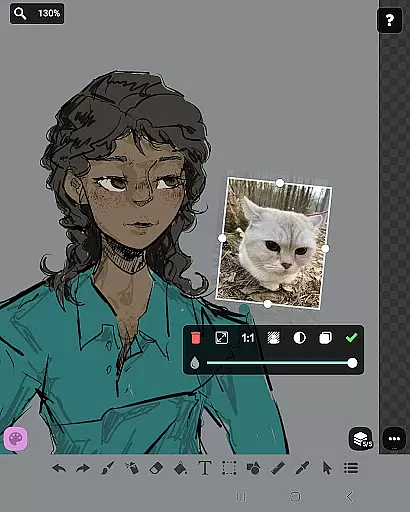
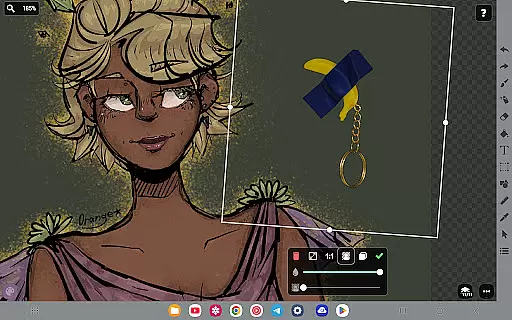
Additional functionalities include a ruler for precision work, an eyedropper for color selection, and mosaic effects for artistic flair. The app also enables importing images from the gallery and offers precision brush options for detailed work. These robust features ensure that every drawing task is executed with accuracy and ease.
The Pro version enhances the experience by removing watermarks from saved images, eliminating promotional messages, and supporting the developer. Despite being feature-rich, the app remains lightweight and resource-efficient, providing a seamless drawing experience without compromising device performance.
In the realm of digital art, having a comprehensive set of creative tools is essential for artists to fully express their visions. FP sDraw Pro offers an impressive array of features that cater to both amateur doodlers and professional designers alike. The application includes layers for complex compositions, brush and eraser for traditional strokes, airbrush for soft shading, text insertion for annotations, and much more.
Each tool within FP sDraw Pro has been meticulously crafted to ensure precision and control. Users can insert images from their gallery to transform or enhance existing artwork. With additional functionalities such as fill, shapes, ruler, eyedropper, mosaic, and precision brush, creators have everything they need at their fingertips to produce detailed and diverse pieces of art.
The true value of FP sDraw Pro lies in its ability to support a wide range of artistic tasks without compromising on quality or performance. Whether it's sketching quick ideas, creating memes, or adding intricate details to an illustration, this app provides all necessary instruments in one compact package. This complete toolkit empowers users to experiment with different styles and techniques while maintaining workflow efficiency.
Flexibility in canvas size and format options is crucial for artists who require adaptability in their creative process. FP sDraw Pro stands out by offering unparalleled customization capabilities that allow users to tailor their workspace according to specific project requirements. From resizing the canvas dimensions to choosing various output formats, every aspect can be adjusted with ease.
FP sDraw Pro supports stylus input from popular devices like sPen and Active Pen, enhancing drawing accuracy and providing a natural feel akin to traditional media. Additionally, helpful tips appear contextually, ensuring guidance when needed without overwhelming the user interface. Automatic backups further secure work progress, giving peace of mind during extended sessions.
This level of flexibility extends beyond mere convenience; it enables professionals and hobbyists alike to tackle projects ranging from simple sketches to elaborate designs seamlessly. By accommodating unique preferences and workflows, FP sDraw Pro ensures maximum productivity and satisfaction regardless of the task at hand.
User-friendly interface
No ads or distractions
Lightweight and fast
Customizable UI elements
Automatic backup feature
Limited advanced tools
Not ideal for professionals
Fewer filters compared to competitors
Basic UI design
Small user community

AI generated images & photos, turn your words into drawing, painting & pictures.
 4.30
4.30
Customizable Outlined Fonts. Watch Face Format. Battery friendly Digital Clock.
4.20
Create stylish invitation cards using templates for weddings, birthdays & RSVP.
4.20
AI Assistant, powered by ChatGPT GPT-4 & GPT-4o. Your intelligent companion.
3.50
Draw anime easily with AR guidance, sketch templates & trace tools!
3.10
Create stunning video, photo & magic from text with FlixAI GPT video generator.
3.10
800+ Drawing, Painting Lessons App to Practice, Sketch & Paint Art.
4.30
Beauty Camera - Selfie Camera is the ultimate beauty camera and selfie app
4.30
An intuitive, high-performance painting app that lets you focus on creating
4.40
Passport size photo maker, create ID photo and visa photo in seconds
4.80
Photo stitcher for automatically screenshot stitching into a long screenshot
4.70
Get an overview over all your embroidery threads, projects and more.
4.60
Text to Image, Image to Video & AI Chat
4.20
OneUI 8.5 icons ✨ Smooth, modern & based on the latest Play Store design ??
4.10
Floor Plan Creator lets you create, edit and share floor plans.
4.00
Get creative and make art with your Sesame Friends!
4.00
Art of Combination Wear OS Watch faces (for Wear OS 5+ devices)
3.90
Experience next-gen icons with a modern liquid glass look.
3.60
Art of Combination Wear OS Watch faces (for Wear OS 5+ devices)
3.00


User Reviews