
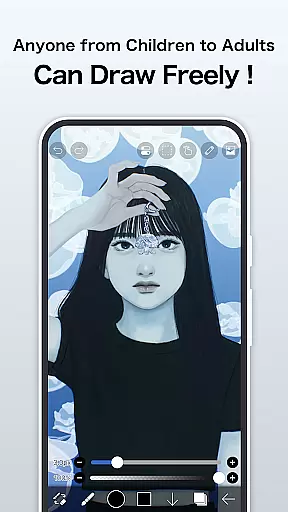
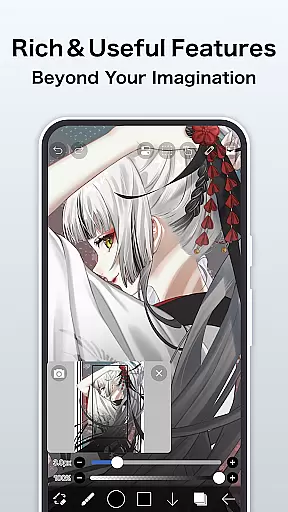
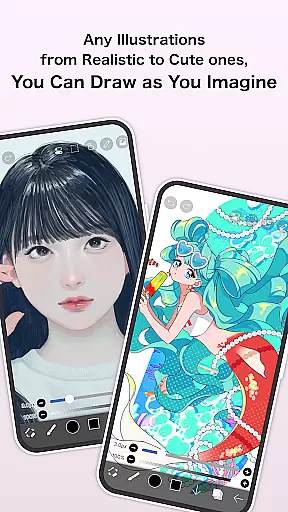
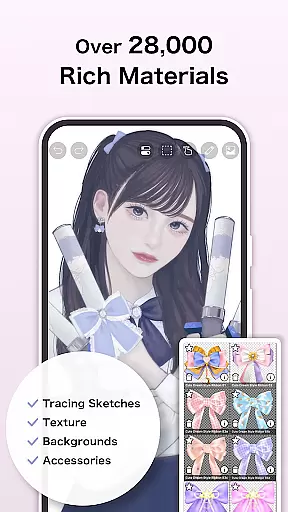
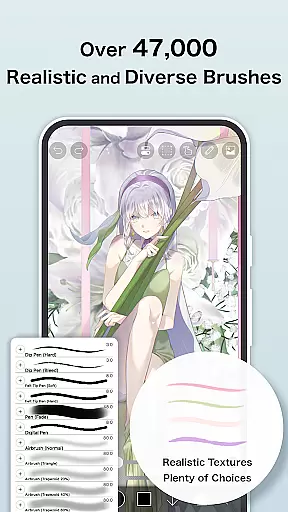
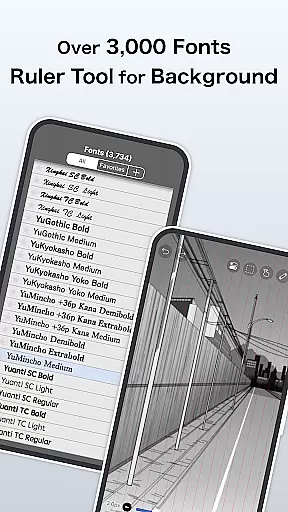
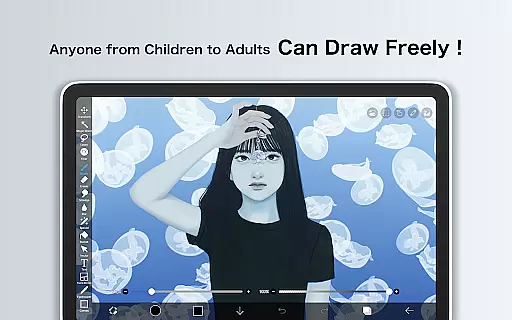
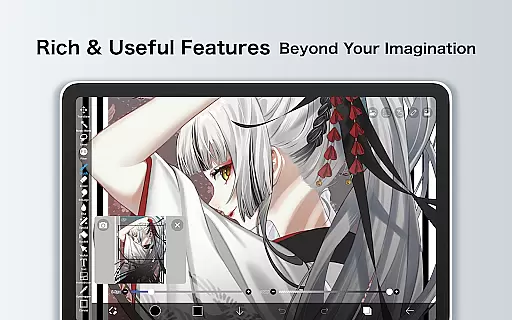
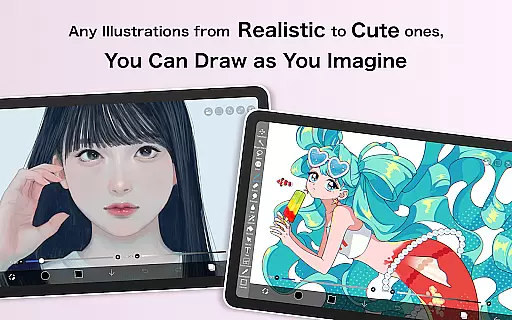
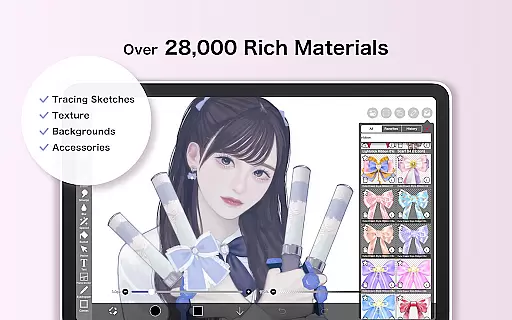
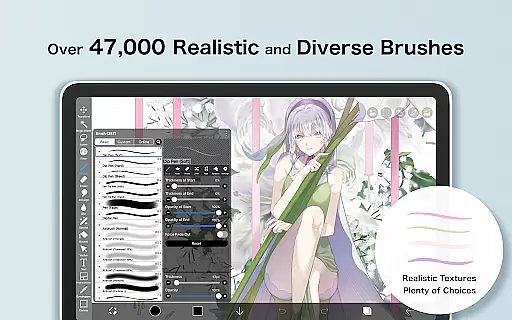
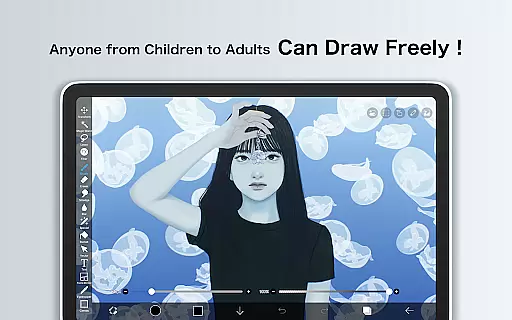
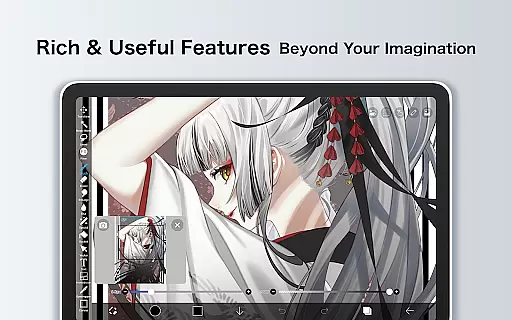
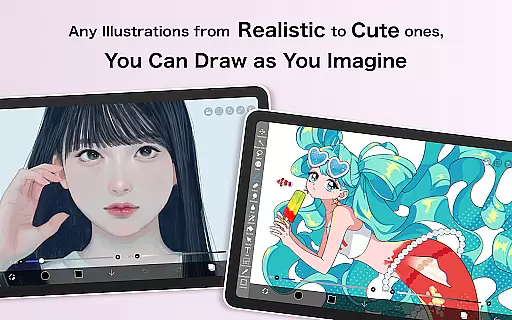
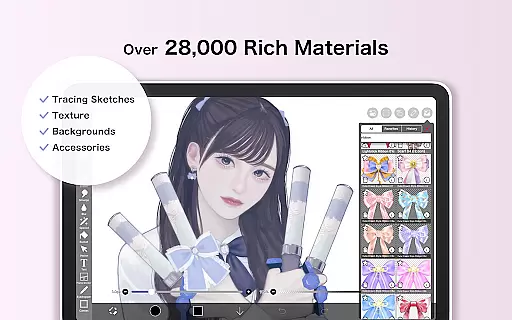
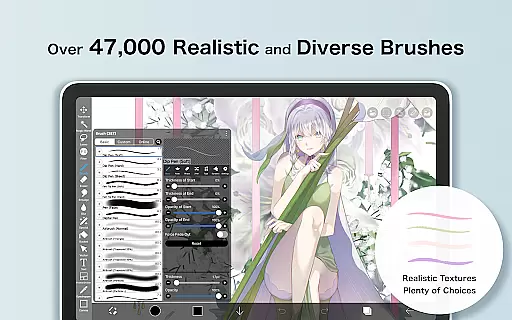
ibis Paint X is a feature-rich drawing application that has been downloaded over 460 million times, offering users an extensive suite of artistic tools. With more than 47000 brushes, 27000 materials, and 2100 fonts, it caters to both amateur doodlers and professional artists. The app includes advanced features such as stroke stabilization, animation support, and AI Disturbance, alongside traditional art tools like pencils, oil brushes, and airbrushes. Available on mobile platforms, ibis Paint X allows creators to record their drawing processes, share artwork, and engage with a community of artists. Its versatility makes it invaluable for anyone interested in digital art or manga creation.
The app's social networking component enables users to learn by watching others' drawing processes, fostering a collaborative learning environment. Whether you're sketching casually or producing detailed manga, ibis Paint X provides the tools necessary to bring your ideas to life while connecting with fellow artists worldwide.
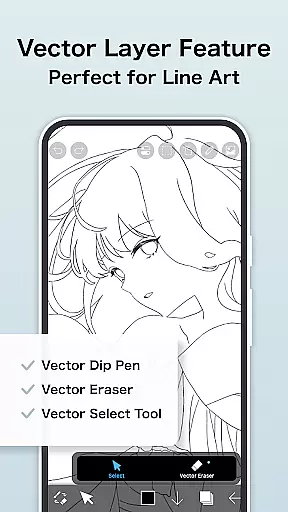
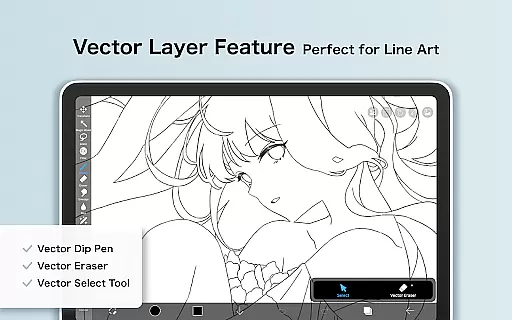
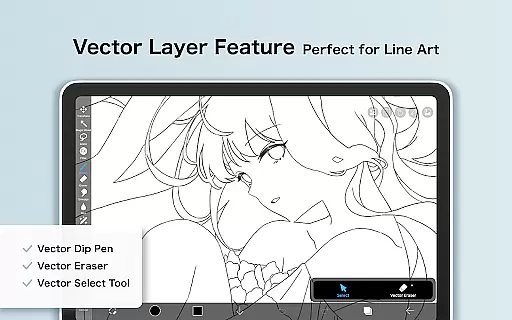
ibis Paint X stands out with its comprehensive set of features designed to replicate and enhance the traditional drawing experience digitally. The app offers smooth drawing at up to 60 fps, with a vast selection of brush types including dip pens, fan brushes, and oil brushes. Layer functionality is robust, allowing unlimited layers and individual layer parameter settings such as opacity and blending modes. Specialized tools like radial line rulers, symmetry rulers, and vector tools provide precision and control.
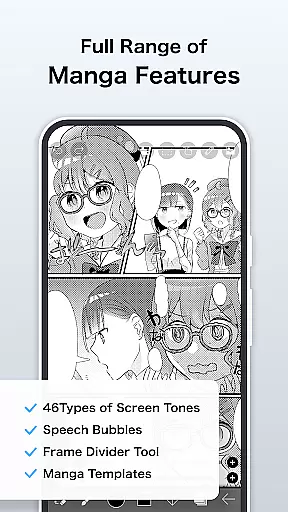
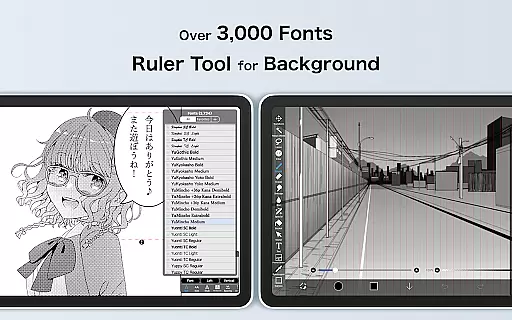
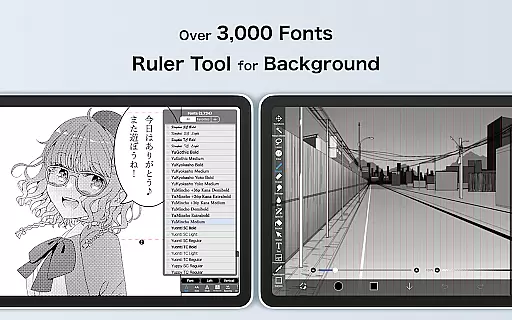
For manga creators, ibis Paint X includes an advanced text tool with vertical and horizontal writing options, font selection, and multiple text functions. The Animation feature and AI Disturbance push creative boundaries further. Additionally, Prime Membership unlocks exclusive features like 20GB cloud storage, tone curve filters, and watermark-free video exports, ensuring professionals have everything they need for high-quality work.
ibis Paint X stands out in the Art & Design category by offering an extensive suite of creative tools that cater to both amateur and professional artists. With over 47,000 brushes, 2,700 materials, and 2,100 fonts, the app provides a rich variety of options for creating diverse art styles.
The application supports advanced features such as Vector tools, Animation features, and AI Disturbance, which are essential for modern digital artwork. These tools allow users to experiment with different techniques and styles without limitations, providing a professional-level experience on a mobile platform.
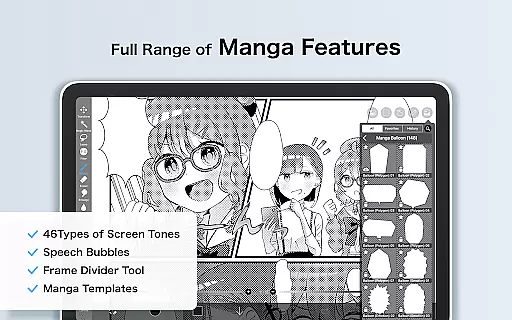
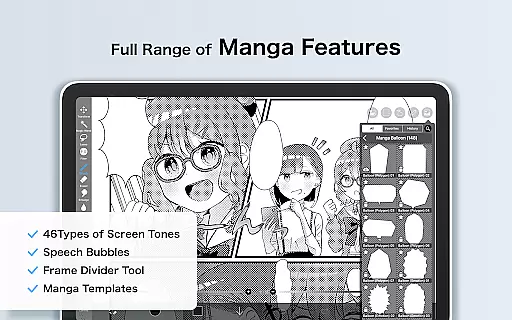
Additionally, ibis Paint X includes specialized manga features like an advanced text tool and screentones, enabling creators to produce high-quality comic art. The availability of 84 filters and various blending modes further enhances the creative possibilities, making it a comprehensive solution for digital artists.
Flexibility in canvas and format options is crucial for digital artists, and ibis Paint X excels in this area. Users can work with unlimited layers, each with customizable parameters such as opacity, blending modes, and individual layer names, allowing for organized and complex artwork creation.
The app supports a wide range of image manipulation commands including layer duplication, inversion, rotation, and zooming. This versatility ensures that artists can refine their work with precision and ease, adapting their canvas to suit various project requirements.
Moreover, ibis Paint X offers unique features like radial line rulers and symmetry rulers, which assist in creating balanced and accurate designs. The ability to import custom brush patterns and use clipping masks adds another layer of adaptability, empowering artists to push the boundaries of their creativity.
User-friendly interface
Extensive brush library
Advanced layer options
Community sharing features
Professional-grade tools
Prime Membership cost
Complex for beginners
Occasional bugs
Limited free features
High device requirements

Create trending AI photos & videos with powerful effects and 3D styles.
 3.20
3.20
Text to Image, Image to Video & AI Chat
4.20
Passport size photo maker, create ID photo and visa photo in seconds
4.80
800+ Drawing, Painting Lessons App to Practice, Sketch & Paint Art.
4.30
Image resizer to resize, crop, rotate, flip, change dpi photo or picture in bulk
4.60
Get creative and make art with your Sesame Friends!
4.00
2D animation studio for Android tablets - unlimited layers, infinite timeline
4.70
Unleash the artist in you with our AR drawing and tracing tool for photo drawing
4.10
Create cute cat emojis & PFPs! Fun, custom avatars for cat lovers.
3.70
Draw on screen: FP sDraw is a simple and lightweight drawing app
4.70
Draw glowing spinners, relax, and spin your creative art
4.60
Video AI: Revolutionize Your Content Creation with Advanced Video Generation
4.50
Image/ Text to Video Generator
4.40
Just trace a projected picture on paper and color! Draw & Paint with AR drawing
4.40
Trace, draw, and create art with AR - from memes to masterpieces!
4.30
Custom Character Creator & PFP Maker!
4.20
Meet the magic aı 3d photo generator and smart AI video generator app.
3.20
Art of Combination Wear OS Watch faces
4.5
Android 14 style widgets and wallpapers app.
4.0


User Reviews