
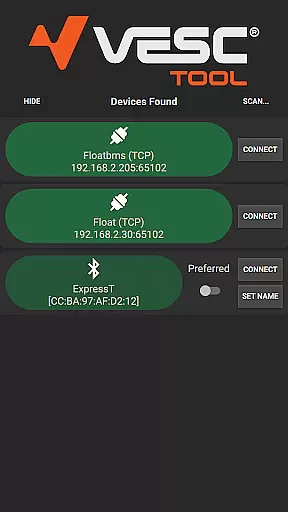
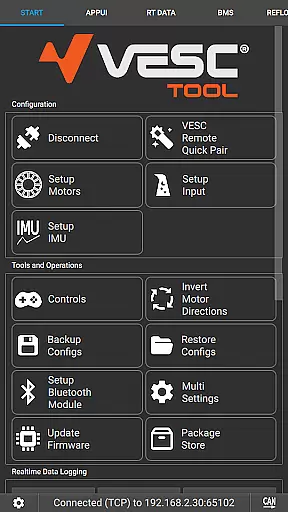
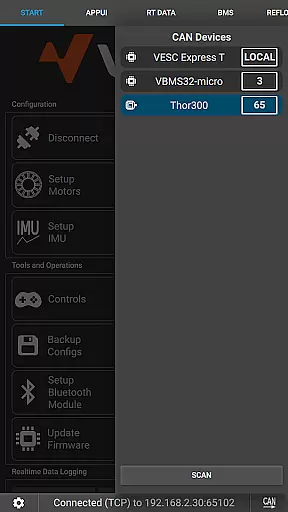
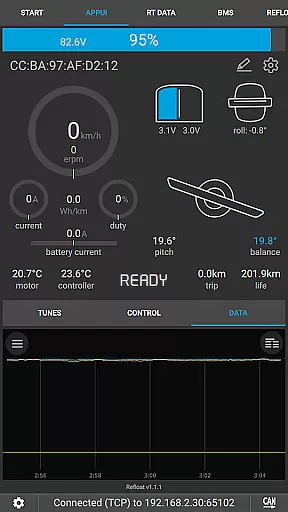
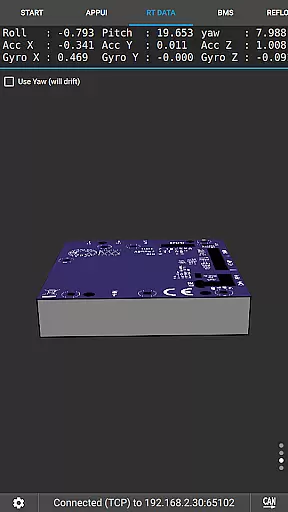
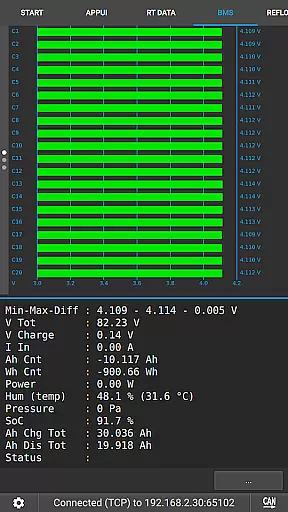
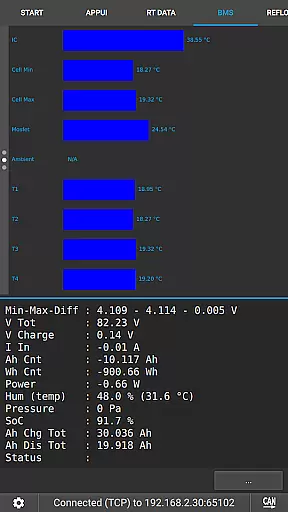
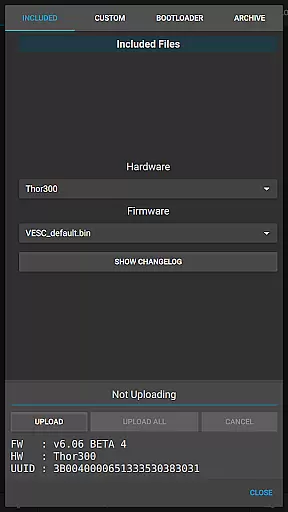
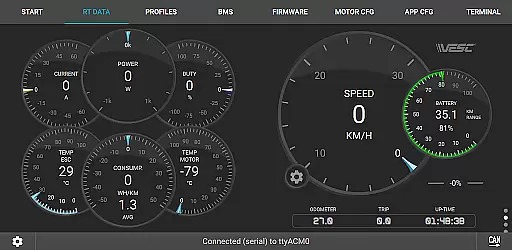
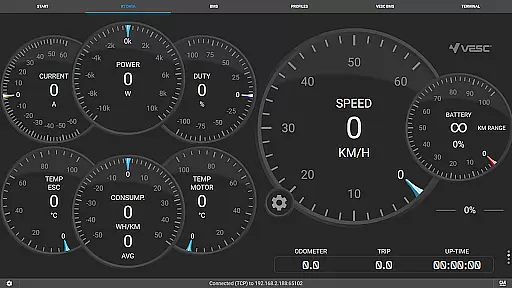
VESC Tool is a powerful mobile application designed specifically for configuring and managing VESC-based hardware. The app supports both BLE and WiFi connectivity, enabling users to seamlessly adjust settings, update firmware, and monitor live data streams directly from their mobile devices. Whether you're a hobbyist or professional, this tool provides comprehensive control over your VESC projects.
One of the standout features of VESC Tool is its ability to log data and stream real-time information, making it an essential utility for performance tuning and diagnostics. With compatibility for Original VESC hardware and custom modules based on ESP32C3 or NRF52 chipsets, the app offers flexibility for various use cases. Visit https://vesc-project.com for more details and resources.
This application is particularly useful for electric skateboard enthusiasts, drone builders, and EV developers who rely on precise motor control. By providing detailed configuration options and firmware updates, VESC Tool ensures optimal performance and customization for all compatible devices.
VESC Tool stands out with its extensive feature set tailored for advanced hardware management. The app allows users to modify complex parameters of VESC-based controllers through an intuitive mobile interface. This includes adjusting motor settings, calibrating sensors, and fine-tuning performance metrics to match specific project requirements.
In addition to configuration capabilities, VESC Tool excels in data handling. Users can stream live telemetry, log operational data, and analyze performance trends over time. These features are crucial for troubleshooting and optimizing device functionality. Firmware updates are also streamlined within the app, ensuring that all connected hardware runs the latest software version.
The app's support for both BLE and WiFi connectivity adds another layer of convenience. Whether you're working in close proximity or need remote access, VESC Tool adapts to your workflow. Compatible modules can be purchased from VESC Labs or built independently using ESP32C3/NRF52 chipsets, offering unparalleled versatility for DIY projects. For more information, visit https://www.vesclabs.com/.
VESC Tool is designed to provide precise control and configuration of VESC-based hardware, ensuring that users can effectively manage their devices. The app supports both BLE and WiFi connections, enabling seamless interaction with the hardware. This connectivity allows for accurate firmware updates, live data streaming, and reliable data logging.
The effectiveness of VESC Tool lies in its comprehensive functionality. Users can configure hardware settings, monitor real-time performance metrics, and troubleshoot issues directly from their mobile devices. This ensures that all operations are performed accurately, minimizing the risk of errors or misconfigurations. The app's ability to handle complex tasks such as firmware updates further underscores its effectiveness.
For users, this means enhanced control over their VESC hardware. Whether it's adjusting parameters for optimal performance or diagnosing potential problems, VESC Tool offers the tools needed to maintain and improve device functionality. This level of precision and reliability translates into better performance and longevity of the hardware components.
The interface of VESC Tool is crafted to offer a straightforward and intuitive user experience. Despite the complexity of the tasks it performs, the app maintains a clean layout that makes navigation easy for users of all skill levels. Key functions such as configuration, firmware updates, and data logging are readily accessible from the main menu, reducing the learning curve for new users.
Moreover, the app provides clear instructions and feedback during each operation, enhancing the overall user experience. For instance, when performing a firmware update, users receive step-by-step guidance, ensuring they understand each phase of the process. This intuitive design minimizes confusion and helps users complete tasks efficiently.
Ultimately, the simplicity and intuitiveness of VESC Tool's interface empower users to focus on optimizing their VESC hardware without being hindered by a complicated software environment. By streamlining interactions and providing helpful prompts, the app ensures that users can leverage its full potential with minimal effort.
User-friendly interface
Comprehensive configuration options
Real-time data streaming
Firmware update support
Wide hardware compatibility
Requires compatible module
Limited to VESC hardware
No offline documentation
Advanced knowledge needed
Occasional connection issues

Learn the vast amount of system information about device and monitor it's state
 4.70
4.70
Use your phone as a webcam on your computer over WiFi or USB.
4.40
ADB support Android 4.X-Android 13(Support wireless pair mode).No root required!
4.70
An easy-to-use calculator designed to save time calculating and bending conduit
4.30
Best leveling tool for your Android device. Hang paintings like a pro.
4.90
Undelete and recover your lost or deleted files with DiskDigger!
3.40
Planner and Tracker for Stardew Valley
4.60
The Ultimate Flex Drivers Utility App - Convenient Tapping & Block Filters
4.70
Download any file easily and quickly with Downloader
4.1
Enjoy smooth gameplay with Game Booster
4.90
WiFi Signal Strength Meter help you detect WiFi Signal Strength in real time.
4.80
Small and simple app to Verify Root Access and BusyBox Install!
4.70
Fast Video Downloader, Movie Downloader, Torrent Downloader & Adblock Browser
4.70
Creation, Learning, Entertainment & More — The All-in-One AI Search Engine
4.70
HD Video player and downloader for all formats, fast & smooth 4K video playback.
4.60
App to pay for FUTO Keyboard
4.60
eXtended Permission Manager - a small app to manage permissions and AppOps
4.50
Detect hidden spy camera with advanced scanning {{ Premium version }}
4.00
card-reader app
2.20


User Reviews