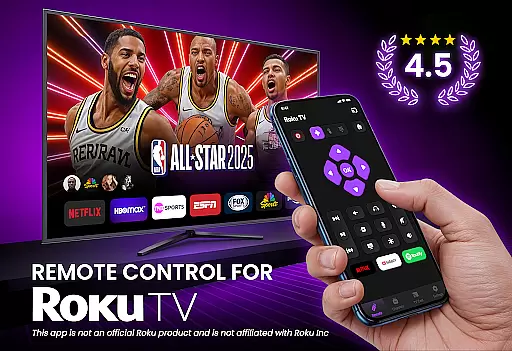
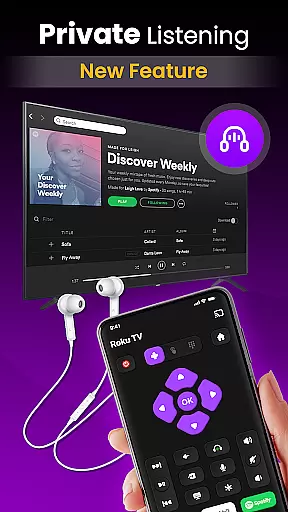
TV Remote Control for RokuTV transforms your smartphone into a powerful universal remote, offering complete control over your Roku TV. With intuitive navigation, full media functionality, and seamless Wi-Fi connectivity, this app eliminates the need for a physical remote. Users can effortlessly manage their TV experience, from basic controls to advanced features like screen mirroring and quick app launching.
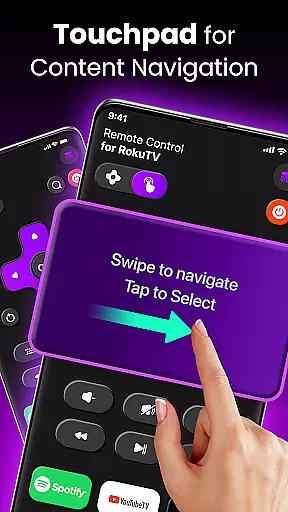
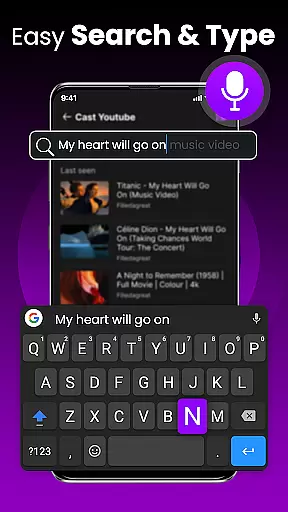
The app's standout feature is its modern swipe-based touchpad, which provides smooth menu navigation. Additionally, the integrated smart keyboard allows for fast typing, making searches and logins significantly easier. Compatible with all Roku TV models, including TCL and Hisense, this tool combines convenience, speed, and reliability in one sleek package, enhancing how you interact with your television.
TV Remote Control for RokuTV boasts an array of innovative features designed to streamline your TV control experience. The app offers instant setup by connecting automatically when both phone and TV are on the same Wi-Fi network, ensuring quick access without complicated pairing processes. Its full remote functionality includes play, pause, volume adjustment, and channel switching through responsive controls that mimic a traditional remote but with added precision.
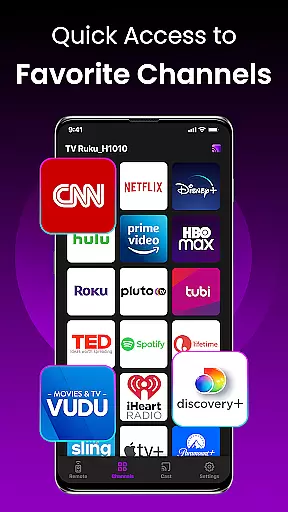
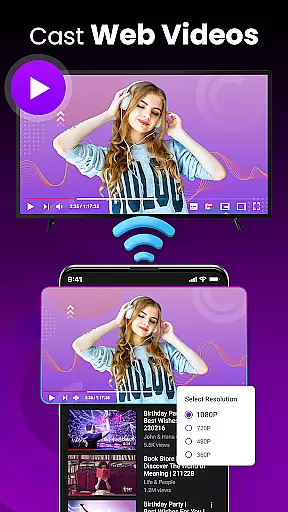
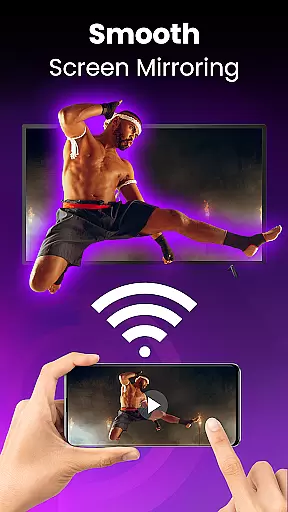
One of the most notable features is the swipe pad navigation, replacing clunky buttons with a modern touch interface for effortless browsing. Screen mirroring and casting capabilities allow users to share photos, videos, and music directly from their smartphones to their TVs. Quick launch shortcuts enable one-tap access to popular apps like Netflix and Hulu, while the smart keyboard simplifies text entry tasks such as searching or logging into services. These robust tools make managing entertainment easier than ever before.
TV Remote Control for RokuTV ensures core function accuracy by providing a seamless replacement for your physical Roku remote. The app delivers precise control over all essential TV functions, including navigation, media playback, and volume adjustments.
The application's effectiveness is demonstrated through its responsive swipe pad interface, which allows for smooth menu navigation without the delays or inaccuracies often found in traditional remotes. This intuitive touch-based system makes interacting with your RokuTV faster and more reliable.
With integrated screen mirroring and casting capabilities, the app extends its functionality beyond basic remote operations. Users can effortlessly share content from their smartphones to the big screen, enhancing the overall entertainment experience while maintaining operational precision.
The smart keyboard feature further exemplifies the app's commitment to accuracy. By enabling fast and error-free text input, it eliminates the frustration of using traditional remote controls for searching or entering information, making every interaction count.
The interface design of TV Remote Control for RokuTV emphasizes simplicity and intuitiveness, ensuring users can operate their TVs without any learning curve. Upon opening the app, users are greeted with a clean layout that organizes all essential functions within easy reach.
Navigation is made effortless through a modern swipe-based touchpad, replacing cumbersome buttons with fluid gestures. This approach creates an intuitive user experience that feels natural from the first use, allowing for seamless interaction with RokuTV menus and applications.
Additional features like quick-launch shortcuts and smart keyboard integration are implemented without cluttering the interface. These tools are easily accessible yet unobtrusive, maintaining a minimalist aesthetic while providing powerful functionality when needed.
The app's automatic connection feature further enhances its intuitive nature. By detecting the RokuTV on the same Wi-Fi network and establishing a connection without user intervention, it removes technical barriers and lets users focus solely on enjoying their entertainment experience.
User-friendly interface
Fast Wi-Fi connectivity
Comprehensive remote functions
Integrated smart keyboard
Universal Roku compatibility
Requires stable Wi-Fi
No offline functionality
Limited customization options
Dependent on device support
Third-party application

 4.50
4.50 4.50
4.50
Complete kernel toolbox with features to manage and tweak your rooted device
4.30
Unit and currency converter with easy and simple UI.
4.80
Play your X-Box games remotely in 1080p with any controller and zero latency
4.60
Create your own custom widget with endless possibilities
3.90
Pro Emulator is an easy to use game console emulator for a range of consoles.
4.40
Creation, Learning, Entertainment & More — The All-in-One AI Search Engine
4.70
A clean app.
4.50
Change your GPS location instantly. Simulate routes anywhere in the world.
4.90
Optimize your WiFi network, turn your phone into Wifi Analyzer
4.70
Connect instantly to a fast, encrypted VPN with one tap
4.60
HD Camera captures every special moment.
4.60
Canon PRINT is a companion app for your Canon printer.
4.60
Just swipe the edge to do something!
4.40
Fluid navigation gestures for all of us!
4.30
Detect hidden spy camera with advanced scanning {{ Premium version }}
4.00
1-Click close all background apps on Android TV
3.90
Download any file easily and quickly with Downloader
4.5


User Reviews