
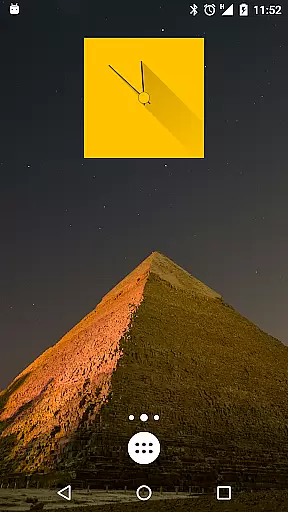
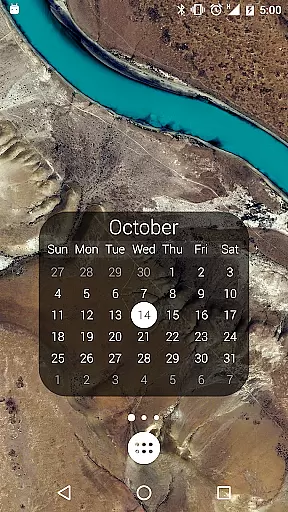
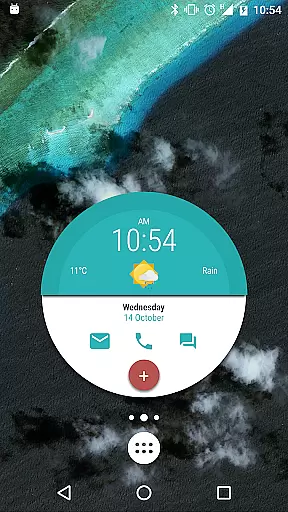
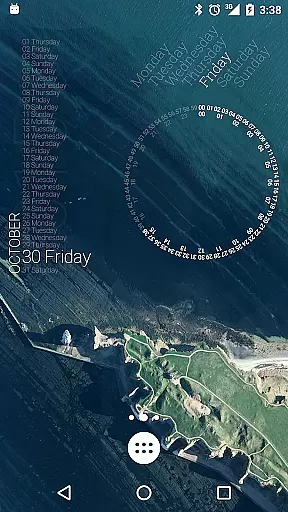
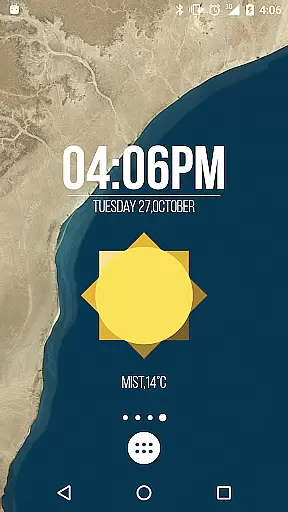
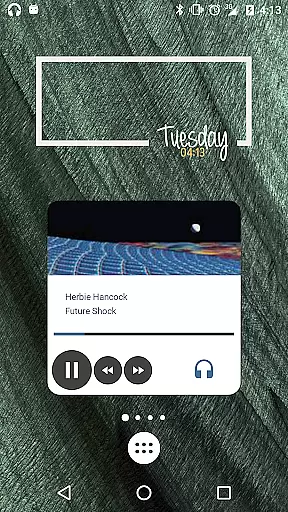
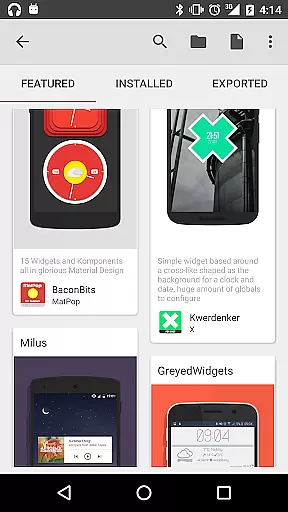
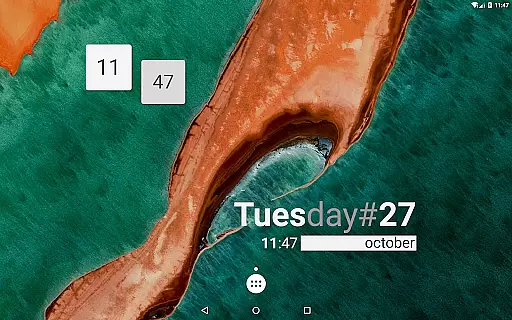
KWGT Kustom Widget Pro Key is a powerful customization tool designed to enhance the functionality of the Kustom Widget app. This pro key unlocks advanced features that allow users to create highly personalized widgets for their Android devices. With support for custom fonts, shapes, animations, and complex programming capabilities, it offers unparalleled design flexibility.
The app enables users to display various types of data including weather information, battery status, music controls, and more. KWGT stands out with its WYSIWYG editor, making widget creation intuitive and efficient. Whether you need digital clocks, live maps, or sophisticated battery meters, this tool provides everything necessary to make your home screen truly unique.
One of the standout features of KWGT Kustom Widget Pro Key is its extensive customization options. Users can choose from a variety of shapes like ovals, rectangles, arcs, and triangles, and apply 3D transformations to text and objects. The app supports gradients, shadows, and color filters, giving designers the tools they need to create visually stunning widgets.
Another remarkable aspect is the app's ability to integrate with multiple data sources. From displaying Google Fitness stats to providing live weather updates, KWGT can dynamically download content via HTTP. Additionally, the touch action feature allows any object within the widget to become interactive, enhancing user engagement and utility.
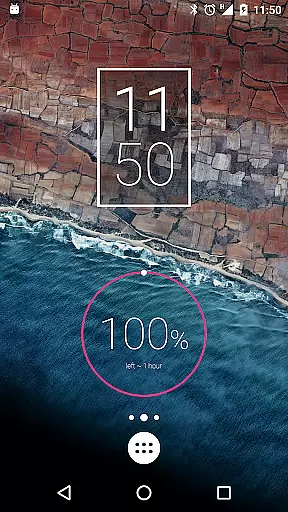
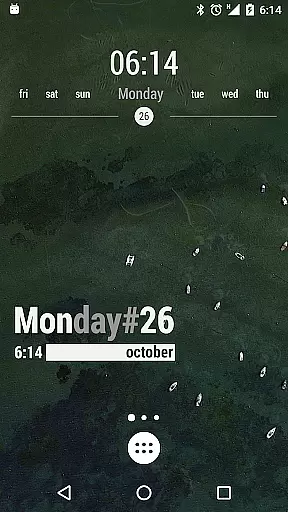
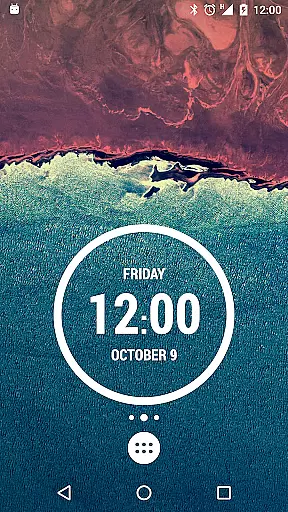
KWGT Kustom Widget Pro Key is designed to enhance the functionality of the Kustom Widget app, providing users with powerful tools for creating unique Android launcher and lockscreen widgets. The core functions are highly accurate and effective, allowing users to design custom digital and analog clocks, live map widgets, weather displays, and sophisticated battery or memory meters.
The app supports a wide array of customization options including custom fonts, colors, sizes, and effects for text. It also offers various shapes like ovals, rectangles, arcs, triangles, and hexagons. With features such as 3D flip transformations, curved and skewed text, gradients, shadows, tiling, and color filters, users can create visually stunning and dynamic widgets.
One of the standout aspects is its advanced programming language that includes functions, conditionals, and global variables. This enables users to change widget backgrounds or aspects based on touch, time, location, weather, and more. Additionally, KWGT supports dynamic content downloading via HTTP, native music utilities, Google Fitness data, and complex data displays such as date, time, battery status, calendar events, astronomy details, CPU speed, memory usage, and network information.
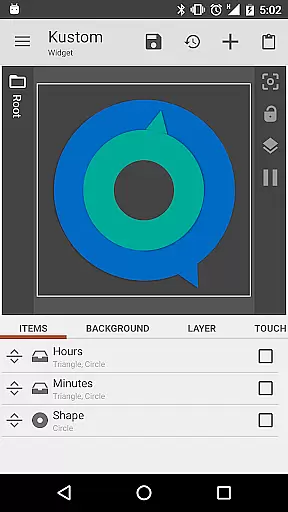
The interface of KWGT Kustom Widget Pro Key is crafted to be both simple and intuitive, ensuring that even those new to widget creation can easily navigate and utilize its extensive features. Upon launching the app, users are greeted with an easy-to-use WYSIWYG (What You See Is What You Get) editor, which allows them to see their designs come to life in real-time without any technical expertise required.
This straightforward approach extends to the organization of tools and settings within the app. Users can effortlessly access layers with overlay effects similar to professional image/photo editors, apply touch actions/hotspots on any created object, and manage PNG/JPG/WEBP images and SVG support. These capabilities ensure that users can focus on unleashing their creativity rather than struggling with complicated interfaces.
Moreover, KWGT's interface is enhanced by practical functionalities such as Zooper-like progress bars, series, and Tasker support, enabling users to load presets via Tasker or change variables through Tasker seamlessly. Such intuitive design choices make KWGT not only powerful but also accessible, catering to both beginners and experienced designers looking to maximize their widget customization potential.
Unlimited customization
Powerful WYSIWYG editor
Wide range of data sources
Supports complex programming
Active developer support
Requires separate app
Steep learning curve
Some features locked behind pro
Occasional bugs reported
Not beginner-friendly

Clean the junk files on your device
 3.40
3.40
Forza Tuning Calculator App for Forza Horizon 5, Motorsport and Earlier Titles
4.40
Effortlessly run ADB commands directly on your device without a PC.
4.20
Mirror your screen to Chromecast and Android TV - Super fast and simple
4.60
Bedrock Together: Join any bedrock server on Xbox/PS
4.80
WiFi Signal Strength Meter help you detect WiFi Signal Strength in real time.
4.80
Screen recorder with audio to record high-quality videos and take screenshots.
4.40
Fast VPN USA for any country. Super secure VPN for calls, streaming, games, TV.
4.40
The ideal app to be the digital eye of your family
3.40
Extremely fast, secure, and protects your privacy
4.80
ADB support Android 4.X-Android 13(Support wireless pair mode).No root required!
4.70
Play your X-Box games remotely in 1080p with any controller and zero latency
4.60
With videos, electrical calculators, and built-in ebook, Ugly’s has your answer.
4.50
Remote for Roku, Fire TV, Samsung TV, LG TV, Android TV, Chromecast and VIZIO TV
4.20
Quickly & easily calculate the spacing of handrail balusters
4.20
An open-source APK explorer for Android!
4.10
Fun lie-detection pranks for friends and parties.
3.80
A recovery soft,it features photo recovery, video recovery, file recovery.
3.40
PDF Reader - Document Viewer: Read, Manage & Organize Your Documents
3.10


User Reviews