
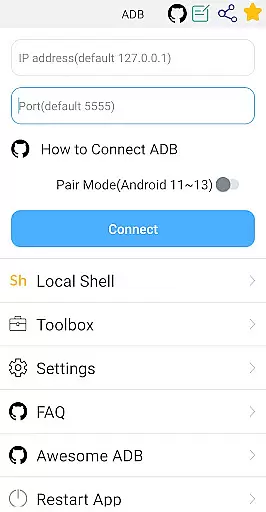
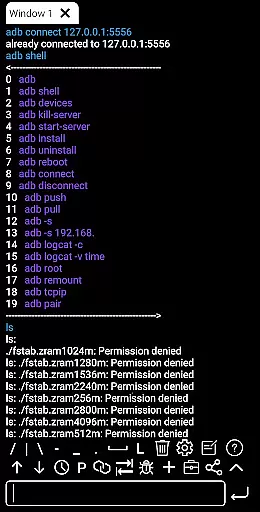
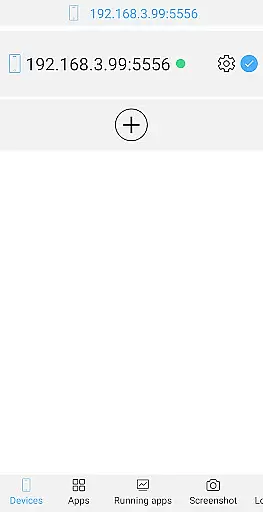
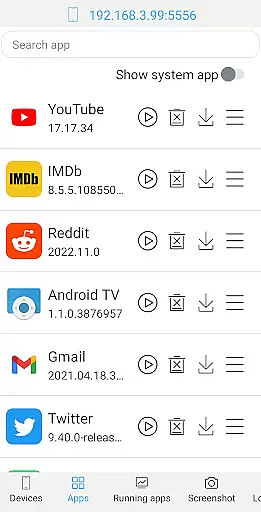
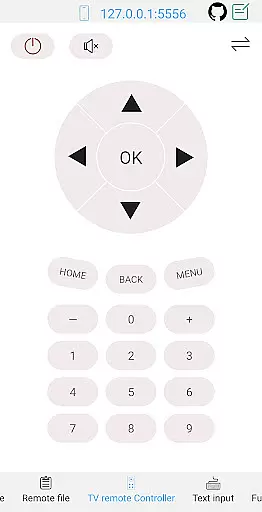
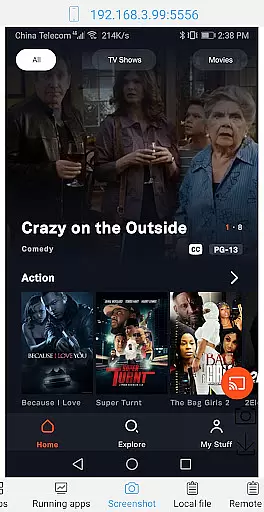
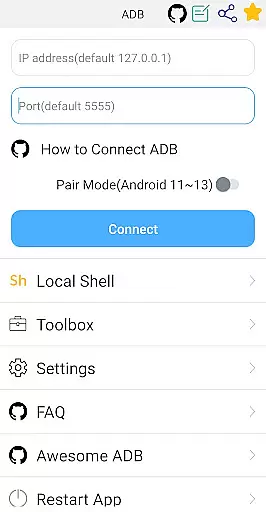

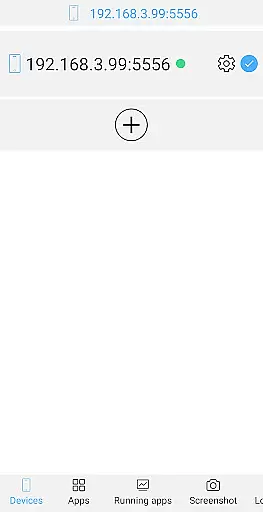
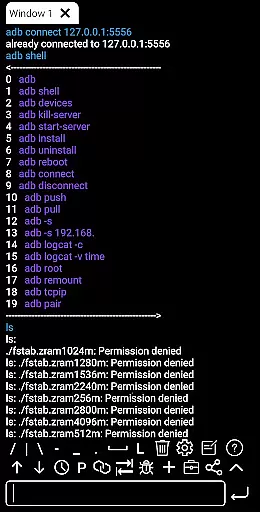
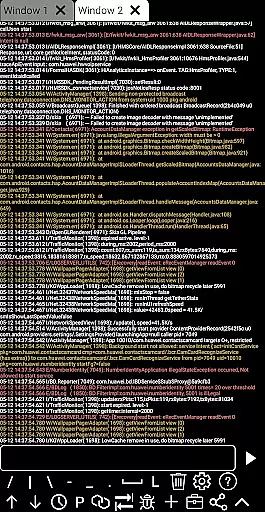
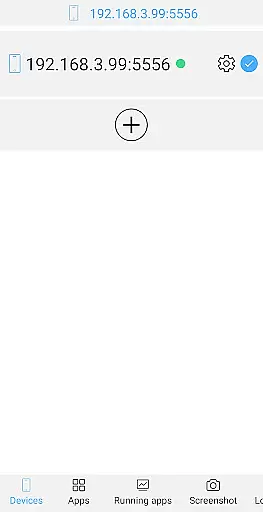
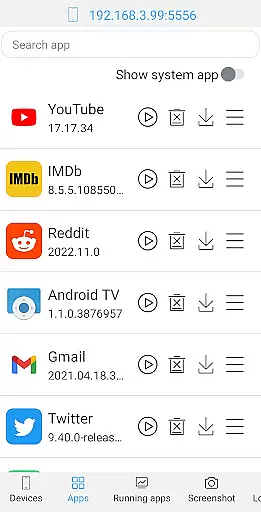
ADB Shell is a comprehensive and powerful toolbox application designed for Android device management. The app provides an extensive set of features that allow users to manage applications, view system information, take screenshots, transfer files, and even control TV remotes. With support for Android versions 4.X through Android 13, it offers both wireless and local shell ADB functionalities.
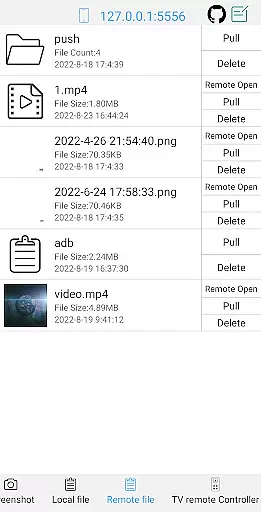
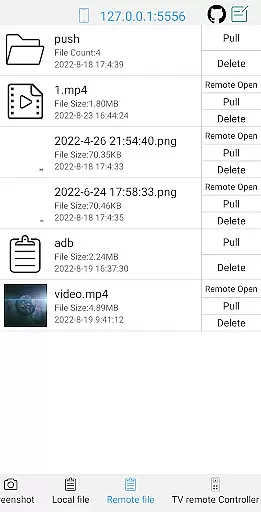
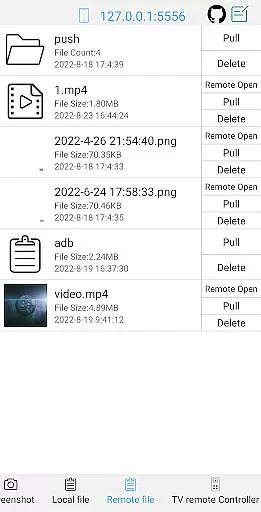
The application's core strength lies in its ability to perform advanced device management tasks such as launching, uninstalling, and managing applications, along with monitoring system performance. It also supports various file operations including push, pull, and deletion of remote files. Its versatility makes it suitable for both casual users who need to manage their devices efficiently and developers requiring deeper system access.
ADB Shell proves particularly useful for Android developers and power users who require remote device management capabilities. By providing an all-in-one solution for ADB operations, the app streamlines workflows and enhances productivity when handling multiple devices or performing complex debugging tasks.
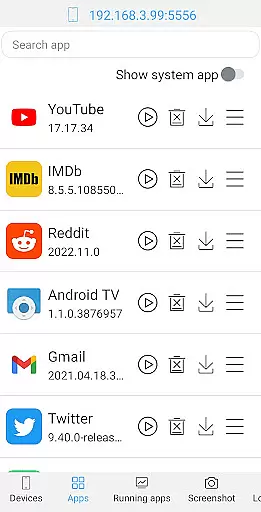
ADB Shell distinguishes itself through its comprehensive feature set tailored for advanced Android management. The toolbox functionality includes application management features such as launch, uninstall, download, force stop, data clearing, and enabling/disabling applications. It also provides detailed system monitoring and information viewing capabilities.
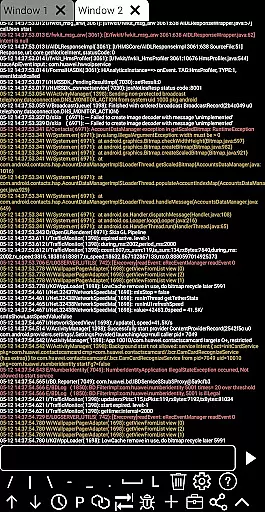
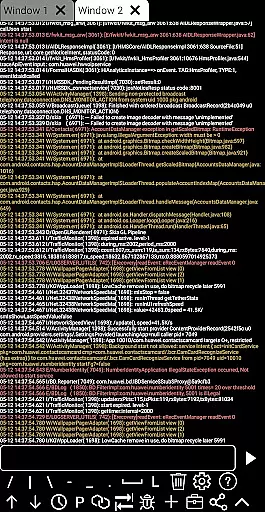
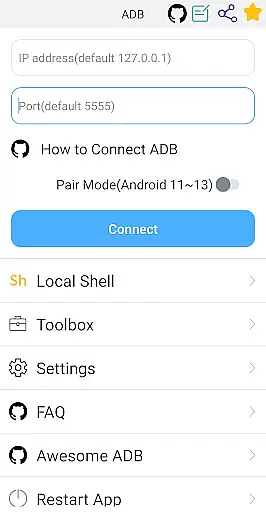
The shell features are equally impressive, supporting Android versions from 4.X to 13. Users can utilize wireless pair mode (Android 11-13), WiFi wireless ADB, and local shell ADB. The interface supports associative input, autosaves output, maintains command history, and allows fast copy commands. Advanced features include multi-window support, color text display, background operation, and logcat functionality.
What sets ADB Shell apart is its thoughtful implementation of developer-friendly features. The prefab commands, recommend commands/files, and remote media file opening capabilities demonstrate the app's commitment to enhancing user productivity. These features collectively create a robust environment for efficient Android device management and debugging.
ADB Shell stands out for its precision and effectiveness in executing core functions, making it an indispensable tool for developers and tech enthusiasts. The application supports a wide array of functionalities ranging from app management to system monitoring, each designed with meticulous attention to detail.
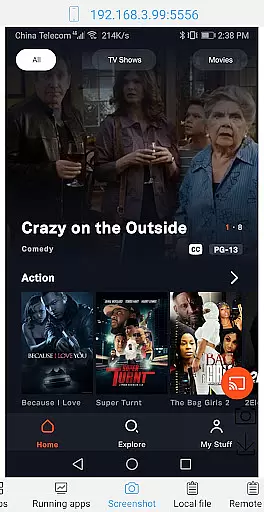
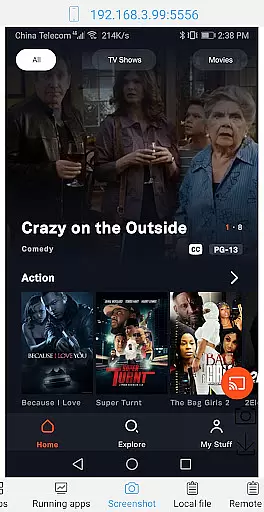
Among its features, the ability to launch, uninstall, and manage applications is complemented by comprehensive device management options. This ensures that users can perform essential tasks such as taking screenshots, pushing or pulling files, and even installing APKs with confidence in the results.
The shell capabilities of ADB Shell are particularly noteworthy. Supporting Android versions from 4.X to 13, it includes advanced options like wireless pair mode, WiFi wireless ADB, and local shell ADB. These features not only enhance user convenience but also ensure that operations are carried out accurately and efficiently.
Ultimately, the true value of ADB Shell lies in its ability to empower users. Whether it's through supporting associative input, autosaving output, or enabling command sharing, every feature is crafted to provide tangible benefits. This focus on accuracy and effectiveness makes it an essential utility for anyone looking to harness the full potential of their Android devices.
In the realm of technical tools, ADB Shell distinguishes itself through an interface that marries simplicity with intuitiveness. This balance is crucial for users who require efficient access to complex functionalities without being hindered by a steep learning curve.
The design philosophy behind ADB Shell emphasizes clarity and ease of use. Each feature, from managing running applications to system monitoring, is accessible through a straightforward layout. This approach ensures that even those new to Android development can navigate the app with ease.
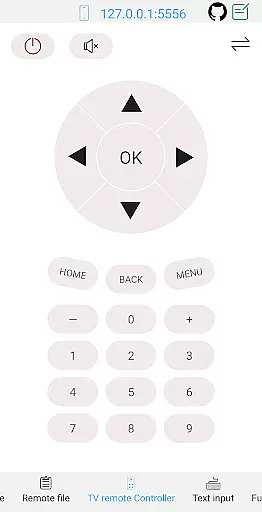
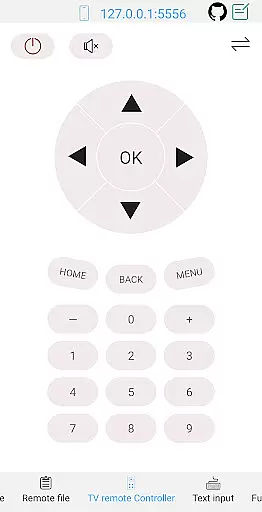
Moreover, the inclusion of practical features such as text input support, TV remote control, and opening remote media files directly adds layers of functionality without complicating the user experience. Such considerations highlight the app's commitment to maintaining an intuitive environment.
By prioritizing an interface that users of all skill levels can quickly adapt to, ADB Shell enhances productivity. Its thoughtful design allows users to focus on leveraging the powerful tools at their disposal rather than struggling with the learning curve, thus embodying the perfect blend of simplicity and sophistication.
Comprehensive toolbox
Wide Android version support
Wireless ADB functionality
Multi-window support
System monitoring tools
Complex for beginners
Requires technical knowledge
Limited visual appeal
No iOS support
Advanced features only

pdf merge, word to pdf, jpg to pdf, edit pdf, convert to pdf and much more!
 4.20
4.20
Just one-tap to easy translate in any language after calls within seconds.
4.20
Just swipe the edge to do something!
4.40
Extremely fast, secure, and protects your privacy
4.80
HD Video player and downloader for all formats, fast & smooth 4K video playback.
4.60
Clean the junk files on your device
3.40
card-reader app
2.20
Monitor car performance in real time and troubleshoot malfunctions.
4.80
Making emulation easy for everyone!
4.30
Navigate with Ease and Style
4.90
Unit and currency converter with easy and simple UI.
4.80
Bedrock Together: Join any bedrock server on Xbox/PS
4.80
NFC Tools can read and write NFC tags.
4.70
With videos, electrical calculators, and built-in ebook, Ugly’s has your answer.
4.50
Carry a FTP server in your pocket and avoid USB cables for file transfer
4.20
A convenient photo, video, and file recovery tool.
4.00
Introducing Smart Printer, your ultimate destination for printing solutions!
4.00
Amateur Radio app for APRS: Track friends, exchange messages, get tactical info.
3.90
Create your own custom widget with endless possibilities
3.90


User Reviews