
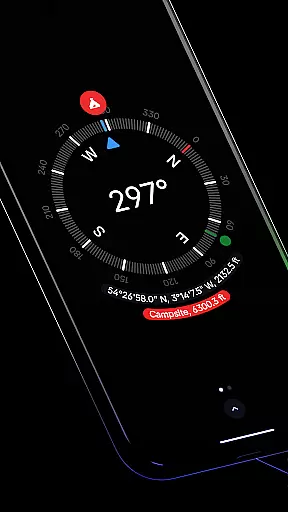
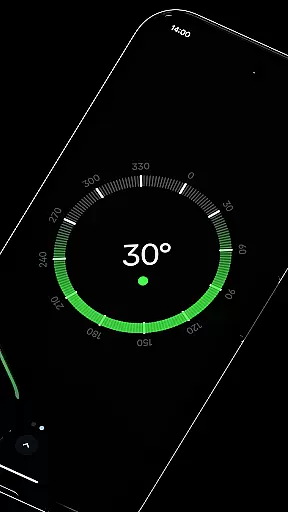
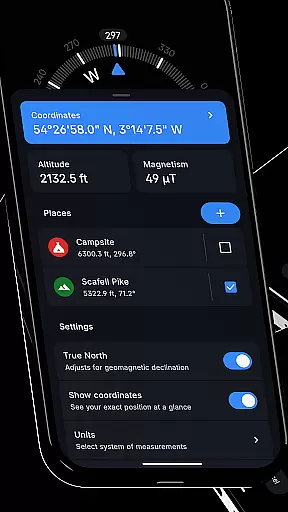
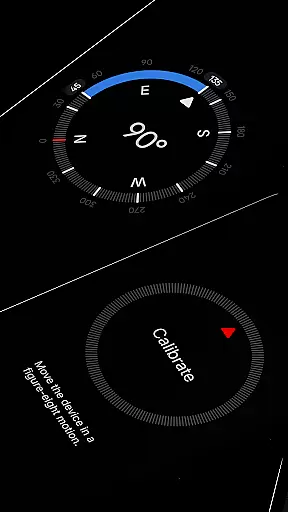
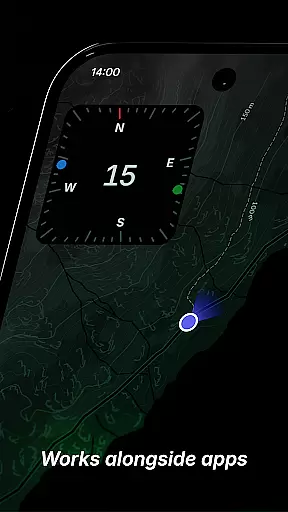
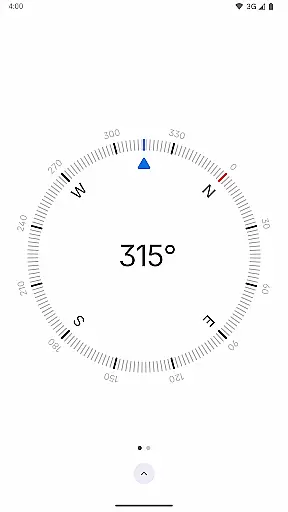
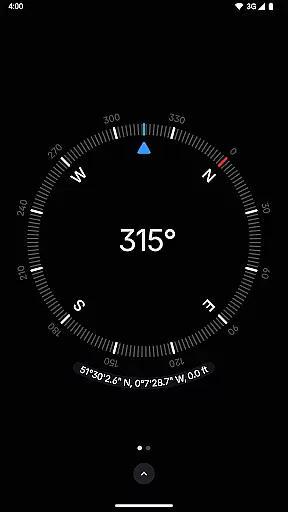
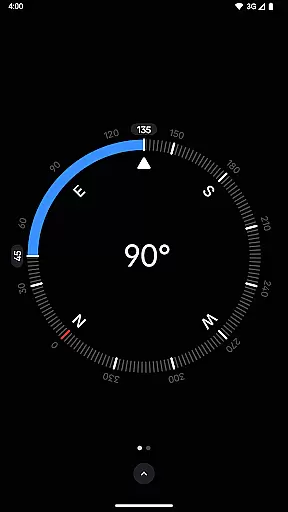
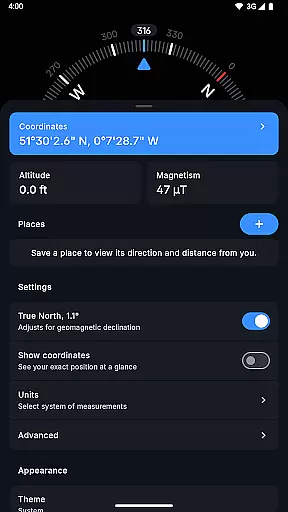
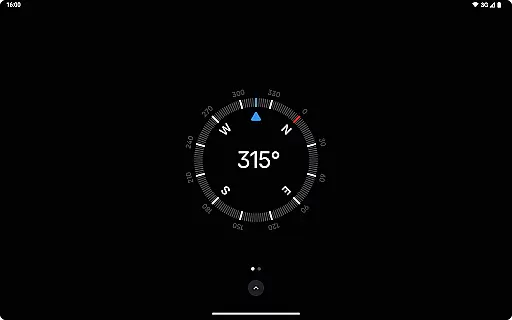
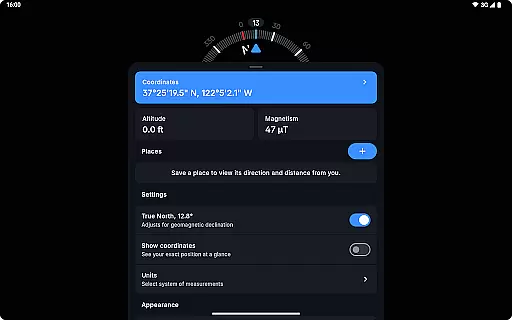
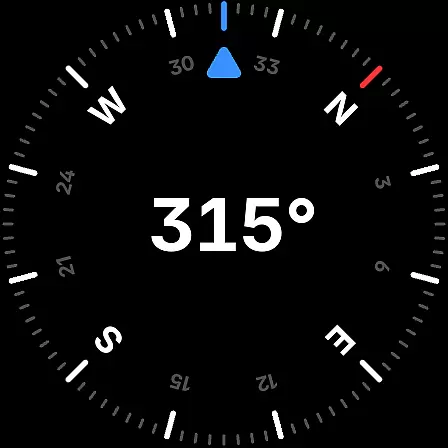
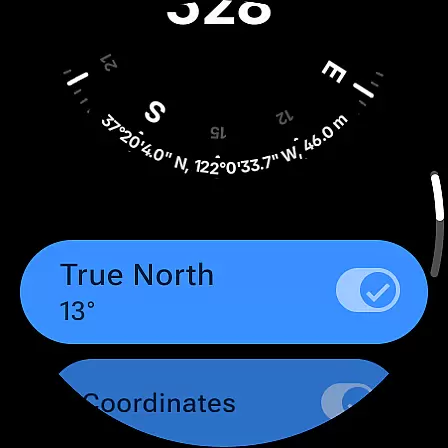
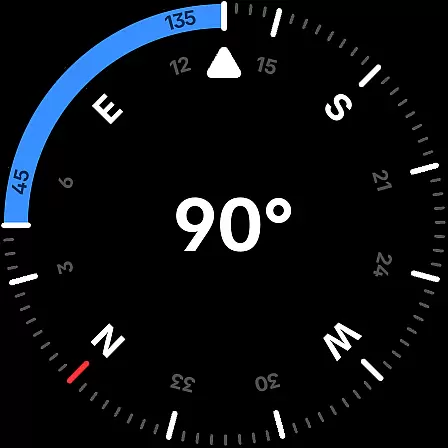
Compass is a sleek and minimalistic navigation app that combines simplicity with elegance. Designed for both Android phones and select Wear OS smartwatches, it offers users precise direction and location data through an intuitive dark-themed interface. The app provides essential navigation features such as coordinates in multiple formats, altitude information, and the ability to save places for quick reference.
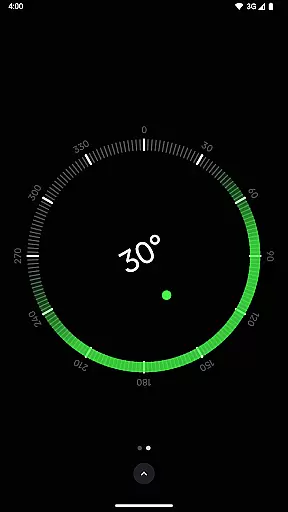
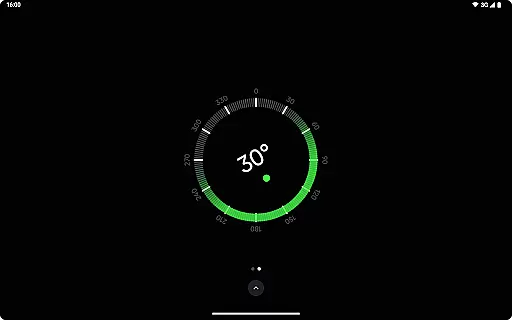
What sets Compass apart is its attention to detail and user experience. It includes advanced functionalities like geomagnetic declination adjustment for true north alignment, a bubble level feature, and angle difference measurement. With support for various units and themes, along with privacy-conscious design that works offline and contains no ads or trackers, Compass is an ideal tool for explorers, hikers, travelers, and DIY enthusiasts who value functionality and aesthetics.
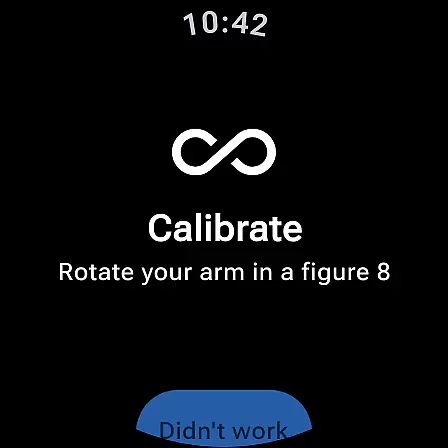
Compass stands out with its comprehensive set of features designed for accuracy and convenience. The app displays exact location coordinates in formats like DMS, DDM, DD, UTM, MGRS, and OLC (Plus Codes), along with altitude measurements. Users can dock the compass to the edge of the screen while multitasking, ensuring uninterrupted navigation. Its calibration guide ensures reliable readings, while the integrated bubble level helps verify surface flatness.
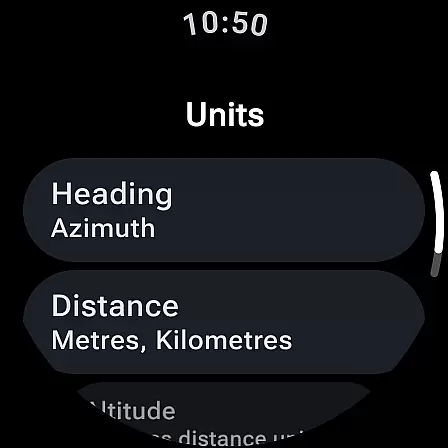
Customization is key in Compass, allowing users to adjust units for angles, distances, and coordinates, switch between dark and light themes, and personalize the app's appearance using Android 12's dynamic colors. Additional features include a red screen filter for better night vision, rich haptic feedback for tactile navigation, and a high-contrast display mode. Privacy-focused functionalities, such as offline use and zero trackers, make this app a secure choice for modern navigators.
Compass stands out for its precision and reliability in delivering core navigation functions. The app provides users with exact location coordinates, including altitude, in multiple formats such as DMS, DDM, DD, UTM, MGRS, and OLC (Plus Codes). This versatility ensures that users can access geographic information in the format most useful to them, whether they are hikers, travelers, or professionals requiring specific data presentations.
The application's ability to adjust for geomagnetic declination by aligning with true north enhances its navigational accuracy. This feature is crucial for explorers who depend on precise bearings in their journeys. Additionally, the integrated bubble level and angle difference measurement tools offer practical utilities for carpenters and DIY enthusiasts, ensuring surfaces are level and angles are accurately measured without the need for additional equipment.
Compass also offers a calibration guide that guarantees accurate readings every time it's used. This attention to detail in maintaining functional integrity under various conditions underscores the app's commitment to effectiveness. Users can trust Compass to deliver reliable data, making it an indispensable tool for anyone needing dependable navigational assistance.
The interface design of Compass emphasizes simplicity and ease of use, featuring a modern dark-themed display that ensures clarity and intuitive interaction. This minimalist approach reduces visual clutter, allowing users to focus on essential navigational data without distraction. The option to switch between dark and light themes further enhances usability by adapting to different lighting environments, ensuring optimal visibility at all times.
Customization options within Compass extend to dynamic color changes based on Android 12's feature, which matches the app's colors to the user's wallpaper. This personal touch not only beautifies the interface but also makes the user experience more engaging. Furthermore, the red screen filter option available for Android 10+ users improves night vision by minimizing screen brightness, demonstrating the app's thoughtful design tailored to user needs.
Usability is further enhanced by rich haptic feedback that provides tactile responses during navigation, offering a more interactive and sensory-guided experience. Alongside high contrast display settings for better visibility, these features collectively ensure that Compass remains accessible and user-friendly, catering to both casual users and professionals who demand efficiency and simplicity in their tools.
User-friendly interface
Accurate navigation tools
Customizable display options
Privacy-focused design
Offline functionality
Limited Wear OS compatibility
No augmented reality mode
Advanced features may overwhelm beginners
Dynamic colors require Android 12+
Red screen filter needs Android 10+

Change your GPS location instantly. Simulate routes anywhere in the world.
 4.90
4.90
Head tracking for PC sim games such as MSFS 2024 or Elite:Dangerous. No headset!
4.50
Use your phone as a webcam on your computer over WiFi or USB.
4.40
Universal TV remote control all TVs, Roku, LG, Samsung, Fire, Vizio, Sony, TCL.
4.40
Enjoy smooth gameplay with Game Booster
4.90
An easy-to-use calculator designed to save time calculating and bending conduit
4.30
View detailed information about your Nissan Leaf the dealer never shows you.
4.10
Undelete and recover your lost or deleted files with DiskDigger!
3.40
A simple app to back up and restore SMS & MMS messages and call logs.
4.10
Protect your device with antivirus, storage cleanup, and system monitoring
4.70
Mirror your screen to Chromecast and Android TV - Super fast and simple
4.60
Button mapper, mouse toggle, sleep timer and a lot of another features
4.50
Just swipe the edge to do something!
4.40
PC precision for mobile gaming: dominate with keyboard and mouse!
4.30
An open-source APK explorer for Android!
4.10
A powerful, easy-to-use flight computer on your phone or tablet!
3.80
This app unlocks the Pro features of the Central for DayZ app
3.60
A recovery soft,it features photo recovery, video recovery, file recovery.
3.40
card-reader app
2.20


User Reviews