
Art Model is a feature-rich 3D posing app designed for artists and designers. The application allows users to pose and morph an unlimited number of human models simultaneously, making it ideal for character design, illustrations, or storyboarding. With realistic-looking male and female models, as well as a wooden mannequin option, the app caters to both digital and traditional artists.
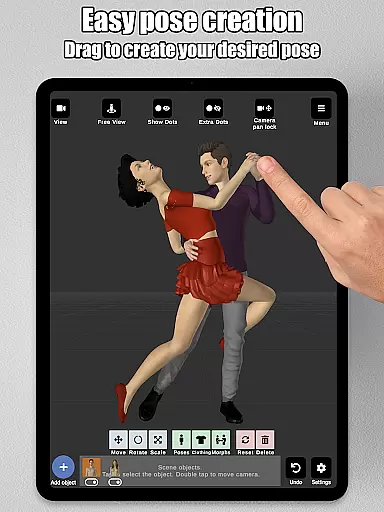
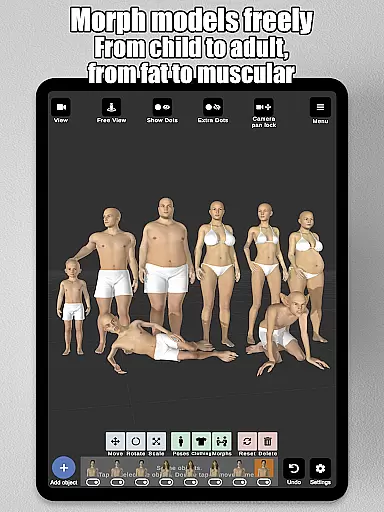
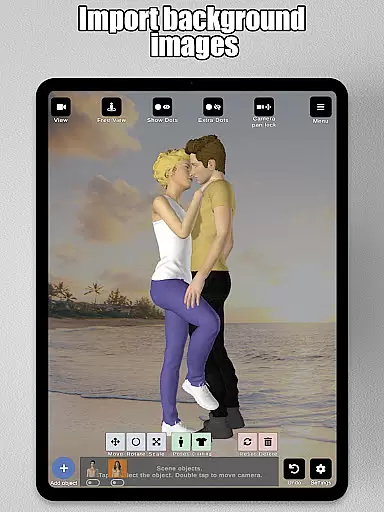
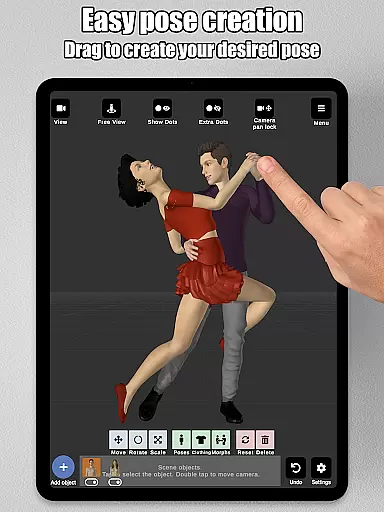
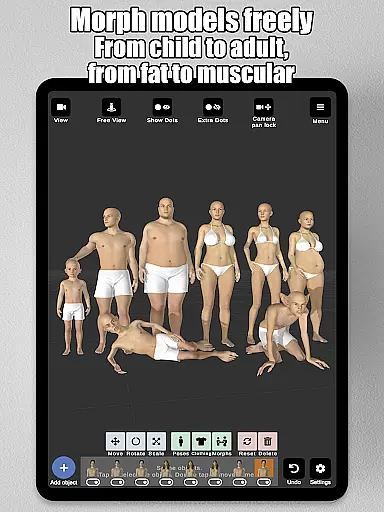
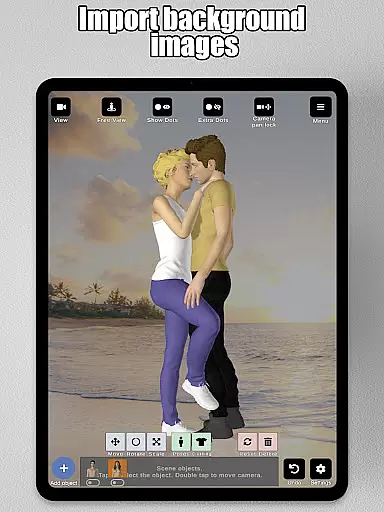
The app's intuitive control system lets users create poses by simply tapping and dragging limbs into position, eliminating the need for complex joint rotations. Additionally, its powerful morphing system enables the transformation of models from children to adults, skinny to muscular, and more, offering limitless creative possibilities. Art Model also supports importing background images and adding props, enriching the scene and aiding in visualizing characters within real-world settings.
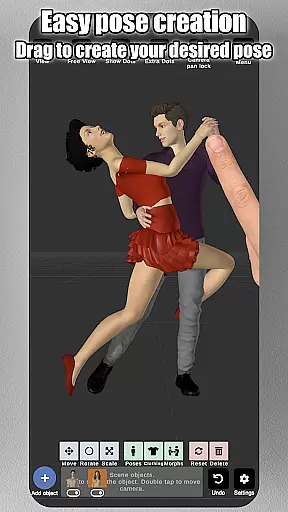
Art Model stands out with its comprehensive set of features tailored for artists. One of its key capabilities is the fast pose creation system, which allows users to drag limbs into desired positions effortlessly. This functionality streamlines the posing process and makes it accessible even to beginners. Furthermore, the app includes a morphing system that supports full-body transformations as well as specific body part adjustments, enabling users to create unique and customized models.
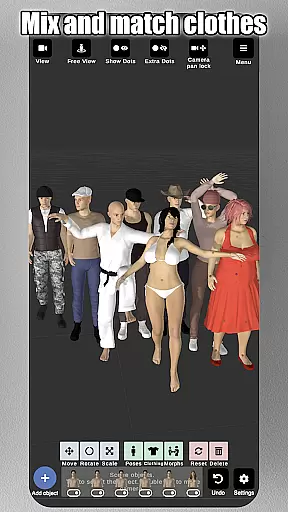
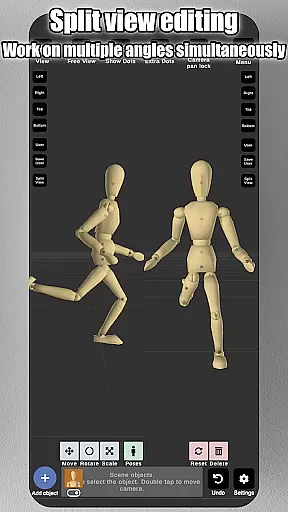
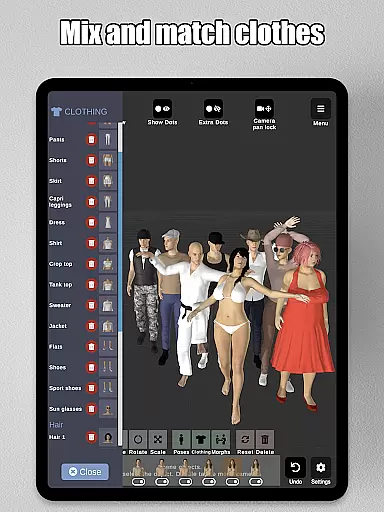
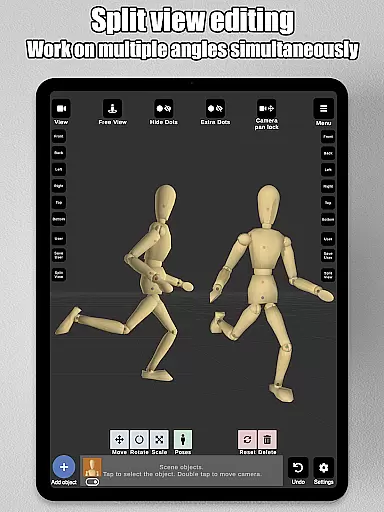
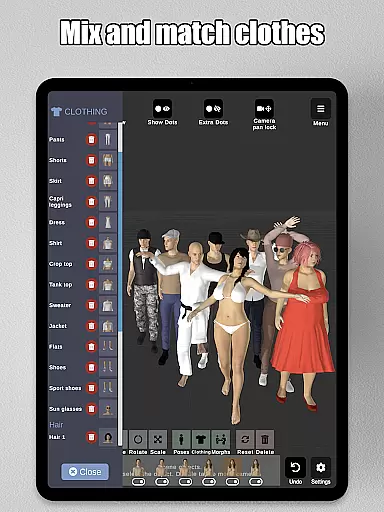
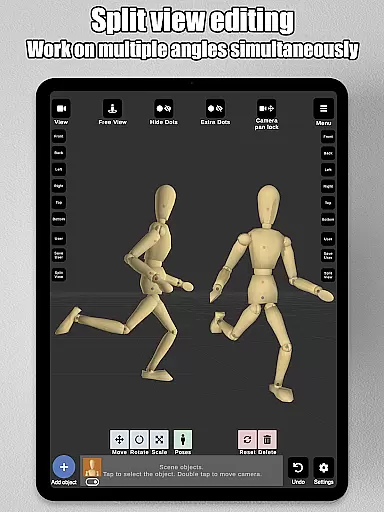
Another notable feature is the split-view editing mode, which allows simultaneous viewing of models from two different camera angles. This enhances precision when adjusting poses and fine-tuning details. The app also provides a wide range of props, clothing options, and advanced lighting settings, giving users the tools needed to create detailed and realistic scenes. With preset poses, various headgear options, and the ability to save and load projects, Art Model offers a complete package for artists seeking a versatile posing tool.
Art Model - 3D Art pose tool offers an extensive suite of creative tools that cater to both digital and traditional artists. The app includes realistic 3D male and female models, as well as a wooden mannequin option for those who prefer classic drawing references.
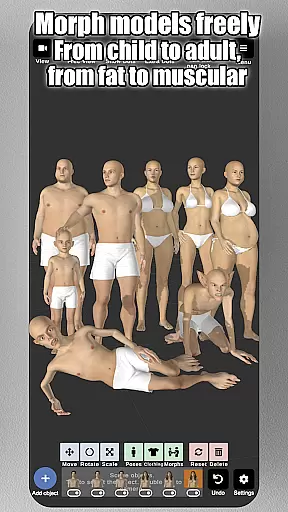
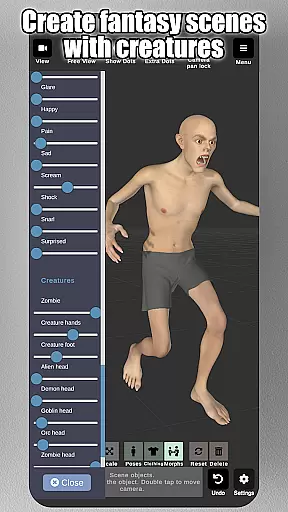
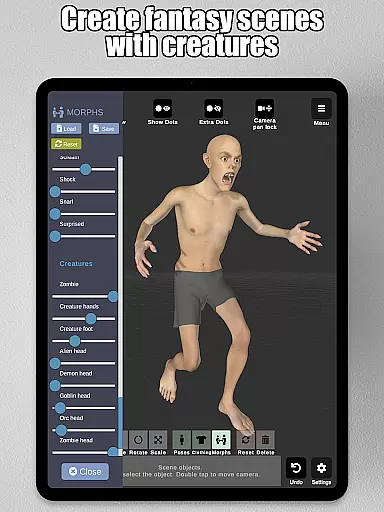
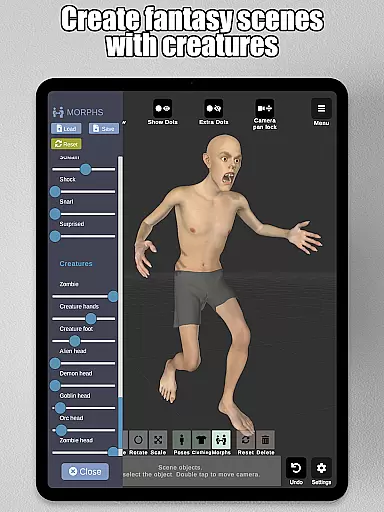
The morphing system is one of the standout features, allowing users to create an unlimited range of unique models. Whether you want to transform your model from a child to an adult, adjust body types from skinny to muscular, or experiment with fantastical creatures, this app provides the tools necessary for such creativity.
In addition to full-body morphs, specific body parts like the chest, arms, and legs can be individually adjusted, providing unparalleled customization options. This level of detail empowers artists to bring their visions to life with precision and ease.
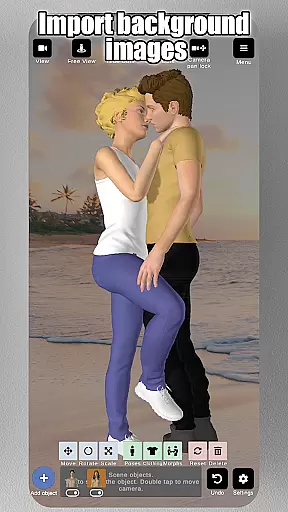
Flexibility in canvas and format options is crucial for artistic expression, and Art Model excels in this area. The app supports importing background images, which can serve as references or environmental elements, making it easier to visualize characters in real-world settings.
One innovative feature is the split view editing, which allows users to view their models from two different camera angles simultaneously. This dual perspective aids in precise adjustments and fine-tuning without the need to constantly rotate the scene, thus streamlining the creative process.
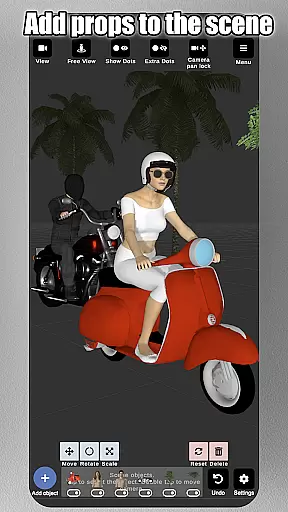
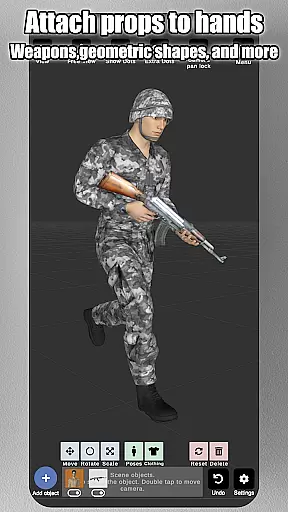
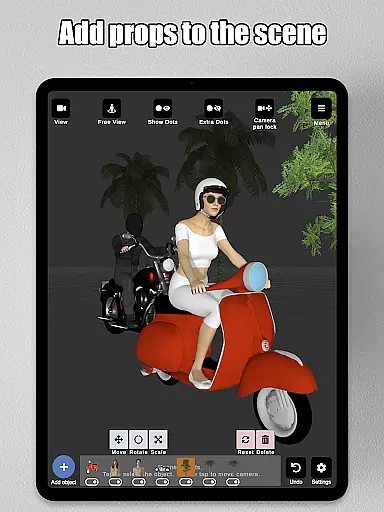
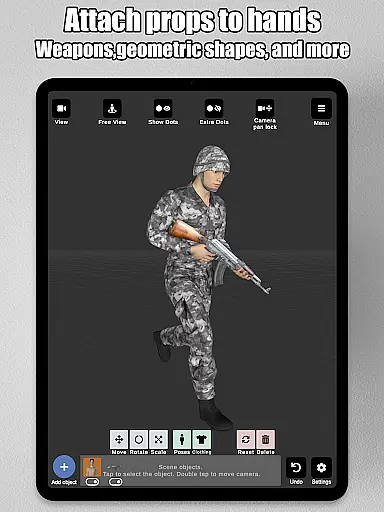
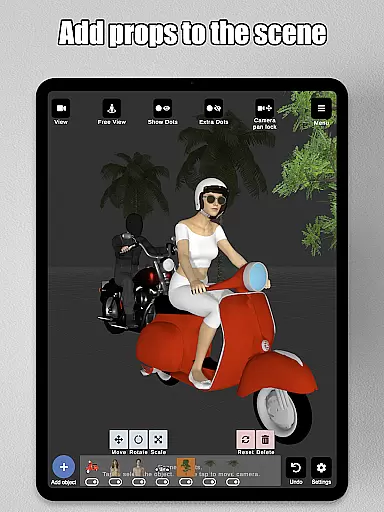
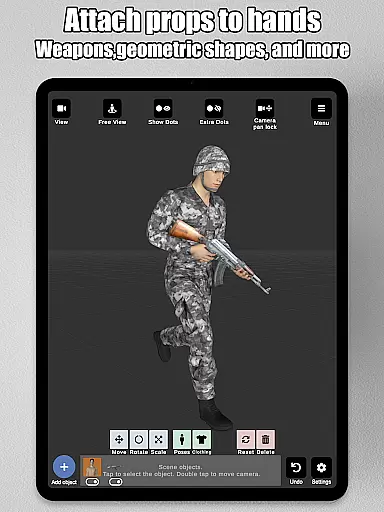
Furthermore, the app enables users to enrich their scenes with various props such as chairs, tables, weapons, vehicles, trees, and geometric shapes. These props can even be attached directly to the modelu2019s hands, ensuring they move naturally with the character. Such comprehensive flexibility makes Art Model an indispensable tool for character design, illustrations, storyboarding, and improving drawing skills.
User-friendly interface
Unlimited model morphing
Realistic 3D models
Wide range of props
Split-view editing
Limited advanced features
No animation support
Few hair customization options
Basic mannequin only
Occasional bugs

The ultimate tool for creating animations
 4.60
4.60
Art of Combination Wear OS Watch faces
4.5
Draw anime & manga drawing, art with templates to create stunning picture!
4.50
See Color, Paint Color
4.90
Create color palette from Image, RGB & RYB Color wheel harmonies, Color Scheme
4.50
Convert image to JPG PNG HEIC PDF, support almost all kinds of image formats
4.70
Turn your drawings into flipbook-style animations with simple creative tools
4.60
Powerful home decoration & house design that allows you to design dream home.
3.80
Create cute cat emojis & PFPs! Fun, custom avatars for cat lovers.
3.70
Draw on screen: FP sDraw is a simple and lightweight drawing app
4.70
Draw glowing spinners, relax, and spin your creative art
4.60
Just trace a projected picture on paper and color! Draw & Paint with AR drawing
4.40
Unleash the artist in you with our AR drawing and tracing tool for photo drawing
4.10
Get creative and make art with your Sesame Friends!
4.00
Turning simple sketches into captivating tales filled with life and motion
3.90
Resize photos and print photos in exact size with our powerful photo printer!
3.80
AI Face Swap, Video Effects Editor, Realtime Morph, Funny Video FX,AI Filters
3.70
Create stunning video, photo & magic from text with FlixAI GPT video generator.
3.10
Android 14 style widgets and wallpapers app.
4.4


User Reviews