
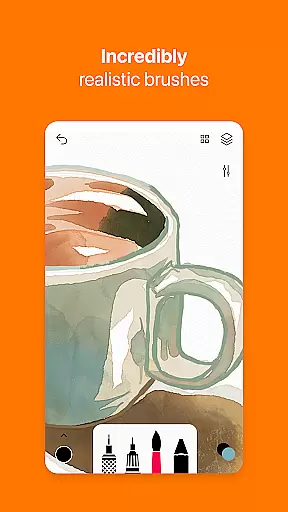
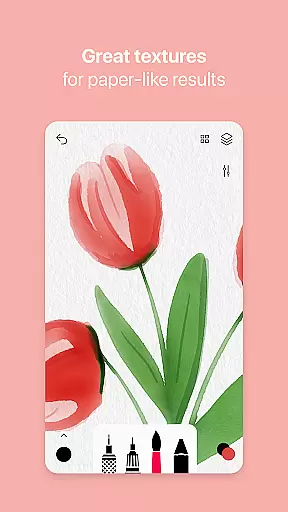
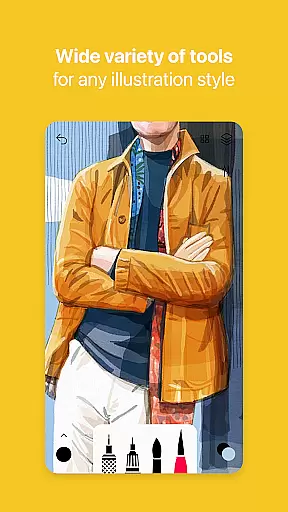
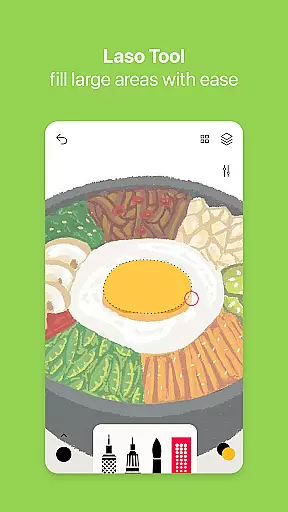
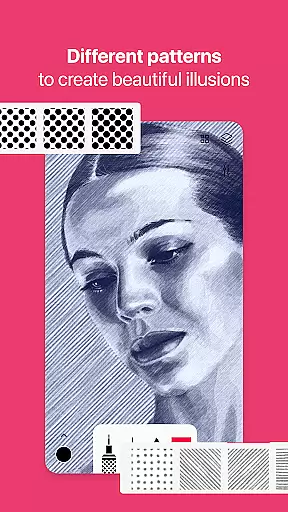
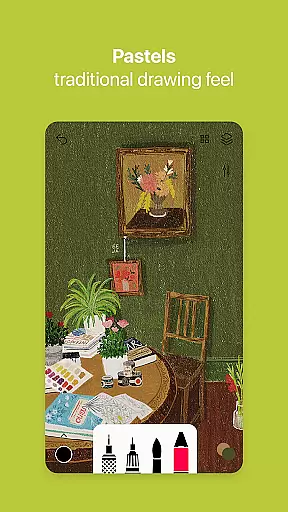
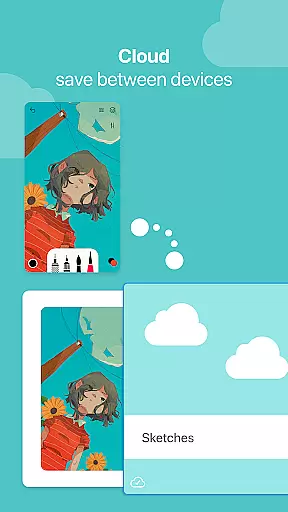

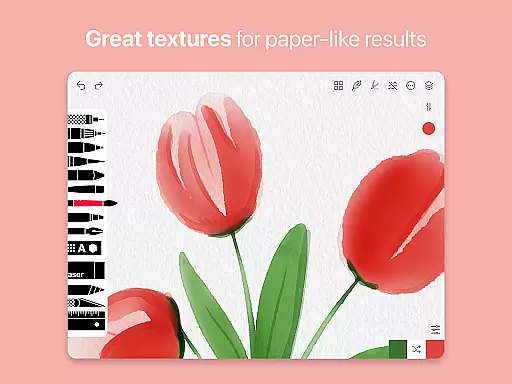
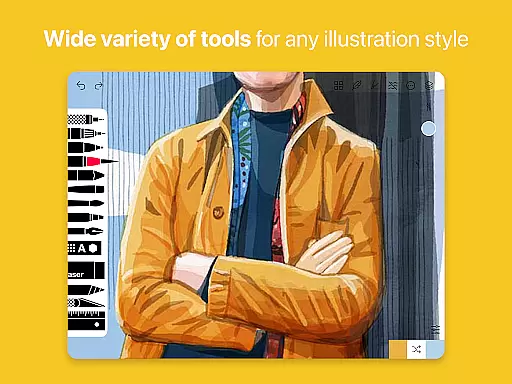
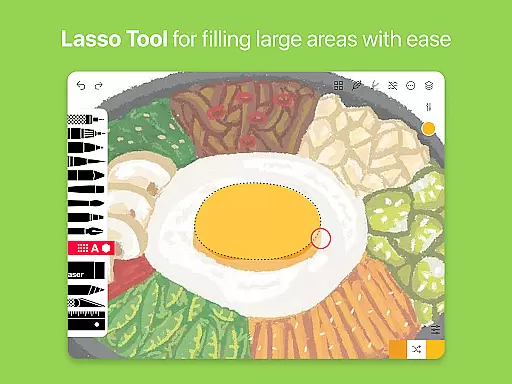
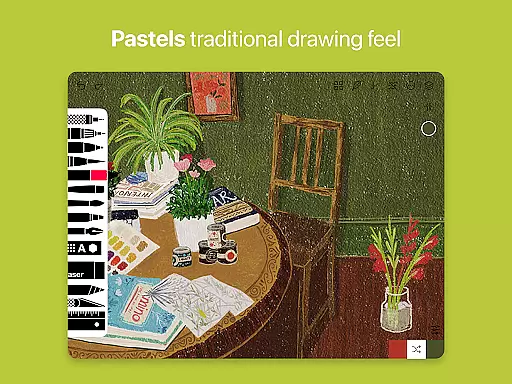
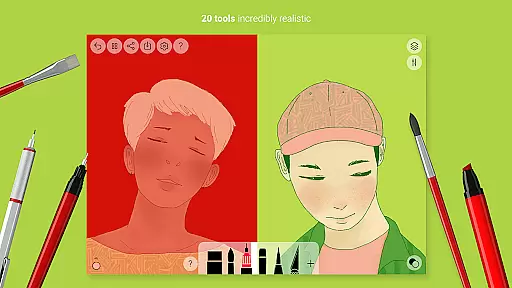
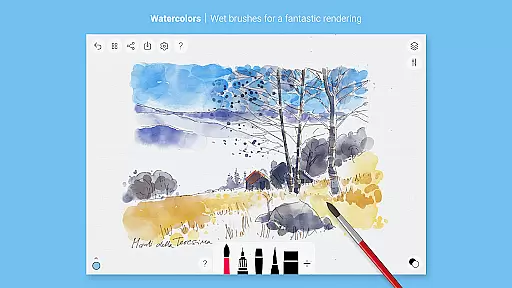
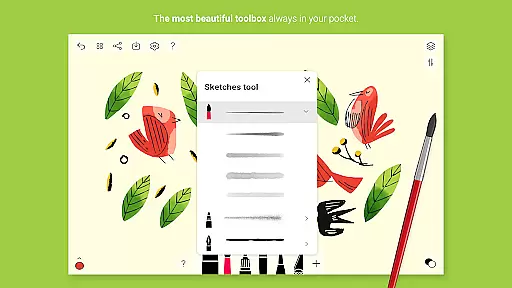
Tayasui Sketches is a premier drawing application designed for artists and creatives who value precision and beauty in their digital artwork. The app offers an impressive selection of over 20 ultra-realistic tools, each meticulously crafted to mimic the behavior of traditional art mediums. These include watercolor brushes that react to pressure and angle, oil pastels, acrylic brushes, and various pens.
What sets Sketches apart is its intuitive interface combined with advanced features like layers, brush editing, and stylus support. Users can import photos, utilize color eyedroppers, and take advantage of advanced sharing options. Available Pro options expand functionality further with additional tool variants and features, making it adaptable to both amateur doodlers and professional illustrators alike.
Whether you're sketching quick ideas or working on detailed masterpieces, Tayasui Sketches provides a seamless experience across Android devices. Its realistic simulation of physical art tools ensures every stroke feels authentic, offering immense value to digital artists seeking a natural drawing experience.
Tayasui Sketches stands out through its dedication to realism and user control. The app's brushes are engineered to respond to movement dynamics such as pressure, angle, and speed—delivering vivid results akin to real-world drawing experiences. With specialized tools ranging from felt pens to airbrushes, users have access to versatile artistic expressions.
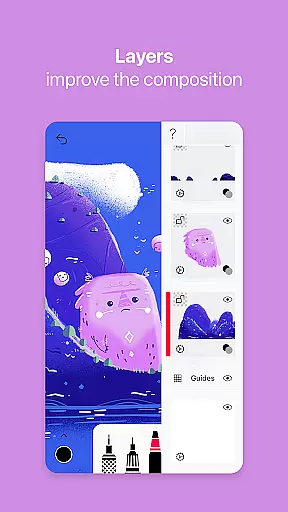
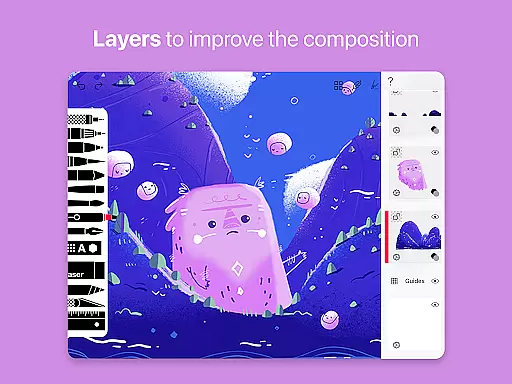
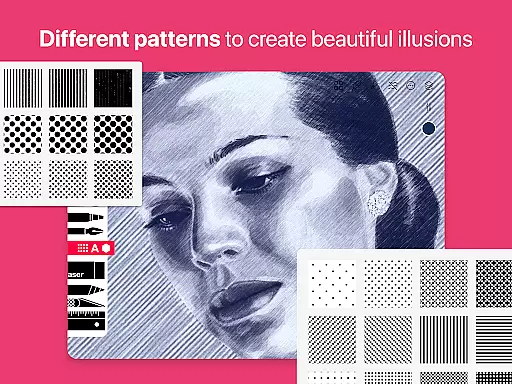
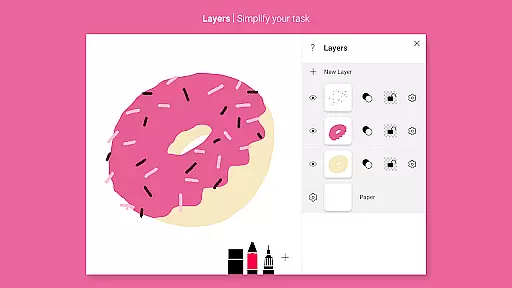
Advanced functionalities include layer management, which simplifies complex projects by allowing non-destructive edits. The inclusion of a brush editor empowers users to customize their tools while the smudge tool adds depth and texture to creations. Additionally, subscription-based Pro options unlock dozens of extra features including patterns, text tools, and shape integration (iPad only).
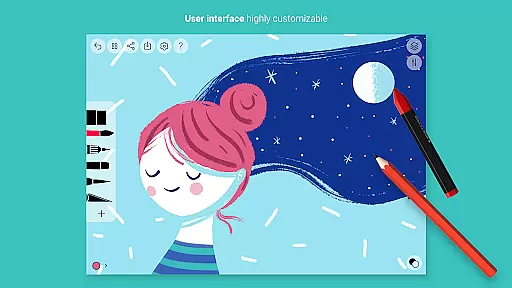
The minimalist design ensures ease of use without compromising power, appealing to professionals who need efficiency alongside creativity. Furthermore, compatibility with styluses enhances precision, making this app suitable for detailed work on-the-go.
In the realm of digital art, having a comprehensive set of creative tools is paramount. Tayasui Sketches offers an impressive array of over 20 ultra-realistic instruments, each meticulously crafted to mimic their real-world counterparts.
From pens and brushes to advanced features like layers and a brush editor, this application ensures that artists have everything they need at their fingertips. The realism extends to how these tools interact with the canvas, adapting to pressure, angle, and movement for a truly lifelike experience.
Artists can also import photos and utilize specialized tools such as the color eyedropper and smudge tool, enhancing their ability to create complex artworks. This level of detail in tool design empowers users to execute their artistic visions with precision.
The availability of Pro options further enriches the creative process by providing additional functionalities including dozens of extra features, ensuring that every artist's needs are met within this singular platform.
A versatile canvas is essential for unleashing creativity without constraints. Tayasui Sketches excels in offering canvas and format flexibility that caters to various artistic demands.
Users can work on different layer configurations, simplifying complex tasks through organized workflows. The app supports stylus input, allowing for detailed work that requires fine motor skills and precision.
Moreover, advanced sharing and export functions provide artists with the freedom to distribute their work across multiple platforms effortlessly. Whether it's exporting a project or importing elements into your artwork, flexibility is key.
This adaptability not only enhances productivity but also encourages experimentation with diverse techniques and styles, making it an ideal choice for both budding artists and seasoned professionals alike.
User-friendly interface
Realistic brush effects
Versatile tool selection
Advanced layer support
Regular feature updates
Pro features require subscription
Limited free trial availability
Some tools iPad-exclusive
Occasional performance lags
No desktop version

The ultimate tool for creating animations
 4.60
4.60
Pose and morph realistic male and female models! 3D poser app
3.00
Trace, draw, and create art with AR - from memes to masterpieces!
4.30
Create stunning video, photo & magic from text with FlixAI GPT video generator.
3.10
OneUI 8.5 icons ✨ Smooth, modern & based on the latest Play Store design ??
4.10
Inky runs Inkscape on Android devices and Chromebooks
2.90
Just trace a projected picture on paper and color! Draw & Paint with AR drawing
4.40
AI Tattoo Generator: Create Tattoo Designs & Get Ideas! Ink & Stencil Maker
4.50
Draw, fidget, and spin glow art! Relax and express your creativity with a finger
4.60
2D animation studio for Android tablets - unlimited layers, infinite timeline
4.70
Photo editor for art, avatars, filters & fun transformations.
4.60
Painting, drawing, & sketching
4.50
Draw, make movies & animate cartoons easily with our 2D animation maker app
4.40
Create Logos, Tattoos, AI Art & more with our AI Photo Generator & Design Editor
4.20
Turning simple sketches into captivating tales filled with life and motion
3.90
Create cute cat emojis & PFPs! Fun, custom avatars for cat lovers.
3.70
Apply cartoon, caricature, and portrait effects to make your photos stand out!
3.60
Art of Combination Wear OS Watch Faces
3.30
Meet the magic aı 3d photo generator and smart AI video generator app.
3.20


User Reviews