
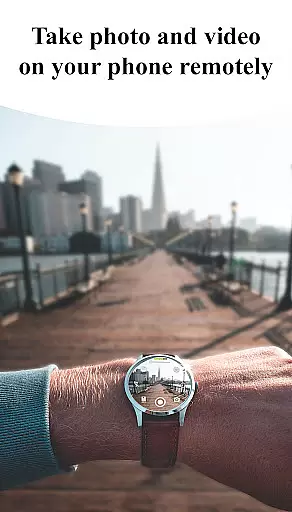
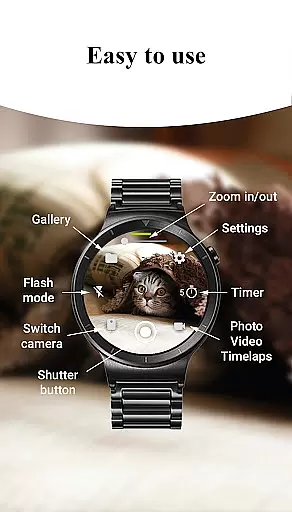
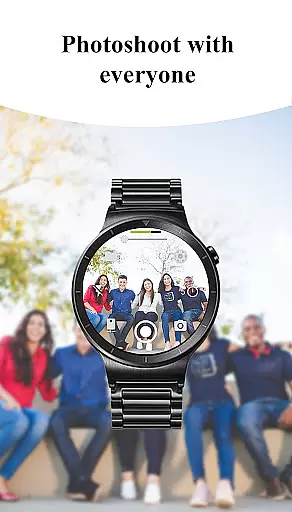
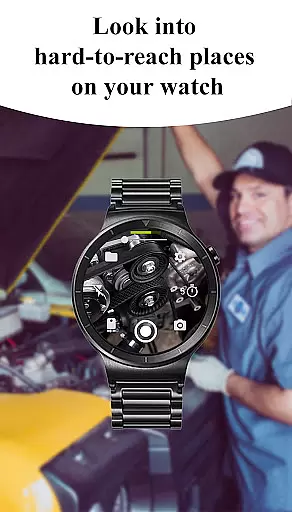
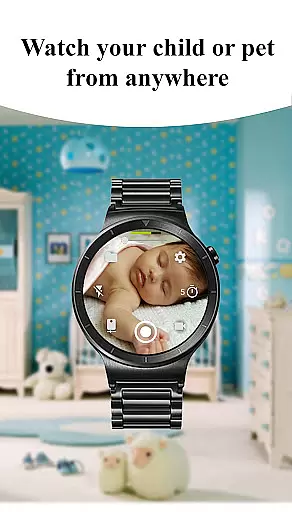
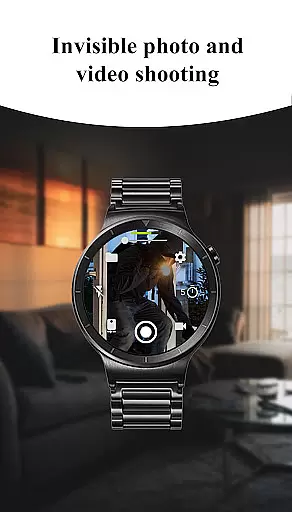
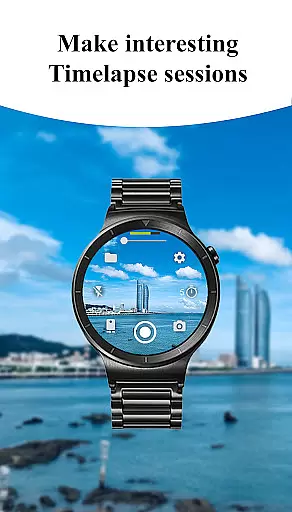
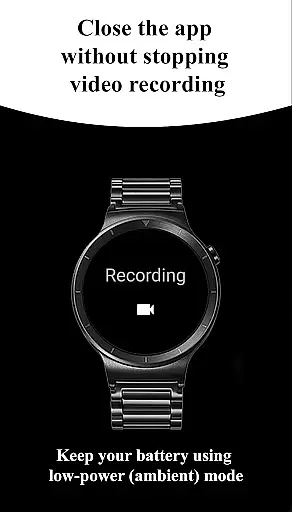
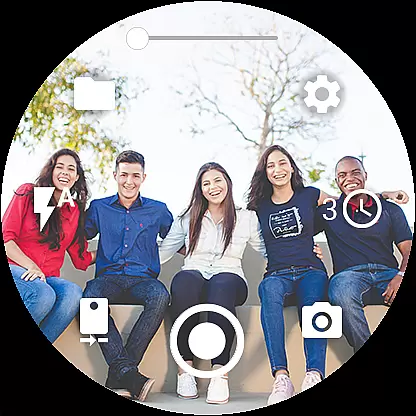
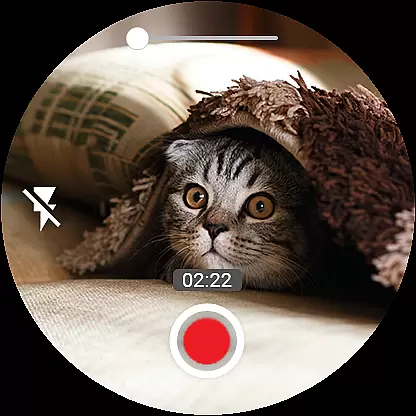

Camera Control for Wear OS is a powerful photography application that allows users to remotely control their phone's camera directly from a Wear OS smartwatch. The app offers an impressive range of features including three shooting modes, advanced camera settings like Bokeh and HDR, and precise timer setup options. With the ability to adjust flash settings, switch between front and rear cameras, and control zoom levels, this app provides comprehensive camera management right from your wrist.
The application supports additional functionalities such as wide-angle camera mode, high-framerate video recording at 30 or 60 fps, and multiple aspect ratio options. Users can capture stunning 4K videos, enable geotagging for location tracking, and lock camera orientation for consistent framing. The intuitive interface also allows for gesture controls, hardware button usage, and even screen-off capture functionality, making it an indispensable tool for photographers who value convenience and versatility.
Whether you're a professional photographer or simply someone who enjoys capturing life's moments, Camera Control for Wear OS enhances your photography experience by providing seamless wireless connectivity through Bluetooth and Wi-Fi. Compatible with various Wear OS devices including Galaxy Watch, Ticwatch, and more, this app ensures you never miss a perfect shot again while offering practical features like automatic image rotation and photo gallery preview on your smartwatch.
Camera Control for Wear OS stands out with its extensive feature set tailored for photography enthusiasts. The app provides three distinct shooting modes - photo capture, video recording, and timelapse creation - each designed to offer flexibility in different shooting scenarios. Advanced camera modes such as Bokeh, HDR, Night mode, and Auto settings ensure optimal image quality regardless of lighting conditions or device capabilities.
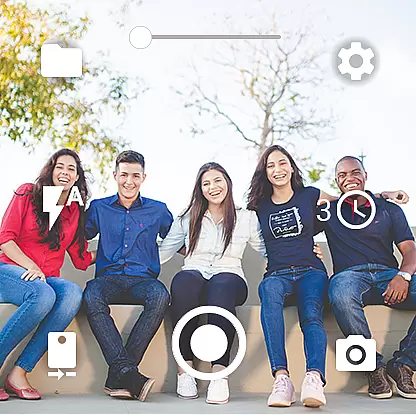
One of the key highlights is the ability to control various camera parameters directly from the smartwatch interface. Users can adjust flash settings, toggle between front and rear cameras, modify photo and video quality settings, and even control zoom levels effortlessly. The inclusion of a timer function adds precision to shoots while the flashlight control proves invaluable in low-light environments.
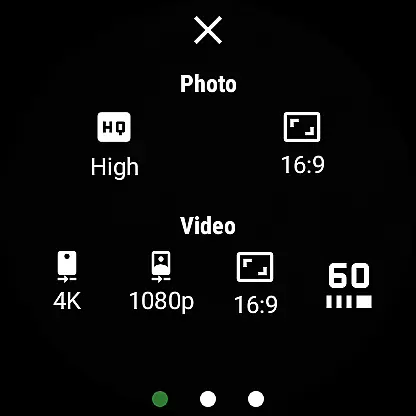
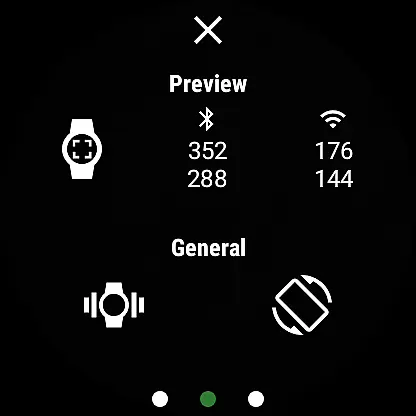
Beyond basic controls, the app offers professional-grade features like wide-angle camera support, high-framerate video recording at 30 or 60 fps, and multiple aspect ratio options including 4:3 and 16:9. Additional conveniences include geotagging functionality, camera orientation lock, and the ability to enable or disable camera preview on the phone. These features collectively make Camera Control for Wear OS an essential tool for anyone looking to maximize their mobile photography potential while enjoying the freedom of wireless smartwatch control.
Real-time capture and preview functionality is essential for ensuring that users can take photos and record videos with precision and confidence. The Camera Control for Wear OS app excels in this area by providing a seamless connection between your smartwatch and phone, allowing you to control your phone's camera directly from your wrist.
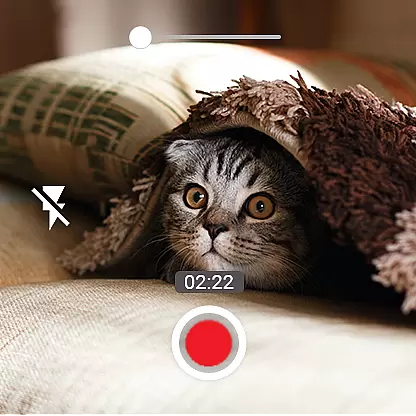
This application supports multiple shooting modes including photo capture, video recording, and timelapse sessions. With the ability to set up timers, control flash settings, and switch between front and rear cameras, users have comprehensive control over their photography experience. This ensures that every shot is framed perfectly before it's taken, reducing the chances of missed moments or poorly composed images.
Additionally, the app offers advanced features such as zoom control, quality settings adjustment, and camera orientation lock. These functionalities empower users to fine-tune their shooting experience according to their preferences and environmental conditions. Whether capturing fast-paced action or serene landscapes, the real-time feedback provided by the app helps photographers make necessary adjustments on the fly.
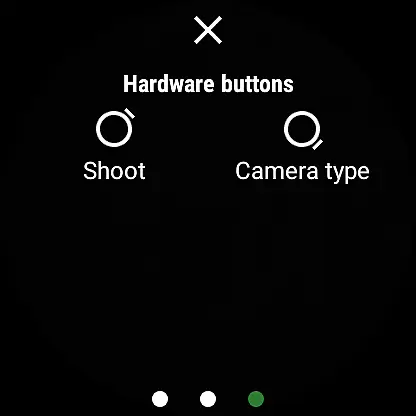
The convenience of having a wearable device act as a remote viewfinder cannot be overstated. By enabling screen-off capture and offering gesture controls, Camera Control for Wear OS enhances the overall user experience. Users can now focus more on the subject and less on the equipment, making photography an intuitive and enjoyable process.
AI beauty and enhancement features are becoming increasingly popular in photography apps, aiming to improve image quality while maintaining a natural look. Camera Control for Wear OS incorporates these advancements to offer users enhanced photo capabilities without compromising authenticity.
Among its key features, the app provides access to advanced camera modes like Bokeh, HDR, Night, and Auto modes, which leverage AI algorithms to optimize image quality based on the scene being captured. This ensures that whether you're shooting in low light or bright daylight, the resulting images will exhibit improved clarity, color accuracy, and dynamic range.
In addition to enhancing photo aesthetics, the app also includes options for adjusting video quality settings and aspect ratios. Users can choose between 4:3 and 16:9 formats and capture stunning 4K videos at high frame rates. Such versatility allows content creators to produce professional-grade footage suitable for various platforms and purposes.
Furthermore, the integration of AI-driven enhancements extends beyond mere beautification. Features like geotagging, automatic image rotation, and organized timelapse folders contribute to a streamlined workflow. By combining powerful AI tools with practical functionalities, Camera Control for Wear OS delivers a balanced approach to digital photography that prioritizes both performance and naturalness.
User-friendly interface
Comprehensive camera controls
Wireless connectivity
Advanced shooting modes
Wide device compatibility
Device-specific features
Complex setup process
Limited battery life
Premium subscription required
Occasional connectivity issues

An interval timer to automate photo taking process for timelapse
 2.90
2.90
Cut and paste photo editor & eraser to customize photos easy and swap faces fun
4.50
What celebrity do you look like? Celebs will find your celebrity match!
4.10
Perfect body tune & face app - photo retouch, makeup, slim body & beautify face.
4.80
The #1 app for B&W film developing featuring an advanced darkroom timer.
4.10
Photo Exif Editor allows to view, add and modify EXIF data of multiple photos
4.50
A must-have app for landscape photographers
4.60
Your personal guide to the sun and moon. Plan ahead, visualize and predict!
4.70
Edit photos with the picture generator: PS2 & AI Clay filters, cartoon effects.
4.50
1M influencer's special filter
4.60
Viewfinder, Light meter, Reciprocity failure time, DOF & Bellows Extension
4.60
Discover & download millions of art for The Frame TV or Hisense CanvasTV
4.60
Movie camera, supports pro recording settings for filming. Try it and be amazed!
4.50
Create AI photos & videos with Enhancer; restore, fix, beautify, enhance photos
4.50
Future baby face generator: AI kids generator, kid face! What my baby look like?
4.40
[3DSteroid Pro] is a stereoscopic application for Android.
4.30
Photo editor: face & body editor, beauty cam, filters and quality enhancer.
4.00
live datamoshing
4.00
Photo Album Watch Face shows your favorite pictures as a Watchface.
1.90


User Reviews