
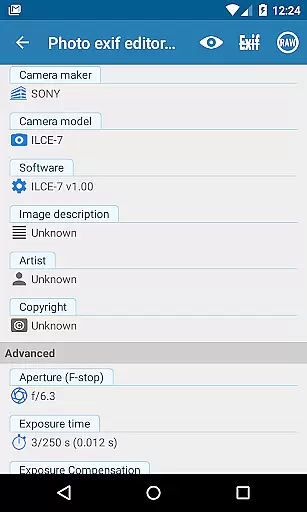
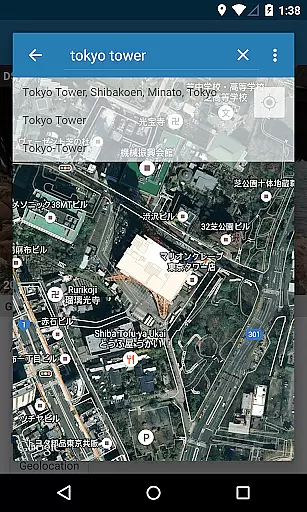
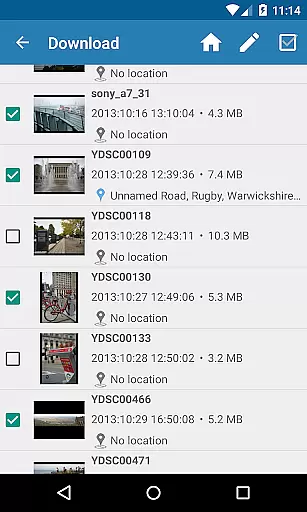
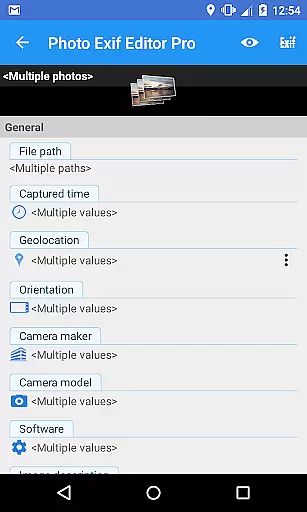
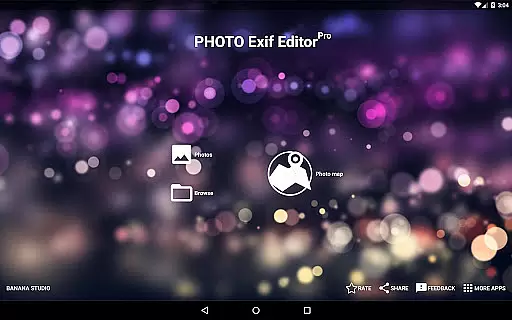
Photo Exif Editor Pro is a powerful tool for photographers and enthusiasts who need to manage the metadata of their images. This application allows users to view, edit, and modify Exif data embedded in photos, providing essential details about camera settings and shooting conditions.
The app features an intuitive interface that makes it easy to correct missing information or update existing metadata. With support for various file formats including JPG, PNG, and RAW, Photo Exif Editor Pro ensures comprehensive compatibility across different image types. The pro version offers ad-free usage and the ability to display full raw data, making it an indispensable tool for professional workflows.
Whether you're organizing your photo library or preparing images for publication, this app provides the necessary tools to ensure accurate metadata management. Its batch editing capabilities and GPS tagging features make it particularly useful for managing large collections of photos efficiently.
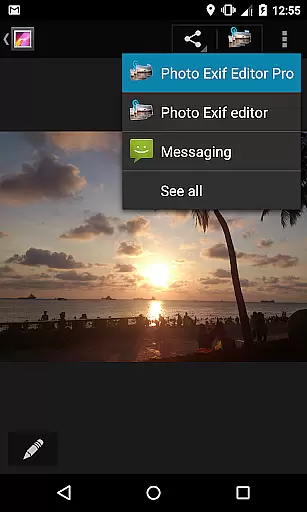
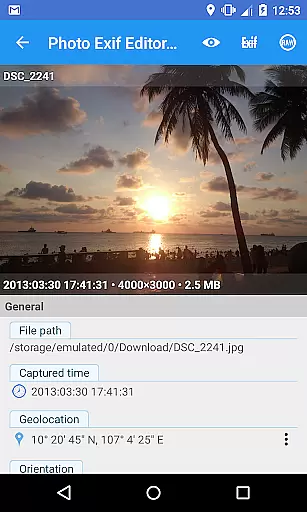
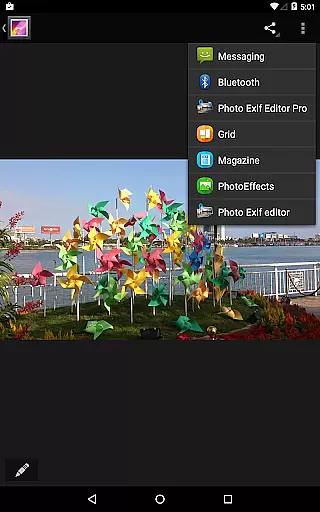
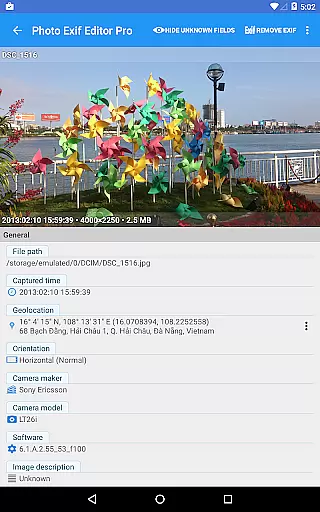
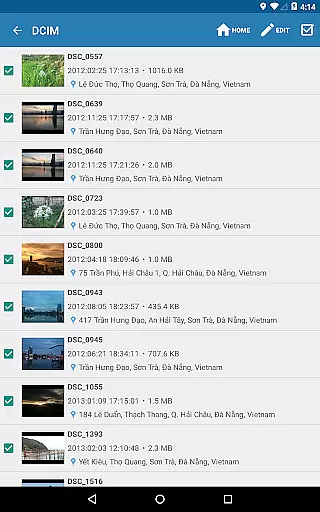
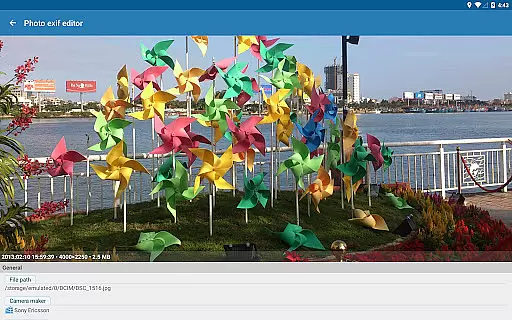
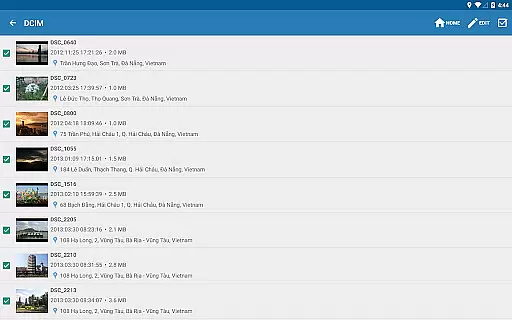
Photo Exif Editor Pro stands out with its robust feature set designed for detailed metadata management. The app allows users to browse and view Exif information directly from Android Gallery or through its integrated photo browser. This functionality is crucial for verifying technical details of each shot without needing additional software.
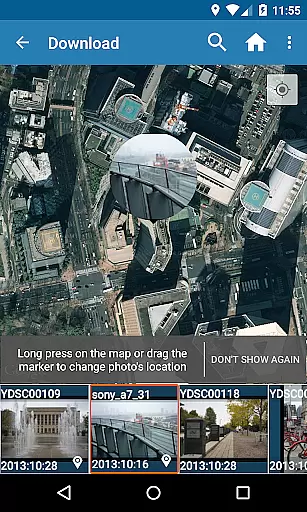
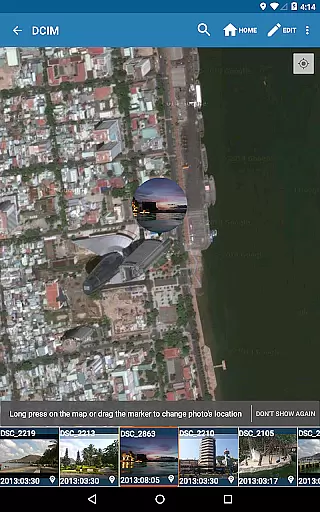
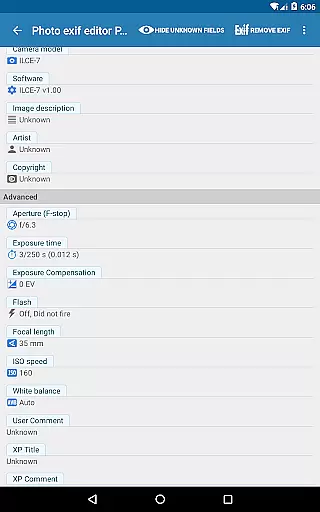
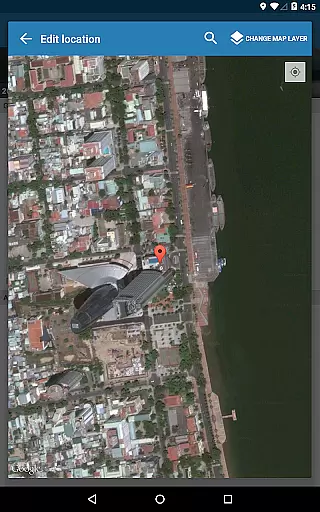
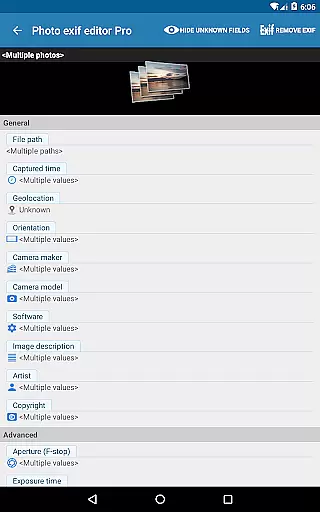
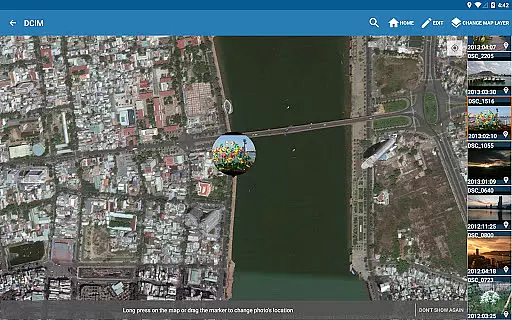
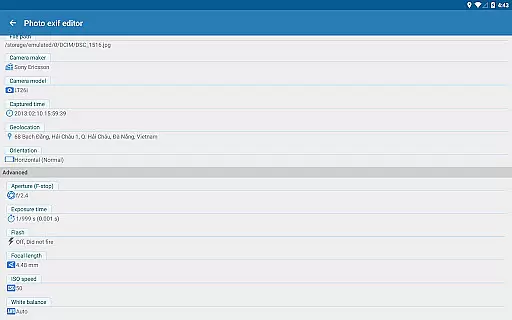
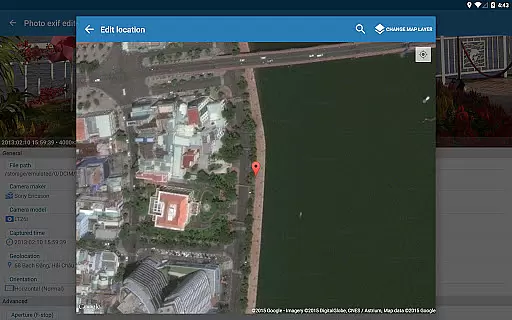
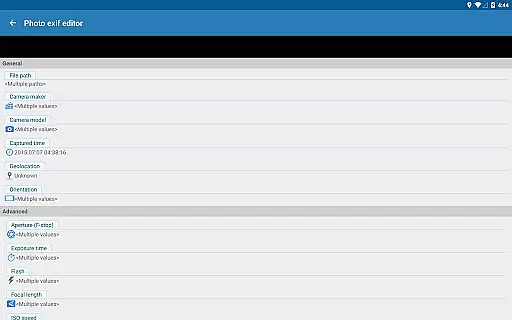
A key highlight is the ability to add or correct location data using Google Maps integration. Users can also perform batch editing on multiple photos simultaneously, significantly improving workflow efficiency. The app supports modification of essential EXIF tags such as camera model, maker, capture time, orientation, aperture, shutter speed, focal length, ISO speed, and white balance.
Advanced users will appreciate the option to view complete raw data and the forthcoming merge with EXIF Pro features. These enhancements will expand editing capabilities to include audio and video files, positioning Photo Exif Editor Pro as a comprehensive metadata management solution.
Real-time capture and preview functionality is essential for photography apps as it allows users to see exactly what the camera sees before taking a shot. This ensures that the framing, lighting, and composition are all to the photographer's liking.
Photo Exif Editor Pro offers an intuitive interface where users can not only view but also modify Exif data in real time. The app provides a clear user interface that makes it easy to correct missing information or adjust settings on favorite photos.
With this application, photographers have the ability to show full raw data of pictures, which is crucial for professionals who need to analyze every detail before finalizing their work. This feature enhances the creative process by giving immediate feedback on adjustments.
The importance of real-time editing becomes evident when considering batch edits across multiple photos. Users can efficiently apply changes without delay, streamlining workflow and ensuring consistency throughout their photo collections.
AI beauty and enhancement features are increasingly popular in photography apps, offering tools to improve images while maintaining a natural look. Photo Exif Editor Pro stands out with its advanced capabilities that ensure enhancements remain authentic.
This pro version includes functionalities like modifying EXIF tags such as aperture, shutter speed, focal length, ISO speed, white balance, and more. These precise controls allow users to fine-tune their photos' aesthetic qualities without compromising authenticity.
Additionally, the app supports location tagging using Google Maps, enabling users to add or correct geographical metadata seamlessly. By integrating these sophisticated features, Photo Exif Editor Pro helps maintain the integrity of both image content and context.
For those seeking professional-grade results, having access to comprehensive EXIF data ensures each photou2019s storyu2014from capture conditions to post-processingu2014is preserved naturally and accurately.
User-friendly interface
Batch editing support
Comprehensive EXIF tag editing
Google Maps integration
No advertisements
Limited to Android platform
External SD card write restrictions
Advanced features require learning
Network connection needed
Premium version cost

A collection of tools and reference tables for DPs, ACs, DITs and Operators.
 4.70
4.70
Effortlessly organize, view and share your photos & videos with Gallery app!
4.40
Professional video recording application with manual controls for filmmakers!
2.80
How old age camera Gender Swap App Face Shape Hairstyle App Hair Styler App fun!
4.00
Photo editor: AI filters, photo enhancer, pic collage maker, AI art generator.
4.80
Take videos and pictures with the popular TikTok TIME WARP SCAN filter.
4.60
Raw Image Viewer. Gallery with support of raw images (.cr3, .cr2, .nef, .raf).
2.00
Enhance, retouch & create your story - Share the moment with Photoshop Express.
4.60
Snap photos remotely using your Garmin watch as the camera trigger
4.5
Create collages easily! Nice pic collage maker & background eraser for Instagram
4.50
Trendy TikTok time warp scan funny filter app brings you unique photos & videos.
4.40
Easily stitch panoramas from multiple photos or video.
4.40
AI portrait generator and polaroid AI selfie, fun AI generated AI photo creator!
4.30
Natural Beauty, Selfie Retouch
4.30
Smart, light, and fast photo and video gallery
4.30
AI-powered video creator by MiniMax - Where ideas meet cinema
4.20
Astrophotography with your smartphone, photo live stacking and much more!
3.90
Hair color changer, AI haircut app, fun hair editor and buzz cut filter for all!
3.80
Add a dreamy vibe to your selfies and videos with soft style filters
4.2


User Reviews