
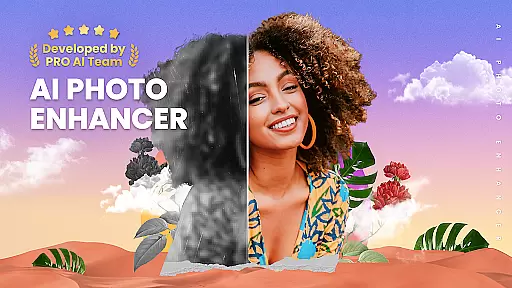
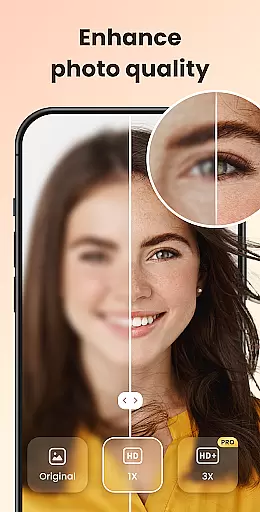
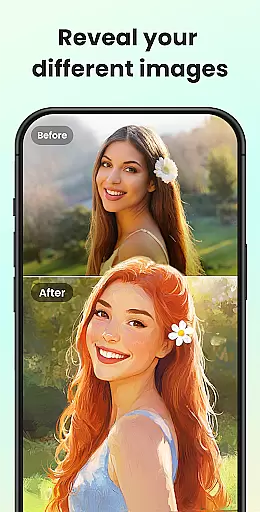
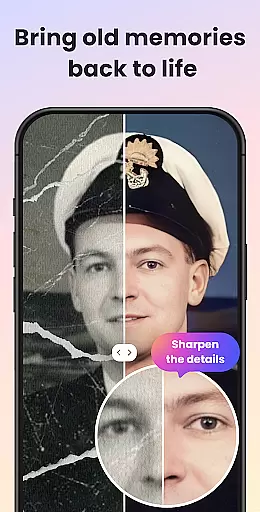
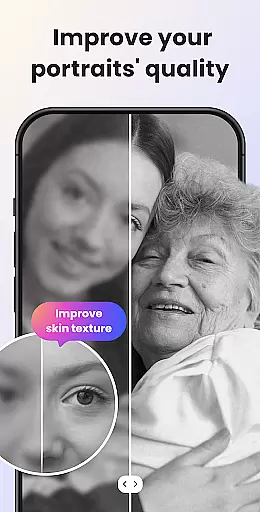
UpFoto is an advanced AI-powered photo enhancement application designed to transform low-quality images into stunning high-definition photos. The app specializes in restoring blurry, pixelated, and damaged photos with just a single tap, making it an ideal tool for revitalizing old family pictures or enhancing recent captures. Using cutting-edge artificial intelligence technology, UpFoto can increase photo resolution by 200% to over 800%, while optimizing facial details and improving skin texture for portrait images.
The application's powerful features cater to both casual users and photography enthusiasts who seek to improve their photo quality effortlessly. Whether you need to repair scratched prints, enhance real-time photos, or simply want to bring new life to decade-old memories, UpFoto delivers professional-grade results without requiring any technical expertise. Its intuitive interface and one-click enhancement capabilities make it accessible to users of all skill levels.
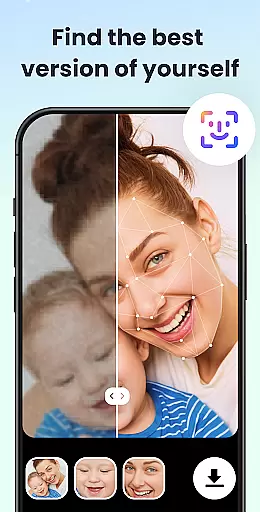
UpFoto stands out through its diverse range of innovative features tailored to meet various photo enhancement needs. One of the key highlights is its ability to automatically recognize faces in portraits and group photos, allowing users to optimize facial details such as eyes and skin texture with remarkable precision. This feature ensures that every enhanced image retains natural aesthetics while achieving HD clarity.
In addition to face optimization, the app provides robust tools for restoring severely damaged or aged photographs. Users can repair scratches, remove blemishes, and even deblur images to create pristine versions of their cherished memories. Another standout capability is the app's support for real-time photo enhancement, enabling instant improvements during photo capture sessions. With upcoming features like colorization of black-and-white photos and creative cartoon effects on the horizon, UpFoto continues to expand its functionality to serve broader user requirements.
Real-time capture and preview functionality is essential for photography applications as it allows users to see exactly what the camera is capturing before taking a shot. UpFoto leverages advanced AI technology to ensure that every moment captured is clear and true to life.
The app processes images instantly, providing users with an accurate preview of their photos. This feature is particularly beneficial when trying to enhance blurry or pixelated images, as it gives immediate feedback on how the final image will look.
Users can benefit from this real-time processing by making necessary adjustments to lighting, focus, and composition before capturing the photo. This ensures that the final output meets their expectations without the need for post-processing.
With UpFoto's real-time capture and preview, photographers can trust that their enhanced images will retain high-quality details, making it easier to restore old memories and preserve them in HD quality.
AI beauty and enhancement features are crucial for modern photo editing apps. UpFoto uses cutting-edge AI algorithms to enhance facial details naturally, ensuring that skin textures and eye details appear realistic and not overly processed.
This application automatically recognizes faces in selfies or group photos and enhances them with just one tap. The result is an image where subjects look their best while maintaining authenticity, avoiding the artificial appearance that some editing tools might produce.
By using UpFoto, users can revitalize old family photos and bring new life to damaged or scratched pictures. The AI works to improve photo resolution significantly, up to 800%, while keeping enhancements natural and lifelike.
Ultimately, UpFoto provides users with the ability to refresh precious memories with minimal effort, offering stunning HD quality results that honor the original photograph's integrity and emotional value.
User-friendly interface
Advanced AI technology
One-tap enhancement
High-resolution output
Versatile editing tools
Limited free features
Subscription required
Occasional processing delays
Internet connection needed
Large file size

Easily stitch panoramas from multiple photos or video.
 4.40
4.40
All-in-One Editor & AI Photo Enhancer, Collage, Cartoonify, Funny Stickers & BGS
4.10
Over 800 film simulation recipes for Fujifilm. Black Friday Offer!
4.4
A must-have app for landscape photographers
4.60
Amazing Photo Effects - The most fun you can have with your photos!
4.70
Create amazing frames with up to five photos. Rounded corners, effects and more!
3.60
GCamera allows all GCam features on all phone models! Better photos with GCamera
3.30
PhotoSync Bundle Add-On License. Enables all features and services in PhotoSync.
4.60
Effortlessly make high-quality GIFs from images & videos without any watermarks.
4.70
Android Native system HD camera app. Never been so simple and faster.
4.70
Easily view, share, delete photos with Gallery.
4.70
Automatically backup your photos and videos to computer, NAS and Cloud services
4.60
Edit like a pro with Hypic. Apply filters, AI effects, & magic touch.
4.40
AI portrait generator and polaroid AI selfie, fun AI generated AI photo creator!
4.30
Shooting photos and records video easily and efficient with professional Camera
4.30
Virtual makeup, hair filters & body tuner—edit from face to full body!
4.20
The #1 app for B&W film developing featuring an advanced darkroom timer.
4.10
How old age camera Gender Swap App Face Shape Hairstyle App Hair Styler App fun!
4.00
Photo Album Watch Face shows your favorite pictures as a Watchface.
1.90


User Reviews