

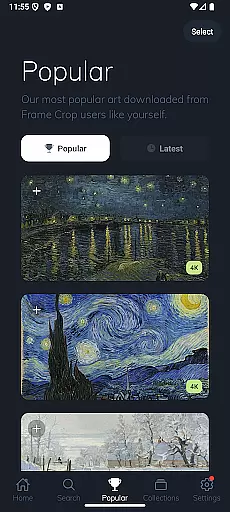
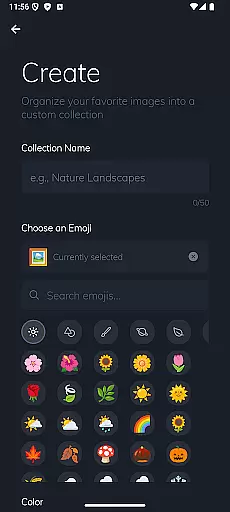
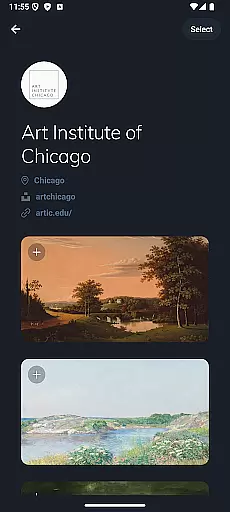
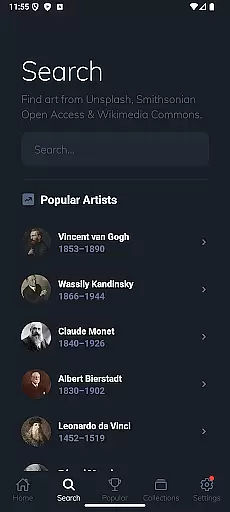
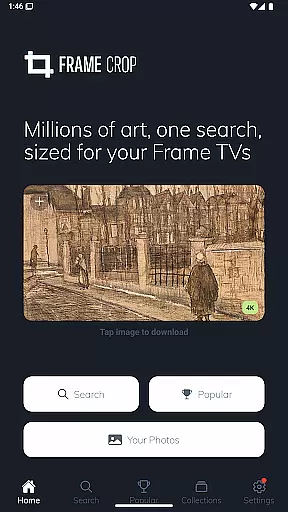
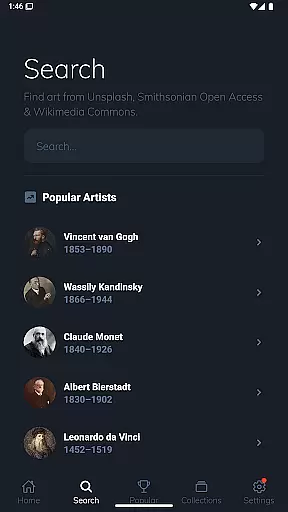
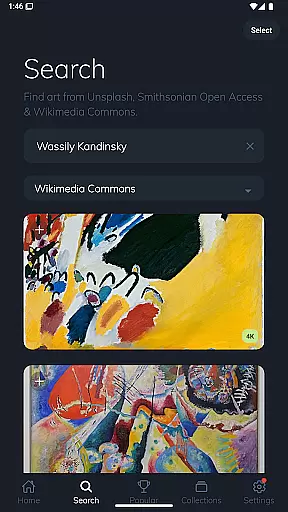
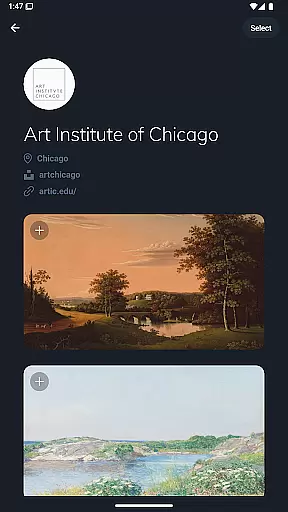
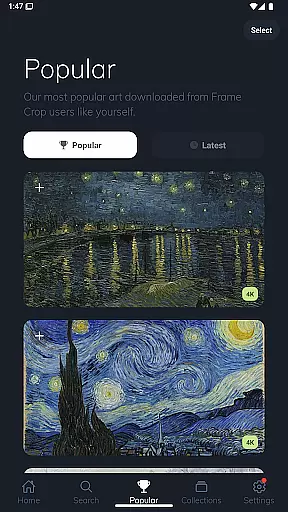
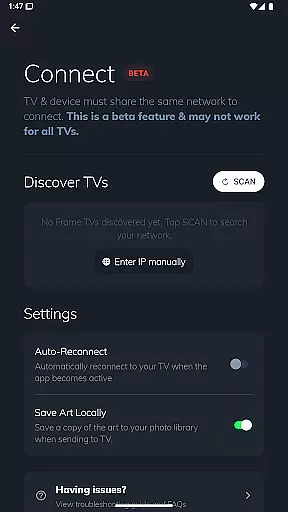

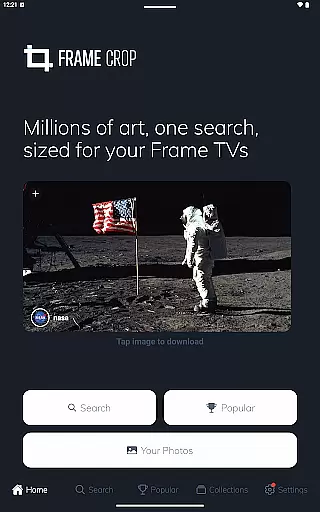
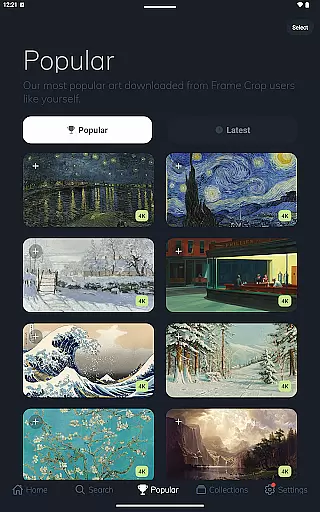
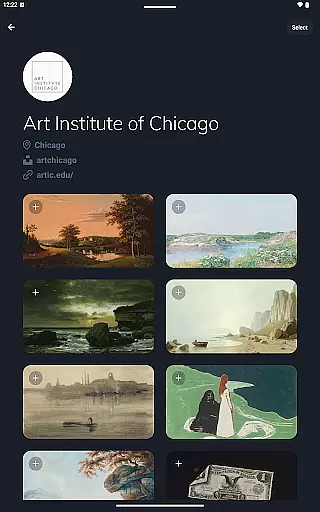
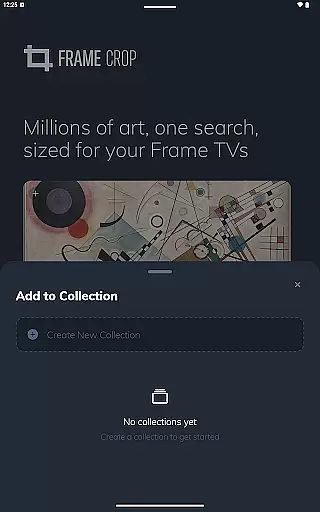
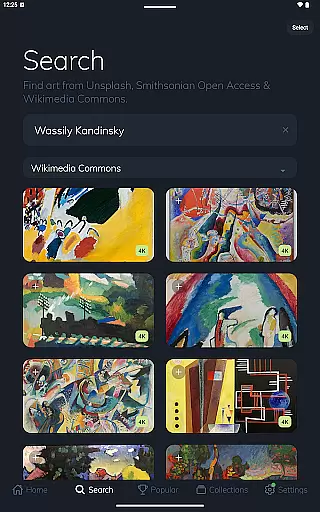
Frame Crop is a specialized application designed for Samsung Frame TV and Hisense CanvasTV owners who wish to enhance their viewing experience with personalized artwork. This app allows users to browse, crop, and download high-quality images from renowned libraries such as Smithsonian Open Access and Unsplash. With its intuitive cropping tools, users can effortlessly adjust photos to fit the unique borderless display of their TVs.
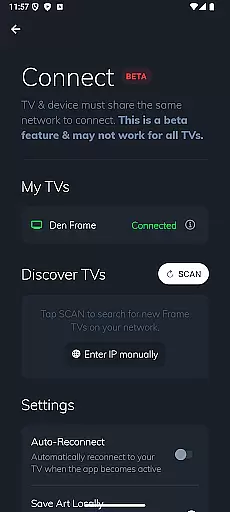
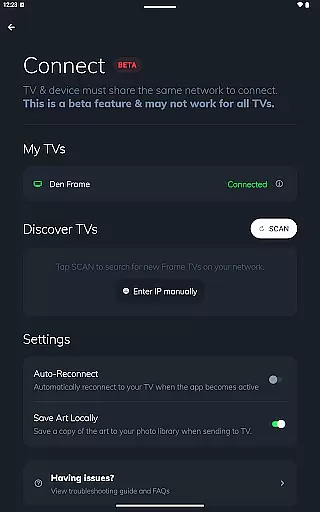
In addition to offering access to thousands of professional paintings and photographs, Frame Crop supports portrait-mounted TVs, making it versatile for different home setups. Whether you want to showcase cherished memories or stunning landscapes, this app provides a seamless way to match your TV's art with your mood or interior design. The integration with SmartThings further enhances user control over their digital displays.
Frame Crop stands out with its powerful yet user-friendly features tailored specifically for art enthusiasts and tech-savvy homeowners. One of its key highlights is the advanced photo-cropping tool that ensures every image perfectly fits the screen dimensions of Samsung Frame TVs and Hisense CanvasTVs. This feature is particularly beneficial for those who mount their TVs in portrait orientation, as it maintains the integrity of vertical images.
Beyond customization, Frame Crop offers an extensive library sourced from prestigious platforms like Smithsonian Open Access, Unsplash, and Wikimedia Commons. Users can explore diverse categories including art, animals, and landscapes, all in stunning high resolution. The app also enables easy switching of displayed art through the SmartThings app, allowing users to refresh their space with new visuals whenever desired. These capabilities make Frame Crop an essential tool for transforming any living space into a dynamic art gallery.
Real-time capture and preview functionality is essential for photography apps like Frame Crop. This feature allows users to see exactly how their selected artwork or personal photos will appear on their Samsung Frame TV or Hisense CanvasTV before finalizing the display.
Frame Crop excels in this area by providing intuitive cropping tools that enable users to adjust images precisely to fit the unique borderless display of their TVs. The app supports both landscape and portrait orientations, ensuring that every piece of art looks its best regardless of the TV's mounting.
Users benefit from the ability to instantly preview changes, which saves time and enhances the overall experience. By offering a seamless transition from selection to display, Frame Crop ensures that each piece of art or photograph perfectly matches the user's mood or home decor.
AI beauty and enhancement features are increasingly important in modern photography applications. For Frame Crop, these tools focus on optimizing artwork and photos to look stunning on high-resolution Samsung Frame TVs and Hisense CanvasTVs.
The app leverages advanced algorithms to enhance image quality without compromising naturalness. Whether it's adjusting brightness and contrast or applying subtle filters, Frame Crop ensures that every image maintains its original charm while looking its best on a large screen.
This attention to detail provides users with a superior viewing experience. By preserving the authenticity of each piece while enhancing its visual appeal, Frame Crop transforms any living space into a personalized gallery, making it easy to switch out art and photos to match changing moods or seasons.
User-friendly interface
Extensive art library
Portrait mode support
SmartThings integration
High-resolution images
Limited to specific TV models
Requires internet connection
Premium content may cost extra
Occasional app updates needed
Dependent on third-party libraries

AI portrait generator and polaroid AI selfie, fun AI generated AI photo creator!
 4.30
4.30
Gallery show photo, video, slideshow, is perfect 3D effect private photo albums.
4.80
Search, tag and rate your way to an organized image gallery
4.40
Add Watermark - Sign your pictures with a text or logo. Effective, quick, easy!
4.50
An interval timer to automate photo taking process for timelapse
2.90
Natural Beauty, Selfie Retouch
4.30
Edit like a pro with Hypic. Apply filters, AI effects, & magic touch.
4.40
AI photo editor with hair editor, retouch tools, hair color changer & filters!
4.50
Create AI photos & videos with Enhancer; restore, fix, beautify, enhance photos
4.50
Easily create custom gifts, cards, photo books & more on the Shutterfly app!
4.60
Unblur, enhance & restore photos with powerful AI photo enhancer tools.
4.60
Use AI Video Generator to turn your words to ai generated videos.
4.50
Future baby face generator: AI kids generator, kid face! What my baby look like?
4.40
All-in-One Editor & AI Photo Enhancer, Beautify & Retouch, Collage, Cartoonify
4.20
Create AI Photos, Improve and restore quality of blurry, old or damaged pics.
4.20
Gallery Slideshow is slideshow maker app for slideshow from your gallery photos.
3.90
Be your best in every shot! Fix, edit and retouch your face in selfies & photos.
3.70
Long exposure camera with computational photography
2.60
HD Photo gallery and photo manager to edit, hide private photos, videos & albums
4.4


User Reviews