
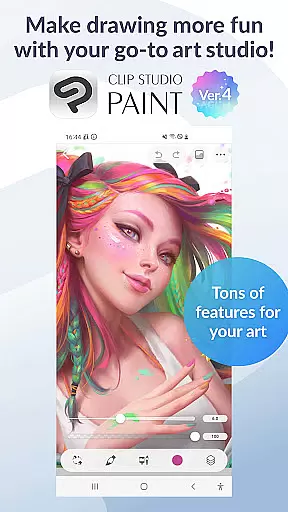
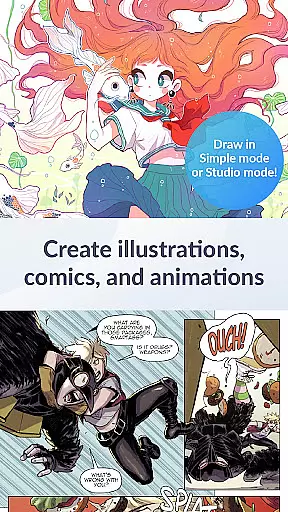
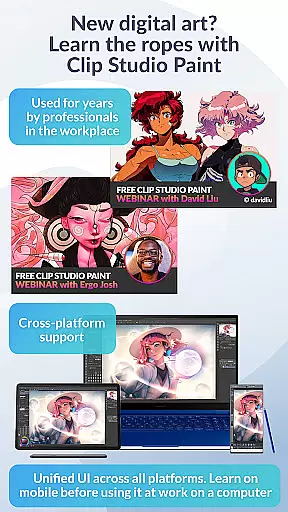
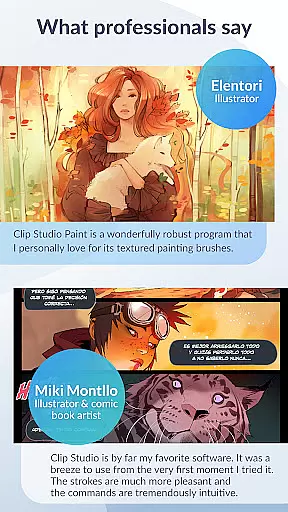
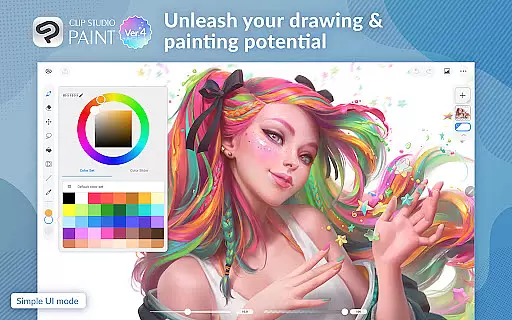
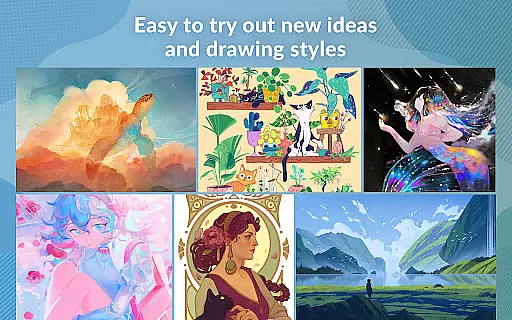
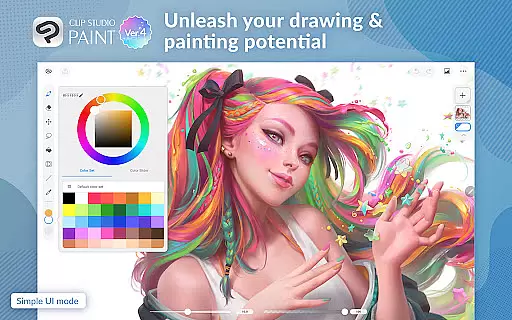
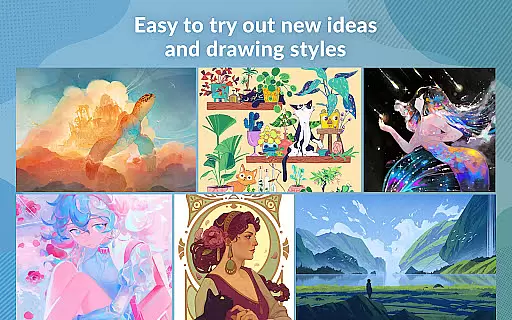
Clip Studio Paint is a premier digital art application designed for artists and creators who want to bring their ideas to life. With its robust set of features, it caters to both beginners and professionals in the Art & Design category. The app offers a free 30-day trial period, allowing users to explore its extensive capabilities without any initial investment.
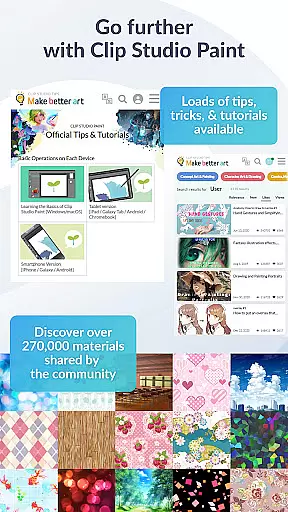
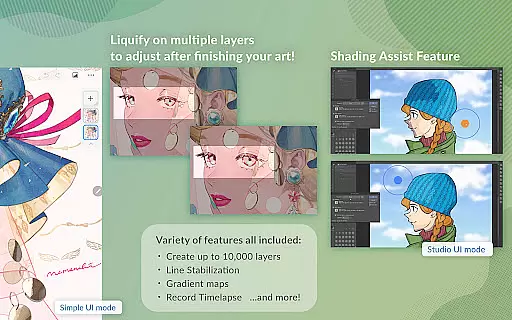
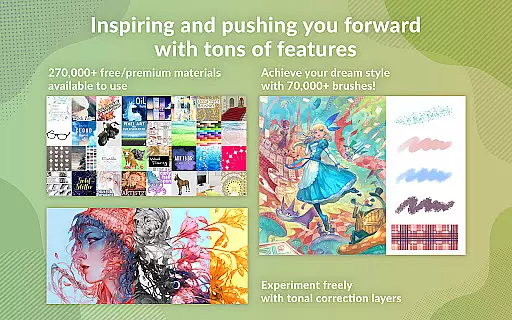
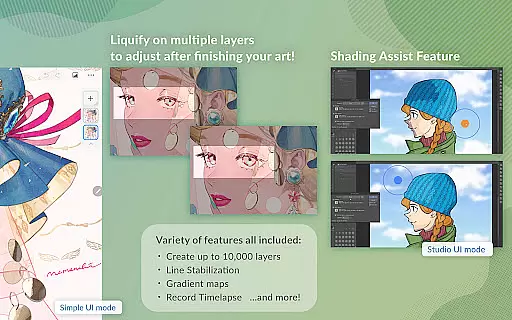
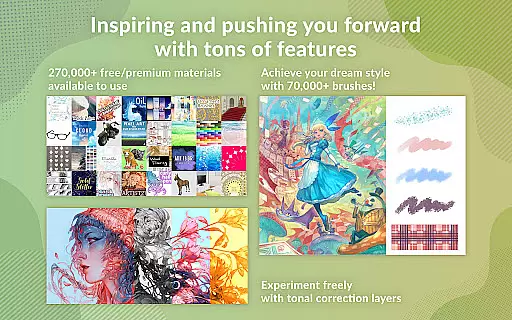
The application supports advanced drawing tools, including the ability to create up to 10,000 layers, pose 3D models, and use liquify effects on multiple layers. It also provides access to over 270,000 materials made by creators worldwide, enhancing creativity with diverse textures and brushes. Whether you're working on character art, comics, or animations, Clip Studio Paint equips you with everything needed to produce high-quality artwork.
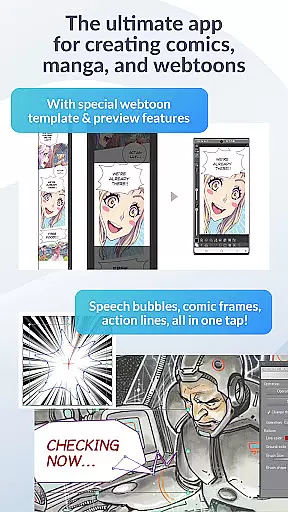
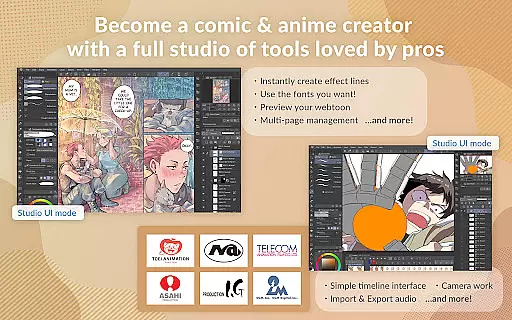
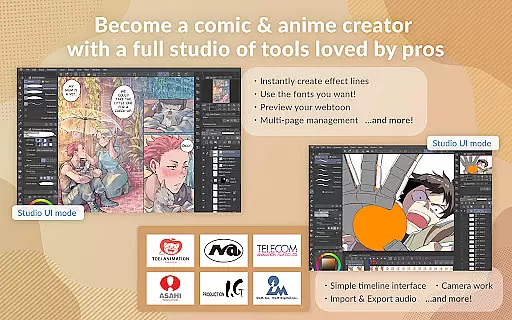
For those interested in animation, the app allows the creation of anything from simple GIFs to full-length animations with sound and camera movements. Its versatility extends to supporting multi-page works and offering specialized tools for manga and webtoon creation. By providing powerful features like vector drawing, gradient maps, and perceptual color mixing, Clip Studio Paint ensures that your artistic vision can be realized with precision and ease.
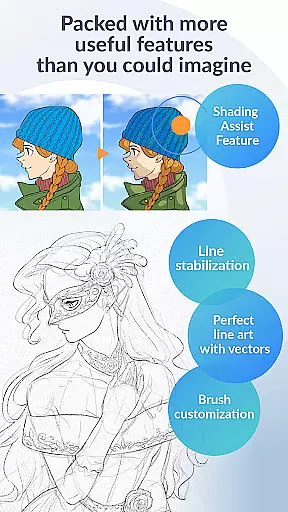
Clip Studio Paint stands out with its comprehensive feature set tailored for digital artists. One of its key highlights is the vast array of customization options available for brushes, enabling users to adjust texture, shape, dual brush settings, color mixing, spray effects, and more. This flexibility allows artists to craft their perfect brush, catering to specific styles and techniques.
In addition to customizable brushes, the app includes innovative tools such as Line Stabilization for smoother line art, Puppet Warp for adjusting drawings, and snap functions for quick object placement. These features collectively enhance the drawing experience, making it intuitive and efficient. Furthermore, the inclusion of 3D primitives helps in creating fast layouts and perspectives, which is particularly beneficial for complex projects.
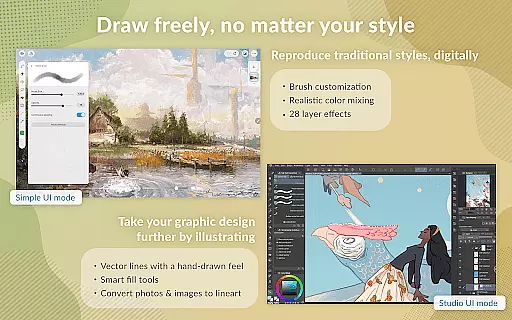
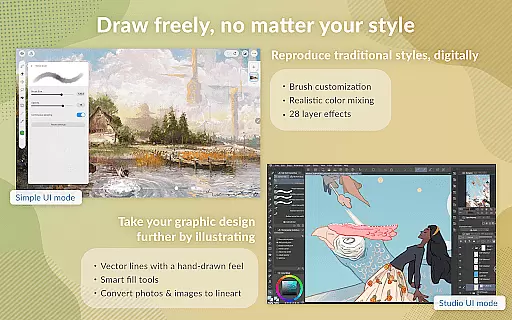
Another remarkable aspect is the app's support for vector layers, ensuring that artwork can be scaled without quality loss. With 28 layer effects and perceptual color mixing, users can achieve realistic blending of colors akin to traditional painting. The app also facilitates easy sharing of work through timelapse recordings and seamless integration with social media platforms, thus promoting artist visibility and engagement.
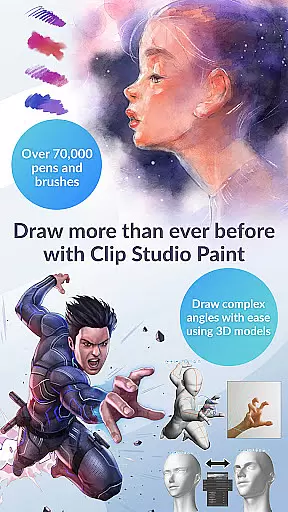
Clip Studio Paint offers an extensive suite of creative tools that cater to both professional artists and beginners. With access to over 70,000 brushes crafted by artists globally, users can find the perfect brush for their artwork. These include both free and premium options available on the dedicated Assets store.
The app provides powerful features such as vector painting, allowing artists to scale their work without any loss in quality. Additionally, with 28 layer effects at their disposal, users can enhance and touch up their creations with precision.
One of the key highlights is the ability to customize brushes extensivelyu2014altering texture, shape, dual brush settings, color mixing, spray effects, and more. This level of customization ensures that artists can create their ideal brush tailored to their specific needs.
Flexibility in canvas and format options is a significant advantage of Clip Studio Paint. Artists have the freedom to work with up to 10,000 layers, which allows for incredibly detailed artwork. The inclusion of features like Puppet Warp and Liquify on multiple layers enables users to adjust line art and colors instantly.
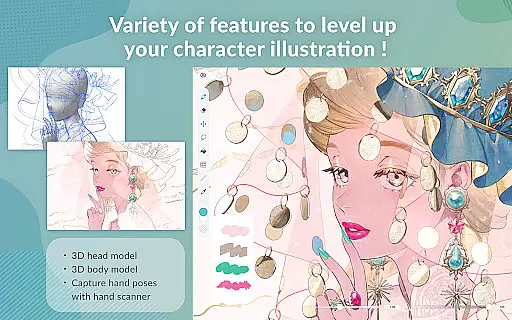
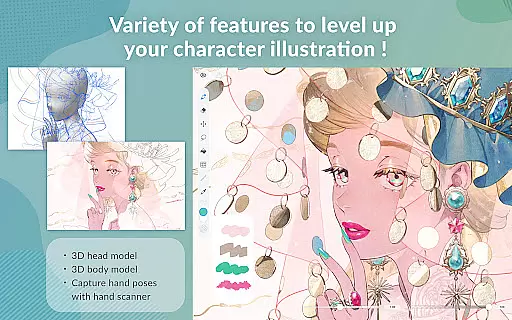
For those focused on character art, Clip Studio Paint brings characters to life through advanced tools. Users can pose 3D models to tackle difficult angles, capture hand poses with live video references, and use snap functions to place objects quickly and accurately.
Moreover, the app supports various file formats and offers cloud storage up to 10 GB, ensuring that artists can manage large files with ease. Whether creating comics, manga, or webtoons, Clip Studio Paint's versatile canvas and format capabilities provide the control needed to produce high-quality work efficiently.
User-friendly interface
Extensive brush library
Powerful layer management
Versatile animation tools
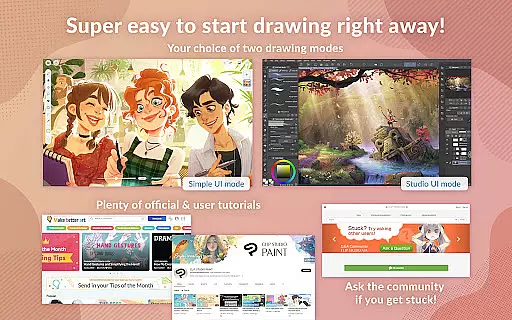
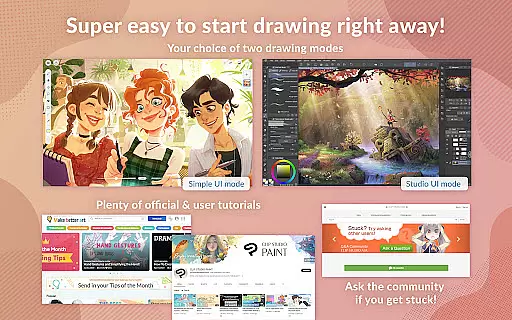
Comprehensive tutorial resources
Subscription model required
High learning curve
Limited offline functionality
Resource-intensive
Occasional bugs

Learn how to draw with step-by-step tutorials, fun lessons & multiplayer drawing
 4.70
4.70
Art of Combination Wear OS Watch faces (for Wear OS 5+ devices)
3.00
Stylish letters, Stylish Keyboard, Symbols, Emojis, Cool nickname
4.40
Sketch, trace and master AR drawing with awesome anime art!
3.30
Sketch, plan, take notes and illustrate on an infinite canvas.
4.20
2D animation studio for Android tablets - unlimited layers, infinite timeline
4.70
Kling AI is an image and video generation and editing studio powered by AI.
4.50
Draw, make movies & animate cartoons easily with our 2D animation maker app
4.40
An intuitive, high-performance painting app that lets you focus on creating
4.40
Draw on screen: FP sDraw is a simple and lightweight drawing app
4.70
Convert image to JPG PNG HEIC PDF, support almost all kinds of image formats
4.70
Digital, Abstract, Classic - all types of color wheels in one app!
4.60
Draw glowing spinners, relax, and spin your creative art
4.60
Get an overview over all your embroidery threads, projects and more.
4.60
AI Art Generator transforms your words into AI generated art & paintings.
3.70
Retouch photos. Create or edit images. Endless capabilities.
2.70
Download now for a stylish and functional timepiece
4.2
Art of Combination Wear OS Watch faces
4.5
Android 14 style widgets and wallpapers app.
4.0


User Reviews