
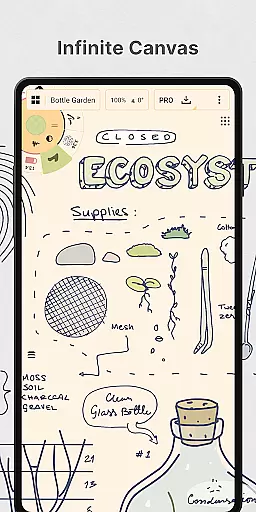
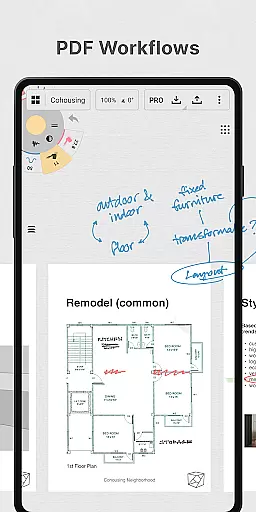
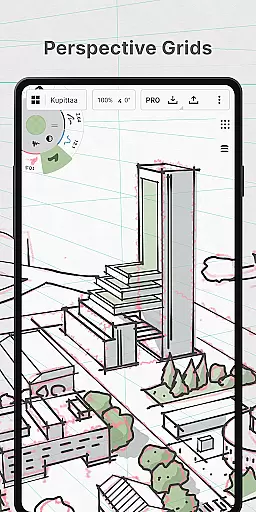
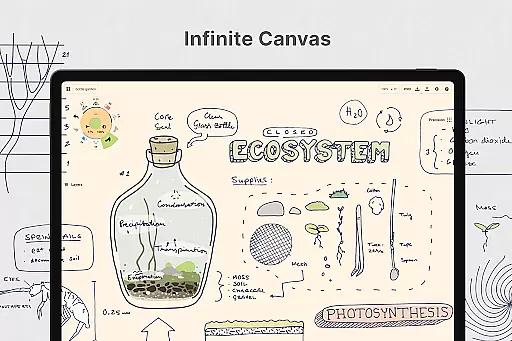
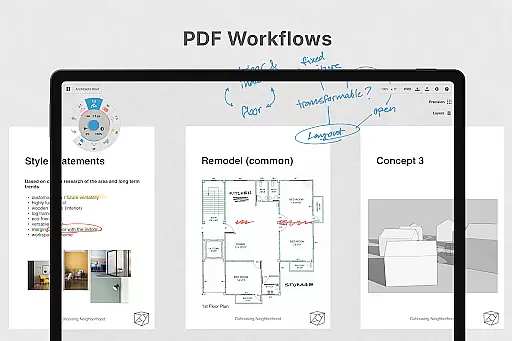
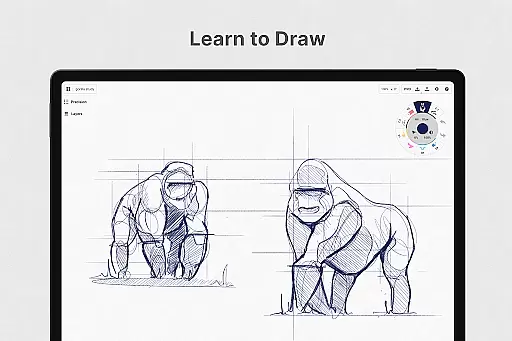
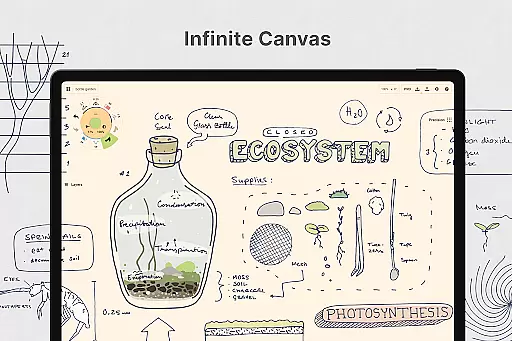
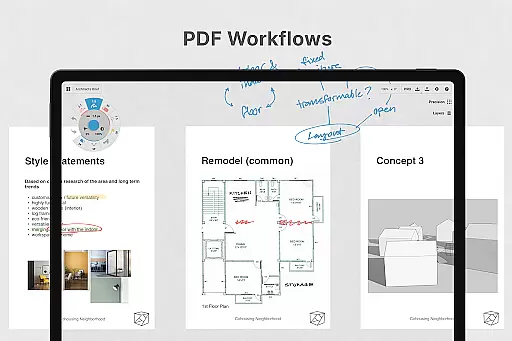
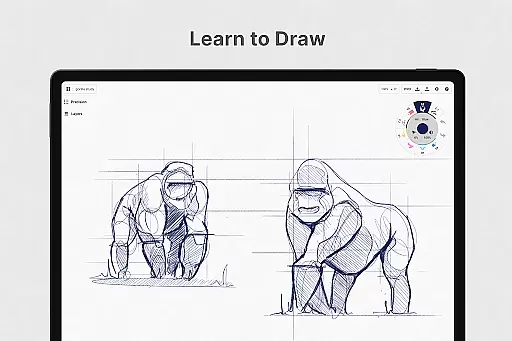
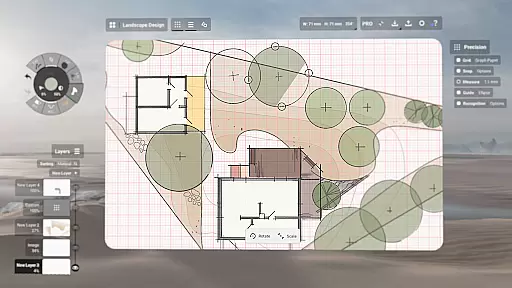
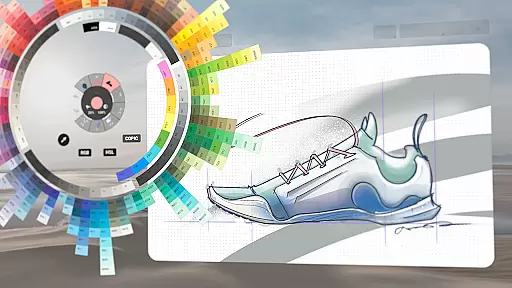
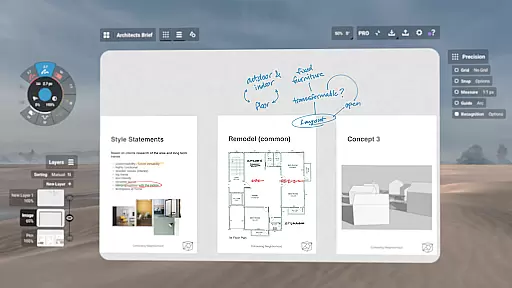
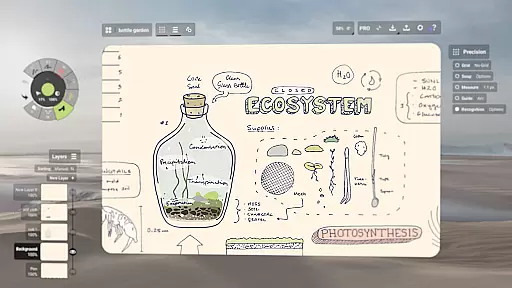
Concepts is a versatile vector-based creative workspace designed for artists, designers, and creators to bring their ideas to life. This digital sketchpad offers an infinite canvas where users can sketch plans, create mind maps, draw storyboards, and develop product designs. Its flexibility allows every stroke to be editable and scalable, making it ideal for both quick sketches and detailed design work.
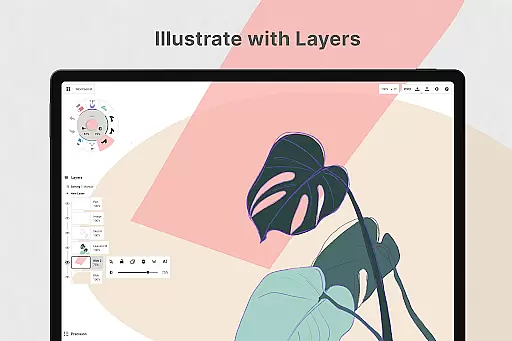
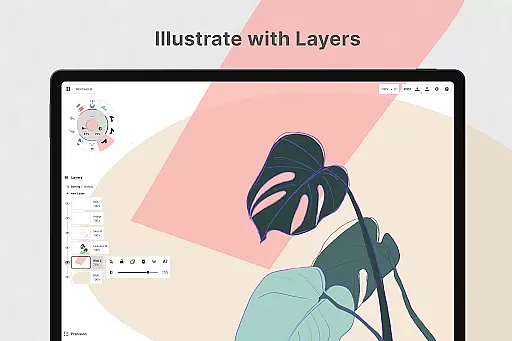
The app provides realistic drawing tools that respond to pressure, tilt, and velocity, along with customizable tool wheels and an advanced layering system. Concepts is optimized for the latest pen-enabled devices and Chrome OS, ensuring smooth responsiveness. Whether you're a professional at Disney or an independent creator, this app supports all stages of the creative process from ideation to final export.
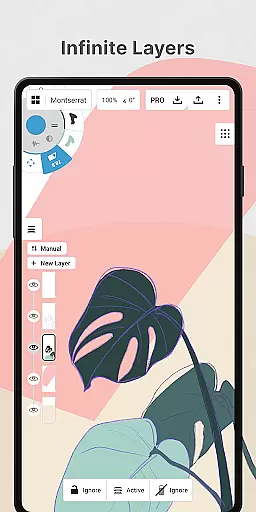
With its cross-platform availability on Android, ChromeOS, iOS, and Windows, Concepts enables seamless workflow integration. The app's free version offers essential features like basic tools and five layers, while premium subscriptions unlock advanced capabilities including infinite layers, custom grids, and various export options.
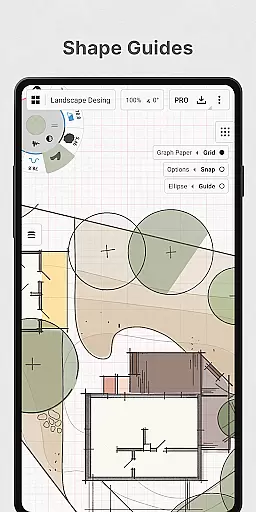
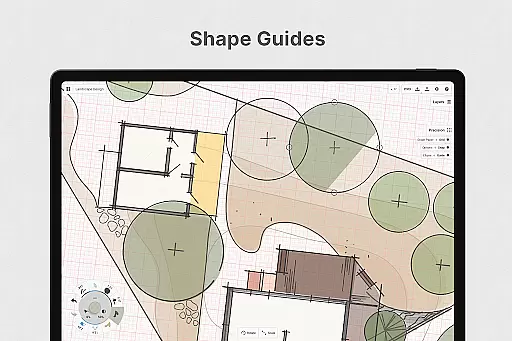
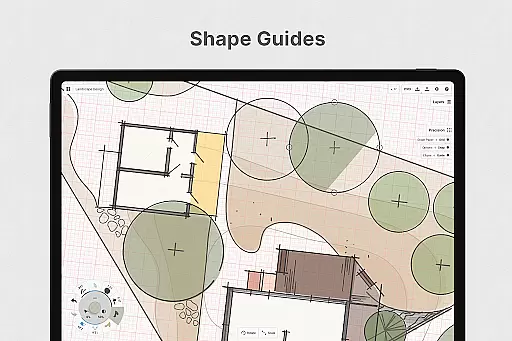
Concepts stands out with its powerful vector-based engine that allows flexible editing of strokes through adjustable properties like size, smoothing, and scale. The app includes realistic pencils, pens, and brushes that mimic traditional tools while offering digital precision. Users can take advantage of live snap, shape guides, and measurement tools for creating accurate technical drawings.
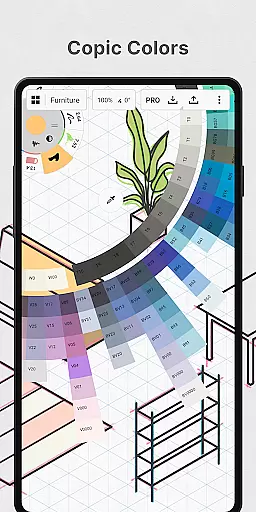
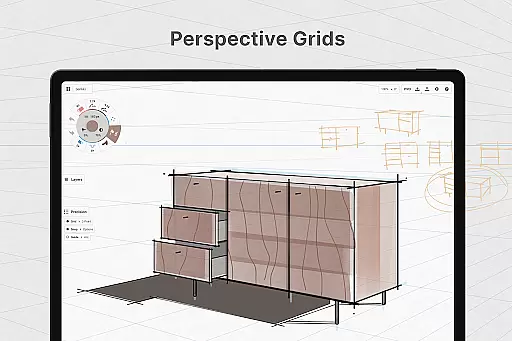
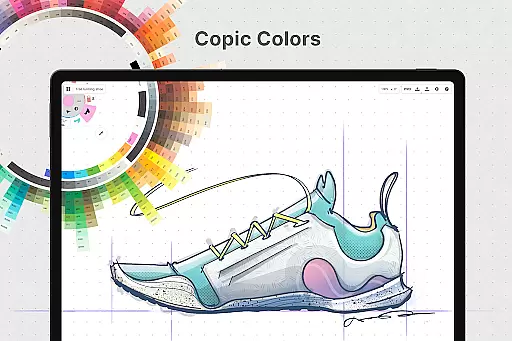
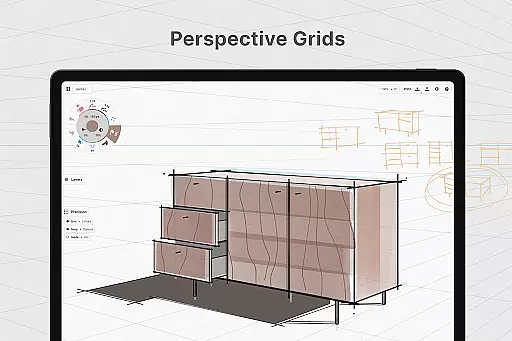
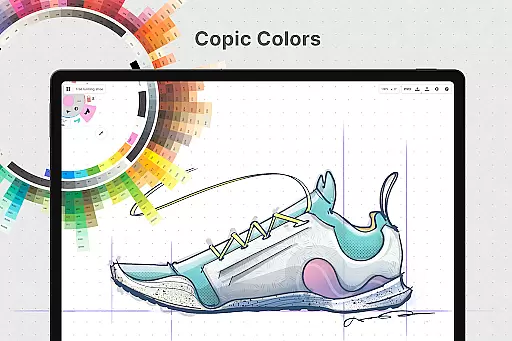
A key feature is the infinite canvas with customizable paper types and grids, providing a dynamic workspace for different project needs. The app also offers advanced color selection through HSL, RGB, and COPIC color wheels, helping users create visually cohesive designs. With personalized customization options for canvas settings, gestures, and tool presets, each user can tailor their workspace.
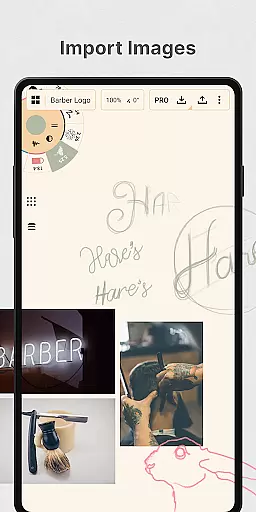
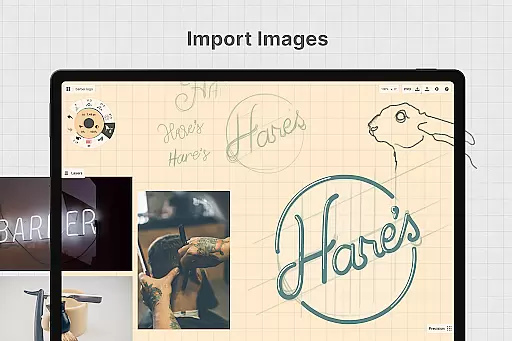
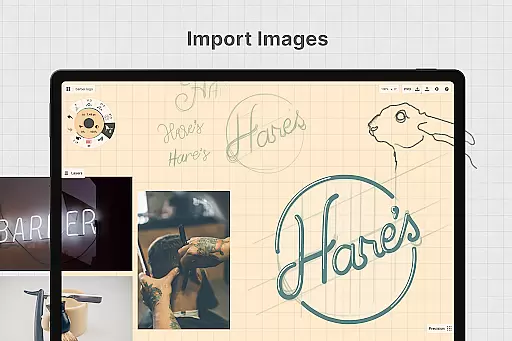
Professional-grade export options include PNG, PSD, SVG, and DXF formats, facilitating collaboration and printing. The gallery system allows easy iteration management, while drag-and-drop functionality enables quick image importing. These comprehensive features make Concepts suitable for various creative workflows, from initial sketches to final production-ready files.
In the realm of digital art and design, having a comprehensive set of creative tools is paramount. Concepts offers an extensive array of instruments that cater to every artist's needs. The app provides realistic pencils, pens, and brushes that respond to pressure, tilt, and velocity, with adjustable live smoothing to refine your strokes.
Moreover, Concepts boasts an infinite canvas with various paper types and custom grids, allowing creators the freedom to explore vast creative landscapes without constraints. This feature is particularly beneficial for professionals who require flexibility in their workflow, enabling them to switch between different grid systems or paper textures as per project demands.
The inclusion of a customizable tool wheel or bar ensures that users can tailor their workspace according to personal preferences, thus streamlining the creative process. With an infinite layering system featuring automatic sorting and adjustable opacity, artists have complete control over how elements interact within their compositions.
By providing such a robust suite of creative tools, Concepts empowers designers and illustrators to bring their visions to life with precision and ease. Whether you're sketching preliminary ideas or finalizing detailed artwork, this application serves as a versatile companion throughout the entire creation journey.
Flexibility in canvas size and format options is crucial for accommodating diverse artistic projects. Concepts addresses this need by offering an expansive, adaptable workspace that supports varied creative endeavors. Its infinite canvas allows artists to expand their work area indefinitely, which is ideal for large-scale projects or when inspiration strikes beyond standard dimensions.
Artists can choose from multiple paper types and grid configurations, tailoring the background to suit specific tasksu2014be it drafting architectural blueprints on graph paper or painting freehand on textured surfaces. This versatility ensures that no matter what kind of project you're working on, thereu2019s a fitting foundation available within Concepts.
Furthermore, the ability to personalize nearly every aspect of the interfaceu2014from arranging favorite tools into a customized toolbar to setting up unique gesture controlsu2014enhances user experience significantly. Such adaptability not only boosts productivity but also makes each session more enjoyable by aligning closely with individual workflows.
Ultimately, Concepts stands out among Art & Design applications due to its unparalleled canvas and format flexibility. By removing traditional boundaries associated with physical media, it invites creators to push the limits of their imagination while maintaining full control over presentation details.
Highly responsive drawing tools
Infinite canvas flexibility
Cross-platform compatibility
Advanced vector editing
Professional export options
Premium features costly
Steep learning curve
Limited free version
Resource intensive
Subscription required

Premium version of Shimeji-ee app with no ads & no limit active shimeji
 4.1
4.1
Text to Image, Image to Video & AI Chat
4.20
Logo Generator powered by AI: Create stunning logos effortlessly!
4.70
Unleash Your Creativity with Draw Cartoon - AR Drawing App
4.10
Turn your drawings into flipbook-style animations with simple creative tools
4.60
Art of Combination Wear OS Watch Faces
3.30
Create cute cat emojis & PFPs! Fun, custom avatars for cat lovers.
3.70
Multiplayer Drawing game, Coloring, Painting・Sketch, Handwriting・Paint, draw
4.30
All-in-One art, logo & collage maker. Design photos and edit video backgrounds
4.80
Make your phone cooler and have a fantastic experience
4.80
2D animation studio for Android tablets - unlimited layers, infinite timeline
4.70
Photo stitcher for automatically screenshot stitching into a long screenshot
4.70
Castle is social media for creating and playing games!
4.60
AI Tattoo Generator: Create Tattoo Designs & Get Ideas! Ink & Stencil Maker
4.50
Nano Banana AI Image Generator, Anime Filter, AI Portrait, AI Photo Generator
4.30
Digital Drawing: Draw & Paint
4.10
Design your dream room with AI. Get decor ideas & plan home interiors
3.90
Meet the magic aı 3d photo generator and smart AI video generator app.
3.20
Art of Combination Wear OS Watch faces (for Wear OS 5+ devices)
3.00


User Reviews