
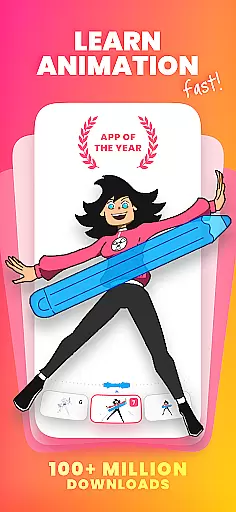
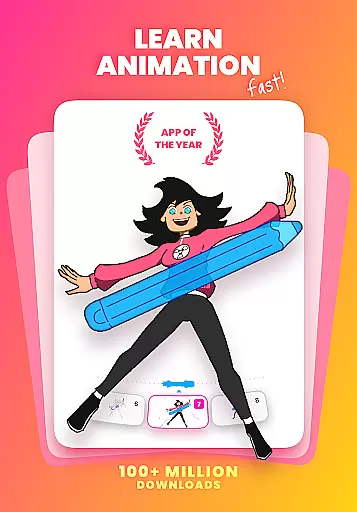
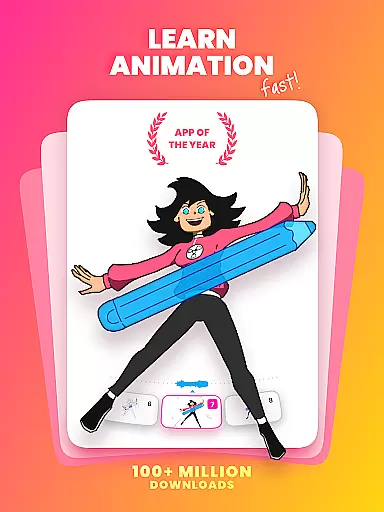
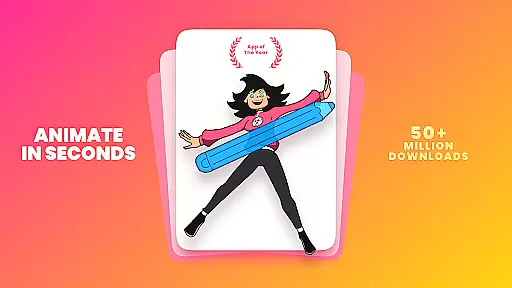
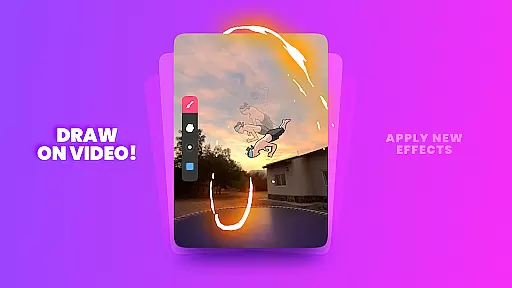
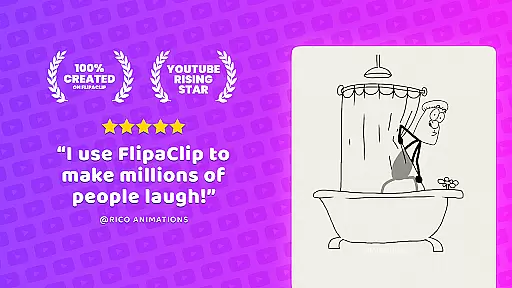

FlipaClip is a premier 2D animation app designed for artists and creators who want to bring their drawings to life. This powerful tool allows users to draw, animate, and create short animated movies and flipbooks with ease. With its intuitive interface and professional-grade features, FlipaClip caters to both beginners and experienced animators.
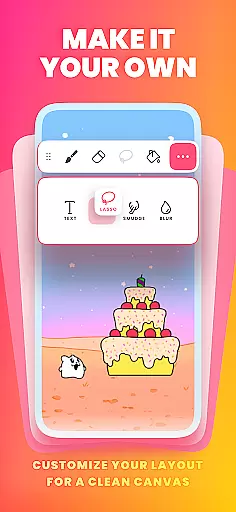
The app offers a comprehensive suite of drawing tools including brushes, fill, lasso, eraser, ruler, text, and shape tools. Users can enjoy frame-by-frame animation with onion skinning, up to 10 layers for complex drawings, and support for pressure-sensitive styluses like the Samsung S Pen. Whether you're into cartoon making, anime drawing, or stop motion animation, FlipaClip provides all the necessary tools to create stunning animations.
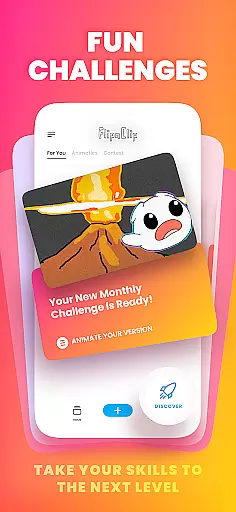
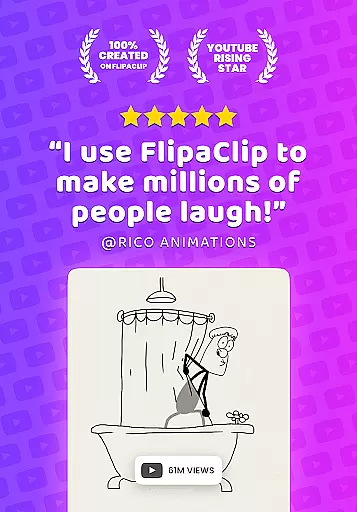
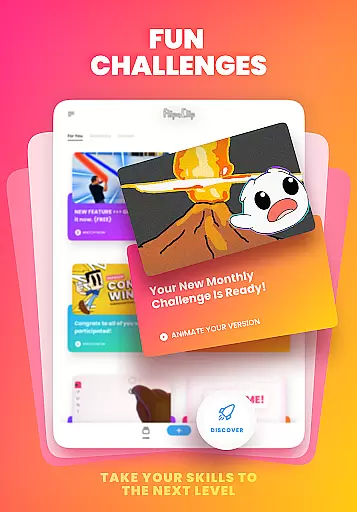
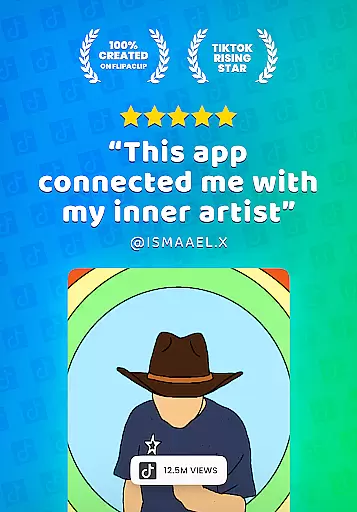
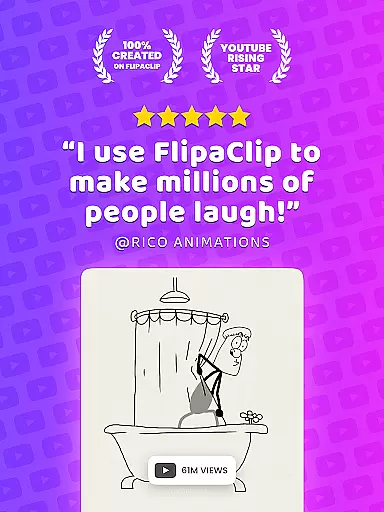
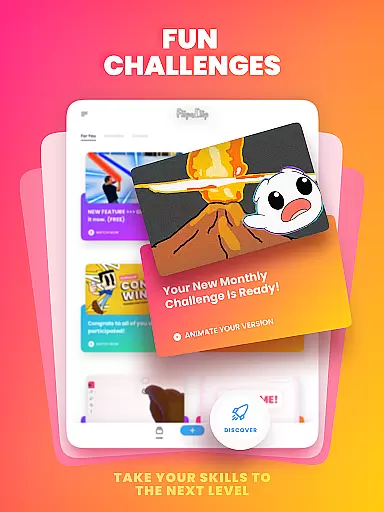
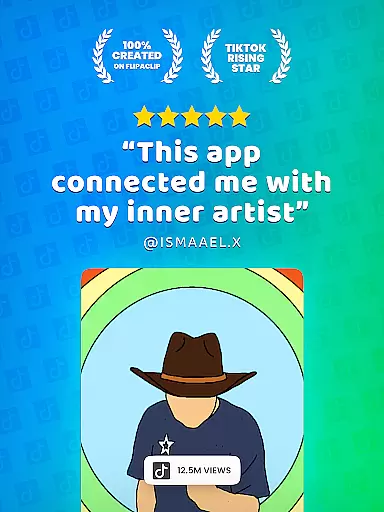
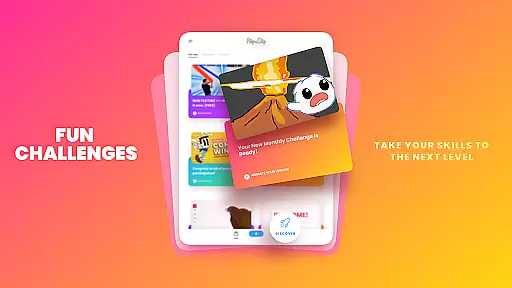
FlipaClip stands out as an award-winning animation app, recognized for its user-friendly design and versatility. It's perfect for learning animation, storyboarding, or creating flipbook projects. Join a vibrant community of over 80 million users and participate in weekly challenges and seasonal contests to enhance your skills and showcase your work.
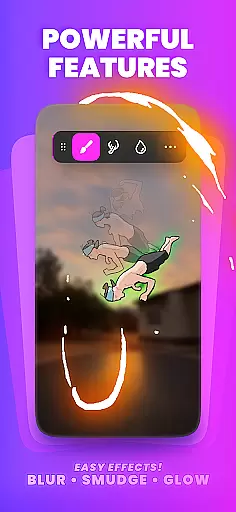
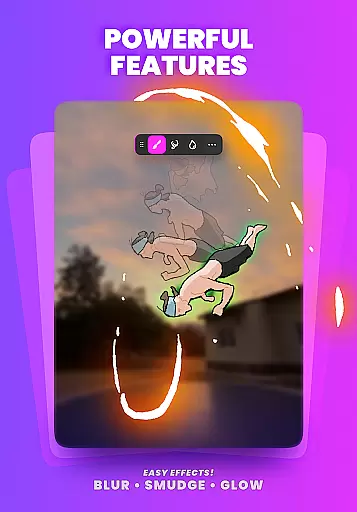
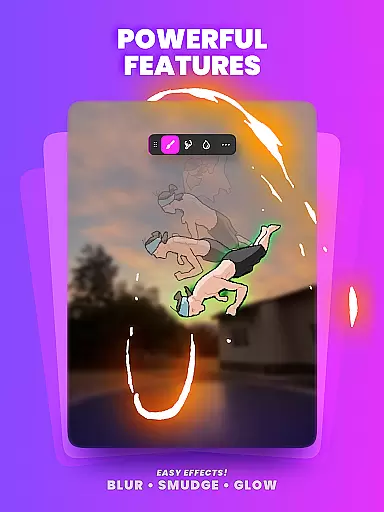
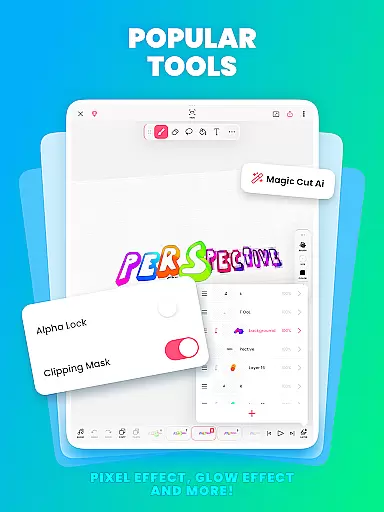
FlipaClip boasts a rich set of features that make it the go-to choice for animators. The app includes a frame-by-frame animation timeline for precise control, onion skin tools for smooth transitions, and up to 10 layers (with 3 free) for intricate drawings. Users can also apply glow effects and blending modes to enhance their creations.
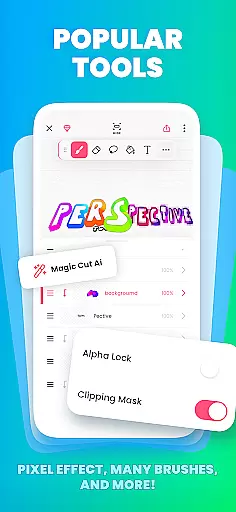
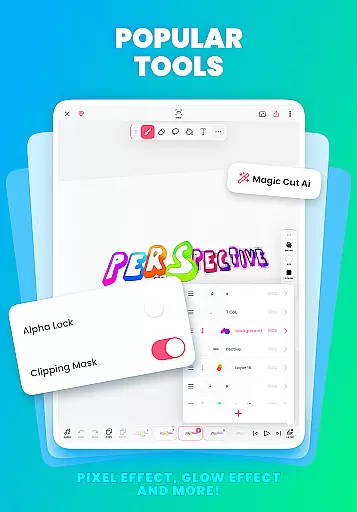
One of the standout features is Magic Cut, an AI-powered tool that instantly slices images and objects from frames, streamlining the animation process. Additionally, FlipaClip supports importing photos or videos for rotoscope animations and exporting in various formats such as MP4, GIF, or PNG sequences with transparency.
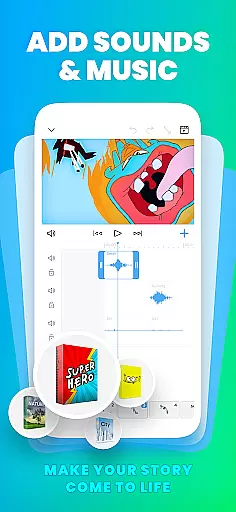
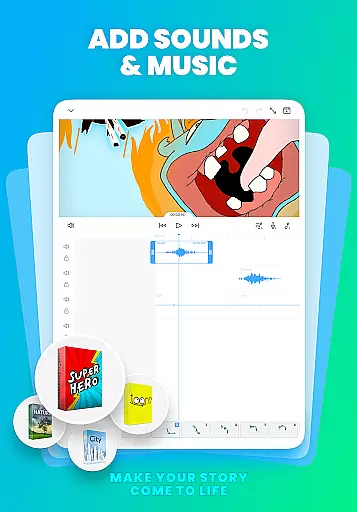
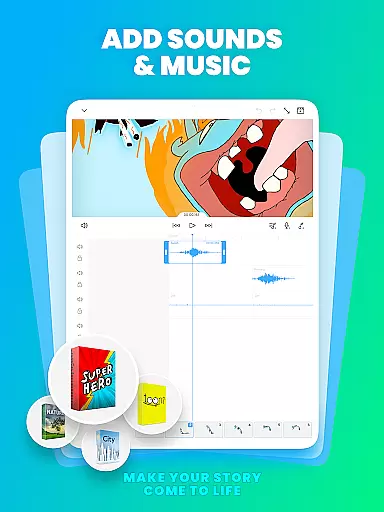
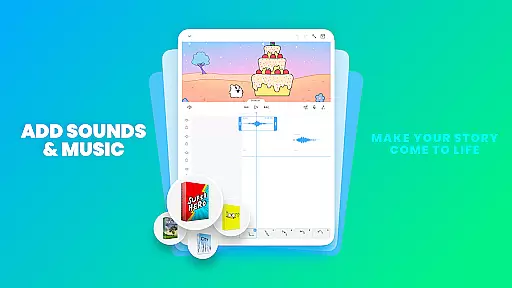
Audio integration is seamless with FlipaClip, allowing users to add music, voice, and sound effects. The AI Voice Maker feature adds natural, lifelike narration to animations, while up to 6 free audio tracks can be synchronized perfectly with the animation timeline. These robust features ensure that every animation is not only visually captivating but also rich in sound.
FlipaClip stands out as a comprehensive creative suite for both budding and professional animators. The app offers a complete set of drawing tools including brushes, fill options, lasso, eraser, ruler, text, and shape tools. These features allow users to sketch their ideas with precision and ease.
With support for up to 10 layers (3 free), creators can work on complex drawings and animations. The inclusion of advanced features like onion skinning ensures smooth transitions between frames, while the glow effect and blending modes add depth and texture to animations.
For those looking to incorporate real-world elements, FlipaClip allows importing photos or videos to create rotoscope animations. Additionally, Magic Cut, an AI-powered tool, enables instant slicing of images and objects from frames, enhancing the creative possibilities.
The ability to export in MP4, GIF, or PNG sequences with transparency makes it versatile for various platforms. Whether you're into cartoon making, anime drawing, or stop motion animation, FlipaClip provides all the necessary tools to bring your imagination to life.
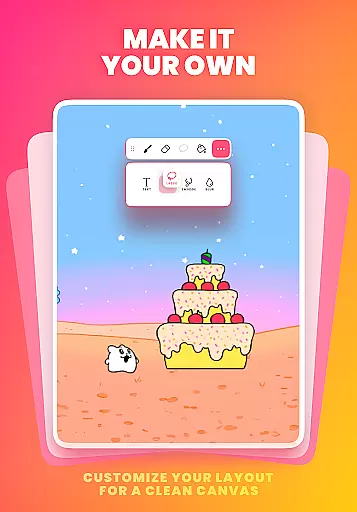
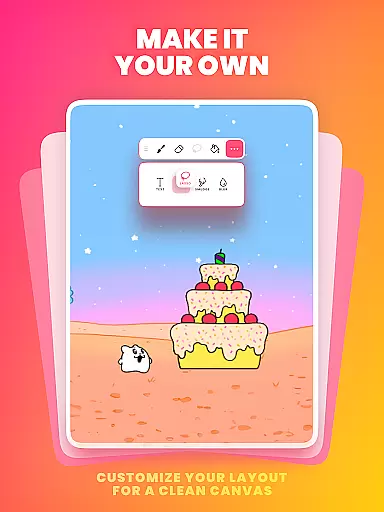
Flexibility is at the core of FlipaClip's design, offering artists the freedom to experiment with custom canvas sizes. This adaptability ensures that whether you're creating simple doodles or detailed professional scenes, the app accommodates all your needs seamlessly.
The app supports pressure-sensitive styluses such as Samsung S Pen and SonarPen, providing a natural and precise drawing experience. This feature is crucial for artists who require meticulous control over their strokes and lines.
Moreover, FlipaClip caters to a wide range of formats, allowing users to export their work in multiple file types. This includes MP4 for video animations, GIFs for looping clips, and PNG sequences with transparency for professional editing purposes.
Such versatility not only enhances the creative process but also ensures compatibility across different platforms and devices. Artists can focus on their work without worrying about format limitations, making FlipaClip an ideal choice for diverse artistic endeavors.
User-friendly interface
Professional-grade tools
Vibrant community support
AI-powered features
Export flexibility
Limited free layers
Premium features cost
Steep learning curve
Occasional bugs
Device compatibility issues

Discover Cartoon Dream : Unleash Your Creativity with CuttingEdge AI
 4.50
4.50
Create trending AI photos & videos with powerful effects and 3D styles.
3.20
Draw on screen: FP sDraw is a simple and lightweight drawing app
4.70
The perfect place to start sketching! Use Sketchbook to draw and paint sketches.
4.50
Create stunning art with AI.
4.80
Turn your drawings into flipbook-style animations with simple creative tools
4.60
Android 14 style widgets and wallpapers app.
4.5
A luxurious gold watch face for an elegant and refined look.
4.0
2D animation studio for Android tablets - unlimited layers, infinite timeline
4.70
See Color, Paint Color
4.90
Learn how to draw with step-by-step tutorials, fun lessons & multiplayer drawing
4.70
Draw glowing spinners, relax, and spin your creative art
4.60
Get an overview over all your embroidery threads, projects and more.
4.60
Image/ Text to Video Generator
4.40
Trace, draw, and create art with AR - from memes to masterpieces!
4.30
OneUI 8.5 icons ✨ Smooth, modern & based on the latest Play Store design ??
4.10
Art of Combination Wear OS Watch faces (for Wear OS 5+ devices)
3.90
Turning simple sketches into captivating tales filled with life and motion
3.90
Art of Combination Wear OS Watch Faces
4.5


User Reviews