
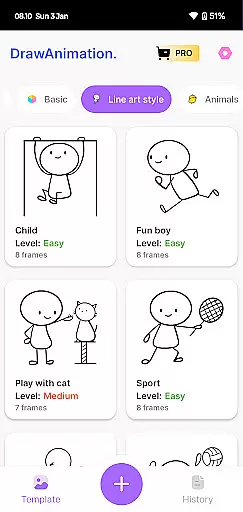
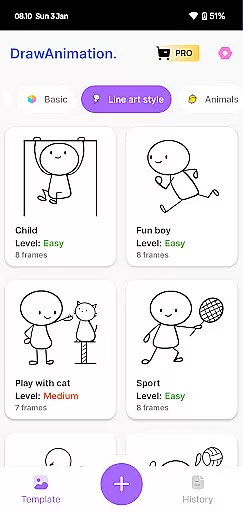
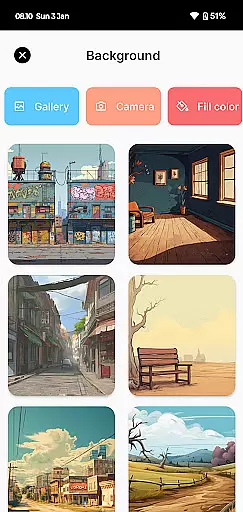
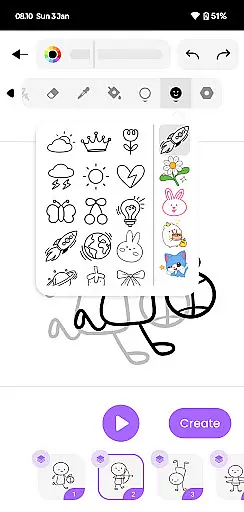
Draw Animation Maker is an innovative app in the Art & Design category that empowers users to transform simple doodles into captivating animations. The application provides a complete animation creation experience, allowing users to draw frame by frame and build dynamic flipbook-style animations.
With its intuitive interface, the app makes animation accessible to both beginners and experienced creators. Users can design unique characters, create engaging storylines, and produce professional-quality animated content in GIF and MP4 formats. Whether you're looking to create humorous shorts or develop more complex narratives, Draw Animation Maker offers the tools needed to bring your artistic vision to life.
The app's value extends beyond entertainment, serving as an excellent educational tool for learning animation principles and developing creative skills. Its comprehensive feature set makes it particularly useful for aspiring animators and artists seeking to expand their digital art capabilities.
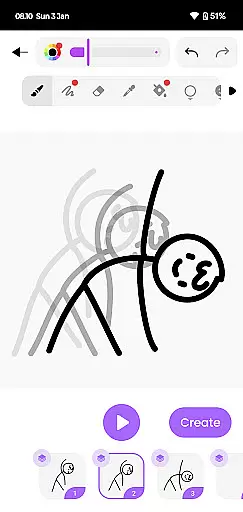
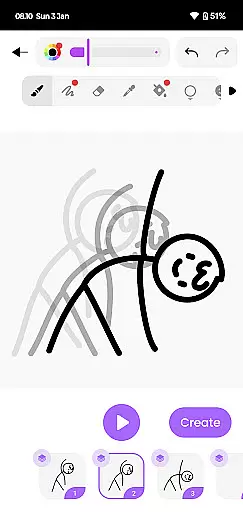
Draw Animation Maker distinguishes itself through several remarkable features that enhance the animation creation process. The app's frame-by-frame drawing capability allows for precise control over each animation segment, enabling users to create smooth transitions and detailed movements.
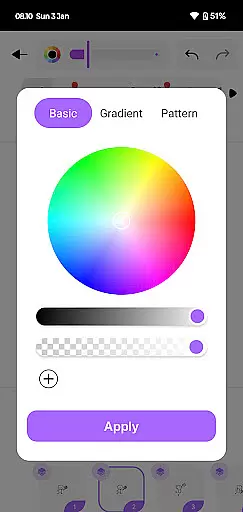
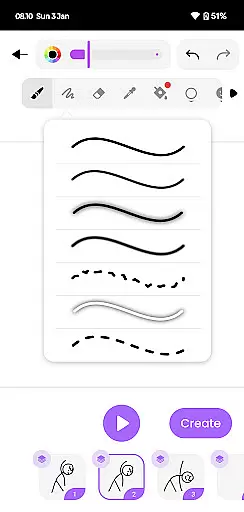
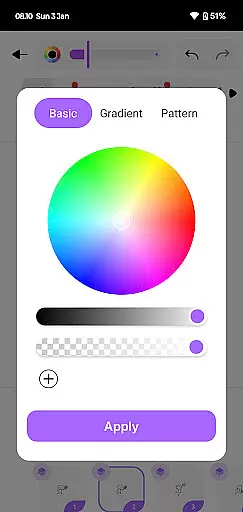
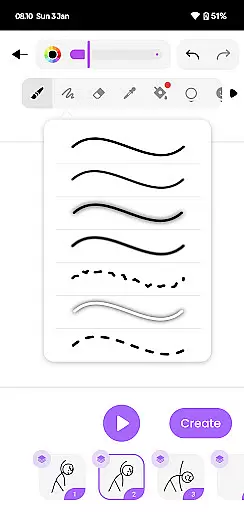
A key strength lies in its versatile drawing tools, which include various brush styles, color options, and layer management features. These professional-grade tools help users produce high-quality animations while maintaining an easy-to-use interface. The app also supports multiple export formats including GIF and MP4, making it convenient to share creations across different platforms.
Additional notable features include an intuitive timeline editor for managing animation sequences, onion skin functionality for better frame referencing, and customizable canvas settings. These elements combine to create a powerful yet user-friendly animation studio that fits right in your pocket, suitable for both casual creators and serious animators.
In the realm of digital artistry, having a comprehensive suite of creative tools is paramount. Draw Animation Maker stands out by offering an extensive array of features that cater to both budding and seasoned animators. The app provides everything from basic drawing tools to advanced frame-by-frame animation capabilities.
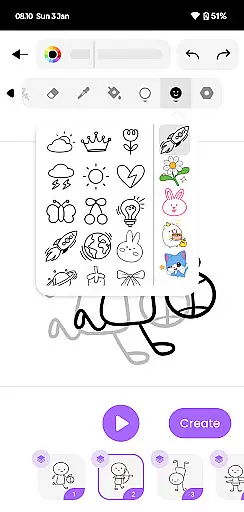
Users can access a variety of brushes, colors, and effects to bring their creations to life. This diversity ensures that artists are only limited by their imagination, not by the available tools. Whether crafting simple cartoons or intricate anime scenes, the app's robust toolkit supports every step of the creative process.
The inclusion of flipbook-style animation allows creators to weave unique narratives with precision. Each frame can be meticulously crafted and edited, ensuring smooth transitions and dynamic storytelling. This level of detail empowers users to produce professional-quality animations on their mobile devices.
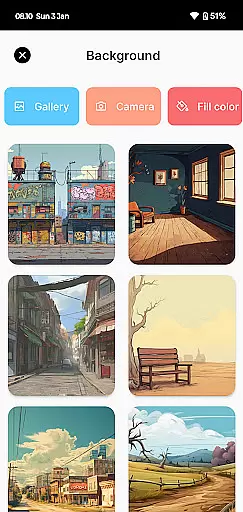
Flexibility in canvas size and format options is crucial for creating diverse artistic projects. Draw Animation - Anim Creator excels in providing adaptable solutions for various creative needs. Users can customize their workspace to suit different project requirements, whether they're designing compact GIFs or expansive animated shorts.
The app supports multiple file formats, including GIFs and MP4s, allowing seamless integration into different platforms and uses. This versatility ensures that animations can be easily shared across social media or incorporated into larger multimedia projects. Artists have the freedom to experiment with different formats without being constrained by the app's limitations.
Moreover, the ability to save and export work in high-quality formats enhances the overall value of the final product. Creators can confidently share their masterpieces, knowing that the visual integrity will be preserved. This adaptability makes Draw Animation Maker an indispensable tool for anyone looking to explore the vast potential of digital animation.
User-friendly interface
Frame-by-frame control
Multiple export options
Professional drawing tools
Onion skin functionality
Limited advanced features
Occasional performance lag
Basic color palette
No collaborative tools
Learning curve for beginners

Custom Character Creator & PFP Maker!
 4.20
4.20
AI Assistant, powered by ChatGPT GPT-4 & GPT-4o. Your intelligent companion.
3.50
Paint with oils and sketch with natural tools on a realistic virtual canvas.
3.80
Create stunning video, photo & magic from text with FlixAI GPT video generator.
3.10
The perfect place to start sketching! Use Sketchbook to draw and paint sketches.
4.50
Get creative and make art with your Sesame Friends!
4.00
Mobile pixel art editor. Simple. Fast. Portable.
4.80
Just trace a projected picture on paper and color! Draw & Paint with AR drawing
4.40
Multiplayer Drawing game, Coloring, Painting・Sketch, Handwriting・Paint, draw
4.30
Make your phone cooler and have a fantastic experience
4.80
Convert image to JPG PNG HEIC PDF, support almost all kinds of image formats
4.70
Draw glowing spinners, relax, and spin your creative art
4.60
Get an overview over all your embroidery threads, projects and more.
4.60
800+ Drawing, Painting Lessons App to Practice, Sketch & Paint Art.
4.30
AR Anime Drawing: How to draw anime with AR drawing & sketching apps!
4.00
Powerful home decoration & house design that allows you to design dream home.
3.80
Draw anime easily with AR guidance, sketch templates & trace tools!
3.10
Transform photos into amazing monochrome dither art with professional algorithms
4.5
Your Essential Color Theory Guide: Red, Yellow, Blue (RYB)
4.0


User Reviews