
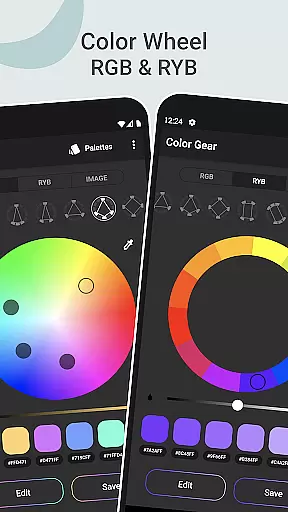
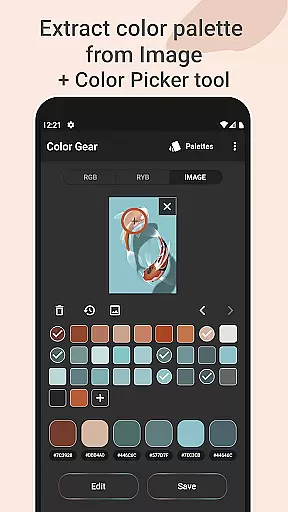
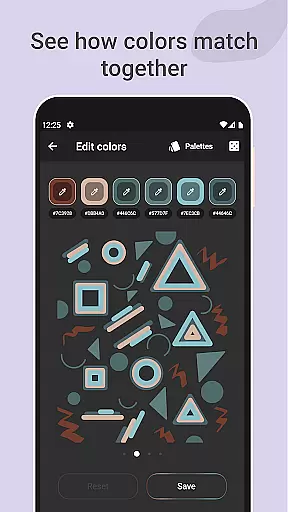
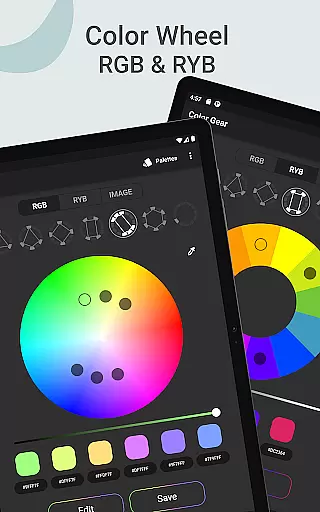
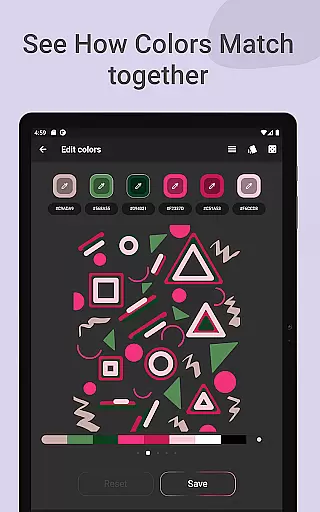
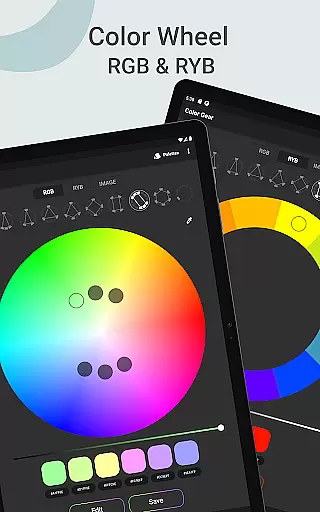
Color Gear is an essential tool for designers and artists seeking to master color theory and create harmonious palettes. The app supports two color models - RGB and Itten Color Wheels, allowing users to apply over 10 color schemes. This functionality helps in understanding the basis of color theory through digital media and traditional art forms.
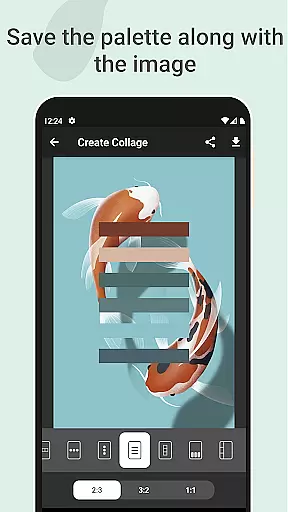
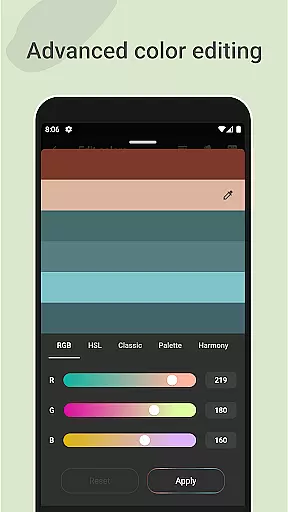
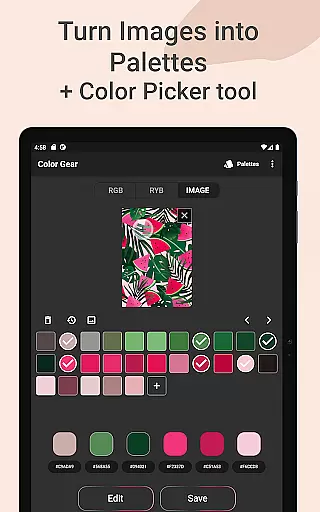
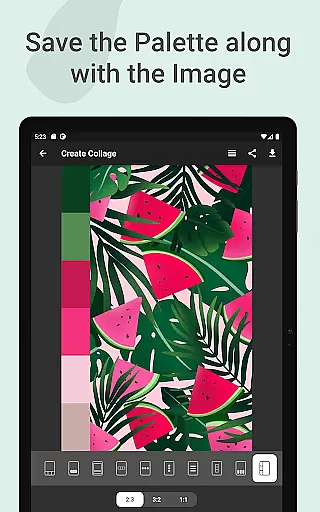
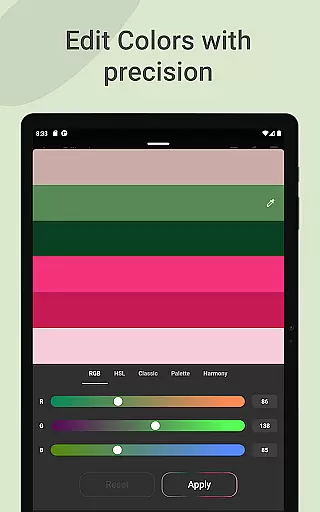
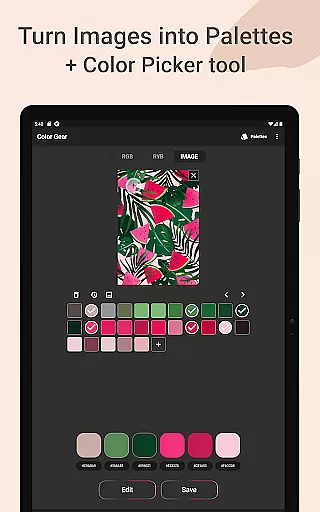
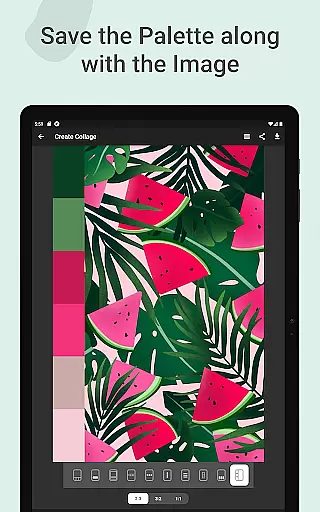
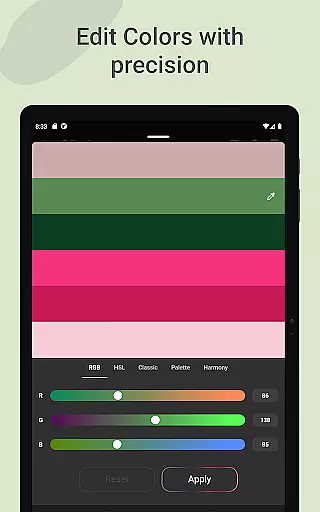
One standout feature is the ability to extract palettes from images, turning photos into customizable color schemes. With advanced color editing tools, users can adjust Hue, Saturation, and Lightness with precision. Additionally, saving palettes along with images as collages enhances creative workflows. These features collectively offer a comprehensive solution for professional color manipulation.
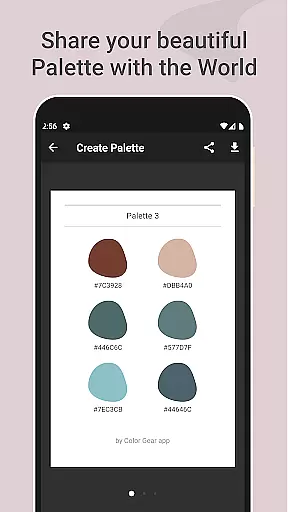
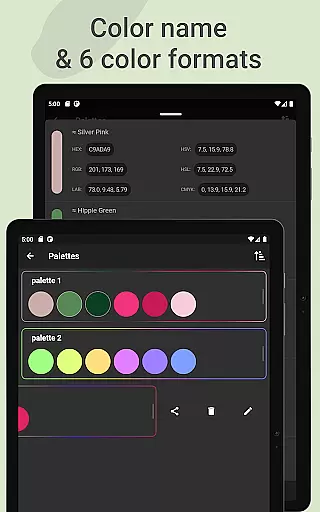
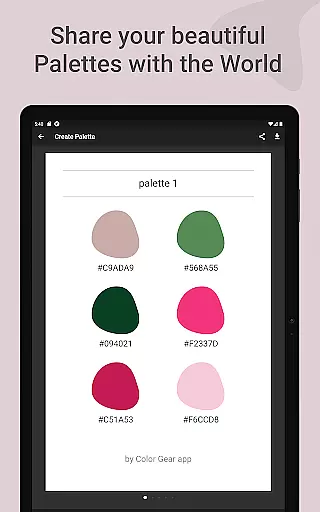
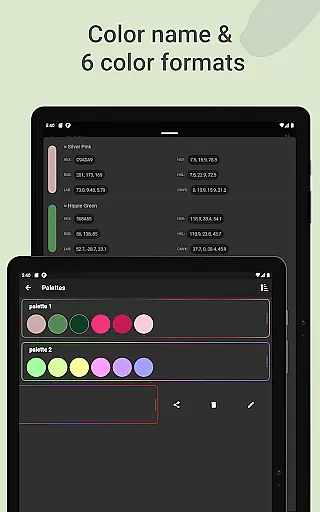
The app's utility extends to managing and sharing color palettes effortlessly. Users can copy HEX codes or choose from six color formats (RGB, HEX, LAB, HSV, HSL, CMYK). Whether for digital design or artistic projects, Color Gear provides indispensable tools that streamline color selection and application processes.
Color Gear offers robust features tailored for both digital and traditional artists. The app includes two color models, RGB and Itten Color Wheels, each supporting more than 10 color schemes. This dual support allows users to explore various color harmonies based on different artistic needs, whether for screen displays or physical art materials.
A key feature is the ability to build palettes by entering HEX color codes or extracting colors from images. The Hex Color Picker tool enables precise color detection from photos, which can then be edited using advanced controls for Hue, Saturation, and Lightness. This ensures accurate color matching and customization according to specific project requirements.
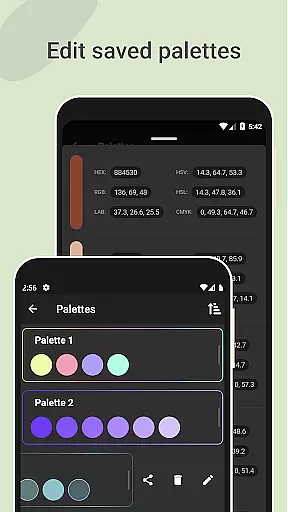
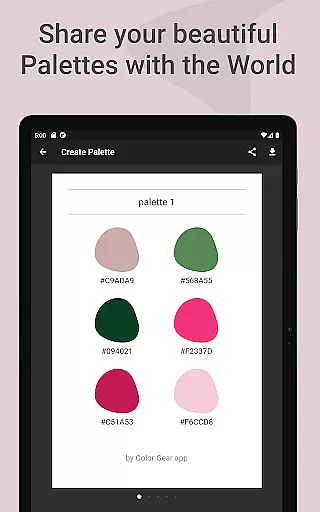
Additionally, Color Gear facilitates easy management and sharing of color palettes. Users can save palettes with images as collages and share them seamlessly. Six color formats are available for sharing, making it versatile for different uses. All these features are accessible offline, providing flexibility and convenience for creative professionals on the go.
In the realm of digital art and design, having a comprehensive set of creative tools is paramount. Color Gear stands out by offering an extensive suite of features that cater to both designers and artists. The app includes two color models - RGB and Itten Color Wheels - allowing users to work within digital media or traditional paint and pigment formats.
With over 10 color schemes available for each model, users can explore a myriad of harmonious palettes. This flexibility ensures that whether you're designing for screen displays or preparing for print, Color Gear adapts to your specific needs with precision.
Beyond static color selection, the app enables the extraction of palettes from images, transforming any photo into a potential source of inspiration. Advanced color editing further refines this process, letting creators adjust hue, saturation, and lightness down to the minutest detail.
The inclusion of professional color formats such as RGB, HEX, LAB, HSV, HSL, and CMYK makes sharing and implementing these palettes seamless across different platforms and projects. By consolidating these powerful features into one offline application, Color Gear delivers unmatched creative tool completeness.
Flexibility in canvas and format options is crucial for unleashing creativity without constraints. Color Gear addresses this need by providing versatile solutions that adapt to various artistic styles and project requirements. Whether you're working on web design, illustrations, or preparing artwork for print, the app's support for multiple color models offers the necessary adaptability.
Designers can input specific HEX or RGB color codes to generate tailored palettes that match their project's existing colors. This feature streamlines workflow efficiency, ensuring consistency across different elements and mediums.
Moreover, the ability to extract palettes directly from images adds another layer of format flexibility. Users aren't limited to predefined swatches but can draw inspiration from real-world visuals, using the built-in Hex Color Picker to capture exact shades.
All created palettes benefit from precise editing capabilities and can be exported in six professional color formats. This versatility extends to presentation options too, as users can create collages combining their palettes with source images, making Color Gear an indispensable tool for flexible, professional-grade color work.
User-friendly interface
Comprehensive color schemes
Advanced editing tools
Offline functionality
Versatile sharing options
Limited advanced tutorials
No cloud sync
Basic image editing
Occasional bugs
Ads in free version

The ultimate tool for creating animations
 4.60
4.60
Pose and morph realistic male and female models! 3D poser app
3.00
Art of Combination Wear OS Watch faces
4.4
Art of Combination Wear OS Watch faces
4.2
Castle is social media for creating and playing games!
4.60
Get creative and make art with your Sesame Friends!
4.00
Mobile pixel art editor. Simple. Fast. Portable.
4.80
2D animation studio for Android tablets - unlimited layers, infinite timeline
4.70
Draw, make movies & animate cartoons easily with our 2D animation maker app
4.40
Make your phone cooler and have a fantastic experience
4.80
Share the joy of painting with ibis Paint! Drawing anime and manga art.
4.50
Create and Design Custom Logos in Seconds with AI-Powered Tools!
4.40
Beauty Camera - Selfie Camera is the ultimate beauty camera and selfie app
4.30
Easy 3D drawing design maker & creator. Model designing, Sculpting. Create&paint
4.00
AR Anime Drawing: How to draw anime with AR drawing & sketching apps!
4.00
Paint with oils and sketch with natural tools on a realistic virtual canvas.
3.80
Vidu is an AI video generator made for creators and aspiring makers.
3.30
Meet the magic aı 3d photo generator and smart AI video generator app.
3.20
A luxurious gold watch face for an elegant and refined look.
4.3


User Reviews