
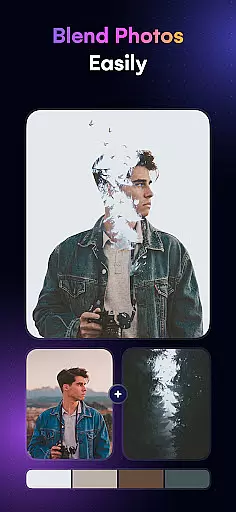
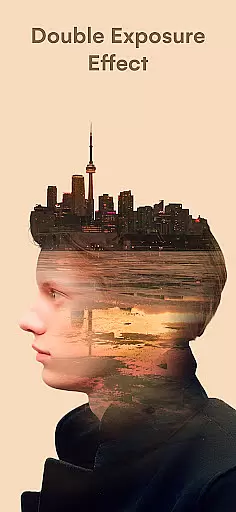
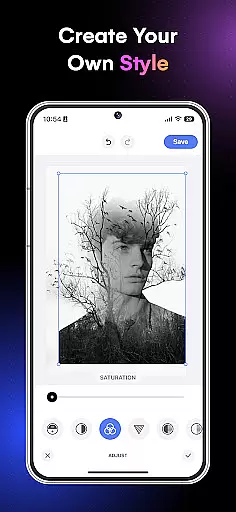
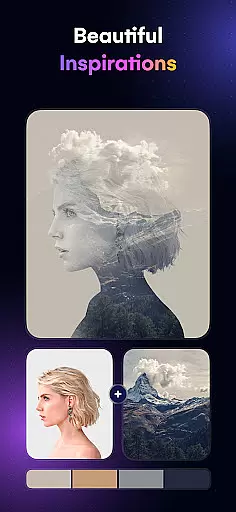
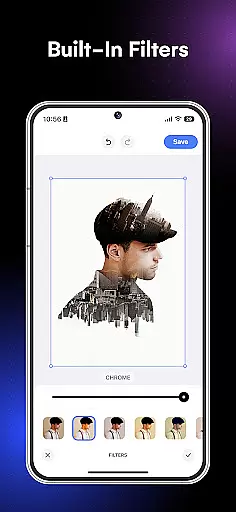
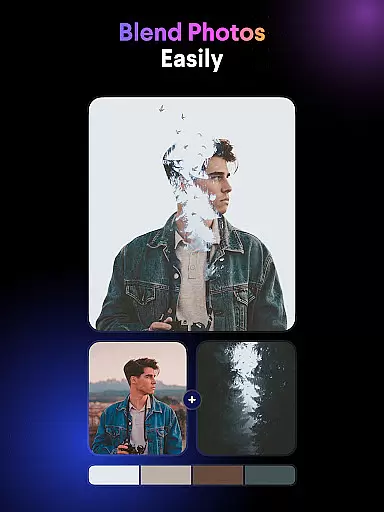
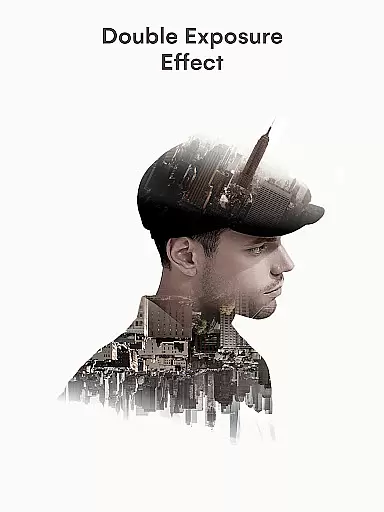
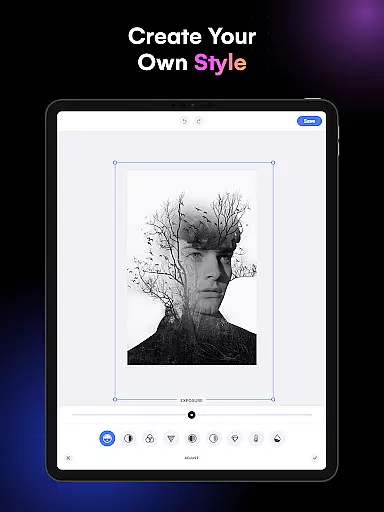
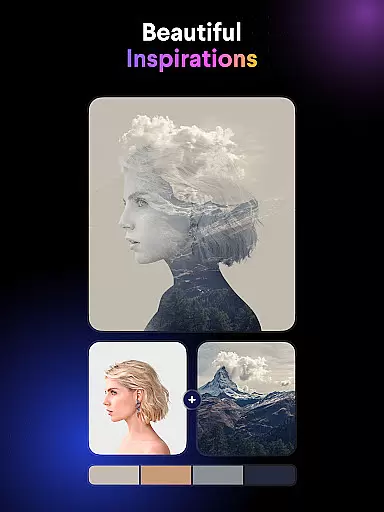
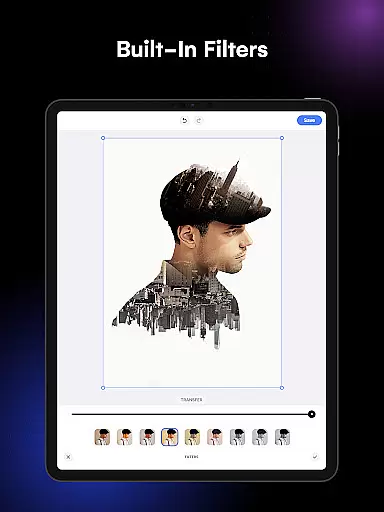
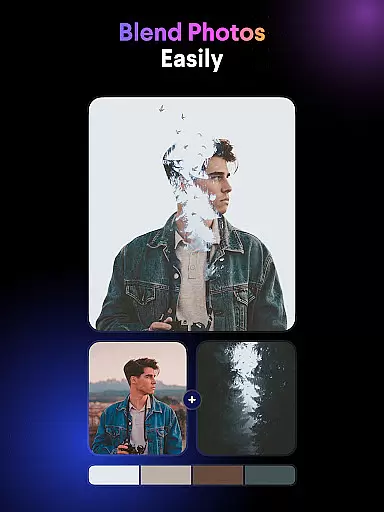
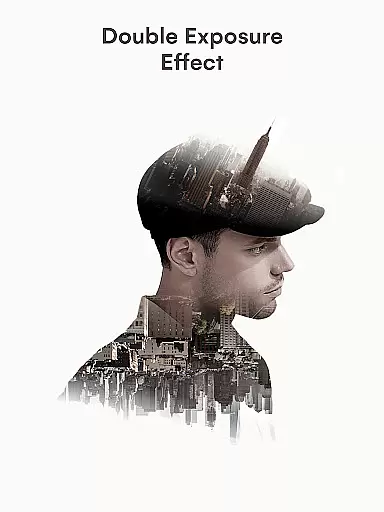
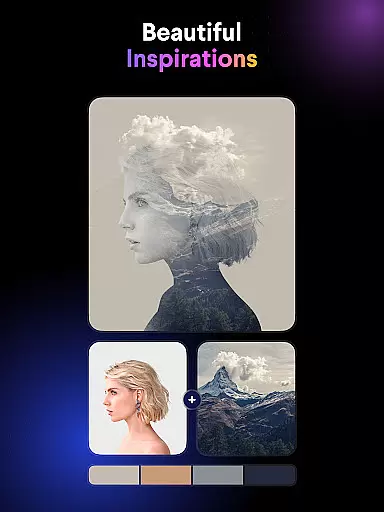
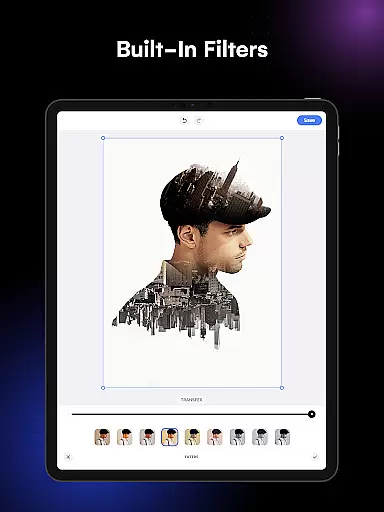
Blend Photos is an innovative photo editing application designed for both amateur and professional artists. This app allows users to create stunning double exposure images and photo blends with ease. With its powerful AI technology, Blend Photos offers a complete suite of photo editing tools that cater to various artistic needs.
The app provides an extensive range of features including automatic background removal, advanced adjustment options, shape masking, gradient blending, and cropping tools. These functionalities enable users to craft professional-grade blended photos effortlessly. Whether you're looking to create artistic picture overlays or simply enhance your photos, Blend Photos delivers the tools necessary to unleash your creativity.
Ideal for social media enthusiasts and digital artists, this app ensures a seamless user experience through its intuitive interface. Users can quickly share their creations directly to social media platforms in HD resolution, making it perfect for those who value both quality and convenience in their creative process.
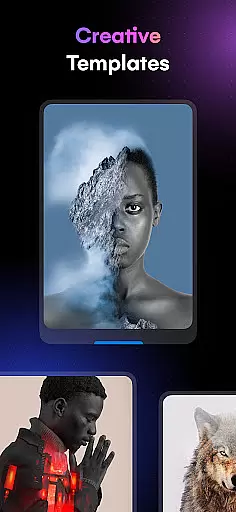
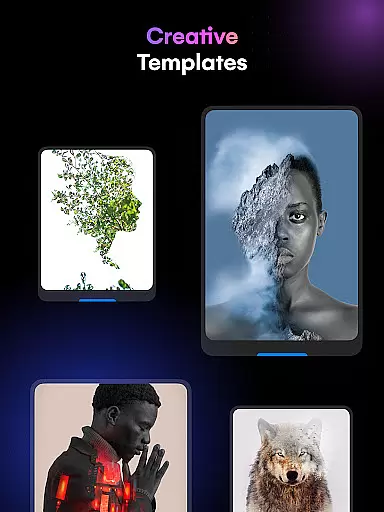
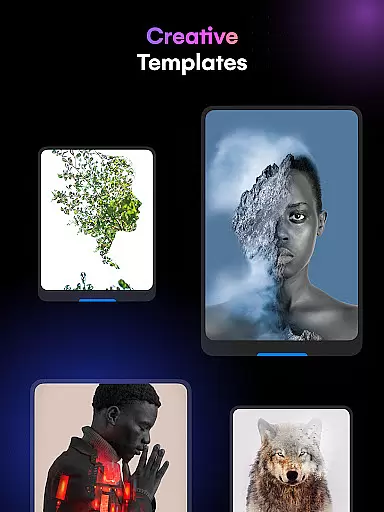
Blend Photos stands out with its comprehensive set of photo editing features tailored for creating unique and visually appealing images. The app includes various customizable templates that serve as a starting point for your projects, allowing for quick and easy experimentation with different styles.
One of the key highlights is the smart AI technology that powers the automatic background removal and advanced photo adjustments. This feature enables users to focus on the creative aspects without worrying about the technical details. Additionally, the app offers specialized tools like shape masking and gradient blending, which are essential for crafting sophisticated double exposure effects.
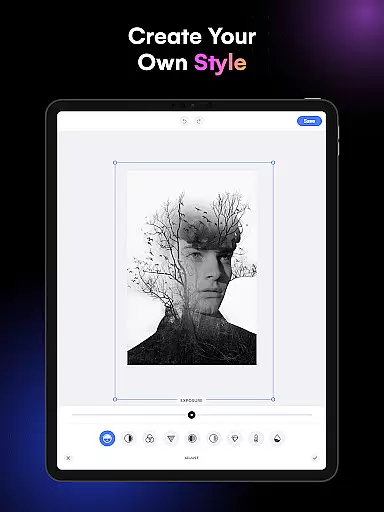
Usability is at the core of Blend Photos' design philosophy. The app provides a clutter-free interface that makes navigating through its features a breeze. From basic editing functions like crop and rotation to more advanced techniques such as creating complex photo overlays, Blend Photos equips users with everything needed to produce polished and professional-looking images.
Blend Photos offers a comprehensive suite of creative tools that cater to both amateur and professional users. The application provides an extensive range of features, from basic editing options such as cropping and rotating to more sophisticated functionalities like double exposure creation and picture overlay.
With its smart AI technology, Blend Photos simplifies complex tasks, allowing users to automatically remove backgrounds and add shape masks with ease. This ensures that even those new to photo editing can achieve professional-looking results without a steep learning curve.
The app stands out by offering various photo blender templates and advanced adjustments, which are highly customizable. This empowers users to craft unique images that reflect their artistic vision while maintaining a polished look.
Flexibility in canvas and format options is crucial for creative expression, and Blend Photos excels in this area. Users can work with HD resolution images, ensuring that their creations retain clarity and quality when shared or printed.
In addition to supporting high-resolution saving, the app allows for easy sharing of projects directly to social media platforms. This seamless integration facilitates quick dissemination of work, which is essential for artists who wish to showcase their art to a wider audience.
Blend Photos also provides a clutter-free interface that enhances user experience, making it a joy to create double exposure and picture overlays. The intuitive design ensures that users can focus on their artistic process without being hindered by complex navigation or unnecessary features.
User-friendly interface
Advanced AI technology
HD resolution saving
Quick sharing options
Comprehensive editing tools
Limited free features
Occasional bugs
Subscription required
Ads in free version
Learning curve for beginners

Vidu is an AI video generator made for creators and aspiring makers.
 3.30
3.30
AI Assistant, powered by ChatGPT GPT-4 & GPT-4o. Your intelligent companion.
3.50
Draw on screen: FP sDraw is a simple and lightweight drawing app
4.70
Design unique, funny and adorable cat stickers that reflect your own style!
3.80
Painting, drawing, & sketching
4.50
Image resizer to resize, crop, rotate, flip, change dpi photo or picture in bulk
4.60
Inky runs Inkscape on Android devices and Chromebooks
2.90
Share the joy of painting with ibis Paint! Drawing anime and manga art.
4.50
Turning simple sketches into captivating tales filled with life and motion
3.90
Convert image to JPG PNG HEIC PDF, support almost all kinds of image formats
4.70
Logo Generator powered by AI: Create stunning logos effortlessly!
4.70
Minecraft & Roblox Clothes
4.70
Draw anime & manga drawing, art with templates to create stunning picture!
4.50
Sketch, plan, take notes and illustrate on an infinite canvas.
4.20
Text to Image, Image to Video & AI Chat
4.20
Your homescreen as an elegant glass with customized blur, lighting, and visuals.
3.70
Experience next-gen icons with a modern liquid glass look.
3.60
Create sweet, cool and unique couple avatars easily, in just a few steps!
3.40
Transform photos into amazing monochrome dither art with professional algorithms
4.5


User Reviews