
Game Booster 4x Faster Pro is a powerful tool designed to enhance your mobile gaming experience. This app offers advanced optimization features that ensure smoother gameplay with minimal lag. With its one-touch boost functionality, users can easily optimize device performance specifically for gaming.
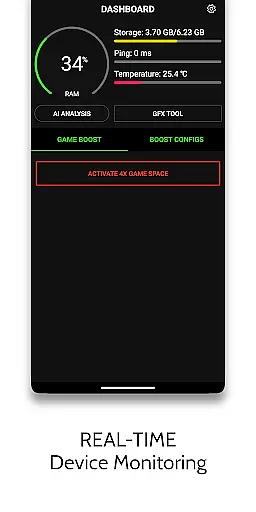
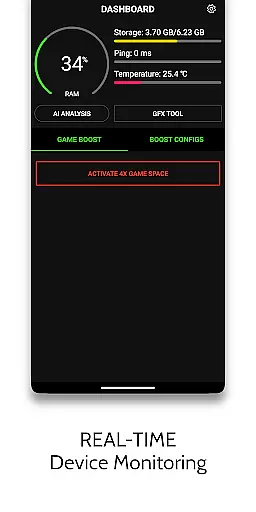
The application provides multiple specialized tools including Game Turbo, GFX Tool, HUD Monitor, and Zero Lag Mode. These features work together to improve graphics quality, increase FPS, and monitor device performance in real-time. Whether you're playing on a high-end or budget device, this app helps unlock the full potential of your gaming setup.
Ideal for competitive gamers, this app ensures maximum frame rates without device overheating. The AI-powered optimization and customizable settings make it an essential tool for anyone looking to elevate their mobile gaming experience.
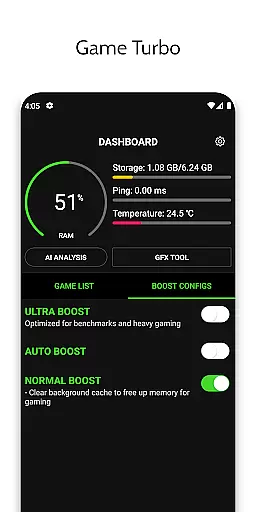
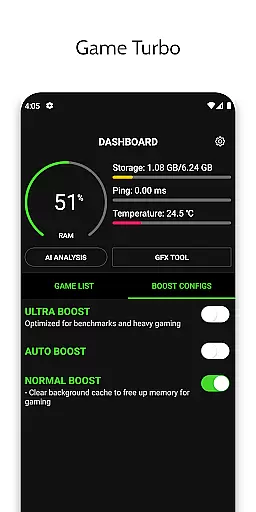
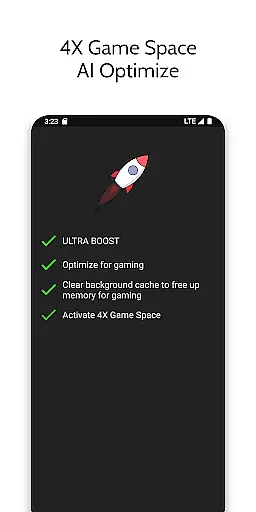
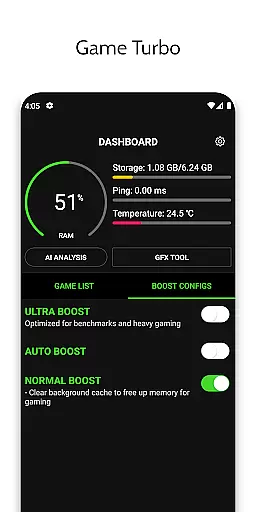
Game Booster 4x Faster Pro stands out with its comprehensive suite of gaming optimization tools. The Game Turbo feature applies RAM-free tweaks and uses AI technology to automatically optimize game settings for the best performance. It also enhances visual quality through HDR picture effects while maintaining smooth gameplay.
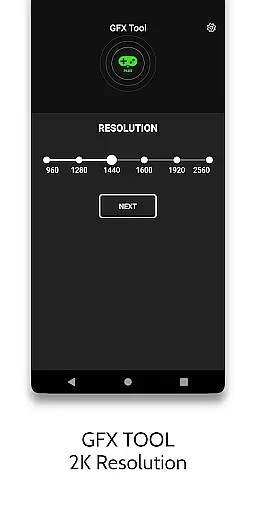
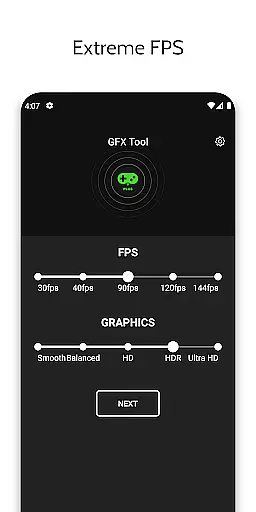
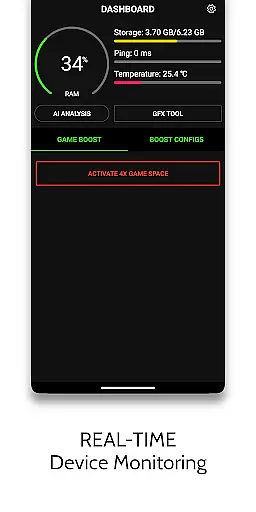
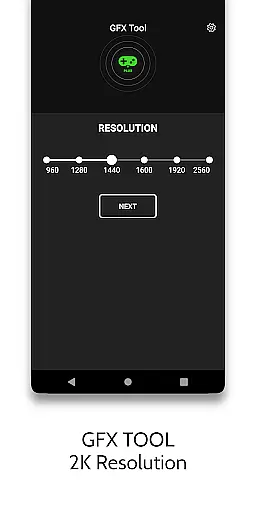
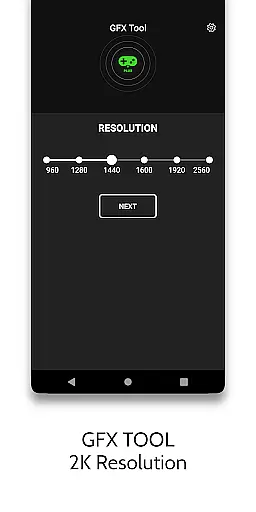
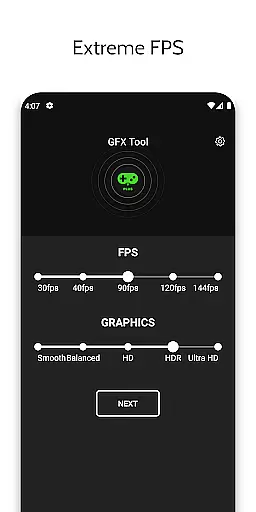
The GFX Tool allows users to manually adjust various graphic settings including resolution, FPS level, and graphic style. This gives players precise control over their gaming experience, especially useful for low-end devices that need extra help achieving better graphics. The HUD Monitor provides real-time system information such as memory load, temperature, and network latency.
Additional features include Quick Boost for instant optimization, Quick Launch for faster game startup, and Zero Lag Mode for optimized game configurations. The app guarantees account safety while using these features and requires minimal permissions - internet access for settings synchronization and background app management for memory boosting.
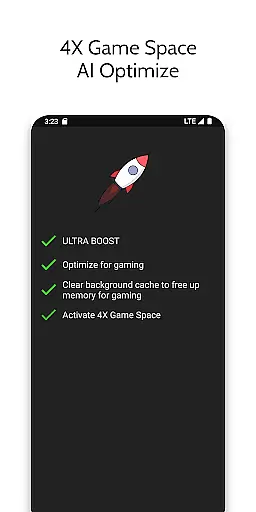
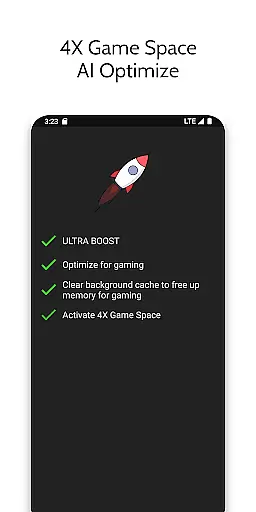
Game Booster 4x Faster Pro is designed to optimize gaming performance through its core functions, ensuring an accurate and effective boost to your gaming sessions. The app employs advanced algorithms and AI technology to fine-tune game settings, which results in enhanced picture quality, smoother gameplay, and reduced lag.
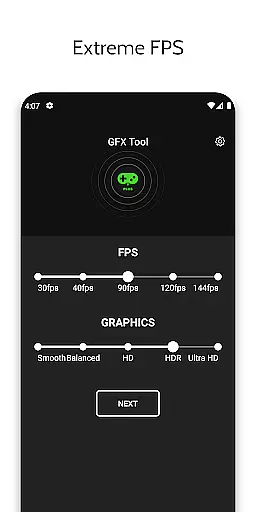
The application's capabilities extend to adjusting critical parameters such as resolution and FPS levels, allowing for a tailored gaming experience that can be adapted to both high-end and low-end devices. By unlocking HDR graphics and extreme FPS levels, the app ensures that users can enjoy an immersive experience regardless of their device's native capabilities.
For gamers, this means enjoying top-tier performance without manual tweaks or extensive technical knowledge. With features like Auto Gaming Mode and Quick Boost, players can focus on their games while the app takes care of the optimization process, delivering a seamless and enjoyable gaming session every time.
A user-friendly interface is crucial for any tool, and Game Booster 4x Faster Pro excels in providing a simple and intuitive experience. Upon launching the app, users are greeted with a clean layout that organizes its powerful features into easily navigable sections. This design choice ensures that even those unfamiliar with game boosting tools can quickly understand and utilize the app's offerings.
The app provides one-touch activation for many of its features, including the Quick Launch and Quick Boost functionalities. Such ease of use empowers gamers to enhance their gaming experience without being distracted by complex settings or procedures. Additionally, the HUD Monitor displays essential system information at a glance, keeping users informed about memory load, storage, temperature, and network latency.
By streamlining access to advanced gaming optimizations, Game Booster 4x Faster Pro makes sophisticated adjustments accessible to all users. Its straightforward presentation belies the depth of control it offers over gaming configurations, proving that powerful tools can also be intuitive and easy to master.
One-touch optimization
Advanced AI-powered features
HDR picture quality enhancement
Customizable graphic settings
Real-time performance monitoring
Premium version only
Limited game compatibility
Device heating possible
Requires manual reapplication
Internet connection needed

Head tracking for PC sim games such as MSFS 2024 or Elite:Dangerous. No headset!
 4.50
4.50
This app unlocks the Pro features of the Central for DayZ app
3.60
Use your phone as a webcam on your computer over WiFi or USB.
4.40
App that Recover your pictures, videos or files after you delete them.
4.20
An easy-to-use calculator designed to save time calculating and bending conduit
4.30
A non-root local ADB shell client. READ BELOW!
3.40
Unleash gamepad precision for ultimate mobile gaming dominance.
3.90
Excellent scientific calculator with symbolic algebra, integrals, derivatives
4.80
The ultimate tool for network analysis, wifi scanning and problem detection.
4.90
Change your GPS location instantly. Simulate routes anywhere in the world.
4.90 4.50
4.50 4.50
4.50
Quickly switch to an encrypted DNS server on Android TV
4.50
With videos, electrical calculators, and built-in ebook, Ugly’s has your answer.
4.50
Mirror your screen to Fire TV - Super fast and simple
4.40
Just one-tap to easy translate in any language after calls within seconds.
4.20
Create your own custom widget with endless possibilities
3.90
A recovery soft,it features photo recovery, video recovery, file recovery.
3.40
Save any video in HD - paste the link, download fast and watch offline.
4.4


User Reviews