
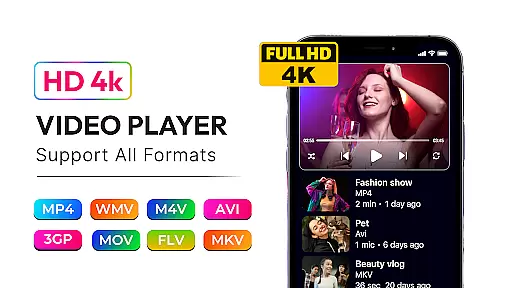
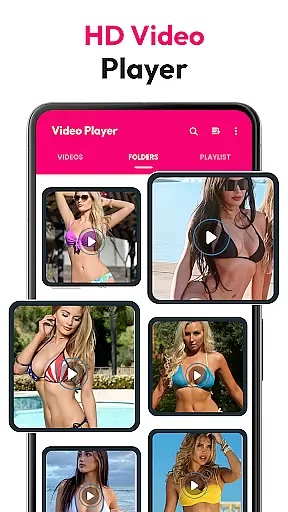
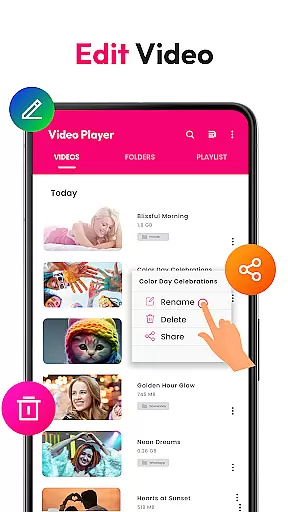
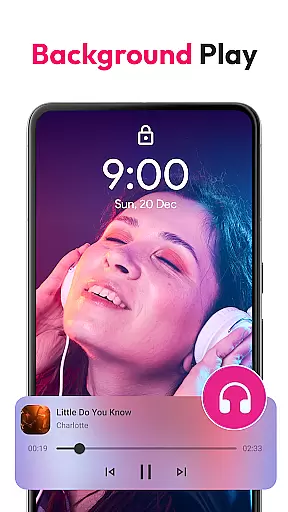
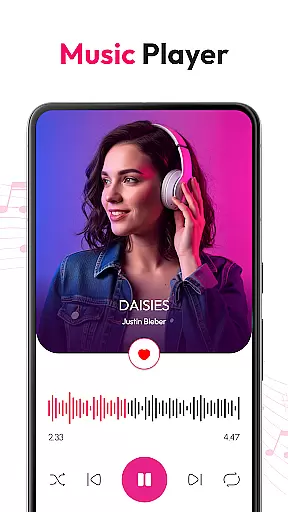
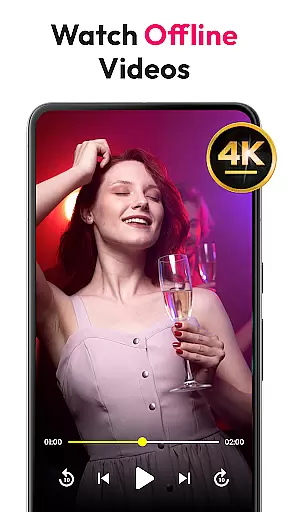
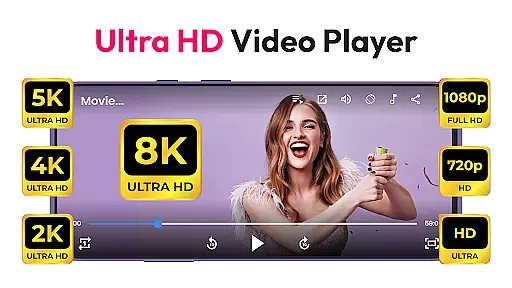
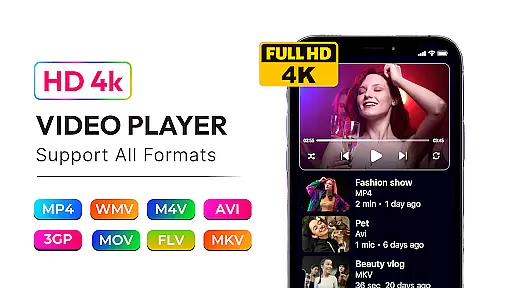
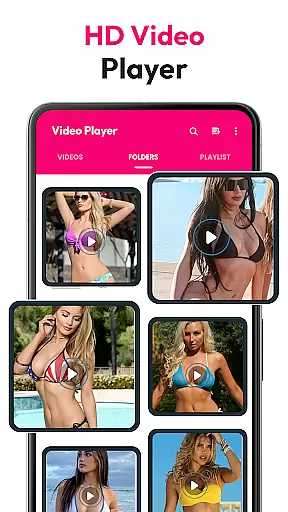
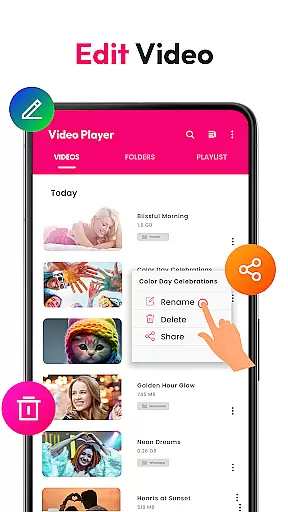
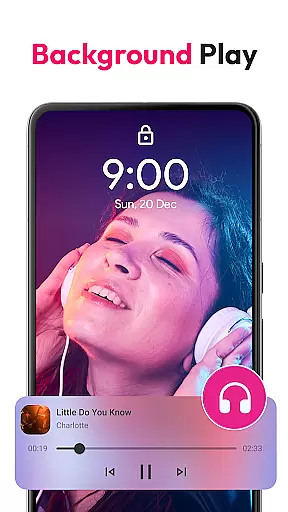
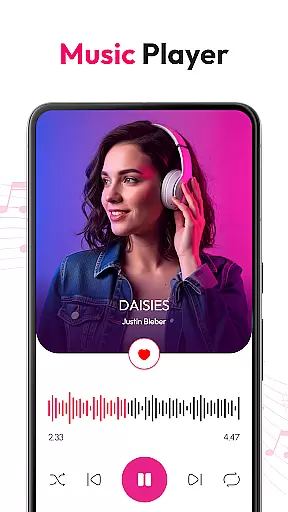
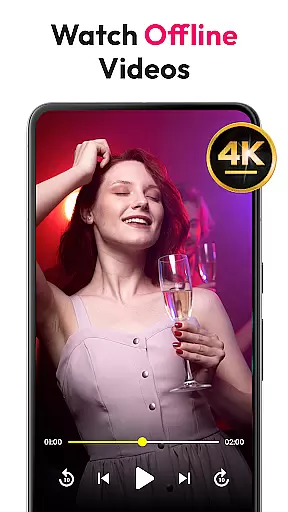
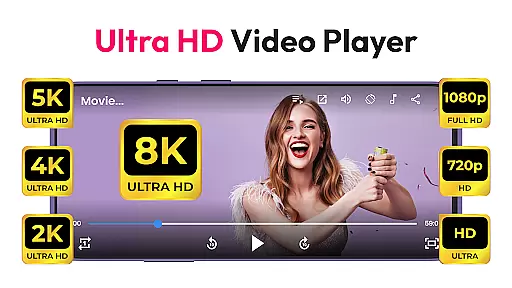
HD Video & Music Player is a versatile media player for Android that supports all video and audio formats. Whether you're watching 4K, Ultra HD, or Full HD videos, this app delivers smooth playback with advanced controls. It also functions as an mp3 player, offering rich features like equalizer settings and playlist management.
The app's floating player and Picture-in-Picture mode allow multitasking while enjoying media. With auto-scan capabilities, it organizes files from internal storage and SD cards, making media management seamless. Its elegant design and robust performance make it ideal for both casual viewers and audiophiles.
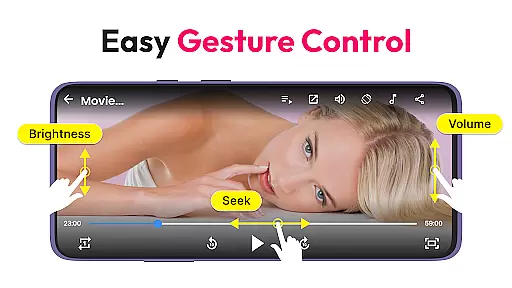
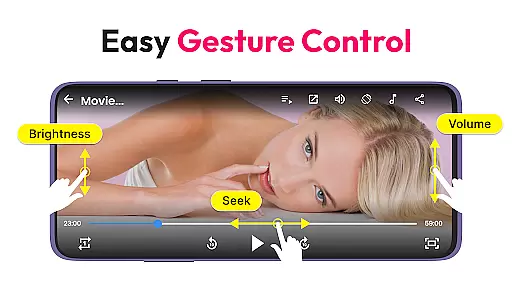
HD Video & Music Player stands out with its comprehensive format support, including MP4, AVI, MKV, MP3, WAV, and FLAC. The app provides an advanced movie player experience with sharp visuals and crisp sound, alongside gesture controls for volume and brightness adjustment.
As a music player, it offers a powerful equalizer with bass boost and 3D sound effects. Users can browse songs by album, artist, or genre, and manage playlists effortlessly. Features like Picture-in-Picture mode and lock screen playback controls enhance user convenience, ensuring an uninterrupted entertainment experience.
Video format compatibility is a critical feature for any media player, ensuring that users can enjoy content in various formats without technical limitations. HD Video & Music Player excels in this area by supporting an extensive range of video formats including MP4, AVI, MKV, 3GP, FLV, MOV, WMV, and TS. This versatility allows users to play videos from different sources without the need for conversion or additional software.
The app's advanced decoding capabilities ensure smooth playback of high-resolution videos such as 4K, Ultra HD, and Full HD content. Whether you're watching movies, TV shows, or personal recordings, the player delivers sharp visuals and crisp sound quality. Its ability to auto-scan video files from internal storage and SD cards further enhances user convenience, making media management effortless.
For users who frequently switch between devices or share files across platforms, this comprehensive format support eliminates compatibility concerns. The built-in file manager helps organize and manage media efficiently, while features like floating player mode and Picture-in-Picture (PIP) enhance multitasking capabilities. With gesture controls for volume, brightness, and seeking, HD Video & Music Player offers a seamless and intuitive viewing experience.
While HD Video & Music Player primarily focuses on playback, its AI-powered editing features provide valuable tools for enhancing your media experience. The app incorporates intelligent algorithms that optimize video playback settings based on content type and device capabilities. This smart optimization ensures that users enjoy the best possible picture quality and audio performance regardless of their Android device's specifications.
The player's advanced equalizer with bass boost, 3D sound, and reverb effects demonstrates its commitment to audio enhancement. These features allow users to customize their listening experience, whether they're enjoying music videos or movie soundtracks. The app's ability to automatically adjust screen aspect ratios and lock screen orientation during video playback showcases its intelligent adaptation capabilities.
Although not a traditional video editor, HD Video & Music Player includes practical tools for media management and organization. The playlist creation feature employs smart sorting algorithms that help users categorize and access their favorite content quickly. With its combination of AI-driven enhancements and traditional media player functions, the app offers a comprehensive solution for both casual viewers and discerning media enthusiasts.
User-friendly interface
Wide format compatibility
Advanced equalizer settings
Picture-in-Picture mode
Efficient file management
Occasional ads in free version
High device resource usage
Limited cloud integration
No built-in streaming service
Complex for beginners

Fast, private downloading, video saving, social media
 4.50
4.50
Cast Videos from Web Browser, IPTV to Roku, Chromecast, DLNA, Smart TV +more
4.60
Tik & Story Saver-Download ALL social media videos, photos & reels no watermark.
4.80
KMPlayer Plus (Divx Codec) officially support Divx codec.
4.30
Video Downloader, Multiple Resolution Options, Video Player
4.50
Browser for Sony TV to stream web videos, online movies and live tv
3.20
This app is an emulator of some specific IPTV boxes
3.50
Download Hub, easy and private way to download and enjoy your videos offline
4.80
Viddo: Generate Action Figure, AI Anime, AI kiss, AI hug Video from image & text
4.40
Find, download, and play torrents with the official BitTorrent® Pro app
4.70
Search & download videos from net with all video downloader, auto-detect & safe.
4.60
Cast to Chromecast, Xbox, Fire Stick, Roku, DLNA, Smart TV & No Feature Limited!
4.50
Full HD Video mp3 Player, MP4 player play 1080p, File manager, Video Downloader
4.40
Your media, on your terms.
4.10
Browser for Samsung TV to stream webvideos, online movies and livestreams in HD
4.10
IPTV-Smarters Player Pro M3U - Watch Live Stream TV Channels with Chromecast
4.00
AI Video Editor:AI Music, Text to Video,Text to Speech,Auto Caption,Video Effect
4.00
Fast private browser with secure, seamless access & supported video downloads!
4.00
The smartest M3U IPTV Player your playlists have ever seen.
4.5


User Reviews