
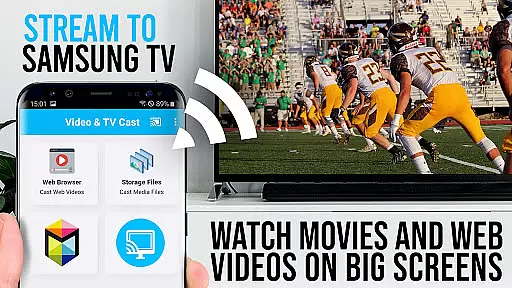
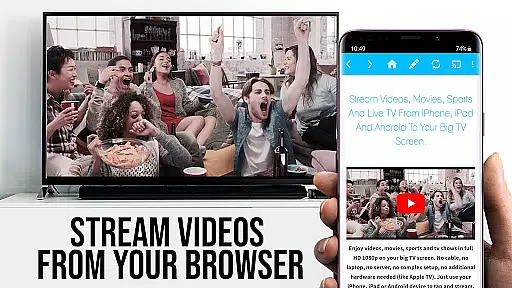
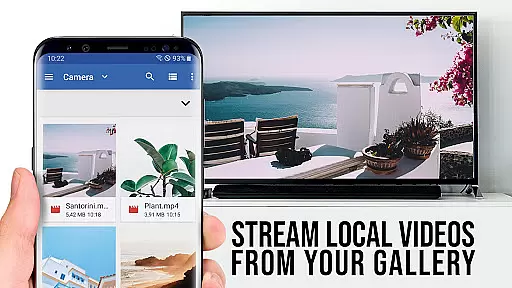


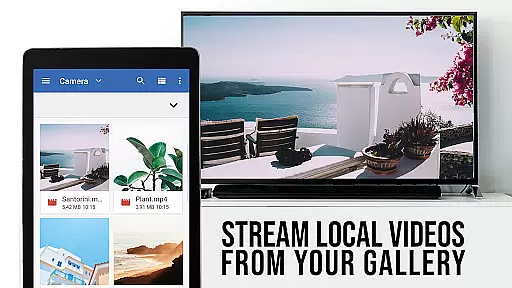

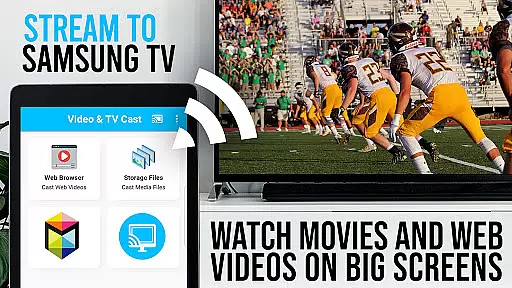

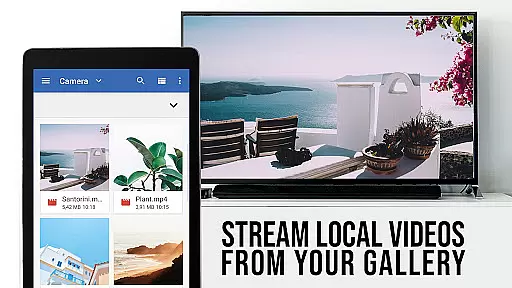

TV Cast Pro for Samsung TV is a premier application designed to enhance your home entertainment experience by streaming web videos, online movies, livestreams, and live TV shows directly to your Samsung Smart TV or Blu-ray Player. This app supports various video formats including mp4, m3u8, hls livestreams, and Full HD content over https, eliminating the need for an additional streaming box.
The PRO edition offers all premium features unlocked, catering to Samsung Smart TV models from 2010 (C series) to 2017 (new M/MU/Q series) and Blu-ray Players with Smart Hub or VEWD. With Video & TV Cast, users can browse the web and cast any desired video to their TV effortlessly. The app also includes important notes on compatibility and setup, ensuring a seamless user experience.
TV Cast Pro stands out with its comprehensive feature set tailored for Samsung TV users. It allows users to browse through websites and cast embedded videos to their TV with a single tap. The app discovers videos and displays them below the browser, enabling immediate casting. A key requirement is installing the free 'TV Cast' companion app from the Samsung App Store to enable video casting.
This app provides advanced functionalities such as the Remote Playbar for enhanced video control, including scrubbing, forward, rewind, play, pause, and stop functions. The PRO version also boasts an Ad-Blocker that removes ads and popups on most visited websites, ensuring an uninterrupted viewing experience. Additionally, users can manage bookmarks, switch to Desktop Mode for accessing desktop versions of websites, and customize the homepage according to personal preferences.
TV Cast Pro for Samsung TV stands out with its extensive video format compatibility, ensuring users can stream a wide variety of content without technical hindrances. The app supports popular formats such as Mp4, m3u8, and HLS livestreams, making it versatile for different types of web videos, online movies, and live TV shows.
The ability to handle video over https further enhances its utility, allowing secure streaming from websites that employ this protocol. This feature is crucial in today's digital environment where security is paramount, and many content providers are moving towards encrypted connections to protect their data.
With Full HD support, the app ensures that users can enjoy high-quality visuals on their Samsung Smart TVs and Blu-ray Players. This focus on quality means that whether you're watching a movie or a live sports event, the experience is as immersive and detailed as possible, leveraging the full potential of your home entertainment system.
By removing the need for an additional streaming box, TV Cast Pro simplifies the setup process while maintaining broad format support. This ease of use combined with robust compatibility makes it an ideal choice for anyone looking to enhance their viewing options on Samsung devices.
While TV Cast Pro for Samsung TV focuses primarily on streaming and casting capabilities, it incorporates AI-powered features that enhance the user experience significantly. Although not a traditional video editor, the app uses intelligent algorithms to optimize video playback and ensure smooth streaming sessions.
The Ad-Blocker feature is one example of how AI improves usability by intelligently filtering out ads and popups from most websites. This not only creates a cleaner viewing environment but also reduces interruptions, allowing users to focus on their desired content without distractions.
Another AI-driven aspect is the automatic video detection system, which intelligently identifies playable content across various websites. This smart detection capability ensures that users can quickly cast discovered videos to their Samsung TV or Blu-ray Player with minimal effort.
The Remote Playbar represents another innovative implementation of intelligent controls, offering advanced video management functions like scrubbing, forward, rewind, play, pause, and stop. These features demonstrate how AI-powered tools can transform basic video playback into a more interactive and user-friendly experience, even within a primarily streaming-focused application.
User-friendly interface
Wide format support
No additional hardware required
Comprehensive ad-blocking
Advanced remote control features
Limited to Samsung devices
Does not support DRM protected content
Occasional connectivity issues
Some features require companion app
Desktop mode limitations

Video Player - Unlimited features, 30 days money back guarantee.
 4.60
4.60
Cast Videos from Web Browser, IPTV to Roku, Chromecast, DLNA, Smart TV +more
4.60
Watch a large amount of high-definition short drama content
4.60
Tik & Story Saver-Download ALL social media videos, photos & reels no watermark.
4.80
Search & download videos from net with all video downloader, auto-detect & safe.
4.60
Fast video downloader & private browser. Save HD clips to watch offline.
4.40
Create photo video with music & template. AI video maker for stunning slideshow.
4.60
Stream Web Videos to Chromecast, Samsung, LG, Sony, Roku, Fire TV, DLNA + more
4.00
IPTV Player - Watch live TV from m3m & m3u8 playlist, stream IPTV on mobile
3.30
AI Video Editor with Music, Filter, Slideshow, Effect, Merge & Trim Video.
4.80
HD video maker with no watermark, no ads & vlog maker with music, PIP, text
4.50
Add date and time watermark to photos and videos
4.50
Photo and Music Video Creator into Stunning Videos—Effortlessly
4.40
Movie maker & video editing app with AI effects and green screen
4.30
LumaFusion: The Ultimate Storytelling Experience for Video Editing
4.10
Connect 2 UVC devices for recording and broadcast video/audio stream
3.90
Explore the largest library of free GIFs, Stickers & Memes - or create your own!
3.90
Cast to Smart TV, Fire TV. Cast video, photo - Fast & Stable!
3.90
Download videos easily & play them all in one smart, powerful video manager.
3.40


User Reviews