
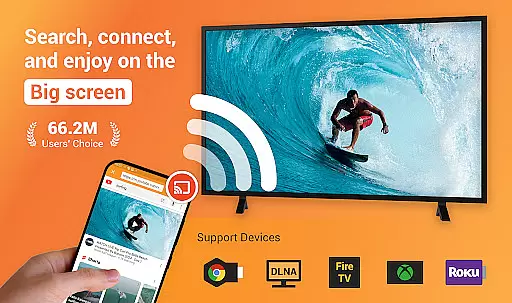
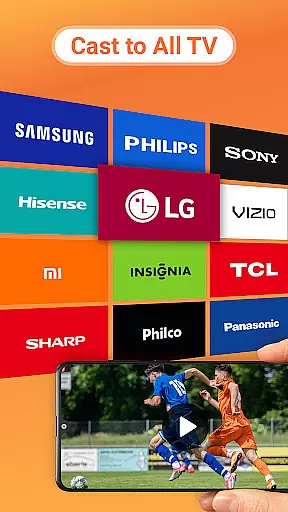
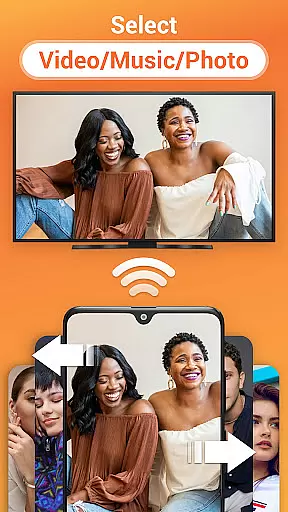
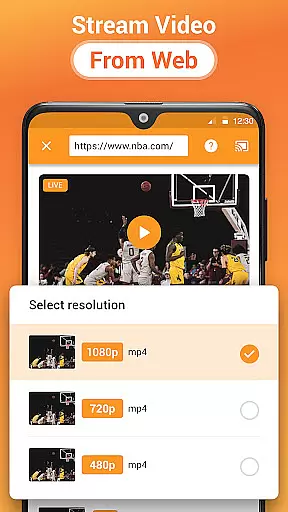
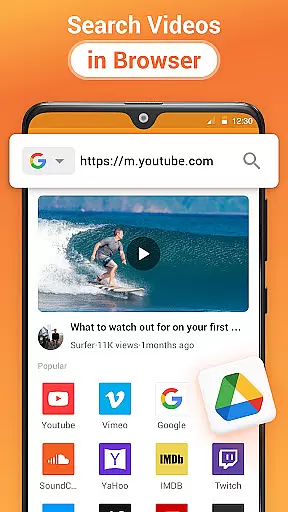
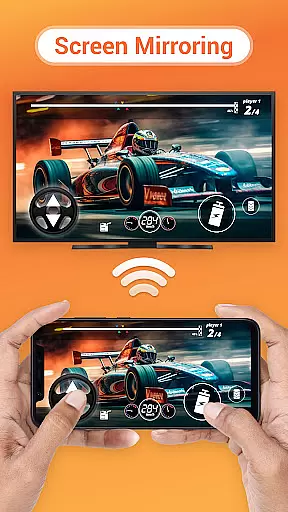

Cast to TV is a versatile media streaming application that allows users to cast various types of content, including online videos, live streams, local videos, music, and images, directly to their TV or other supported devices. Compatible with popular platforms such as Chromecast, Roku, Amazon Fire Stick, Xbox, Apple TV, and DLNA devices, this app provides an easy way to enjoy multimedia on the big screen.
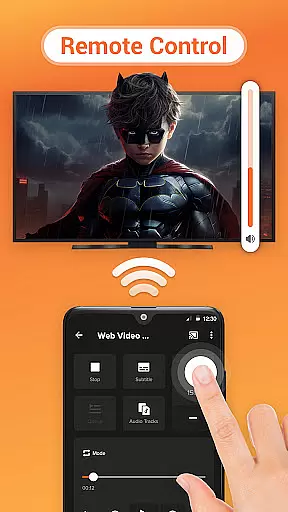
The app features a built-in browser for web video casting and supports control functions like pause, volume adjustment, forward/rewind, and track navigation. It also offers advanced functionalities such as auto-searching for available cast devices, identifying media files on your device, adding local content to a play queue, and playing media in shuffle, loop, or repeat modes. Whether you're looking to stream entertainment or share personal media, Cast to TV delivers a comprehensive solution.
With its broad compatibility across different smart TVs and streaming devices, Cast to TV is ideal for users who want to enhance their home entertainment experience by seamlessly streaming content from their mobile device to their television.
Cast to TV stands out with its extensive feature set tailored for effortless media sharing. One of its key strengths is the ability to cast both online and local content, which includes videos, live streams, music, and photos, to a wide range of devices such as Chromecast, Roku, Amazon Fire TV, Xbox, Apple TV, and DLNA-enabled TVs. This versatility ensures that no matter what type of content you wish to view or which device you own, Cast to TV has got you covered.
The app's built-in browser facilitates web video casting, allowing users to search and stream videos directly from websites. Additionally, it offers intuitive controls right from your phone, enabling actions like pausing, adjusting volume, skipping tracks, and more. The automatic detection of cast devices simplifies connectivity, while the identification of media files on both internal storage and SD cards makes accessing your content straightforward. Users can also take advantage of playback options such as shuffle, loop, and repeat modes, enhancing the overall viewing experience.
Moreover, Cast to TV supports creating a play queue for organizing local audio and video files, ensuring continuous playback without interruptions. Its design focuses on ease-of-use and functionality, making it an excellent choice for anyone looking to stream content effortlessly from their mobile device to a larger display.
Cast to TV, Chromecast & Roku stands out with its extensive video format compatibility, ensuring that users can cast virtually any local video file to their TV or streaming device without issues. The app supports a wide array of formats including MP4, AVI, MKV, and more, making it versatile for different user needs.
The application automatically identifies video files on your device and SD Card, streamlining the casting process. This automatic detection feature saves time and effort, allowing users to enjoy their content on the big screen almost instantly after selection.
Moreover, Cast to TV provides an uninterrupted streaming experience by optimizing video playback for various smart TVs, Chromecast, Roku, and other DLNA devices. This optimization ensures smooth playback without the need for manual adjustments or third-party codecs.
While primarily a casting app, Cast to TV, Chromecast & Roku also incorporates AI-powered editing features that enhance user interaction with media content. These features include intelligent queue management, enabling users to add local videos and audio to a Play Queue effortlessly.
The app allows media playback in shuffle, loop, and repeat modes, providing flexibility and personalization for viewing preferences. Such options are powered by algorithms that learn from user behavior, improving the overall entertainment experience over time.
Additionally, the built-in browser for web video casting uses AI to optimize search results and streamline the casting process. By identifying user preferences and frequently visited sites, the app makes future video casting faster and more intuitive, ensuring users spend less time searching and more time enjoying their content.
User-friendly interface
Wide device compatibility
Comprehensive media support
Advanced playback options
Convenient remote control
Wi-Fi dependent performance
Limited offline functionality
Occasional connectivity issues
Device-specific format restrictions
Premium features require subscription

Auto video maker with music & exclusive filters. Video editing made simple.
 4.50
4.50
A full editing room to accompany your Insta360 cameras and handheld gimbals.
3.30
Search & download videos from net with all video downloader, auto-detect & safe.
4.60
Download videos and play them offline
4.70
IPTV Loader, loads your own Playlist. DOES NOT CONTAIN ANY LIST OR CHANNELS
4.60
Add date and time watermark to photos and videos
4.50
Browser for Samsung TV to stream webvideos, online movies and livestreams in HD
4.10
Browser for Fire TV to stream webvideos, online movies, livestreams in HD
4.40
Create, Publish & Maximize
4.70
Pro video editor app for Instagram, edit video with song, AI, effect & slowmo.
4.80
An easy-to-use and all-round screen recorder with audio
4.80
High-Quality USB Camera Viewer & HDMI Display
4.70
GENRAL PRO - General Pro is the best video player that fully supports all formats.
4.70
A Simple app to download Video & Music from the Internet.
4.70
Turn your phone into a wireless camera!
4.20
Powerful, professional, versatile teleprompter. Developed by an active film crew
4.00
Connect 2 UVC devices for recording and broadcast video/audio stream
3.90
Video player with powerful streaming playback and various convenient features.
2.10
Powerful HD video player with support for all formats & subtitles.
4.5


User Reviews