
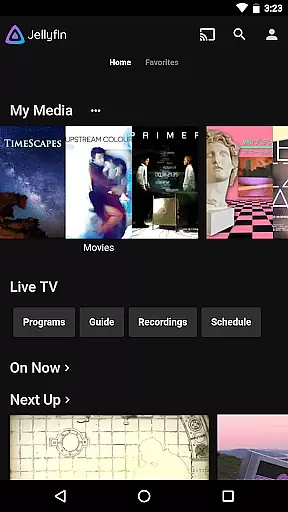
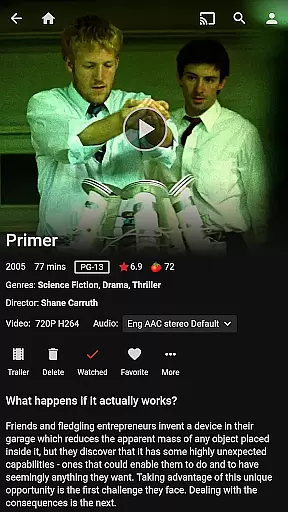
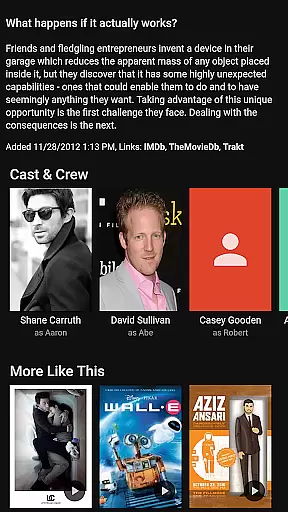
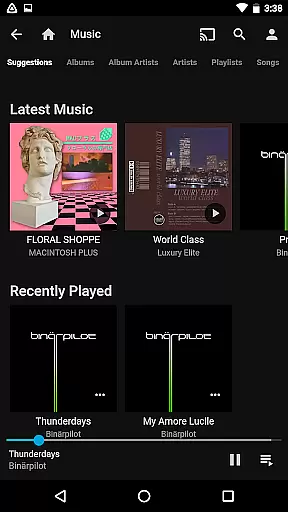
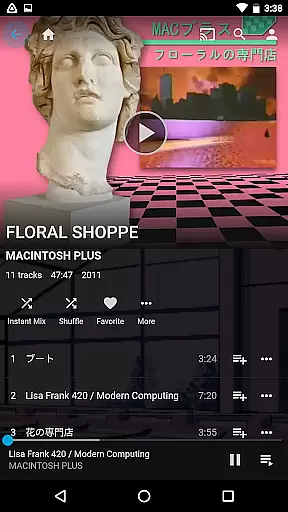
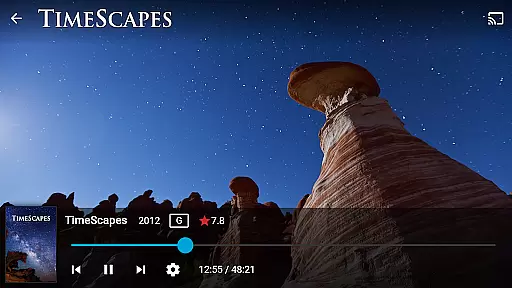
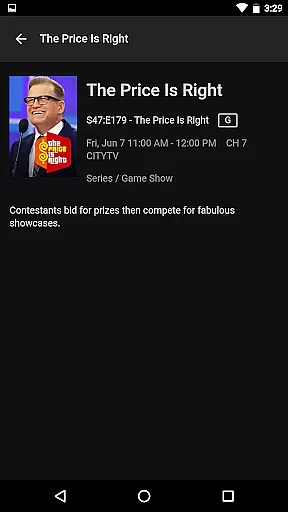
Jellyfin is an open-source media server and player that gives you complete control over your personal media collection. This Android app serves as the official companion to the Jellyfin server, allowing users to stream their audio, video, and photo libraries directly to their mobile devices. With no fees, tracking, or hidden agendas, Jellyfin offers a transparent solution for managing and enjoying your media.
The app supports key functionalities like Live TV streaming, Chromecast integration, and an intuitive user interface for easy navigation. Whether you're looking to access your movie collection on the go or listen to music via Android Auto, Jellyfin provides a seamless experience tailored to your needs.
Jellyfin stands out with its robust feature set designed for media enthusiasts. The app allows you to connect to your personal Jellyfin server, which hosts all your media files in one centralized location. It supports various media types including movies, TV shows, music, and photos, making it a versatile tool for organizing your digital library.
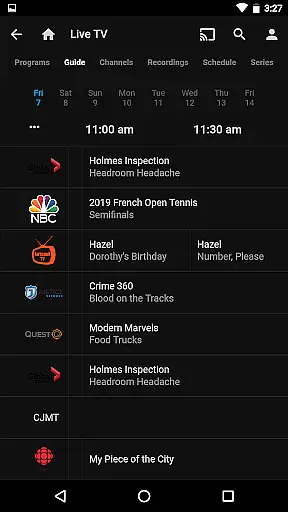
Advanced features include Live TV and DVR support, enabling users to watch live broadcasts and recorded shows. The app also integrates with Chromecast devices for effortless streaming to larger screens. Additionally, Jellyfin's customizable interface lets you tailor the viewing experience to your preferences, while Android Auto compatibility ensures uninterrupted music playback during drives.
Video format compatibility is a crucial feature for any video player, ensuring that users can enjoy their media without worrying about file type restrictions. Jellyfin excels in this area by supporting a wide range of video formats, from common ones like MP4 and AVI to more specialized codecs such as MKV and OGG.
The app's robust decoding capabilities allow seamless playback of high-definition and even 4K content directly on your Android device. This eliminates the need for format conversion, saving valuable time and preserving original video quality.
Users benefit from Jellyfin's commitment to open standards, which ensures that their media library remains accessible regardless of the source or encoding method. The platform's active development community continually works to expand format support, keeping pace with emerging industry standards.
While primarily a media server and streaming application, Jellyfin incorporates basic AI-powered editing features that enhance the viewing experience. These intelligent tools automatically generate thumbnails, create chapter markers, and optimize streaming quality based on network conditions.
The application's smart algorithms work behind the scenes to analyze media content, providing accurate metadata tagging and organizing media libraries efficiently. This automated categorization saves users significant time when managing large collections of videos.
Jellyfin's approach to AI implementation focuses on practical utility rather than complex editing tools. The app intelligently adjusts playback settings, optimizes buffering, and provides smart recommendations based on viewing habits, making media consumption more intuitive and enjoyable.
User-friendly interface
Free and open-source
Live TV support
Chromecast integration
Customizable experience
Requires separate server setup
Limited offline functionality
No built-in media library
Dependent on network quality
Android Auto online-only

Video Downloader is an utility that can save videos and music from web sites
 4.20
4.20
Video Trimmer, Video to MP3 Converter. Extract music from video, Easy & Fast.
4.80
KineMaster, Your Ultimate Video Editor!
4.40
Create photo video with music & template. AI video maker for stunning slideshow.
4.60
HD video maker with no watermark, no ads & vlog maker with music, PIP, text
4.50
AirMirror Receiver - Screen mirroring/cast web videos to Android TV by AirPlay.
4.40
GENRAL PRO - General Pro is the best video player that fully supports all formats.
4.70
LumaFusion: The Ultimate Storytelling Experience for Video Editing
4.10
Video&Drama Player All Format is a HD video player, music player
3.00
Flud is a simple and beautiful BitTorrent client for Android.
4.80
All in one HD video downloader & player for multiple formats with full privacy
4.70
Add date and time watermark to photos and videos
4.50
Fast & Private HD Video Downloader with Built-in Proxy Browser and Video Player.
4.50
Powerful, professional, versatile teleprompter. Developed by an active film crew
4.00
IPTV-Smarters Player Pro M3U - Watch Live Stream TV Channels with Chromecast
4.00
AI Video Editor:AI Music, Text to Video,Text to Speech,Auto Caption,Video Effect
4.00
Explore the largest library of free GIFs, Stickers & Memes - or create your own!
3.90
Manage your IPTV live channels and VOD playlists (no playlist included)
3.80
Mix with Virtual DJ directly from your phone or tablet !
3.10


User Reviews