
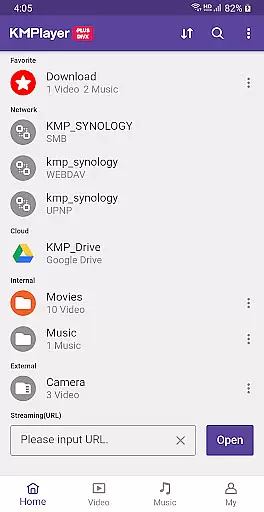
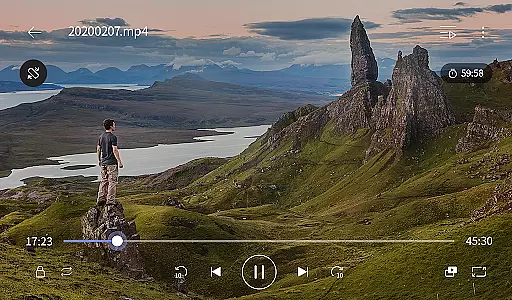
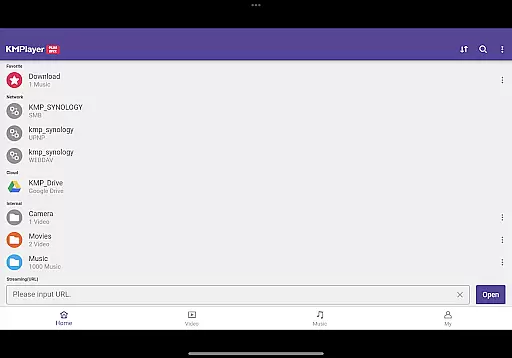
KMPlayer Plus (Divx Codec) is a versatile video player that supports Divx codec and various other formats. It allows users to enjoy high-definition video playback including HD, 4K, and 8K resolutions. The app provides advanced features such as color adjustment, zoom functionality, and section repeat, making it an excellent choice for media enthusiasts.
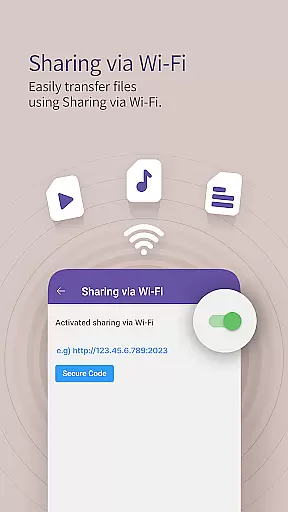
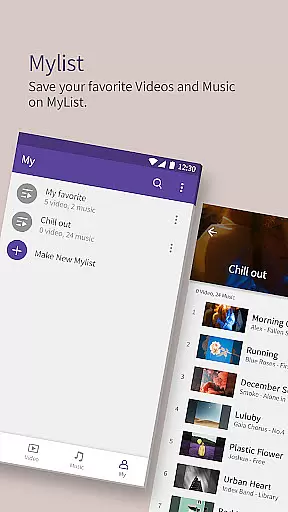
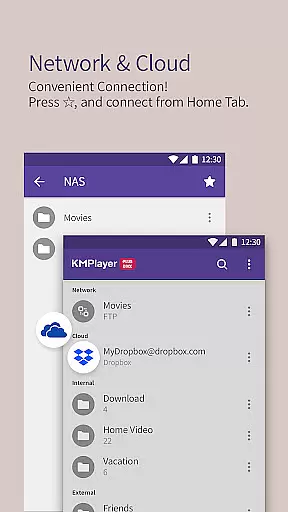
With additional functions like Wi-Fi sharing, search capabilities, and playlist creation, KMPlayer Plus enhances user experience by offering convenience and customization. Whether you are watching local files or streaming content, this app ensures smooth playback and extensive format compatibility.
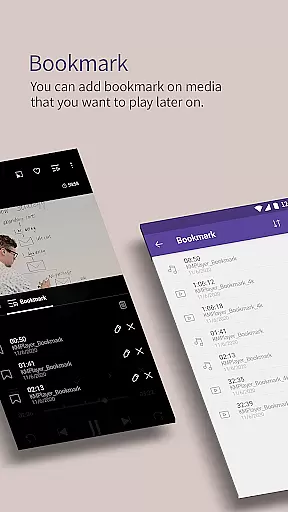
The app boasts a comprehensive set of features designed to enrich media playback. Key functionalities include bookmarking positions in videos, adjusting brightness and contrast, and zooming into specific areas of the video. Users can also take advantage of the section repeat feature for focused viewing and utilize the invert video option for unique perspectives.
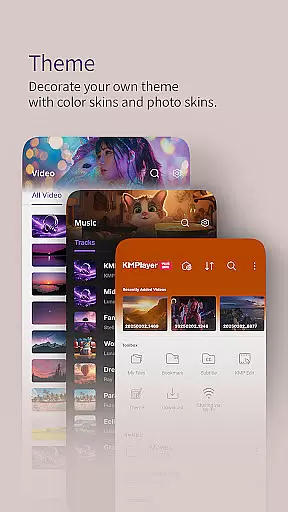
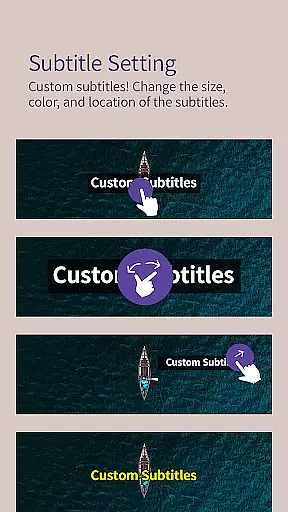
Beyond basic playback, KMPlayer Plus offers practical tools such as quick buttons for easy access to player options, popup play for multitasking, and an equalizer for audio enhancement. Speed control allows flexible playback rates, while beautiful UI design and subtitle settings cater to personalized preferences.
Video format compatibility is a critical feature for any video player, determining the range of file types it can play. KMPlayer Plus (Divx Codec) excels in this area by officially supporting Divx codec and a wide array of video formats.
The application supports various codecs for AVI and MKV files, including DXMF, DX50, DIVX, DIV4, DIV3, and MP4V. This extensive support ensures that users can enjoy their video content without worrying about format restrictions.
Additionally, KMPlayer Plus provides comprehensive subtitle support, accommodating formats like DVD, DVB, SSA/ASS Subtitle Track, SubStation Alpha (.ssa/.ass), SAMI (.smi), SubRip (.srt), MicroDVD (.sub/.txt), VobSub (.sub/.idx), SubViewer2.0 (.sub), MPL2 (.mpl/.txt), TMPlayer (.txt), Teletext, PJS (.pjs), and WebVTT (.vtt). Such versatility enhances the viewing experience by ensuring subtitles are displayed correctly.
By offering broad video and subtitle format compatibility, KMPlayer Plus enables users to enjoy diverse multimedia content seamlessly, making it an ideal choice for those who require flexibility in their media playback options.
AI-powered editing features represent the cutting-edge integration of artificial intelligence into video editing, enhancing both efficiency and creativity. While KMPlayer Plus (Divx Codec) primarily focuses on video playback, it incorporates several advanced functionalities that leverage AI technology to improve user experience.
One notable feature is the ability to adjust video settings intelligently. Users can modify brightness, contrast, hue, saturation, and gamma information with ease, allowing for personalized viewing preferences. The zoom function also benefits from AI enhancements, enabling smooth zooming and panning across videos.
Moreover, KMPlayer Plus offers innovative tools such as section repeat and speed control, which, although not directly AI-driven, contribute to a more dynamic editing environment. These features allow users to loop specific sections and adjust playback speeds from 0.25x to 4x, facilitating detailed analysis or creative projects.
While KMPlayer Plus may not offer traditional AI-driven editing tools like scene detection or automated cuts, its intelligent playback adjustments and versatile editing capabilities make it a powerful tool for users seeking enhanced control over their video content.
User-friendly interface
Wide codec support
High-definition playback
Advanced customization options
Convenient sharing features
Limited free trial period
Subscription required for VIP features
Some codecs not supported
Occasional bugs reported
Ads in free version

Auto video maker with music & exclusive filters. Video editing made simple.
 4.50
4.50
Fast, private downloading, video saving, social media
4.50
Client application for NextPVR software
3.00
You can play SWF format file!
2.50
Watch a large amount of high-definition short drama content
4.60
IPTV Player - Watch live TV from m3m & m3u8 playlist, stream IPTV on mobile
3.30
Cast to Smart TV, Fire TV. Cast video, photo - Fast & Stable!
3.90
Flud is a simple and beautiful BitTorrent client for Android.
4.80
Livestream, news, & gaming content. Watch, chat, and upload. Join Rumble today!
3.80
A Simple app to download Video & Music from the Internet.
4.70
Cast movies, tv shows and live streams to Chromecast, Roku, DLNA, Fire TV & more
4.60
Fast & Private HD Video Downloader with Built-in Proxy Browser and Video Player.
4.50
Web Browser for LG TV to stream webvideos, online movies and livestreams in HD
4.20
Turn your phone into a wireless camera!
4.20
Make your own Animations, Video and Photo Edits, Visual Effects, and more!
4.00
AirMirror is Receiver for Screen Mirroring and Casting from Apple Devices.
3.60
Connect EasyCap or UVC devices for recording and broadcast video/audio stream
3.60
Download videos easily & play them all in one smart, powerful video manager.
3.40
Play and download HD videos from all sources — fast, simple, and all-in-one.
4.5


User Reviews