
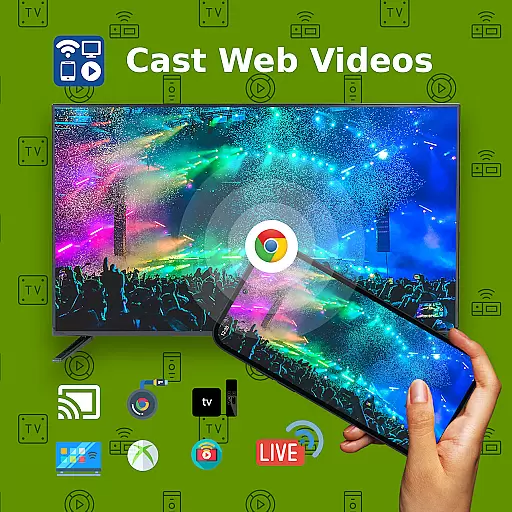
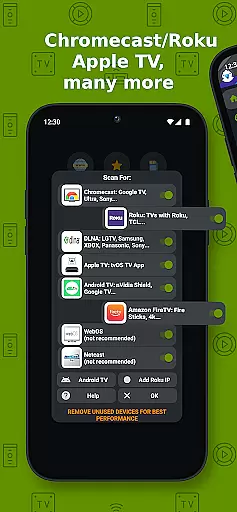
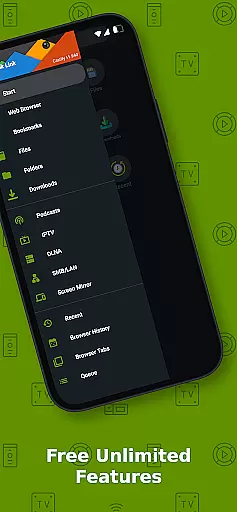
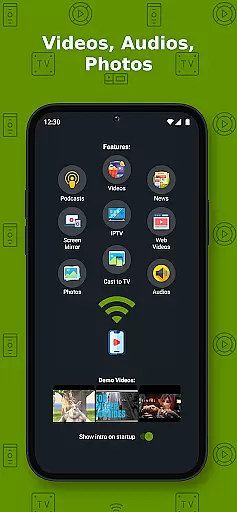
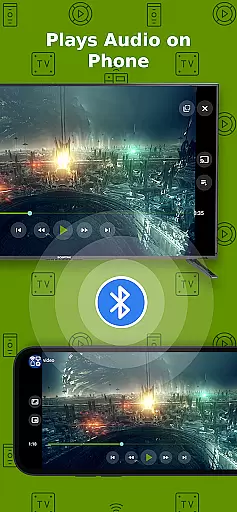
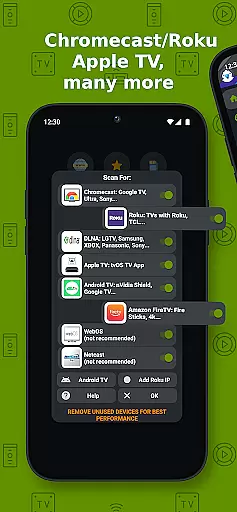
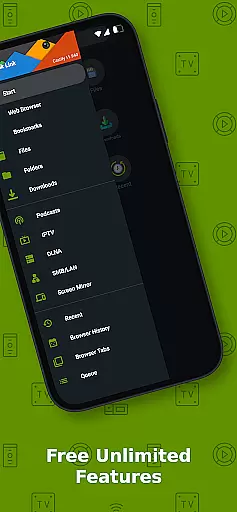
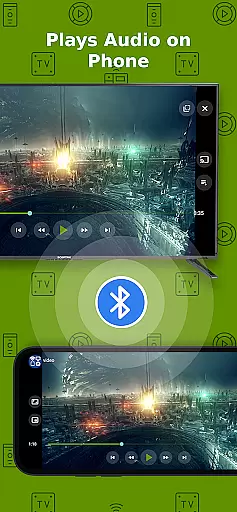
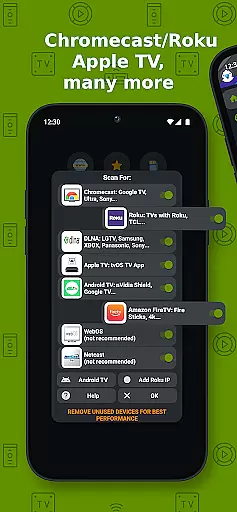
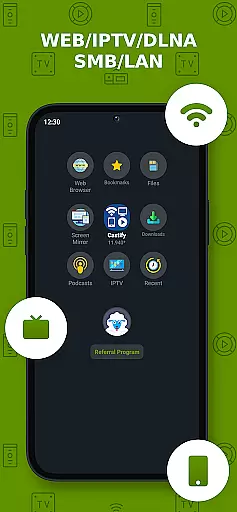
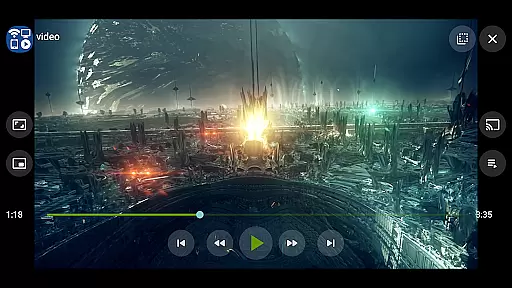
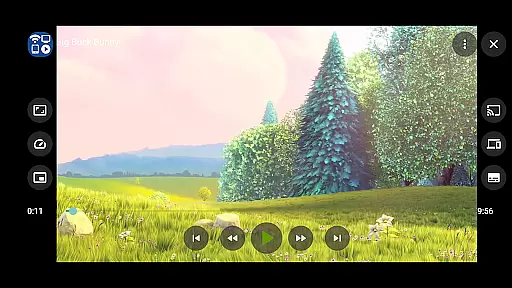
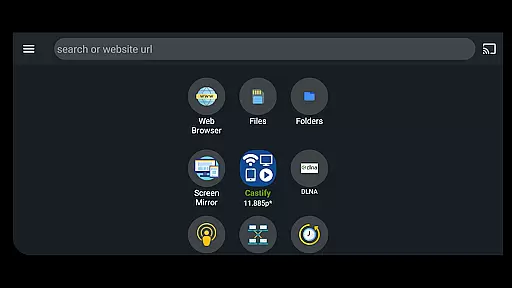
Cast to TV+ Chromecast Roku TV is a versatile streaming application that allows users to cast videos, music, photos, and other media content from their mobile devices to various streaming devices. The app supports a wide range of receivers including Chromecast, Roku, Fire TV, DLNA receivers, Xbox consoles, and smart TVs from brands like LG, TCL, Phillips, Sony Bravia, Samsung, Sharp, Panasonic, and more.
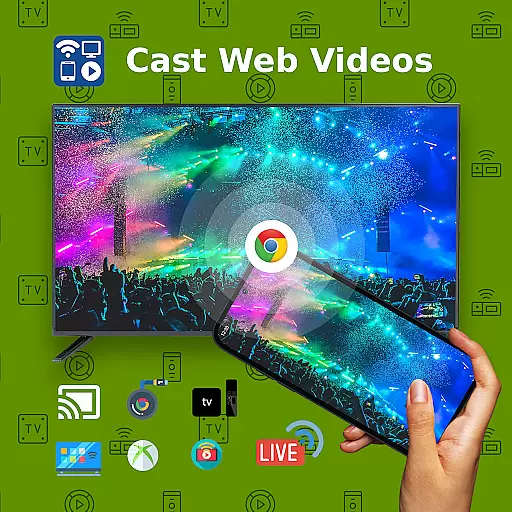
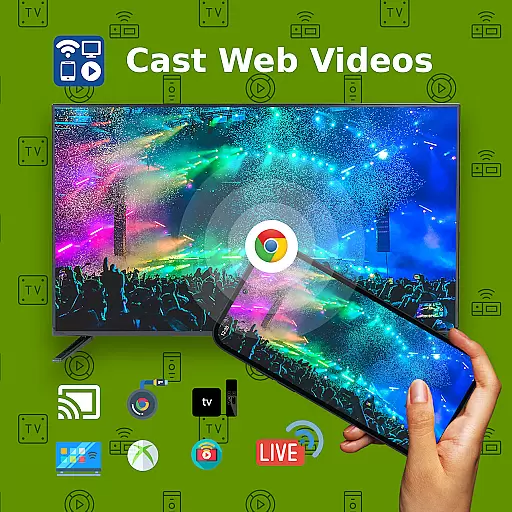
One of the standout features of this app is its ability to cast web videos found online from websites, making it an excellent tool for users who want to enjoy content on a larger screen. Additionally, the app offers AI Subtitle Generate and Translation, Universal Remote Controls for different TV brands, Screen Mirroring, IPTV support, and much more. Whether you're looking to stream local files or online content, this app provides a seamless experience across multiple platforms.
This application is particularly useful for users who own a Roku or Google Chromecast, as it works best with these devices. With functionalities such as Picture in Picture (PiP), website bookmarks, and searching videos on any websites, Cast to TV+ Chromecast Roku TV enhances the way users interact with their media content, providing both convenience and versatility.
Cast to TV+ Chromecast Roku TV boasts an impressive array of features designed to enhance the streaming experience. One of its key capabilities is the AI Subtitle Generate and Translation feature, which allows users to create and translate subtitles for any given video, thus broadening accessibility for international content. This functionality is especially beneficial for users who consume media in different languages or need subtitles for better comprehension.
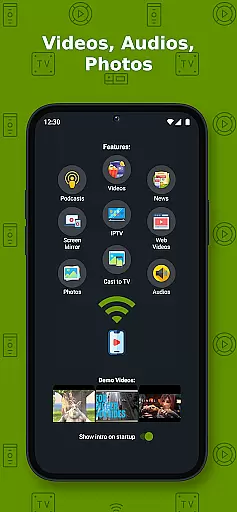
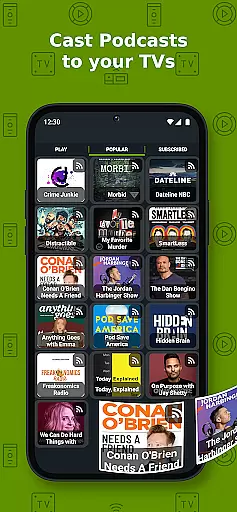
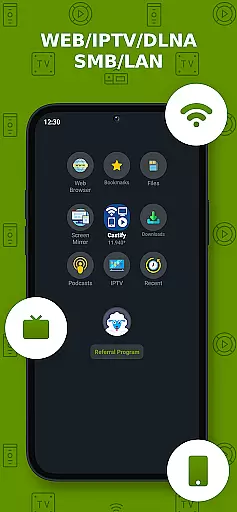
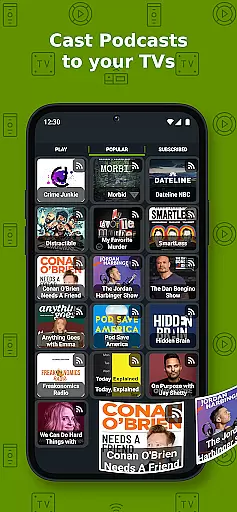
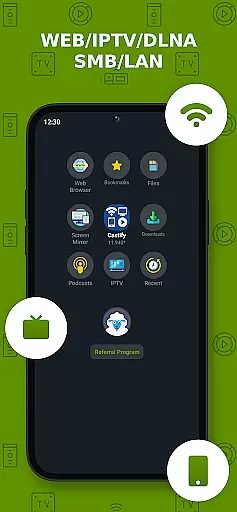
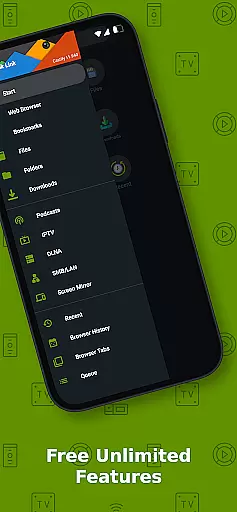
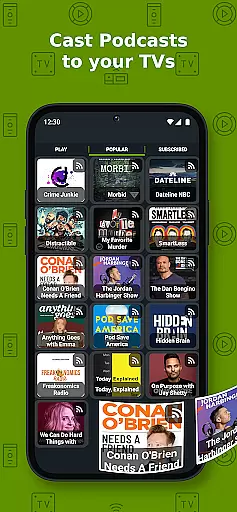
The app also excels in its casting abilities, supporting a variety of formats including MP4, MKV, MP3, JPG, PNG, HTML5 video, HLS Live Streaming, and IPTV m3u files or URLs. Users can cast from multiple sources such as phone files, browser websites, IPTV, podcasts, and DLNA servers. Moreover, the Universal Remote Controls feature provides compatibility with Roku, Android TV, Samsung, LGTV, and FireTV, allowing users to control their streaming devices directly from the app.
Additional notable features include Screen Mirroring, which is available on newer Android devices, Picture in Picture (PiP) mode, and the ability to cast to any web browser. These features collectively ensure that users have a comprehensive and flexible streaming experience, catering to various needs and preferences while maintaining high-quality output.
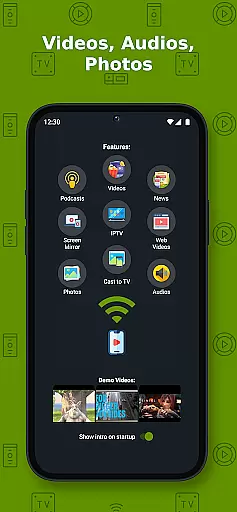
Video format compatibility is a crucial feature for any video player and editor, ensuring that users can enjoy content in various formats without technical hindrances. Cast to TV+ Chromecast Roku TV supports an extensive range of formats including MP4, MKV, MP3, JPG, PNG, HTML5 video, HLS Live Streaming, and IPTV m3u files or URLs. This wide compatibility allows users to cast and stream movies, videos, music, and photos from their phone or tablet directly to their TV using compatible streaming devices like Chromecast, Roku, Xbox, DLNA, and more.
The app's ability to handle 4K and HD videos where available enhances the viewing experience, offering high-quality playback for those with advanced home entertainment systems. However, it's important to note that some proprietary video and movie formats may not be supported due to restrictions imposed by the source websites themselves. The app does not modify video sources but sends the original source to your streaming receivers, which means the compatibility and availability of videos are dependent on the source websites.
For users with specific needs, such as playing IPTV streams or casting local files, this app provides the flexibility needed to enjoy multimedia content across different platforms and devices. Whether you're looking to stream content from IPTV providers or share personal media stored on your device, the comprehensive format support ensures that most common types of media can be enjoyed on the big screen.
AI-powered editing features represent a significant advancement in video players and editors, providing users with tools that enhance both the creation and consumption of digital content. Cast to TV+ Chromecast Roku TV incorporates AI-driven functionalities such as AI Subtitle Generate and AI Subtitle Translation. These features allow users to create subtitles for any given video and translate SRT subtitles into different languages, making content more accessible to a global audience.
In addition to subtitle capabilities, the app offers innovative ways to interact with and control media playback. For instance, the Universal Remote Controls feature enables seamless management of various devices including Roku, Android TV, Samsung, LGTV, and FireTV. This integration simplifies the user experience by consolidating multiple remote functions into a single interface, enhancing convenience and accessibility.
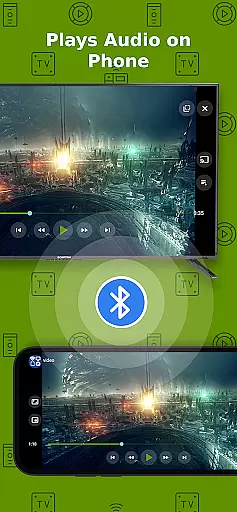
Moreover, the inclusion of Picture in Picture (PiP) mode and Screen Mirroring further enriches the user experience. PiP allows users to multitask while watching videos, while Screen Mirroring extends the functionality of newer Android devices by enabling them to display their screens on larger TVs. These AI-powered enhancements not only improve usability but also cater to diverse user preferences, ensuring that everyone can find value in the app's robust set of features.
User-friendly interface
Wide device compatibility
AI subtitle generation
Comprehensive format support
Universal remote controls
Limited functionality on older devices
Some formats not supported
Dependent on stable internet
No proprietary video casting
Occasional connectivity issues

Online Videos Player
 3.90
3.90
Tik & Story Saver-Download ALL social media videos, photos & reels no watermark.
4.80
KineMaster, Your Ultimate Video Editor!
4.40
HD video maker with no watermark, no ads & vlog maker with music, PIP, text
4.50
This app was created to edit the metadata of music files.
4.20
Live TV, anywhere in your home
3.80
Download website videos fast&privacy
4.40
Fast & Private HD Video Downloader with Built-in Proxy Browser and Video Player.
4.50
convenient, safe and fast at Video Downloader & Player
4.60
All in one HD video downloader & player for multiple formats with full privacy
4.70
High-Quality USB Camera Viewer & HDMI Display
4.70
HD Video player all format, HD Videos, Cast & Subtitle. No annoying ads.
4.60
Browser + Remote for Roku to stream webvideos, online movies and livestreams
4.60
Auto video maker with music & exclusive filters. Video editing made simple.
4.50
Video player, file manager for all formats, 4K/HD media player supports subtitle
4.30
Powerful, professional, versatile teleprompter. Developed by an active film crew
4.00
AirMirror is Receiver for Screen Mirroring and Casting from Apple Devices.
3.60
All in one multi protocols stream receiver for AirPlay, Cast and DLNA.
3.60
This app is an emulator of some specific IPTV boxes
3.50


User Reviews