
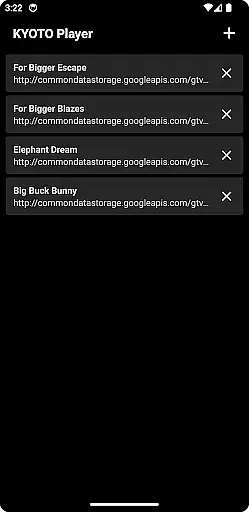
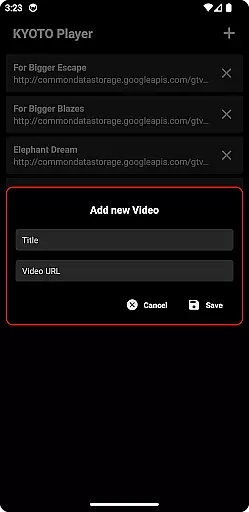
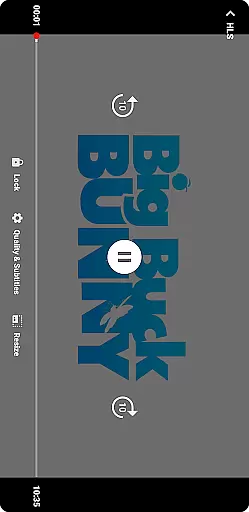
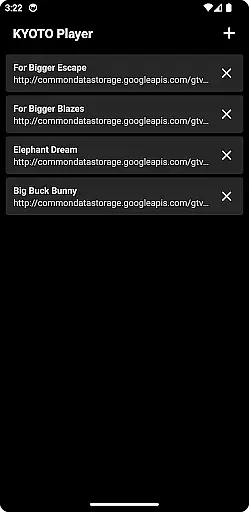
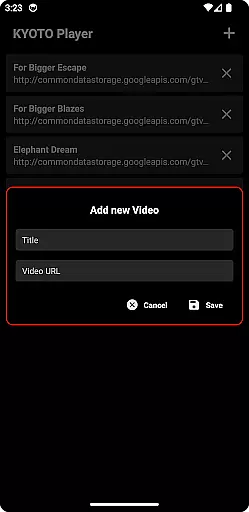
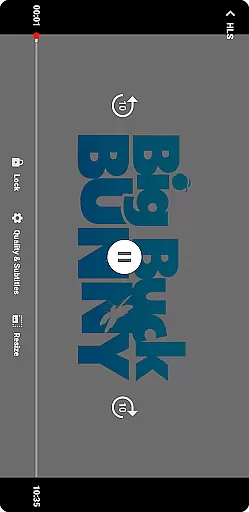
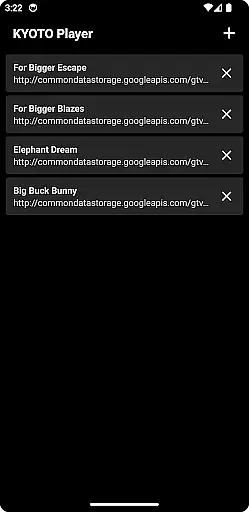
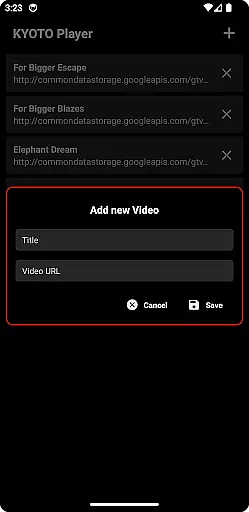
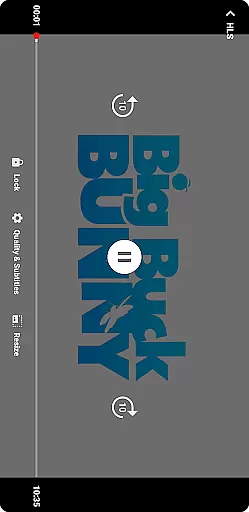
KYOTO Player is a versatile video player app designed for seamless playback of various online video formats. Supporting an extensive range of file types including MP4, HLS, DASH, and more, it ensures smooth streaming without compatibility issues.
The application's intuitive interface allows users to easily navigate through their media library while enjoying high-quality video playback. Whether you're watching casual videos or managing a large collection of multimedia files, KYOTO Player provides a reliable solution for all your playback needs.
One of the standout features of KYOTO Player is its wide format support, accommodating over ten different video and audio formats. This includes popular standards like MP4 and WebM as well as specialized formats such as MPEG-TS and FLV.
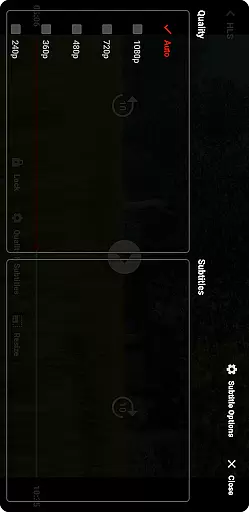
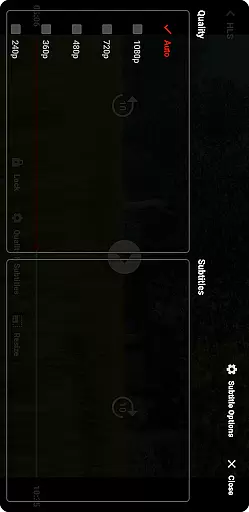
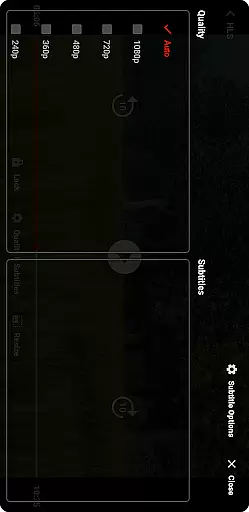
Additionally, the player offers advanced streaming capabilities with support for HLS and DASH protocols, ensuring uninterrupted playback even on slower connections. Users can also take advantage of customizable playback settings, allowing them to tailor their viewing experience according to personal preferences.
Video format compatibility is a crucial feature for any video player application. KYOTO Player excels in this area by supporting an extensive range of video formats including MP4, HLS, DASH, MP3, WebM, MKV, OGG, WAV, MPEG-TS, MPEG-PS, FLV, and more.
The ability to play multiple formats ensures that users can enjoy their video content without worrying about format restrictions. This wide compatibility allows KYOTO Player to cater to diverse user needs, whether they are watching casual videos or handling professional media files.
By incorporating advanced decoding technologies, KYOTO Player delivers smooth playback across different formats. This technical advantage translates into a seamless viewing experience, enabling users to focus on their content rather than technical limitations.
While primarily a video player, KYOTO Player also integrates AI-powered editing features that enhance the user's interaction with their media. These smart tools allow for efficient video trimming, cropping, and format conversion, streamlining common editing tasks.
The inclusion of artificial intelligence in the editing process enables the app to automate complex operations such as scene detection and quality optimization. This automation saves users significant time and effort while maintaining professional-grade output quality.
These intelligent editing capabilities, combined with the app's robust playback functions, position KYOTO Player as a versatile solution for both media consumption and basic content creation needs.
User-friendly interface
Wide format compatibility
Advanced streaming options
Customizable playback settings
Reliable performance
Limited editing tools
No built-in downloader
Occasional bugs reported
Ads in free version
Some features require paid upgrade

The smartest M3U IPTV Player your playlists have ever seen.
 4.4
4.4
Search & download videos from net with all video downloader, auto-detect & safe.
4.60
Fast video downloader & private browser. Save HD clips to watch offline.
4.40
Video Downloader, Multiple Resolution Options, Video Player
4.50
Browser for Sony TV to stream web videos, online movies and live tv
3.20
#1 Torrent App on Android ** No Ads Ever + Battery Saver **
4.80
Cast movies, tv shows and live streams to Chromecast, Roku, DLNA, Fire TV & more
4.60
Fast private browser with secure, seamless access & supported video downloads!
4.00
convenient, safe and fast at Video Downloader & Player
4.60
Download Hub, easy and private way to download and enjoy your videos offline
4.80
A Quick and Pro Video Editor
4.70
Seamlessly connect and control your smart devices, anytime, anywhere with ease.
4.60
Cast to Chromecast, Xbox, Fire Stick, Roku, DLNA, Smart TV & No Feature Limited!
4.50
This app was created to edit the metadata of music files.
4.20
Powerful, professional, versatile teleprompter. Developed by an active film crew
4.00
1)AirPlay/DLNA Mirroring/Streaming, up to 4 connections; 2)Samba/NAS/DMS Player.
4.00
Save photos and videos from social apps in one tap.
3.60
All in one multi protocols stream receiver for AirPlay, Cast and DLNA.
3.60
Connect EasyCap or UVC devices for recording and broadcast video/audio stream
3.60


User Reviews