
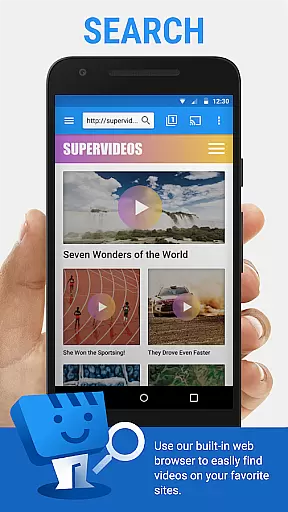
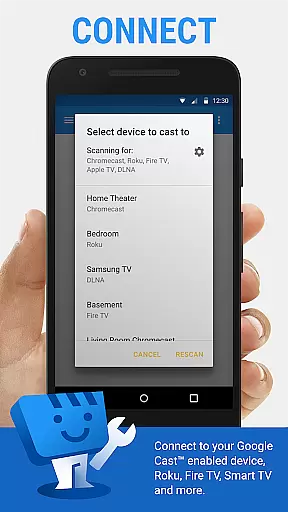
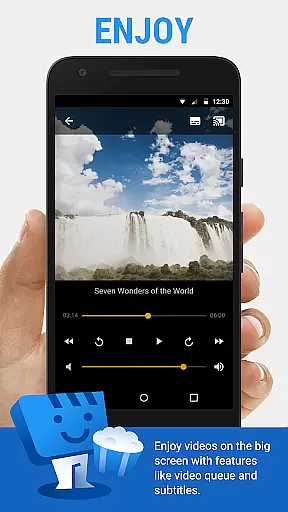
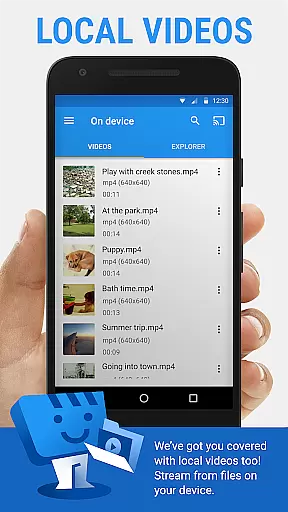
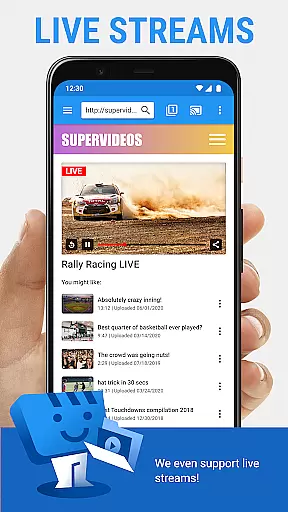
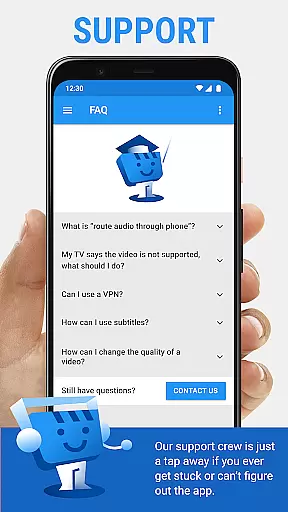
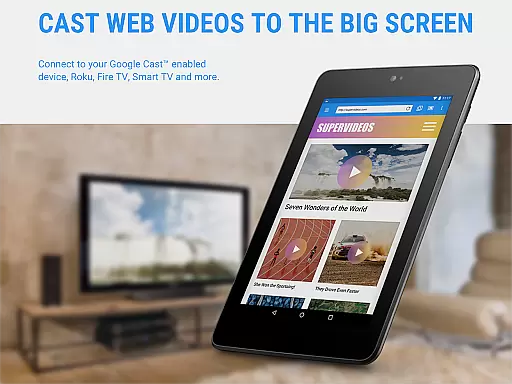
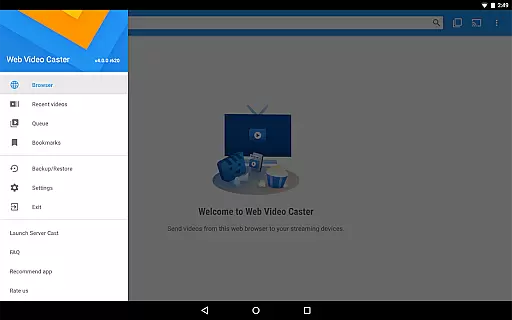
Web Video Cast is a versatile streaming application that enables users to cast videos, photos, and audio files from their mobile devices or the web directly to their TV. The app supports popular streaming devices like Chromecast, Roku, Amazon Fire TV, and Smart TVs from major manufacturers. It allows casting of various media formats including MP4 videos, live streams in M3U8 format, and HTML5 videos.
Beyond basic streaming capabilities, Web Video Cast offers advanced features such as subtitle support through OpenSubtitles.org integration and local file casting. Whether you want to watch movies, TV shows, live news, or sports, this app provides a seamless experience across different platforms. Its intuitive interface makes it easy for users to browse, play, and cast content effortlessly.
The app's value extends beyond casual viewers as it also caters to power users with its premium features. These include ad-free browsing, video history tracking, queue management, and customizable home page settings. With its broad device compatibility and rich feature set, Web Video Cast is an essential tool for anyone looking to enhance their home entertainment system.
Web Video Cast stands out with its comprehensive feature set tailored for diverse streaming needs. One of its key strengths is the wide range of supported streaming devices, which includes not only mainstream options like Chromecast and Roku but also DLNA receivers and gaming consoles like PlayStation 4. This extensive compatibility ensures that users can enjoy their favorite content on virtually any modern TV or streaming device.
The app excels in media format support, handling everything from standard MP4 files to complex HLS live streams. Its intelligent subtitle detection system automatically identifies subtitles on web pages while also allowing users to upload custom subtitle files. The integrated OpenSubtitles.org search function further enhances accessibility for international content. Additionally, the app's ability to cast local files stored on your phone adds significant convenience for personal media collections.
Premium subscribers benefit from enhanced functionality including bookmark management, most visited site tracking, and homescreen shortcuts. The app's thoughtful design extends to its permission structure, where each requested permission serves a specific purpose - from managing Wi-Fi connections for optimal streaming to implementing wake-lock functionality for uninterrupted live streams. These features collectively create a robust streaming solution that adapts to various user requirements.
Video format compatibility is a crucial feature for any video player and editor, ensuring that users can enjoy content from various sources without technical barriers. Web Video Cast supports an extensive range of formats including MP4 videos, HLS live streams in M3U8 format, and any HTML5 videos, provided the streaming device can decode them. This flexibility allows users to cast local videos stored on their phones, movies, TV shows, live news, sports, photos, and audio files to their TVs.
The application's support extends to popular streaming devices like Chromecast, Roku, DLNA receivers, Amazon Fire TV, Fire TV Stick, and Smart TVs from brands such as LG, Samsung, and Sony. By covering a wide array of devices, Web Video Cast ensures that users won't be limited by their hardware choices. However, it's important to note that the app does not perform any video or audio decoding or transcoding, relying instead on the capabilities of the streaming device.
For users, this broad compatibility means they can seamlessly stream content from their favorite websites or local storage without worrying about format issues. Whether it's a live sports event, a movie from a popular streaming service, or personal media files, Web Video Cast provides the versatility needed to enjoy a diverse media library on the big screen.
AI-powered editing features represent the cutting edge of video player and editor technology, enhancing user experience through intelligent automation and optimization. While Web Video Cast focuses primarily on casting and streaming capabilities, its integrated subtitle search using OpenSubtitles.org demonstrates a form of AI assistance. This feature automatically detects subtitles on web pages and allows users to utilize their own subtitle files, showcasing how AI can streamline media consumption.
Although Web Video Cast doesn't emphasize traditional video editing tools, its premium features offer enhancements that benefit frequent users. These include bookmarks for saving favorite content, a customizable home page, video history tracking, and a queue system for managing multiple casts. Such functionalities, powered by smart algorithms, help users organize and access their content more efficiently, mimicking the benefits of AI-driven editing interfaces.
By incorporating these smart features, Web Video Cast provides users with a more personalized and convenient viewing experience. The ability to create homescreen shortcuts, set the most visited site, and manage media playback through intuitive controls exemplifies how AI can be leveraged to improve usability. Even without conventional editing tools, these innovations significantly enhance the overall utility and enjoyment of the application.
User-friendly interface
Wide device compatibility
Comprehensive media support
Subtitle integration
Premium customization options
No tab casting support
Limited server issue resolution
Premium features locked behind paywall
Device compatibility issues possible
Requires stable internet connection

IPTV-Smarters Player Pro M3U - Watch Live Stream TV Channels with Chromecast
 4.00
4.00
Video Downloader is an utility that can save videos and music from web sites
4.20
Create photo video with music & template. AI video maker for stunning slideshow.
4.60
All format media Player, no need video converter any more!
4.00
GENRAL PRO - General Pro is the best video player that fully supports all formats.
4.70
Fast & Private Video Downloader App. Save all videos easily from the Internet.
4.40
Download videos and play them offline
4.70
Manage your IPTV live channels and VOD playlists (no playlist included)
3.80
Manage your YouTube channel on the go
4.40
A Simple app to download Video & Music from the Internet.
4.70
Search & download videos from net with all video downloader, auto-detect & safe.
4.60
Support 1000+ Video Format, Subtitle Download, mp3 & Background Play, Cast On TV
4.60
Seamlessly connect and control your smart devices, anytime, anywhere with ease.
4.60
Browser + Remote for Roku to stream webvideos, online movies and livestreams
4.60
Full HD Video mp3 Player, MP4 player play 1080p, File manager, Video Downloader
4.40
AI Video Editor:AI Music, Text to Video,Text to Speech,Auto Caption,Video Effect
4.00
Online Videos Player
3.90
Kodi media center, a free and open source cross-platform entertainment hub
3.60
Play and download HD videos from all sources — fast, simple, and all-in-one.
4.0


User Reviews