
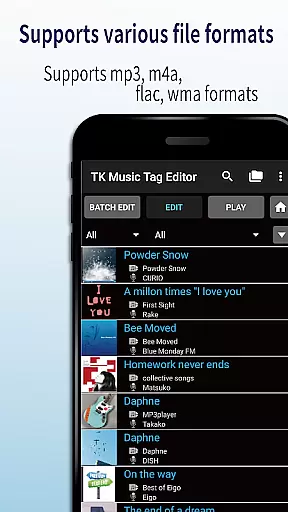
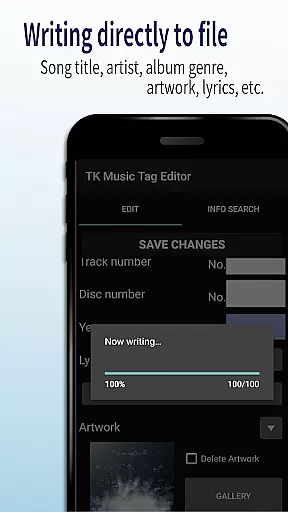
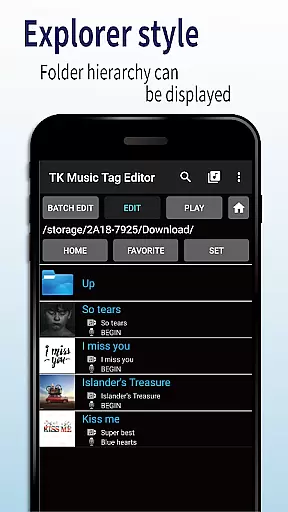
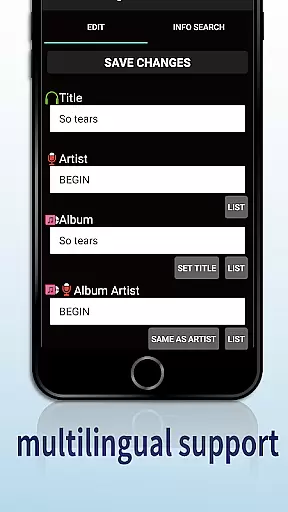
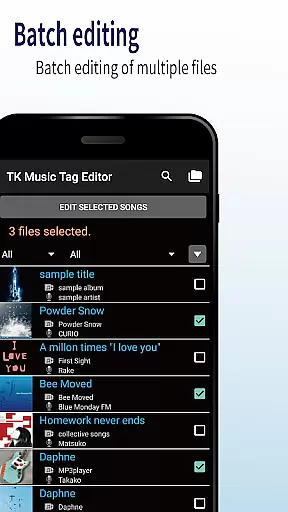
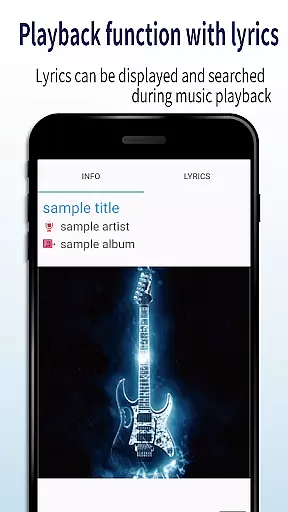
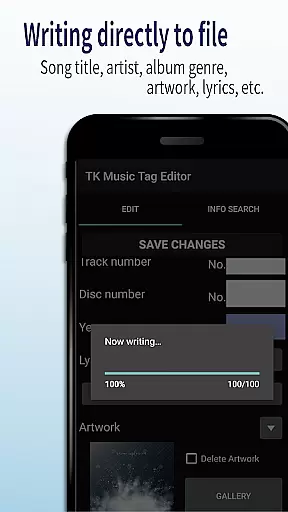
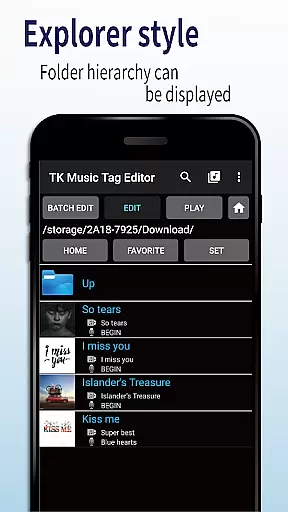
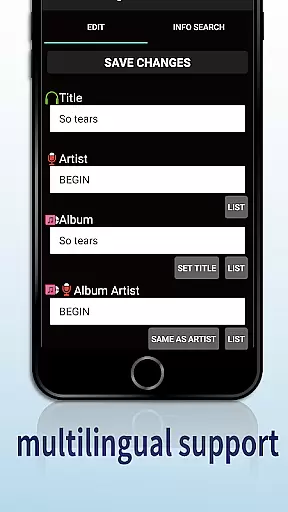
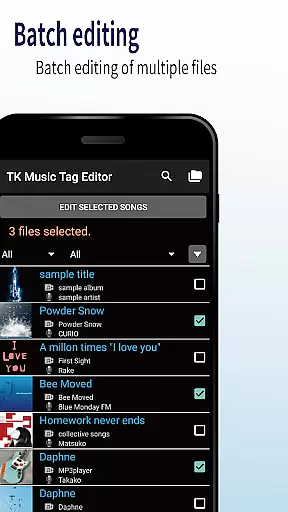
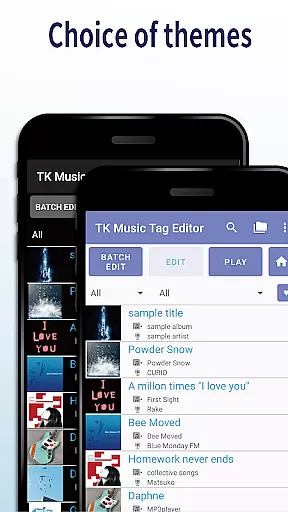
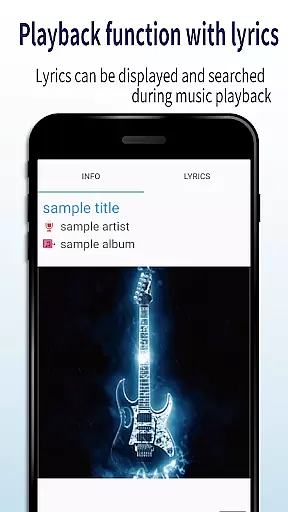
TK Music Tag Editor -Complete- is a comprehensive metadata editing tool designed specifically for music enthusiasts who need precise control over their audio files. This application allows users to directly modify essential metadata fields such as artist, album, cover art, and lyrics within mp3, m4a, flac, and wma files. The changes are written directly into the music files themselves, ensuring that the metadata remains intact regardless of the device or platform used to access the files.
In addition to basic tag editing, the app offers advanced features like simultaneous filename editing, playlist creation, and support for multiple file formats. These capabilities make it an indispensable tool for organizing and managing extensive music libraries. Whether you're a casual listener looking to tidy up your collection or a professional requiring detailed file management, TK Music Tag Editor provides the necessary tools to maintain a well-organized digital music library.
One of the standout features of TK Music Tag Editor is its ability to write tags directly into music files. This ensures that metadata such as title, artist, album, cover art, and lyrics remain consistent across different devices and platforms. Users can edit these tags with ease, providing a seamless experience when transferring files between a PC, smartphone, or any other device.
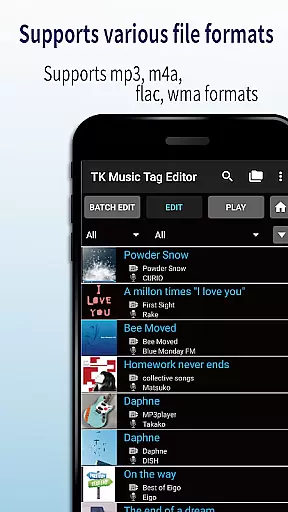
The app also supports simultaneous editing of music filenames, allowing users to standardize their file naming conventions effortlessly. Additionally, it includes a robust playlist creation tool, enabling users to curate personalized playlists easily. With support for various file formats including mp3, m4a, flac, and wma, TK Music Tag Editor caters to a wide range of audio file types, making it a versatile choice for comprehensive music library management.
Future updates promise even more functionality, with plans to add additional editable metadata fields. User feedback is highly valued, and the developers are open to suggestions for new features, ensuring that the app continues to evolve and meet the needs of its users.
Video Players & Editors like TK Music Tag Editor -Complete- excel in their ability to handle a variety of file formats, ensuring that users can manage multimedia files with ease. This app supports mp3, m4a, flac, and wma formats, providing flexibility for users who work with different audio standards.
The application's capability to edit metadata across these formats means that regardless of the source or playback device, your music library remains consistent and accessible. The direct writing of tags into the music files ensures that changes are permanent and recognized universally, whether accessed from a PC or any other device.
For audiophiles and casual listeners alike, having an editor that understands the importance of format compatibility is crucial. It allows for seamless transitions between devices and platforms without losing valuable information such as artist details, album art, and lyrics.
In today's digital age, AI-powered editing features are revolutionizing how we interact with media files. TK Music Tag Editor -Complete- incorporates intelligent tools that simplify the editing process, allowing users to modify filenames and create playlists effortlessly.
One standout feature is the simultaneous editing of music filenames, which streamlines organizing your collection by automatically suggesting naming conventions based on song titles and artists. Additionally, the playlist creation functionality empowers users to curate personalized listening experiences with minimal effort.
While not all features rely on artificial intelligence, the app's foresight in preparing for future enhancements, such as additional editable metadata, showcases its commitment to staying ahead in the Video Players & Editors category. This forward-thinking approach ensures that users will continue to benefit from cutting-edge tools tailored to their evolving needs.
User-friendly interface
Comprehensive tag editing
Multi-format support
Direct file writing
Playlist creation
No batch editing
Limited advanced options
Occasional bugs
Basic UI design
Requires careful use

You can play SWF format file!
 2.50
2.50
Video Player - Unlimited features, 30 days money back guarantee.
4.60
Video Trimmer, Video to MP3 Converter. Extract music from video, Easy & Fast.
4.80
Search & download videos from net with all video downloader, auto-detect & safe.
4.60
AI Video Editor:AI Music, Text to Video,Text to Speech,Auto Caption,Video Effect
4.00
Make your own Animations, Video and Photo Edits, Visual Effects, and more!
4.00
Download videos and play them offline
4.70
LumaFusion: The Ultimate Storytelling Experience for Video Editing
4.10
Screen recorder with audio to take live videos & Screenshot in high quality!
4.70
Download Hub, easy and private way to download and enjoy your videos offline
4.80
GENRAL PRO - General Pro is the best video player that fully supports all formats.
4.70
VLC Remote lets you control your VLC Media Player on Mac, PC or Linux.
4.60
Fast video downloader & private browser. Save HD clips to watch offline.
4.40
Full HD Video mp3 Player, MP4 player play 1080p, File manager, Video Downloader
4.40
Video player with 4K & 1080P support, popup play, background play and subtitle.
4.20
Powerful, professional, versatile teleprompter. Developed by an active film crew
4.00
Live TV, anywhere in your home
3.80
Connect EasyCap or UVC devices for recording and broadcast video/audio stream
3.60
Mix with Virtual DJ directly from your phone or tablet !
3.10


User Reviews