
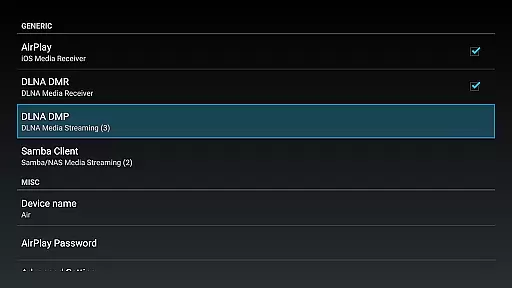
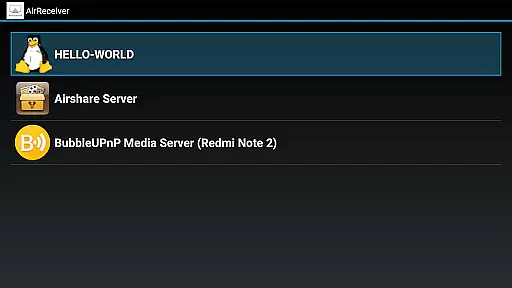

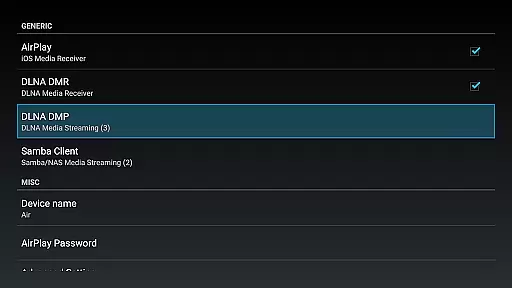
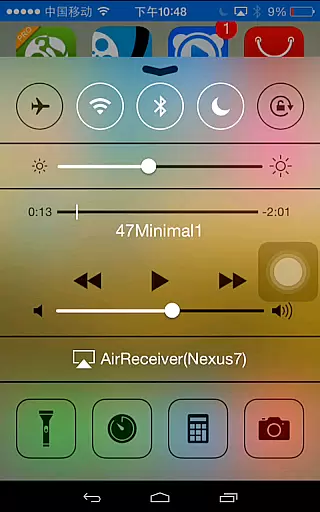
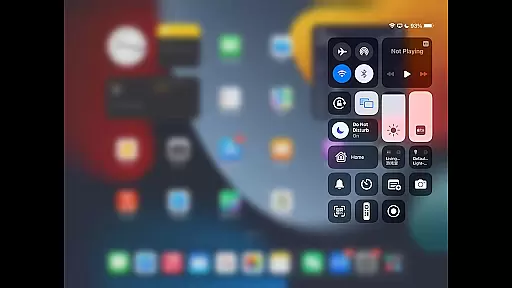
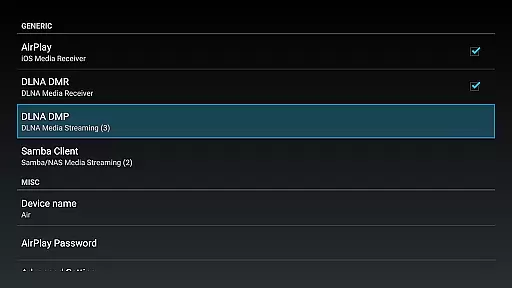
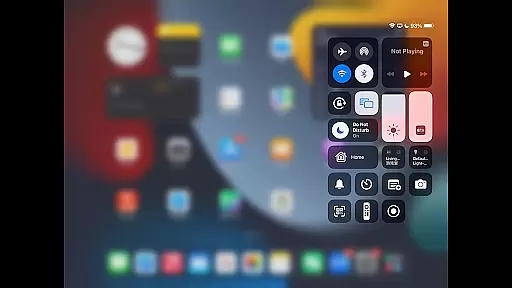
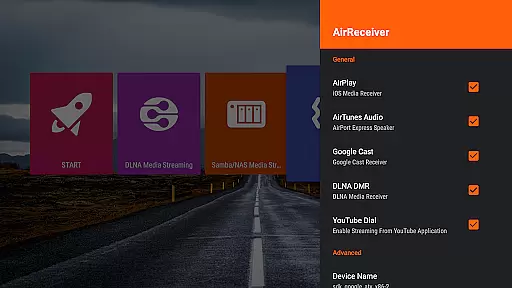
AirReceiver is a versatile streaming solution that supports multiple protocols including AirPlay, Cast, Wireless Display, and DLNA. This application allows users to stream screens, photos, music, and videos from their phones or laptops directly to a TV. Optimized for Android TV/Box, it runs efficiently in the background as a service, making media streaming seamless and hassle-free.
With unique features like AirMirror for screen mirroring, compatibility with AirParrot, and full support for IOS16, AirReceiver stands out as an essential tool for users looking to enhance their multimedia experience on larger screens. Whether you're streaming content from YouTube or syncing audio across devices, AirReceiver delivers high performance and reliability.
AirReceiver offers an extensive array of features designed to maximize user convenience and multimedia capabilities. Key functionalities include support for YouTube video streaming, audio sync with other AirExpress devices, and slideshow features. The app also excels in AirMirror performance, providing one of the best experiences among third-party AirPlay applications.
Additionally, AirReceiver fully supports IOS16 and enables streaming of audio, video, and photos from various clients such as iTunes, iOS, WMP12, and AirShare. Its ability to run in the background as a service, configurable network name, and startup-on-boot option make it highly adaptable to different user needs. For Windows users, AirSender tools facilitate screen mirroring to devices running AirReceiver, enhancing cross-platform usability.
Video format compatibility is a crucial feature for any video player or editor, ensuring that users can enjoy their media without worrying about technical limitations. AirReceiver supports multiple streaming protocols including AirPlay, Cast, Wireless Display, and DLNA, making it versatile for various devices.
This application allows you to stream screens, photos, music, and videos from your phones and laptops directly to your TV. It works seamlessly in the background, providing an uninterrupted streaming experience on Android devices, especially suitable for Android TV/Box setups.
AirReceiver's support extends to popular formats and services such as YouTube videos, AirMirror for screen mirroring, and full compatibility with IOS16. This ensures that no matter what device or content type you have, AirReceiver can handle it efficiently, offering a smooth user experience across different platforms.
AI-powered editing features are transforming how we interact with media by automating complex processes and enhancing user creativity. While AirReceiver focuses primarily on streaming capabilities, its advanced functionalities like audio sync with other AirExpress devices and slideshow features offer unique advantages.
The app supports streaming audio, video, and photos from AirPlay clients such as iTunes and iOS devices, as well as DLNA clients like WMP12 and AirShare. These capabilities ensure that users can easily share and view their multimedia files without the need for manual conversions or adjustments.
Additionally, AirReceiver runs in the background as a service, allowing continuous streaming without disrupting other activities. Its configurable network name and ability to start on boot enhance convenience, while compatibility with tools like AirSender enables Windows screen mirroring, further expanding its utility beyond simple playback functions.
Supports multiple streaming protocols
Runs efficiently in the background
Compatible with IOS16
High-quality AirMirror performance
Seamless audio sync across devices
Requires powerful hardware for AirMirror
Limited refunds post 7 days
Potential conflicts with other AirPlay apps
Heavy CPU load during AirMirror use
Background service may drain battery

Connect 2 UVC devices for recording and broadcast video/audio stream
 3.90
3.90
?100% FREE! Download & save videos? safely in this app. All formats supported.
4.60
Support 1000+ Video Format, Subtitle Download, mp3 & Background Play, Cast On TV
4.60
Video player with powerful streaming playback and various convenient features.
2.10
KMPlayer Plus (Divx Codec) officially support Divx codec.
4.30
GENRAL PRO - General Pro is the best video player that fully supports all formats.
4.70
Movie maker & video editing app with AI effects and green screen
4.30
Mix with Virtual DJ directly from your phone or tablet !
3.10
AI Video Editor with Music, Filter, Slideshow, Effect, Merge & Trim Video.
4.80
All in one HD video downloader & player for multiple formats with full privacy
4.70
Seamlessly connect and control your smart devices, anytime, anywhere with ease.
4.60
Cast movies, tv shows and live streams to Chromecast, Roku, DLNA, Fire TV & more
4.60
Browser for Samsung TV to stream webvideos, online movies and livestreams in HD
4.10
Explore the largest library of free GIFs, Stickers & Memes - or create your own!
3.90
Live TV, anywhere in your home
3.80
Manage your IPTV live channels and VOD playlists (no playlist included)
3.80
Watch full episodes of your favorite Cartoon Network and Cartoonito shows!
3.50
The essential companion to your Blue Iris PC software
2.50
Stream high quality video from your camera over NDI protocol
4.5


User Reviews