
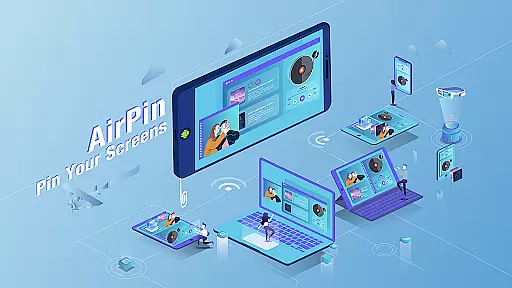

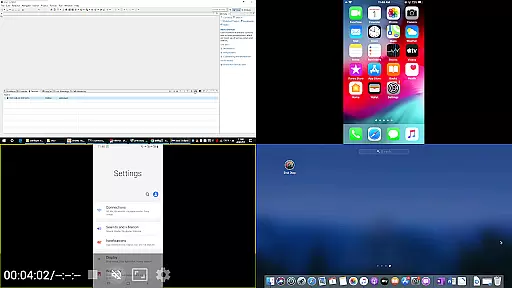
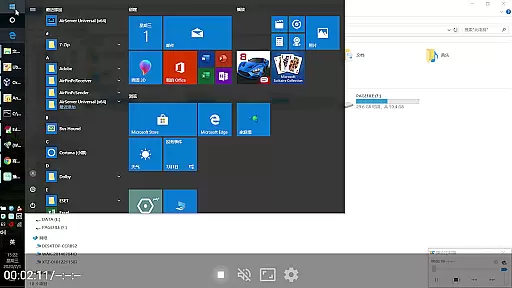

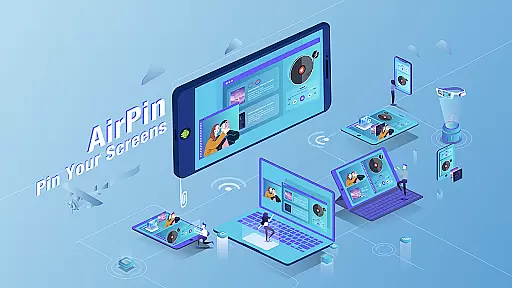

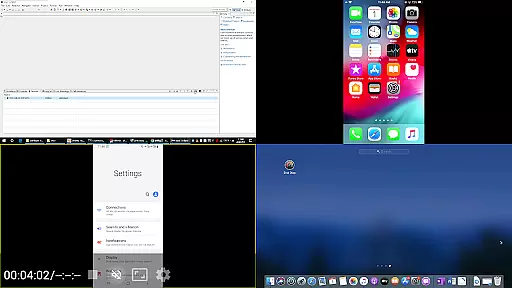


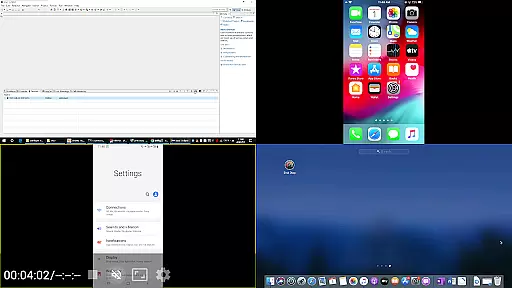
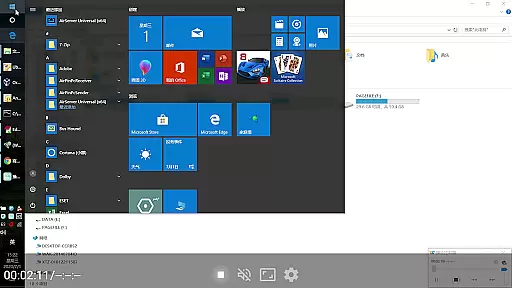

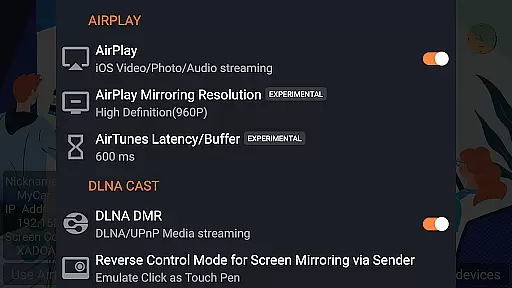

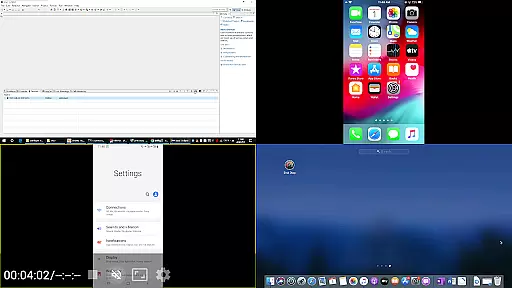
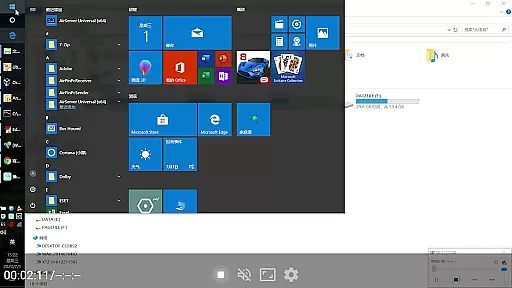

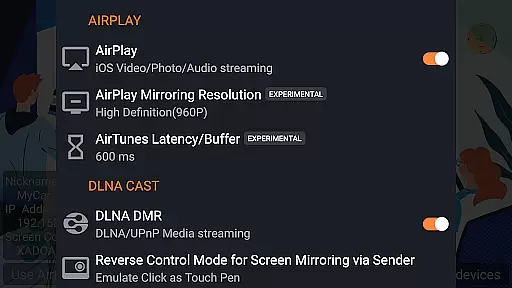
AirPin PRO is a cutting-edge screen mirroring and media streaming receiver app designed for Android phones, tablets, TVs, set-top boxes, and projectors. As the first Android application to support both AirPlay and DLNA since its initial release in July 2012, it enables users to share media and screens from Apple, Windows, and Android devices onto larger displays. With the PRO version, you can simultaneously display up to four device screens, enhancing collaborative experiences.
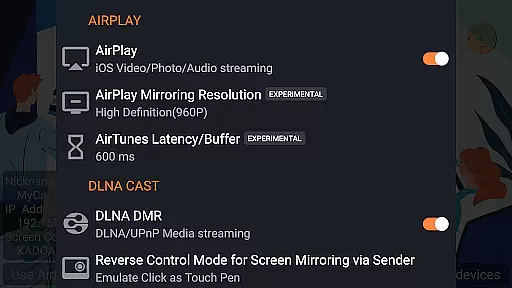
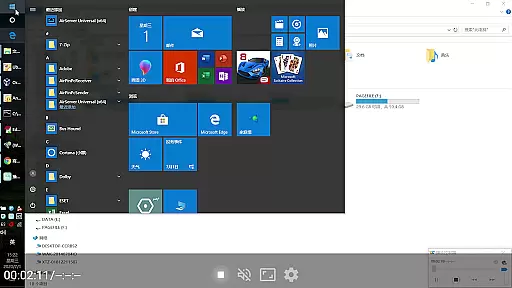
The app's versatility extends beyond just screen sharing; it allows streaming of videos, music, and photos from various devices using different protocols. Whether it's an iPhone, iPad, MacBook via AirPlay, a Windows PC through AirPinPcSender.exe, or Android devices with AirPinCast, this tool ensures seamless connectivity. Its ability to pull media directly from DLNA/NAS/Samba servers adds another layer of convenience. Ideal for presentations, entertainment, or collaborative work environments, AirPin PRO offers a comprehensive solution for wireless content sharing.
AirPin PRO stands out with its robust feature set tailored for diverse user needs. One of its hallmark features is the capability to display multiple device screens simultaneously, accommodating up to four connections at once. This makes it perfect for group settings where several participants need to showcase their content without switching devices constantly.
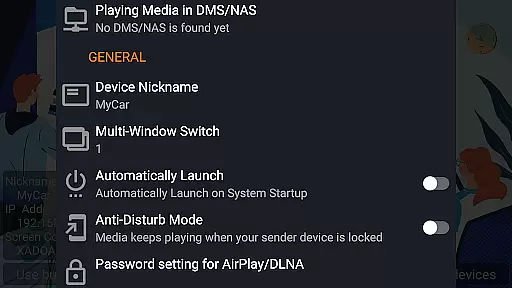
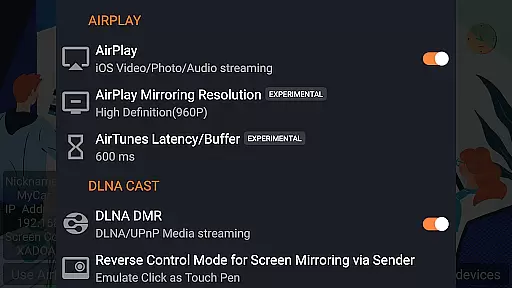
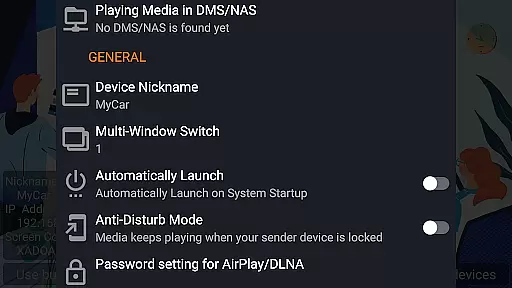
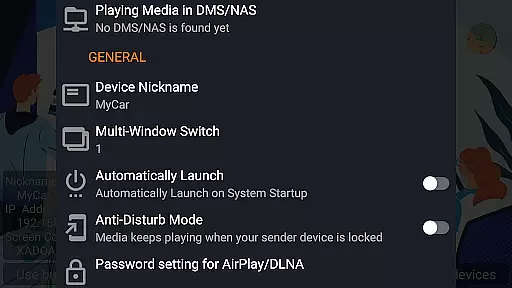
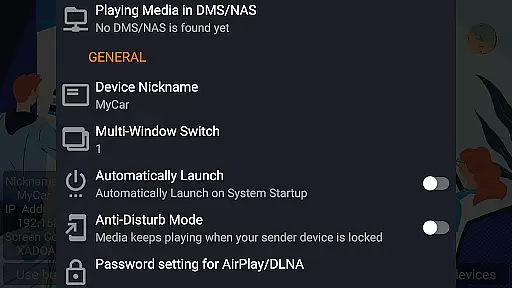
Beyond multi-screen support, the app provides extensive protocol compatibility, supporting AirPlay video/music streaming and screen mirroring across all iOS/MacOS versions. It was the pioneer in enabling the latest YouTube AirPlay streaming and introduced functionalities like slideshow for AirPlay photo streaming and password protection for secure connections. Additionally, as the only app supporting both Renderer and Player modes for Android-based TVs, it facilitates direct media pulling from DLNA/NAS/Samba servers. Features such as automatic startup, configurable service shutdown, background audio streaming without delay, anti-disturb mode, and external player support further enhance user experience by ensuring uninterrupted playback and ease of use.
Video format compatibility is a crucial feature for any video player application, ensuring that users can enjoy a wide range of media content without worrying about format restrictions. AirPin PRO excels in this area by supporting multiple streaming protocols including AirPlay and DLNA.
This advanced screen mirroring and media streaming receiver app allows seamless playback from various devices such as Apple, Windows, and Android. Whether you're sharing videos from an iPhone or streaming content from a PC, AirPin PRO ensures smooth transmission and playback.
One standout aspect is its ability to directly pull media from DLNA/NAS/Samba servers, expanding the potential sources of video content. This versatility means users aren't limited to local storage but can access networked media libraries as well.
While AirPin PRO focuses primarily on screen mirroring and media streaming, it incorporates several intelligent features that enhance the user experience akin to AI-powered editing capabilities found in dedicated video editors.
The application supports automatic startup and configurable service shutdown, optimizing resource usage while maintaining constant availability when needed. These smart management features ensure the app runs efficiently without manual intervention.
Additionally, AirPin PRO includes anti-disturb modes and remembers playback positions, allowing uninterrupted viewing sessions even if the controlling device disconnects. Such features demonstrate a level of intelligence typically associated with sophisticated editing tools.
Multi-screen display
AirPlay & DLNA support
YouTube streaming
Password protection
Background audio
Paid PRO version
Device compatibility
Complex setup
Limited free features
Occasional bugs

Your media, on your terms.
 4.10
4.10
?100% FREE! Download & save videos? safely in this app. All formats supported.
4.60
Video Trimmer, Video to MP3 Converter. Extract music from video, Easy & Fast.
4.80
Cast to Chromecast, Xbox, Fire Stick, Roku, DLNA, Smart TV & No Feature Limited!
4.50
Support 1000+ Video Format, Subtitle Download, mp3 & Background Play, Cast On TV
4.60
Browser for Samsung TV to stream webvideos, online movies and livestreams in HD
4.10
Screen recorder with audio to take live videos & Screenshot in high quality!
4.70
Create, Publish & Maximize
4.70
Manage your YouTube channel on the go
4.40
Play ALL formats in 4K & HD. Video downloader, MP3 player, Chromecast & more.
4.80
A Simple app to download Video & Music from the Internet.
4.70
Seamlessly connect and control your smart devices, anytime, anywhere with ease.
4.60
IPTV Loader, loads your own Playlist. DOES NOT CONTAIN ANY LIST OR CHANNELS
4.60
Browser + Remote for Roku to stream webvideos, online movies and livestreams
4.60
Video Downloader is an utility that can save videos and music from web sites
4.20
Video player with 4K & 1080P support, popup play, background play and subtitle.
4.20
Make your own Animations, Video and Photo Edits, Visual Effects, and more!
4.00
Live TV, anywhere in your home
3.80
This app is an emulator of some specific IPTV boxes
3.50


User Reviews