
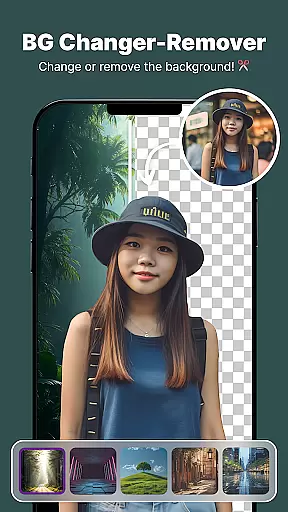
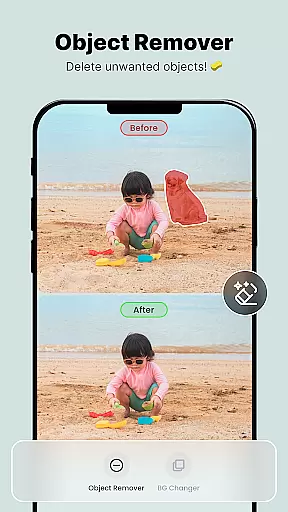
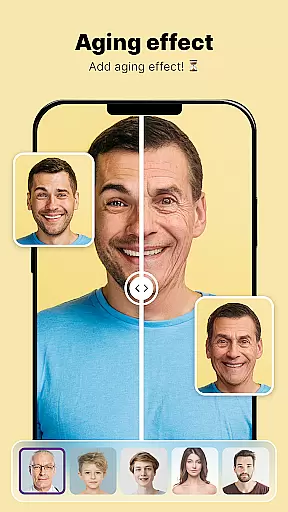
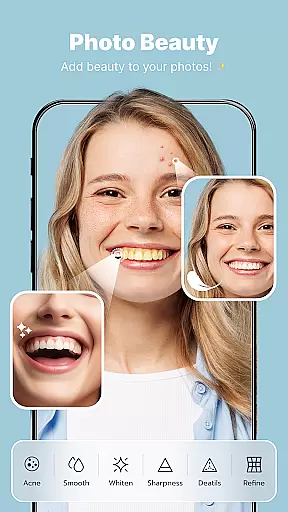
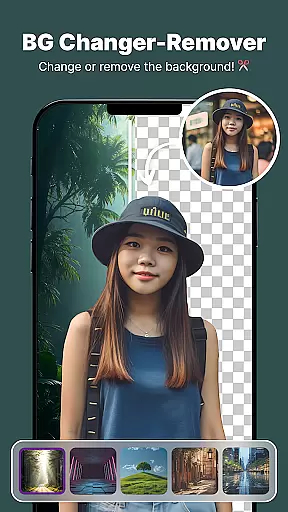
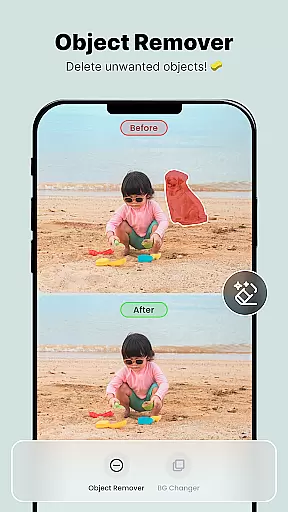
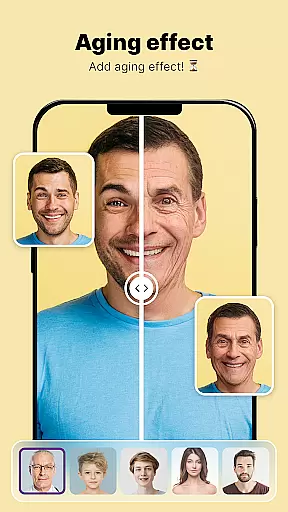
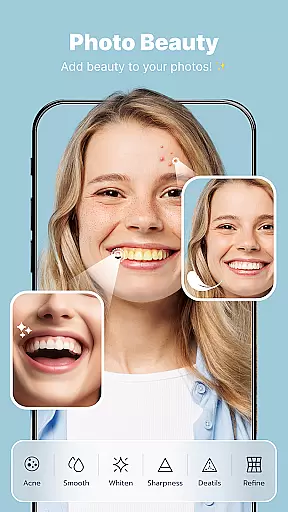
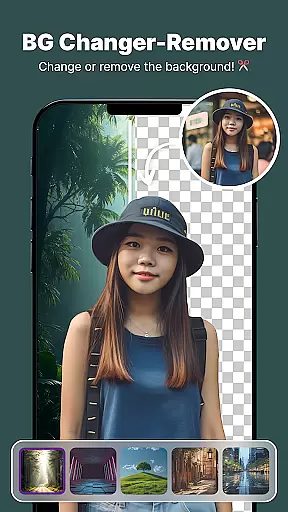
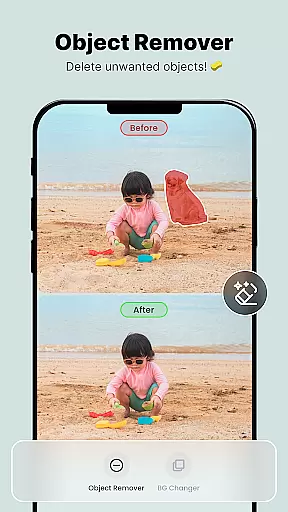
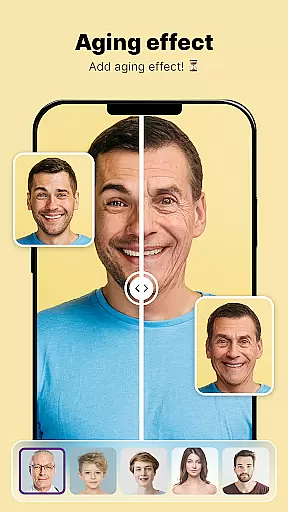
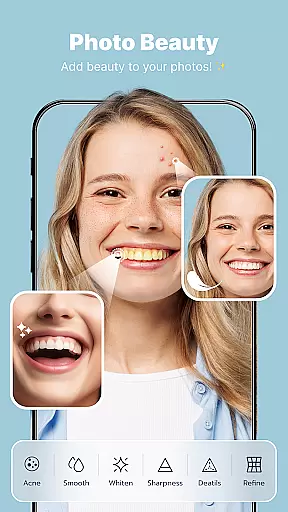
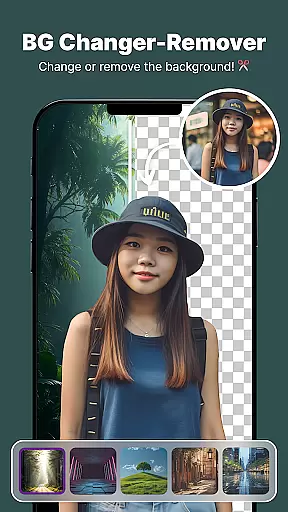
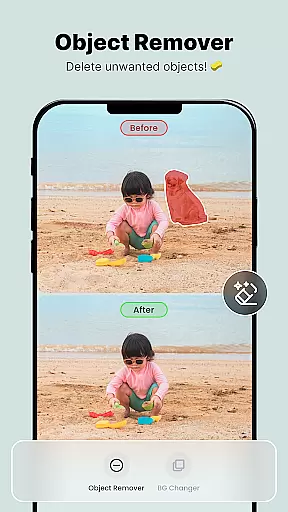
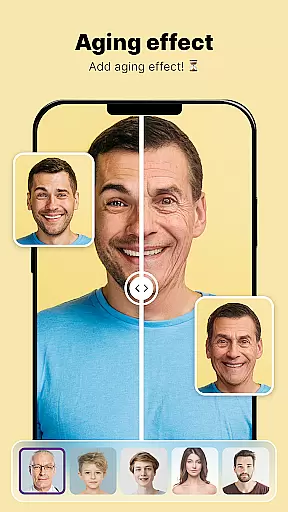
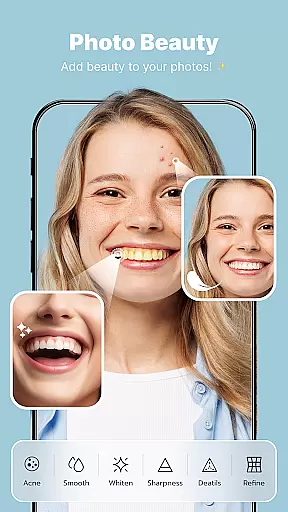
ShotCam is a comprehensive photo editing application designed to enhance your photography experience. This all-in-one editor offers an impressive suite of tools including Body Shape editing, Collage Maker, Background Changer, Object Remover, Aging Effects, and Background Blur.
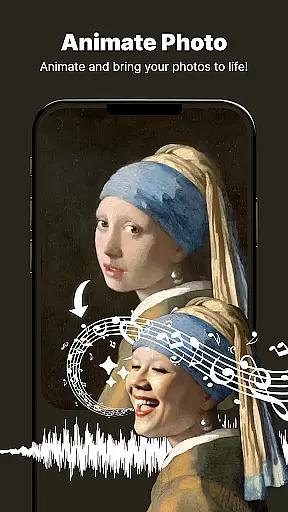
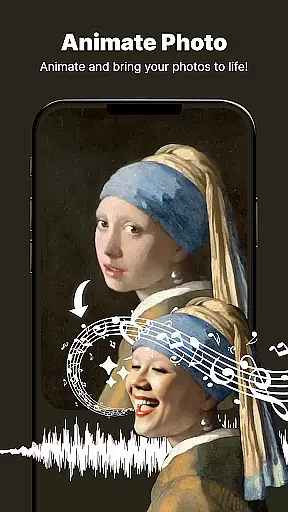
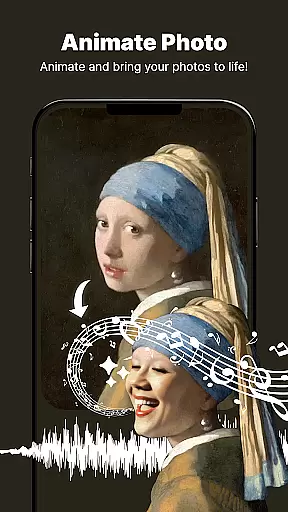
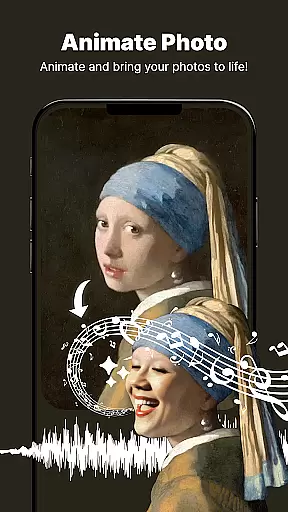
The app's standout feature is its ability to bring static images to life through the Animate Photo tool. Additionally, users can achieve their ideal physique with the Body Shaper function or replace unwanted backgrounds using the powerful BG Editor. The intuitive interface makes it easy to create professional-quality edits on both Android devices.
Whether you're looking to touch up personal photos or create stunning compositions for social media, ShotCam provides the necessary tools to transform ordinary images into extraordinary works of art. Its diverse feature set caters to both casual users and photography enthusiasts seeking advanced editing capabilities in a mobile application.
ShotCam distinguishes itself through innovative features that cater to various photo editing needs. The Animate Photo function allows users to convert still images into dynamic animations with minimal effort, adding motion and excitement to captured moments.
The Body Shaper tool offers precise control over figure adjustments, enabling users to sculpt and refine body contours with natural-looking results. Meanwhile, the versatile Collage Maker provides multiple layout options for combining images into creative compositions, perfect for sharing memories across platforms.
Advanced background manipulation tools include the Background Changer and Blur effects, which help create professional-grade portrait images. The Object Remover simplifies the process of eliminating unwanted elements from photos, while Aging Effects offer a unique perspective on future appearances. These features collectively establish ShotCam as a powerful mobile editing solution.
Real-time capture and preview functionality is essential for ensuring that users can see the results of their edits immediately. This feature allows users to witness changes as they apply various effects, making the editing process more interactive and engaging.
ShotCam offers real-time previews across its suite of editing tools. Whether it's applying aging effects, blurring backgrounds, or sculpting body shapes, users can see a live update of their images. This instant feedback empowers users to make precise adjustments without delay.
The benefit of real-time capture and preview is significant. Users can experiment with different styles and settings confidently, knowing exactly how the final image will look. This capability enhances user satisfaction by providing them control over the creative process.
Ultimately, real-time capture and preview in ShotCam ensures an efficient and enjoyable editing experience. By delivering immediate visual feedback, users can achieve their desired outcomes faster and with greater accuracy, elevating their photo editing skills.
AI beauty and enhancement features are designed to improve photos naturally without making them appear overly processed. The goal is to enhance the inherent qualities of an image while maintaining authenticity.
In ShotCam, AI-driven tools like Body Shaper and Background Blur use advanced algorithms to ensure enhancements look genuine. These tools analyze facial features, body contours, and background elements to apply modifications that preserve natural aesthetics.
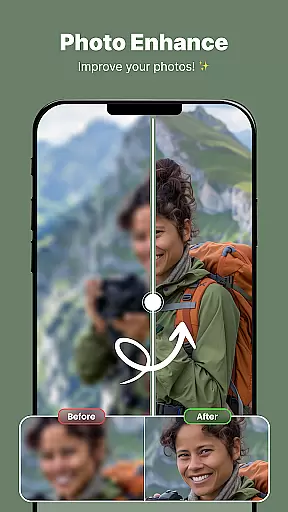
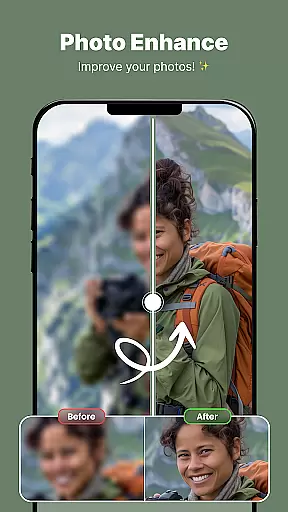
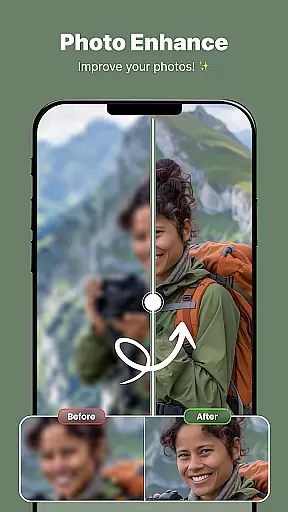
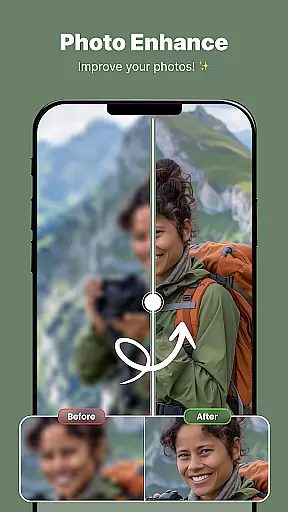
Users benefit from these sophisticated AI capabilities by achieving professional-grade edits effortlessly. The app intelligently applies enhancements that complement the original photo, resulting in polished yet realistic images. This approach appeals to users seeking high-quality results without artificial appearances.
By focusing on natural enhancement, ShotCam sets itself apart in the photography app market. Its AI-powered features provide users with the means to elevate their photos subtly and elegantly, enhancing their overall visual storytelling.
User-friendly interface
Comprehensive editing tools
High-quality results
Regular updates
Innovative animation feature
Some features require premium
Occasional performance lag
Learning curve for beginners
Limited free content
Ads in free version

Gallery show photo, video, slideshow, is perfect 3D effect private photo albums.
 4.80
4.80
AI photo editor with hair editor, retouch tools, hair color changer & filters!
4.50
Automatically backup your photos and videos to computer, NAS and Cloud services
4.60
Enhance, retouch & create your story - Share the moment with Photoshop Express.
4.60
Hair color changer, AI haircut app, fun hair editor and buzz cut filter for all!
3.80
Astrophotography with your smartphone, photo live stacking and much more!
3.90
Professional camera app that brings DSLR manual photography controls to Android.
4.20
A unique animation app. Powerful, easy to use, and lots of fun.
4.30
Solocator stamps photos you take with GPS location, Compass Direction, Date/Time
3.80
AI Photo Editor with 100+ Filters, Effects! Remove BG, Retouch & Photo Enhancer.
4.80
Easily create custom gifts, cards, photo books & more on the Shutterfly app!
4.60
[3DSteroid Pro] is a stereoscopic application for Android.
4.30
Natural Beauty, Selfie Retouch
4.30
AI-powered video creator by MiniMax - Where ideas meet cinema
4.20
Photobooth mini FULL app will allow you to add more fun to your parties
4.00
Turn photos into cartoons & avatars! - Photo Editor, Cartoon Face!
3.90
Be your best in every shot! Fix, edit and retouch your face in selfies & photos.
3.70
Over 800 film simulation recipes for Fujifilm. Black Friday Offer!
4.1
Add a dreamy vibe to your selfies and videos with soft style filters
4.4


User Reviews