
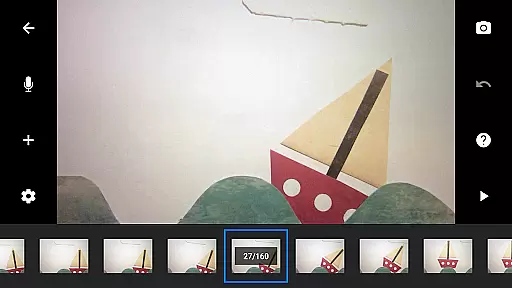
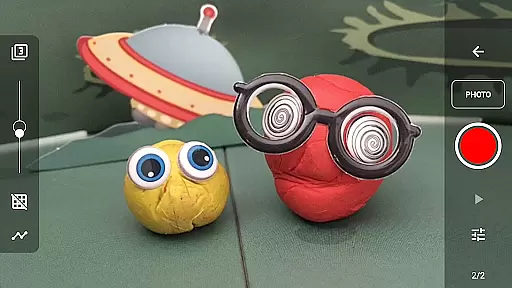
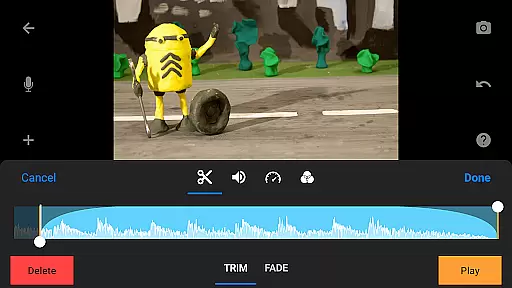
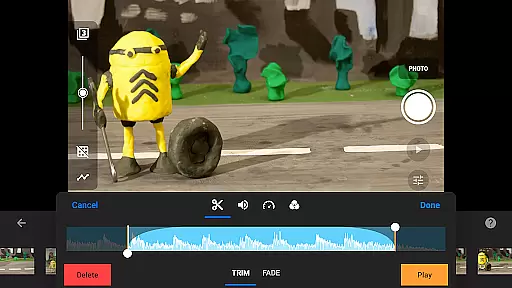
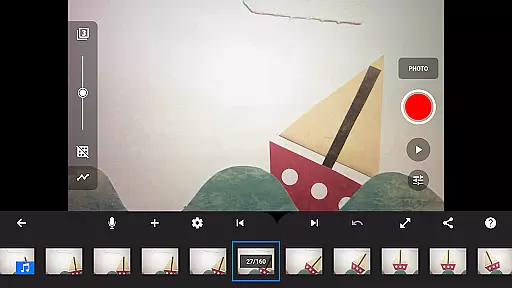
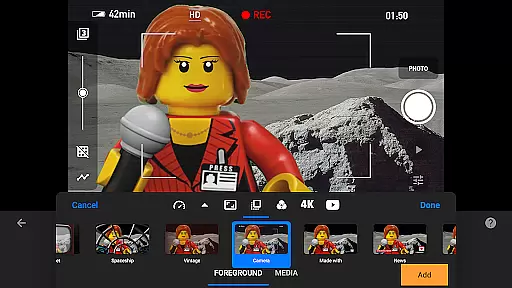
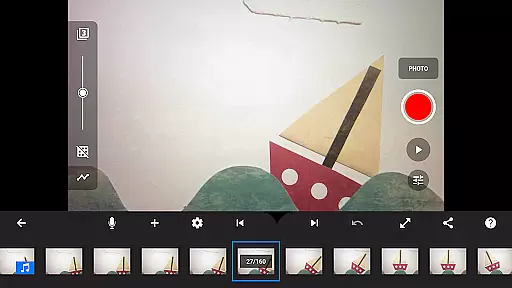
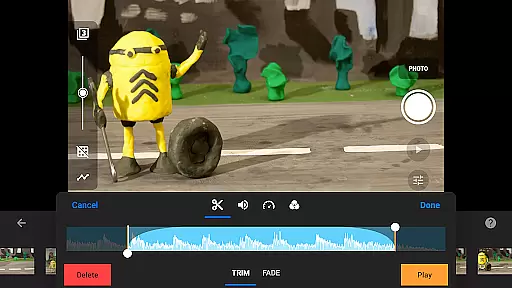
Stop Motion Studio Pro is the ultimate app for creating professional-quality stop motion animations. Designed with both beginners and experts in mind, this app offers an intuitive interface that makes it easy to produce stunning movies reminiscent of classics like Wallace and Gromit or popular Lego shorts on YouTube. The app provides a complete suite of tools including overlay mode, animation guides, and an interactive timeline, ensuring smooth navigation even with complex projects.
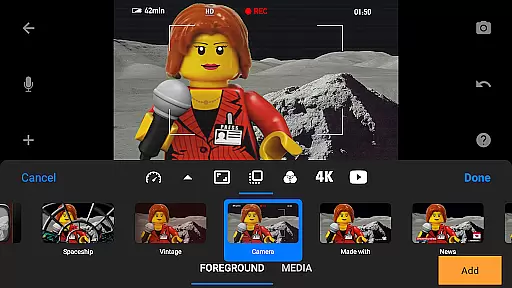
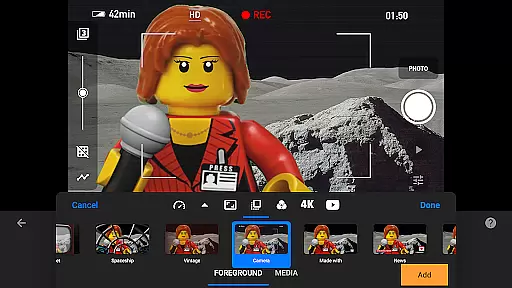
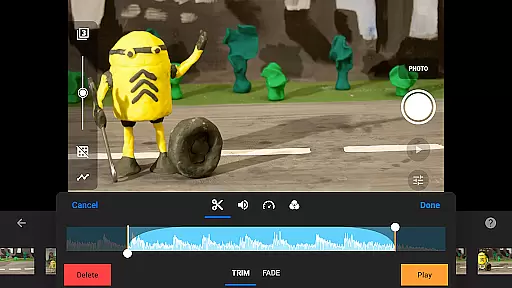
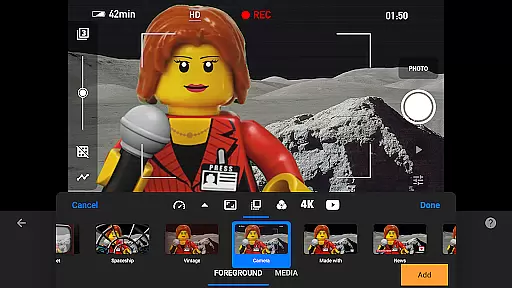
Beyond basic stop motion capture, the app includes advanced features such as rotoscoping, green screen effects, and a powerful layer-based image editor. Users can enhance their films with unique titles, video filters, and custom soundtracks using built-in music or personal audio files. With support for 4K resolution and seamless project transfer between devices via Dropbox or Google Drive, Stop Motion Studio Pro ensures professional results while maintaining creative flexibility.
Whether you're a hobbyist or a professional animator, this app empowers you to bring your ideas to life with precision and creativity. Its comprehensive feature set and educational resources make it an invaluable tool for anyone interested in stop motion animation.
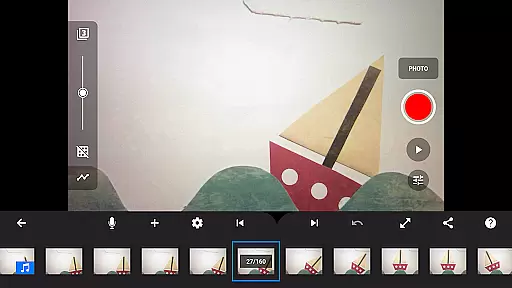
Stop Motion Studio Pro stands out with its extensive range of features tailored for stop motion enthusiasts. The app's simplistic yet powerful interface allows users to easily manage hundreds of frames using the interactive timeline and overlay mode, which highlights differences between frames for precise adjustments. Advanced tools like rotoscoping and green screen effects enable creators to achieve sophisticated visual results by drawing over imported video clips or changing scene backgrounds.
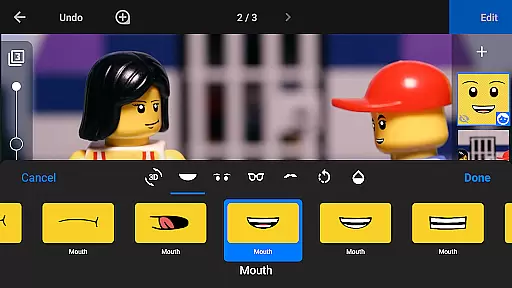
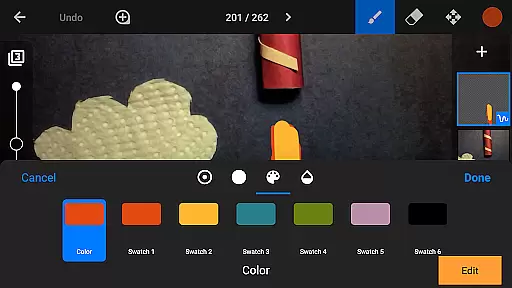
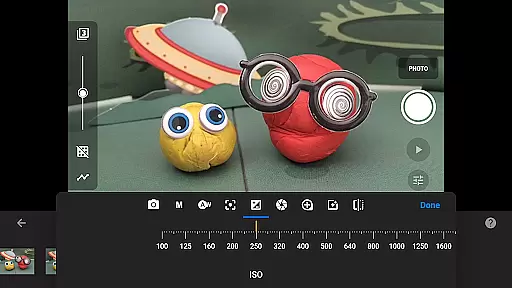
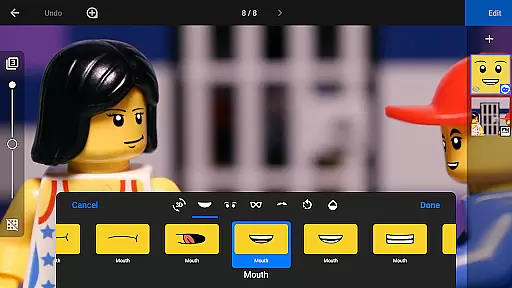
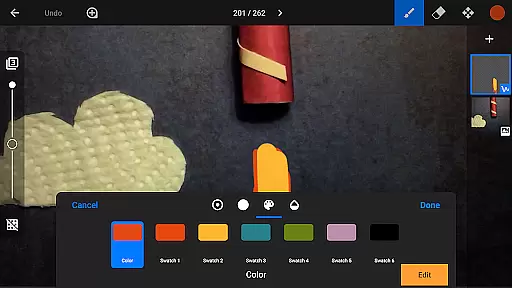
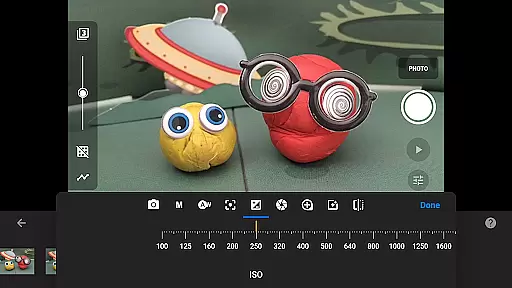
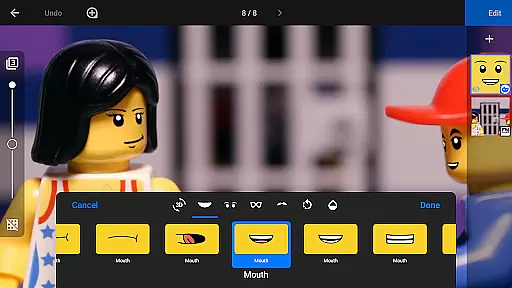
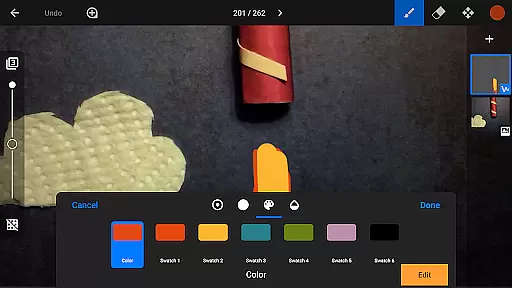
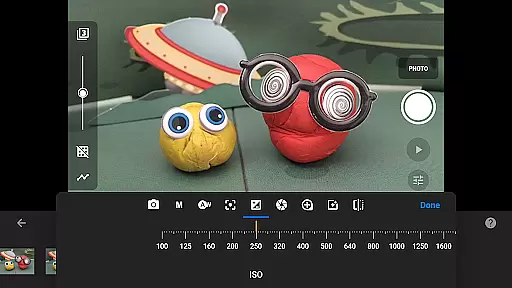
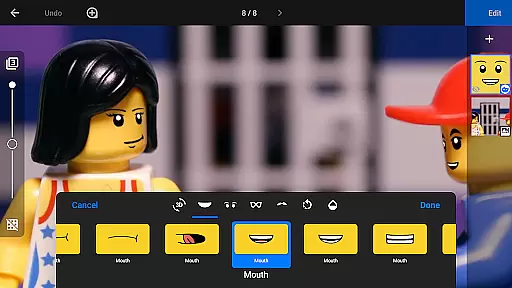
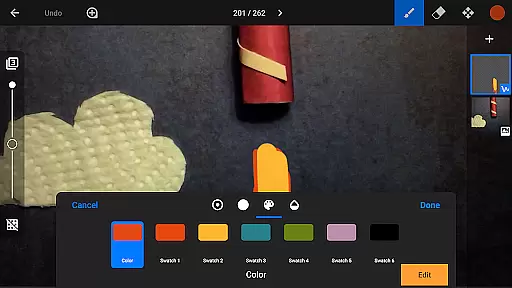
The app also includes a robust image editor with layers, allowing users to add text, speech bubbles, and facial expressions to animated figures. Touch-up tools, sketching capabilities, and an eraser function provide further refinement options. Additionally, the app supports capturing images with adjustable time intervals and full camera controls, including manual settings for white balance, focus, exposure, ISO, and shutter speed.
Sharing your creations is effortless with multiple export options. Save your movies in 4K or 1080p resolution, create animated GIFs, or transfer projects between devices using cloud services like Dropbox or Google Drive. These features ensure that users can seamlessly continue their work across different platforms while maintaining high-quality standards throughout the production process.
Real-time capture and preview functionality is essential for ensuring that every frame of your stop-motion animation is exactly as you envision it. Stop Motion Studio Pro offers a robust set of tools to facilitate this process.
The app provides full camera control, allowing users to adjust settings such as white balance, focus, exposure, ISO, and shutter speed manually or automatically. This ensures that each shot is captured with the desired quality and lighting conditions.
Additionally, the adjustable time interval feature enables creators to capture frames at their preferred pace, which is crucial for achieving smooth animations. The ability to use a second device as a remote camera further enhances the flexibility and convenience of capturing scenes.
With these features, animators can see immediate results of their work, make necessary adjustments on the fly, and maintain creative control throughout the filmmaking process.
While Stop Motion Studio Pro does not explicitly market itself as having AI beauty and enhancement features, its powerful image editing capabilities allow for natural enhancements that improve the visual appeal of animations.
The layer-based image editor lets users add text, speech bubbles, titles, and even facial expressions to figures. These additions can be made subtly to enhance the storytelling without detracting from the authenticity of the stop-motion style.
Tools like the eraser tool enable creators to remove unwanted objects seamlessly, while the merge frames feature simulates fast movement, adding dynamism to scenes naturally. The inclusion of various video filters also helps give movies a polished look.
By leveraging these sophisticated yet intuitive tools, animators can enhance their projects' aesthetic qualities while preserving the organic feel that is characteristic of stop-motion animation.
User-friendly interface
Advanced editing tools
Professional output quality
Comprehensive learning resources
Cross-device compatibility
Steep learning curve
High cost for casual users
Limited free version
Resource-intensive
Occasional bugs

AI portrait generator and polaroid AI selfie, fun AI generated AI photo creator!
 4.30
4.30
A must-have app for landscape photographers
4.60
Movie camera, supports pro recording settings for filming. Try it and be amazed!
4.50
USB Storage Access for Photos, Videos, Music and Documents
3.80
GCamera allows all GCam features on all phone models! Better photos with GCamera
3.30
Transform Photos: Edit, Beautify and Craft Memories & Make Collages!
4.10
A light meter for true photographers.
4.20
Welcome to ProShot, the most powerful camera app on Android.
4.20
Discover How to Plan any Sun, Moon and Milky Way Photo You Imagine in Seconds
4.70
Create funny photos and videos with the popular Time Warp Scan filter.
4.90
Collage your moments in one tap: 1000+ layouts, filters, stickers, and texts.
4.90
Pro version: AR sun/moon tracker for any date. Tool for photographers & planners
4.90
Take videos and pictures with the popular TikTok TIME WARP SCAN filter.
4.60
Light-weight Media Gallery app for Android made with Jetpack Compose
4.60
Automatically backup your photos and videos to computer, NAS and Cloud services
4.60
Photo Exif Editor allows to view, add and modify EXIF data of multiple photos
4.50
Edit like a pro with Hypic. Apply filters, AI effects, & magic touch.
4.40
How old age camera Gender Swap App Face Shape Hairstyle App Hair Styler App fun!
4.00
Remote control the phone camera shutter from your smartwatch and take a picture
1.60


User Reviews