
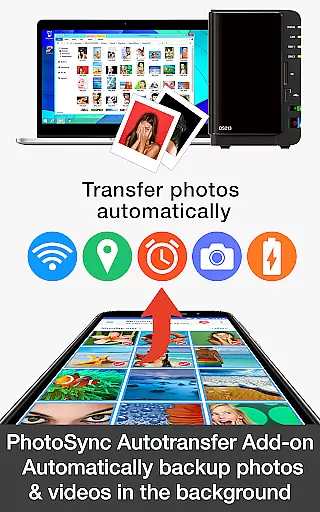
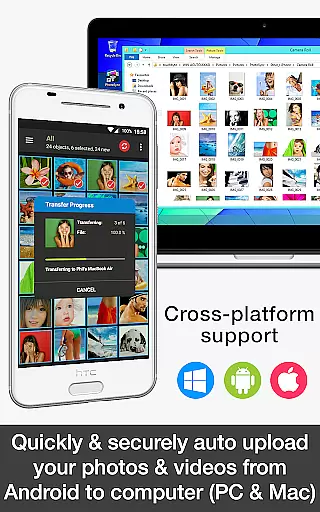

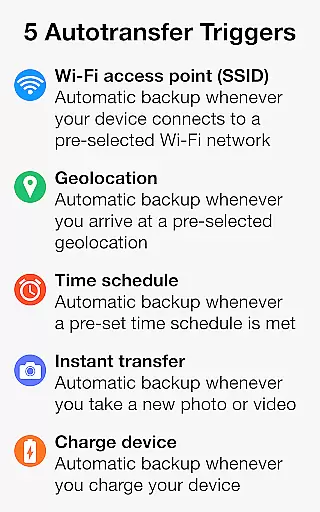
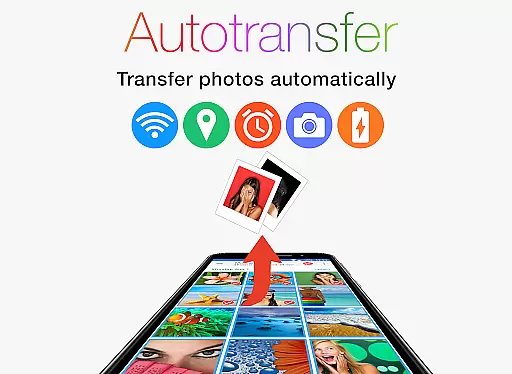
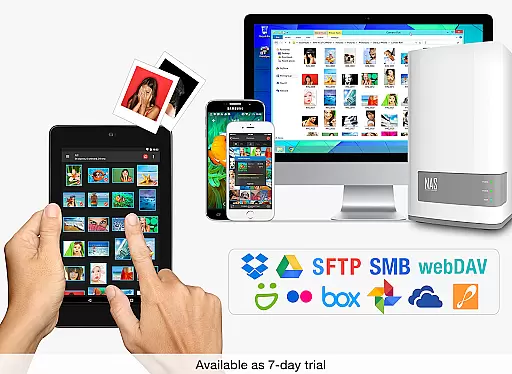
PhotoSync Autotransfer Add-On is an advanced activation license that enhances the free version of PhotoSync by adding automatic wireless photo and video backup capabilities while removing ads. This add-on allows users to effortlessly back up their media files in the background to computers, private clouds, NAS devices, and supported cloud services. With five configurable triggers including Wi-Fi access points, geolocation, time schedules, device charging, and taking photos, it ensures seamless synchronization tailored to user preferences.
The application stands out as a reliable cross-platform solution with native support for Android, iOS, Windows, and Mac. Having been in the market for 10 years, it has garnered over 10,000 positive reviews and millions of successful photo transfers. Users benefit from total control over their data with fully customizable settings, ensuring secure and efficient media management.
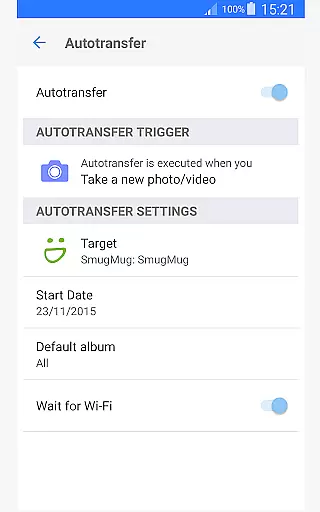
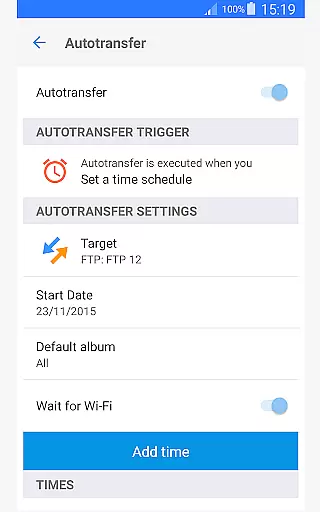
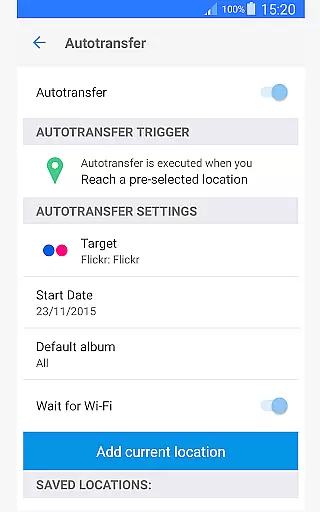
PhotoSync Autotransfer Add-On offers a comprehensive suite of features designed for effortless media management. The standout capability is its automatic background transfer functionality, which supports multiple triggers such as Wi-Fi SSID, geolocation, time schedules, device charging, and instant photo capture. These triggers ensure that your photos and videos are backed up wirelessly without manual intervention.
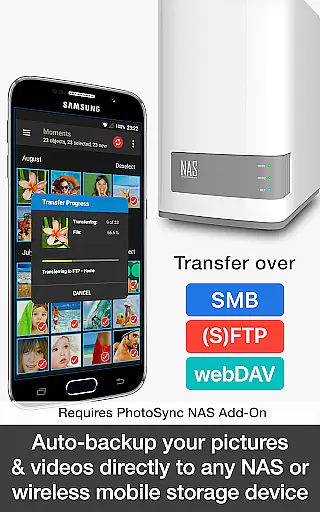
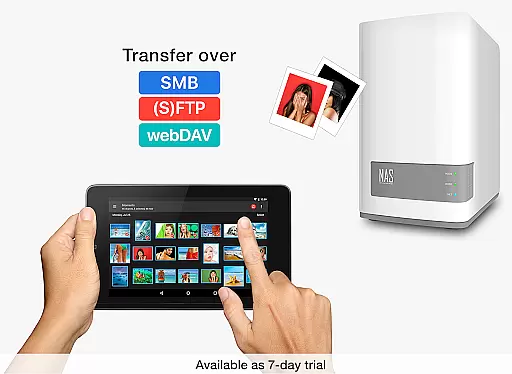
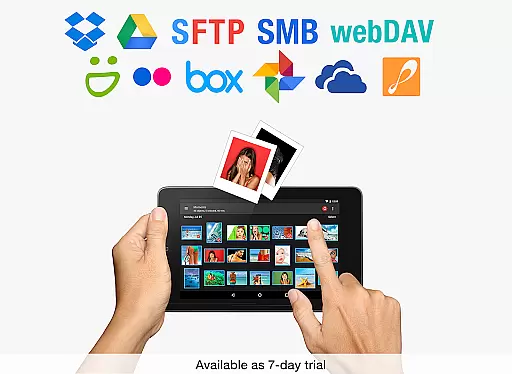
In addition to supporting direct transfers to computers (PC and Mac) over Wi-Fi or portable hotspots, this add-on also facilitates uploads to any NAS, wireless storage device, or remote server using protocols like SMB, (S)FTP, or WebDAV. For cloud enthusiasts, it integrates seamlessly with popular services such as Dropbox, Google Drive, Flickr, and more through optional Cloud Add-Ons. This versatility makes it an indispensable tool for users seeking a robust, automated backup solution across various platforms.
Real-time capture and preview functionality is essential for ensuring that every photo or video taken meets the desired quality standards. PhotoSync Autotransfer Add-On offers a seamless experience by allowing users to wirelessly and automatically back up their media files in the background as soon as they are captured.
This application supports instant transfer, which means that photos and videos can be backed up to a computer, private cloud, NAS, or supported cloud services without any manual intervention. This feature ensures that your valuable memories are safely stored without delay, providing peace of mind and convenience.
With real-time capabilities, users can focus on capturing moments rather than worrying about storage space or manual backups. The app's ability to work over WiFi or Portable WiFi Hotspot makes it versatile for various environments, whether at home, in the office, or on the go.
While PhotoSync Autotransfer Add-On does not specifically market itself with AI beauty and enhancement features, its core functionalities contribute significantly to maintaining the natural quality of photos and videos during transfers. By securely backing up media files directly from Android devices to multiple destinations, it preserves the original quality and integrity of the content.
The app supports several protocols like SMB, (S)FTP, and WebDav, ensuring that files are transferred without degradation. This process maintains the authenticity and clarity of images and videos, which is crucial for professional photographers and enthusiasts alike who demand high standards in their work.
Moreover, the automatic nature of the transfers reduces the risk of human error, such as accidental edits or formatting issues, further enhancing the reliability and naturalness of the stored media. Users benefit from having their content preserved exactly as intended, ready for future use or sharing across different platforms.
User-friendly interface
Secure auto-backup
Cross-platform support
Customizable triggers
Reliable performance
Requires additional add-ons
Premium cost
Complex setup
Limited free features
Dependent on network

Android Native system HD camera app. Never been so simple and faster.
 4.70
4.70
HD Camera Pro with HD Video shooting, Panorama, Photo editor , Beauty Camera.
4.50
Photo editor & gallery. Crop pictures & edit photos offline, no wifi!
4.50
Create AI photos & videos with Enhancer; restore, fix, beautify, enhance photos
4.50
GCamera allows all GCam features on all phone models! Better photos with GCamera
3.30
Turn photos into cartoons & avatars! - Photo Editor, Cartoon Face!
3.90
Enhance, upscale, and transform your images — on your device, without limits
4.70
Discover How to Plan any Sun, Moon and Milky Way Photo You Imagine in Seconds
4.70
Edit photos with the picture generator: PS2 & AI Clay filters, cartoon effects.
4.50
Gallery show photo, video, slideshow, is perfect 3D effect private photo albums.
4.80
Amazing Photo Effects - The most fun you can have with your photos!
4.70
Light-weight Media Gallery app for Android made with Jetpack Compose
4.60
Add Watermark - Sign your pictures with a text or logo. Effective, quick, easy!
4.50
Photo Exif Editor allows to view, add and modify EXIF data of multiple photos
4.50
Movie camera, supports pro recording settings for filming. Try it and be amazed!
4.50
Effortlessly organize, view and share your photos & videos with Gallery app!
4.40
Gallery Slideshow is slideshow maker app for slideshow from your gallery photos.
3.90
USB Storage Access for Photos, Videos, Music and Documents
3.80
An interval timer to automate photo taking process for timelapse
2.90


User Reviews