
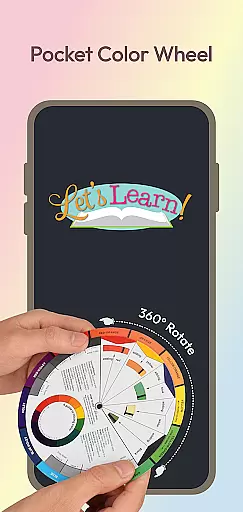
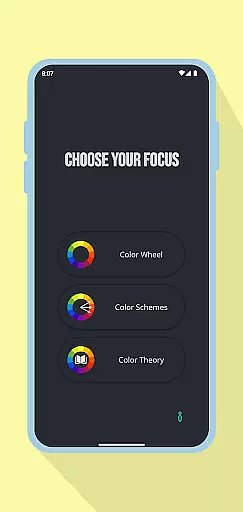
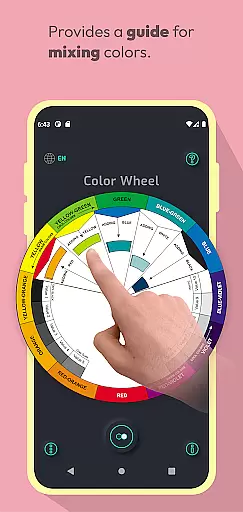
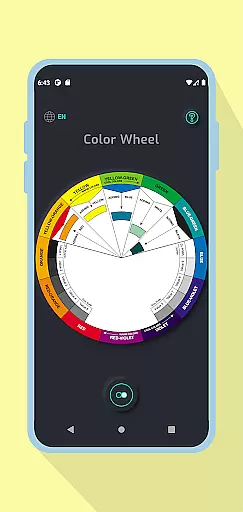
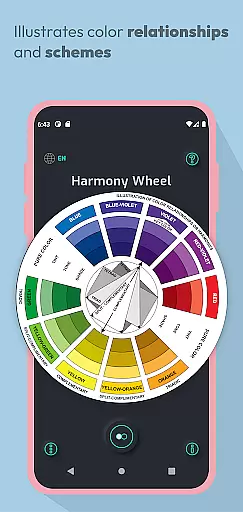
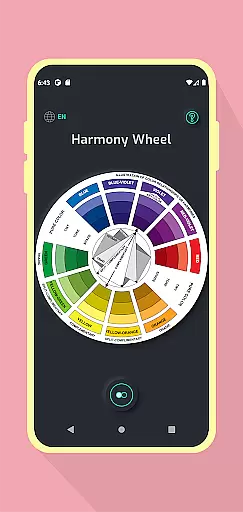
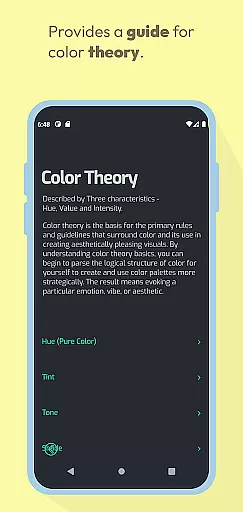
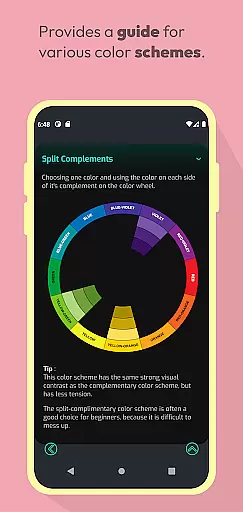
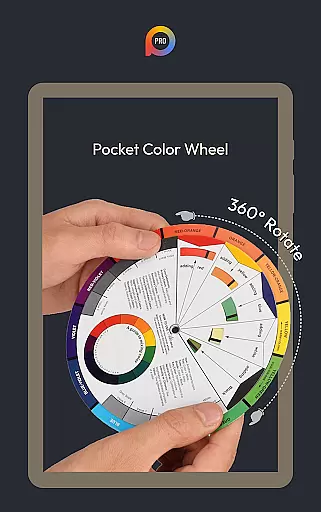
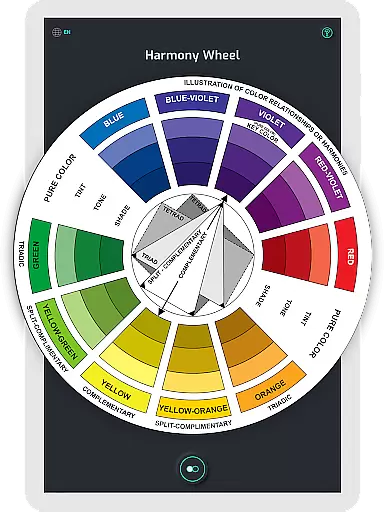
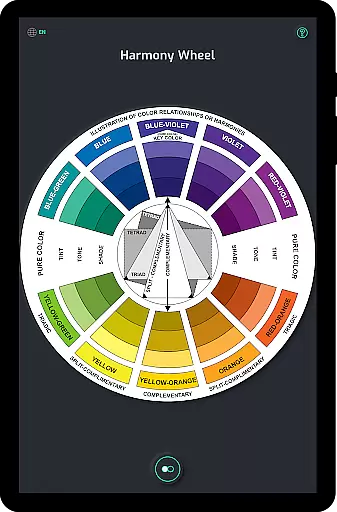
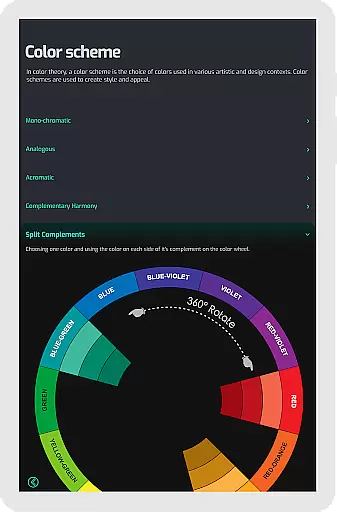
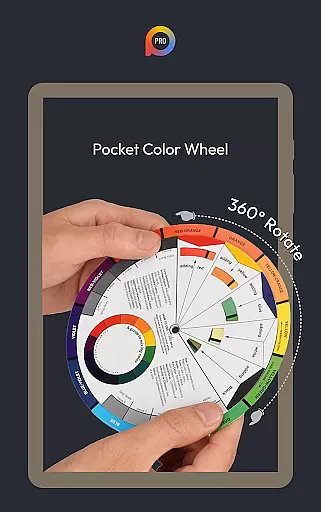
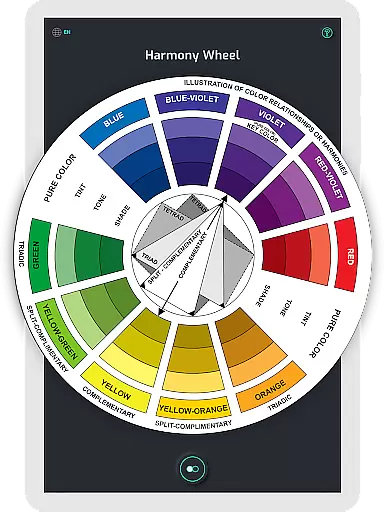
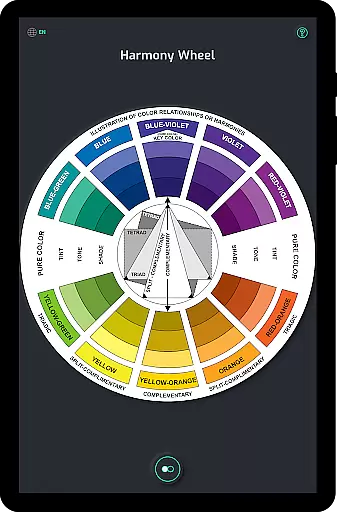
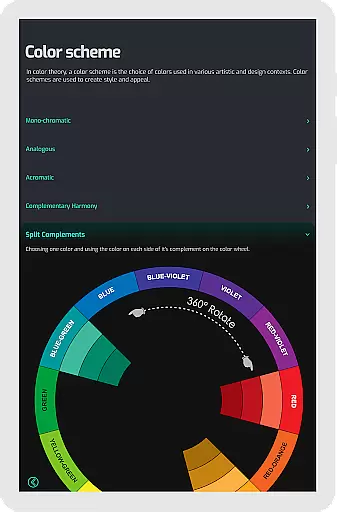
Pocket Color Wheel Pro is an essential reference tool for mastering color theory, designed for students, artists, and designers. This app simplifies complex aspects of color mixing, relationships, and harmonies, providing a comprehensive visual guide in a mobile format. With its intuitive interface, users can explore various color schemes including monochromatic, analogous, complementary, split-complementary, triadic, and tetradic combinations.
One standout feature is the option to choose between 12 or 18 color wheel configurations, allowing for more nuanced exploration of hues and blends. The Pro version offers full offline access, making it ideal for use anytime, anywhere without needing an internet connection. Whether you're designing artwork, creating visually appealing designs, or studying color theory, Pocket Color Wheel Pro ensures you have all the tools at your fingertips.
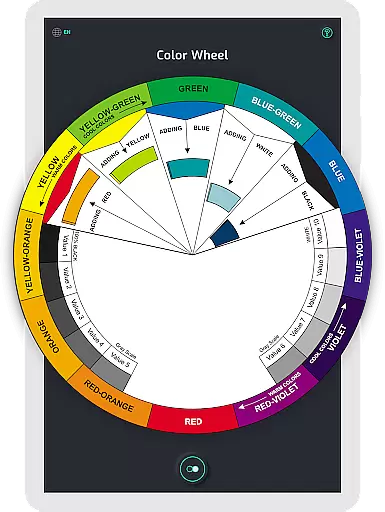
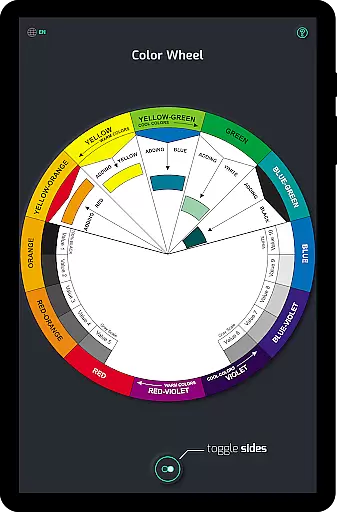
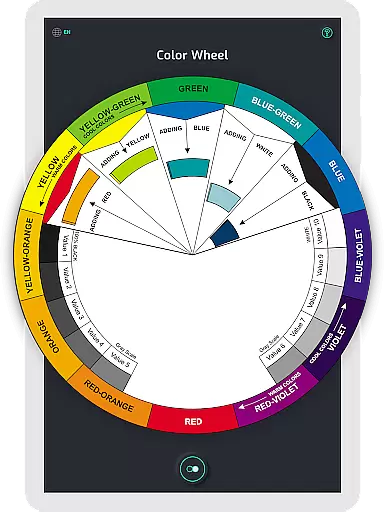
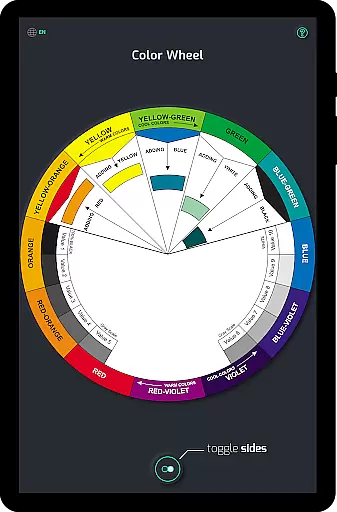
The app boasts several key features that cater to creative professionals. Its interactive color wheel lets users rotate and explore different color relationships, such as complementary, triadic, and analogous colors. This hands-on approach makes understanding color theory both engaging and educational.
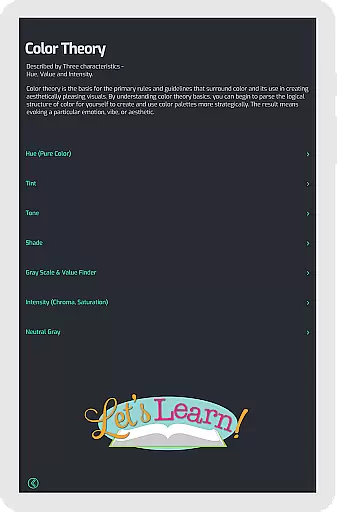
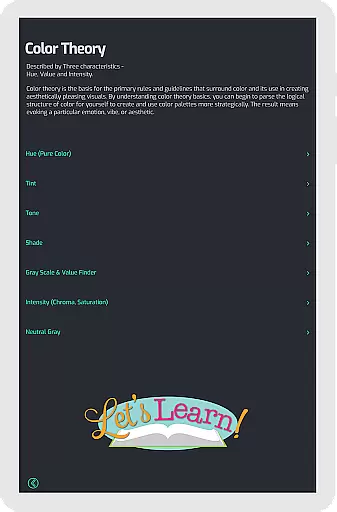
Another notable feature is the color mixing tool, which allows users to select a color and instantly see the results on the wheel. Additionally, the app provides complete color schemes and variations of tones and shades, helping users visualize stunning designs effortlessly. The inclusion of a grey scale and common color terms further enhances its utility, offering clear definitions and examples for neutral tones and essential terminology.
With these robust features, Pocket Color Wheel Pro stands out as a versatile tool for anyone involved in art and design, ensuring they can create beautiful projects with confidence.
In the realm of digital art and design, having a comprehensive set of creative tools is paramount. Pocket Color Wheel Pro offers an extensive suite of features that cater to artists, designers, and students alike. With options like the 12 or 18 Color Wheel for exploring more hues and blends, users can delve into complex color schemes including monochromatic, analogous, complementary, and more.
This application simplifies the process of colour mixing and the creation of harmonious combinations, serving as a complete visual guide. The interactive Colour Wheel lets you rotate and explore relationships between colours, making it easier to find complementary, triadic, and analogous colour sets.
Furthermore, the app provides clear examples of tints, tones, and shades, along with a grey scale for neutral tones, enhancing your understanding of essential colour terms. This ensures that whether you're creating artwork or designing projects, Pocket Color Wheel Pro equips you with all necessary instruments to master colour theory effectively.
Flexibility in canvas and format options is crucial for unleashing creativity without constraints. Pocket Color Wheel Pro addresses this need by providing versatile design functions that adapt to various project requirements. Its Pro version supports offline access, allowing creators to work seamlessly without an internet connection, which is ideal for those who are always on the move or located in areas with poor connectivity.
The app's ability to function fully offline ensures that all features, including the Color Schemes Tool and Interactive Colour Wheel, are at your disposal anytime, anywhere. This level of accessibility empowers artists and designers to experiment with colour schemes like split-complementary, triadic, and tetradic without worrying about network availability.
Additionally, Pocket Color Wheel Pro enables instant visualization of colour harmonies, thus facilitating the crafting of visually stunning designs effortlessly. Whether you're working on intricate illustrations or expansive design layouts, the app's adaptable toolkit ensures precision and ease in managing diverse artistic tasks.
Comprehensive color theory
User-friendly interface
Offline functionality
Versatile color schemes
Interactive learning tool
Limited advanced tools
No collaborative features
Premium price tag
Basic UI design
Occasional bugs

Image/ Text to Video Generator
 4.40
4.40
Digital, Abstract, Classic - all types of color wheels in one app!
4.60
Photo editor for art, avatars, filters & fun transformations.
4.60
Draw Trace image sketch by, AR art projector app, Easy to trace any image.
4.50
Powerful home decoration & house design that allows you to design dream home.
3.80
Mobile pixel art editor. Simple. Fast. Portable.
4.80
Create cute cat emojis & PFPs! Fun, custom avatars for cat lovers.
3.70
Just trace a projected picture on paper and color! Draw & Paint with AR drawing
4.40
Sketch and paint on your device with the feel and freedom of drawing on paper
4.00
Convert image to JPG PNG HEIC PDF, support almost all kinds of image formats
4.70
Turn your drawings into flipbook-style animations with simple creative tools
4.60
The perfect place to start sketching! Use Sketchbook to draw and paint sketches.
4.50
Kling AI is an image and video generation and editing studio powered by AI.
4.50
Remove Background, Magic Eraser, Photo Enhancer, Story Templates, Collage Maker
4.30
Draw anime easily with AR guidance, sketch templates & trace tools!
3.10
Create stunning video, photo & magic from text with FlixAI GPT video generator.
3.10
Inky runs Inkscape on Android devices and Chromebooks
2.90
Download now for a stylish and functional timepiece
4.2
Art of Combination Wear OS Watch faces
4.3


User Reviews