
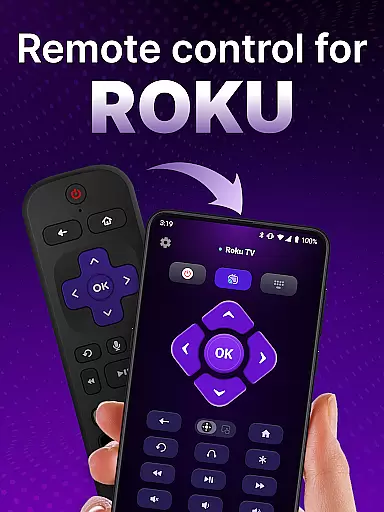
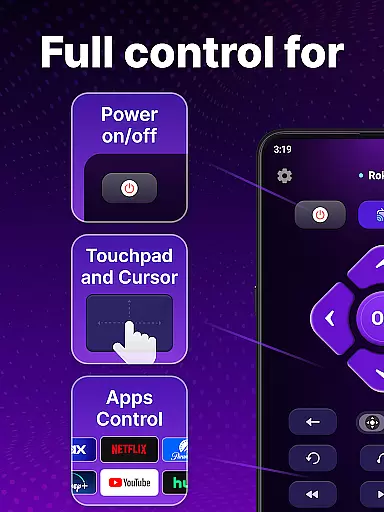
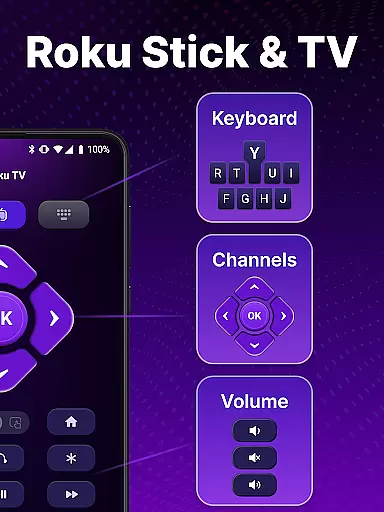
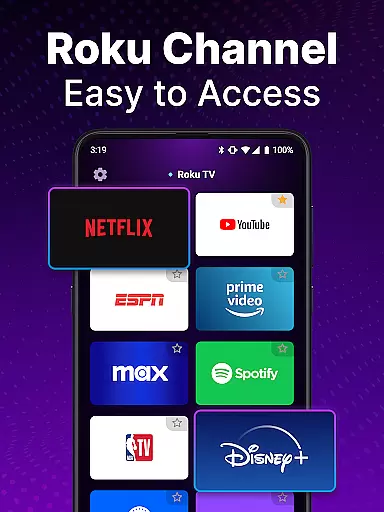
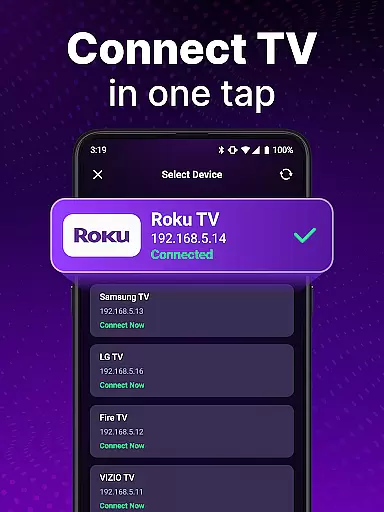
TV Remote control for Roku TV is a universal remote application that allows users to conveniently manage their Roku TV devices directly from their smartphones. The app connects to Roku TVs via the same Wi-Fi network, enabling users to perform essential functions such as turning the TV on/off, controlling volume, browsing content, launching channels, and more. With features like voice control, keyboard input, and automatic device detection, this app provides a seamless alternative to traditional Roku remotes.
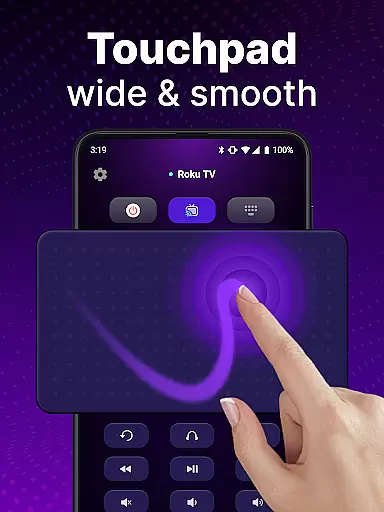
The app's intuitive touchpad navigation and rapid response time make it easy to scroll, swipe, and search for favorite shows. It eliminates the need for physical Roku remotes by offering advanced functionalities like voice search and hands-free control. Whether you're looking to simplify your entertainment setup or enhance your Roku TV experience, this universal remote app delivers convenience and portability in one package.
TV Remote control for Roku TV offers a comprehensive set of features designed to streamline the way users interact with their Roku devices. One standout feature is automatic device detection, which identifies Roku TVs connected to the same Wi-Fi network, ensuring quick and hassle-free setup. Additionally, the app supports instant access controls, allowing users to turn their Roku TV on/off, adjust volume, and navigate menus effortlessly.
Another key highlight is the inclusion of advanced navigation tools. The app provides a responsive touchpad interface for smooth scrolling and swiping, along with keyboard input functionality for faster text entry and searches. Voice control further enhances usability by enabling hands-free operation, while the ability to power cycle your Roku TV directly from your phone adds an extra layer of convenience. These robust features collectively create a versatile and user-friendly remote solution.
When it comes to remote control applications, the precision and effectiveness of core functions are paramount. The TV Remote control for Roku TV app excels in this area by providing users with reliable control over their Roku TV devices. This universal remote app not only detects Roku TV devices on the same Wi-Fi network but also allows instant access to essential functions such as turning the TV on/off, controlling volume, and launching channels.
The app's automatic detection feature simplifies the setup process, ensuring that users can quickly connect and control their devices without hassle. With functionalities like voice control and keyboard input, users can swiftly search for and stream their favorite content directly from their smartphones. These features collectively enhance the overall user experience, making daily interactions with the Roku TV both seamless and efficient.
By offering a comprehensive suite of control options, including power management and smooth navigation via a touchpad interface, the app ensures that users have all the tools they need at their fingertips. This level of functionality guarantees that whether you're adjusting settings or browsing media, each action is executed accurately and effectively, elevating your home entertainment experience.
A user-friendly interface is crucial for any application, and the TV Remote control for Roku TV app delivers an intuitive and straightforward user experience. Designed with simplicity in mind, the app enables users to effortlessly navigate through its features using a touchpad for smooth scrolling and swiping. This ease of use ensures that even those who are not tech-savvy can enjoy the benefits of a universal remote control without a steep learning curve.
One of the standout aspects of the app is its keyboard input functionality, which facilitates quick text entry and searches. Users can easily find their favorite shows and channels without the frustration often associated with traditional Roku remotes. Additionally, the inclusion of voice control adds another layer of convenience, allowing hands-free operation that further simplifies the interaction process.
Overall, the TV Remote control for Roku TV app combines essential features with an accessible design, ensuring that users can take full advantage of their Roku TV with minimal effort. By prioritizing interface simplicity and intuitive controls, the app enhances user satisfaction and makes managing entertainment systems a breeze.
User-friendly interface
Voice search functionality
Automatic device detection
Touchpad navigation
Portable and convenient
Requires Wi-Fi connection
Not officially affiliated with Roku
Limited to Roku devices
Potential connectivity issues
No physical buttons

Just one-tap to easy translate in any language after calls within seconds.
 4.20
4.20
PDF Reader - Document Viewer: Read, Manage & Organize Your Documents
3.10
Use your phone as a webcam on your computer over WiFi or USB.
4.40
Keep track of your Palia friendships, tasks, and inventory with Palia Notebook
4.60
An open-source APK explorer for Android!
4.10
App to pay for FUTO Keyboard
4.60
Bedrock Together: Join any bedrock server on Xbox/PS
4.80
The Ultimate Flex Drivers Utility App - Convenient Tapping & Block Filters
4.70
fast and easy mp3 music downloader
4.80
Powerful collection of electronics tools and reference.A must for any enthusiast
4.90
Change your GPS location instantly. Simulate routes anywhere in the world.
4.90
Extremely fast, secure, and protects your privacy
4.80
Unit and currency converter with easy and simple UI.
4.80
Connect instantly to a fast, encrypted VPN with one tap
4.60
Universal TV remote control all TVs, Roku, LG, Samsung, Fire, Vizio, Sony, TCL.
4.40
Complete kernel toolbox with features to manage and tweak your rooted device
4.30
PC precision for mobile gaming: dominate with keyboard and mouse!
4.30
Effortlessly run ADB commands directly on your device without a PC.
4.20
Download any file easily and quickly with Downloader
4.4


User Reviews