
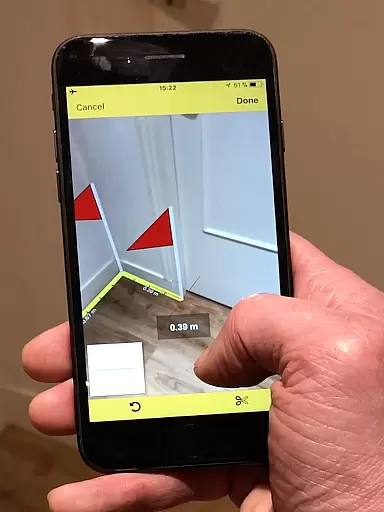
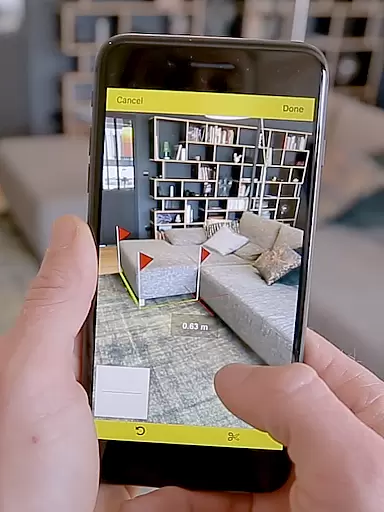
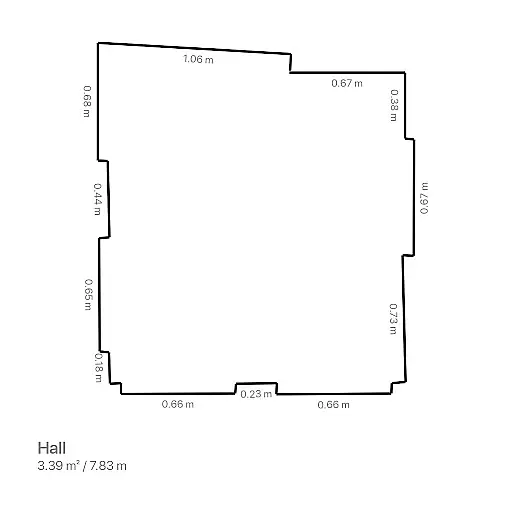
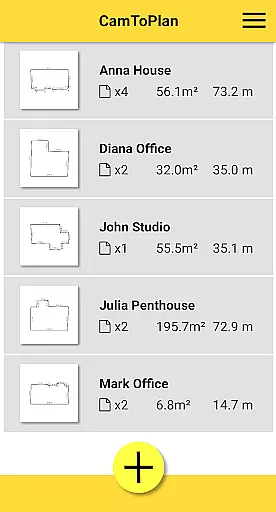
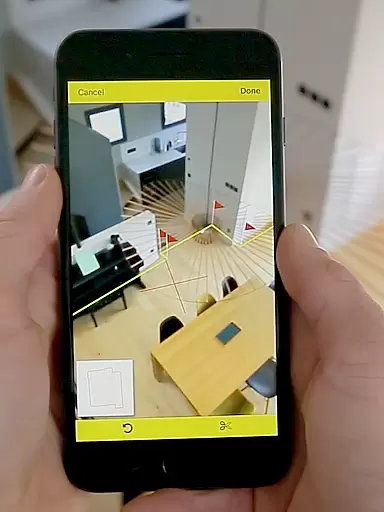
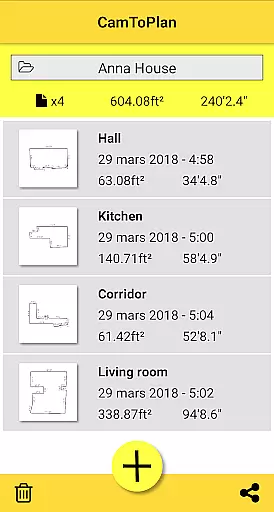
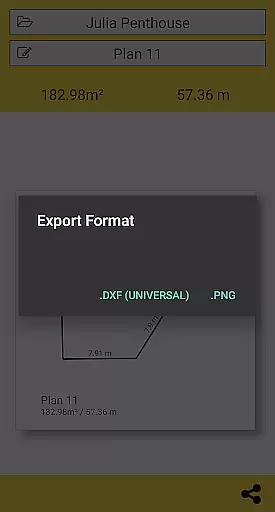
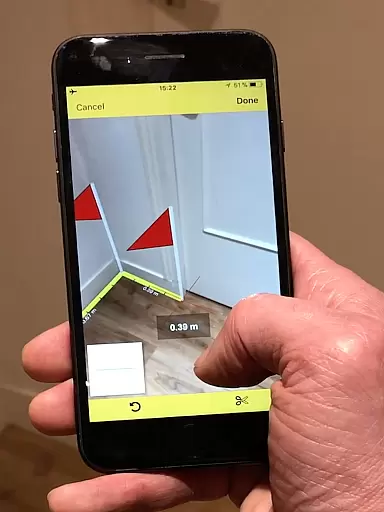
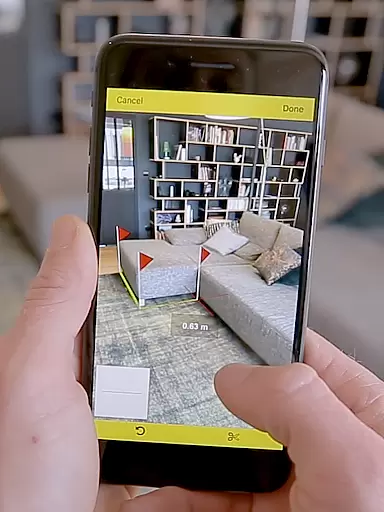
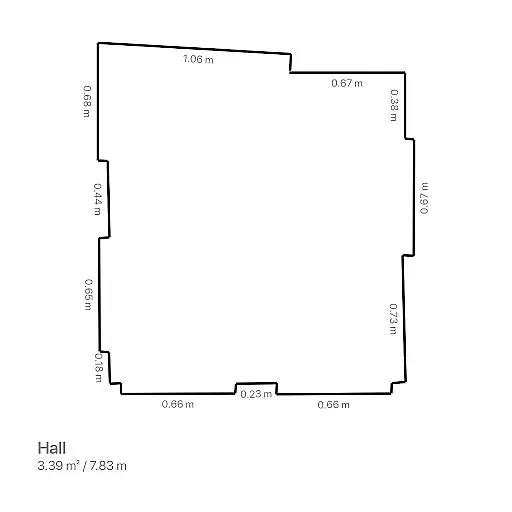
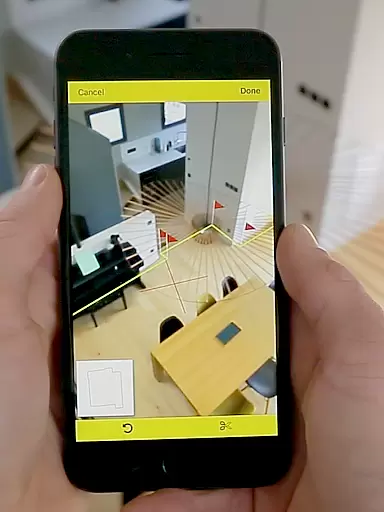
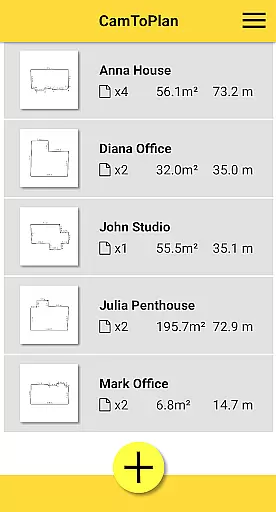
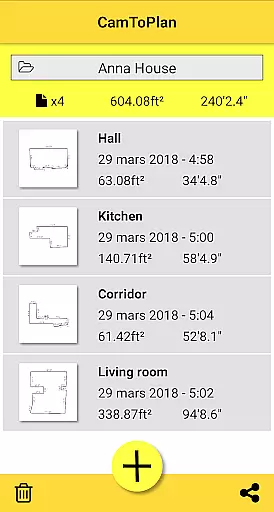
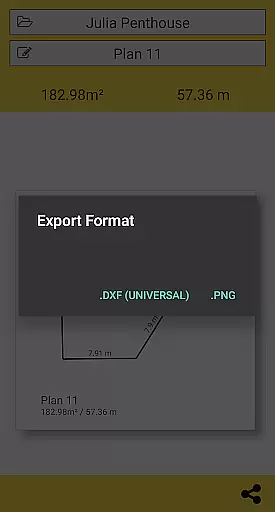
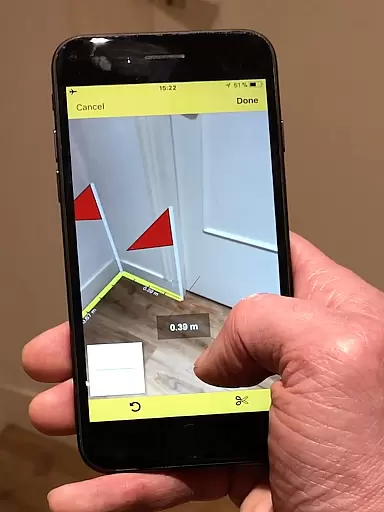
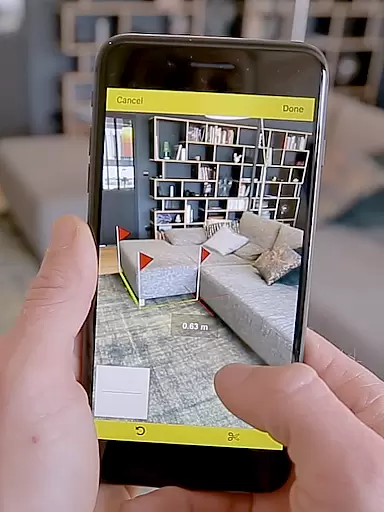
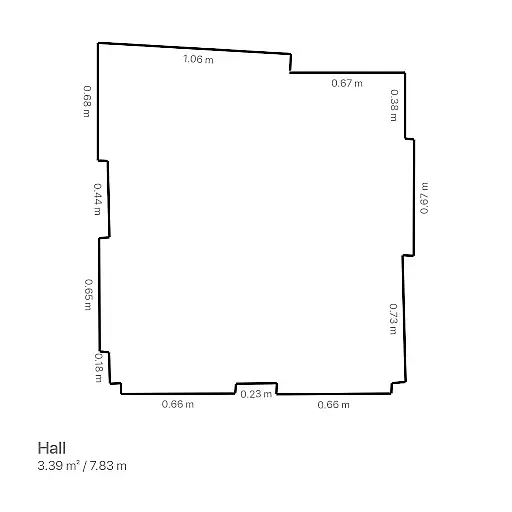
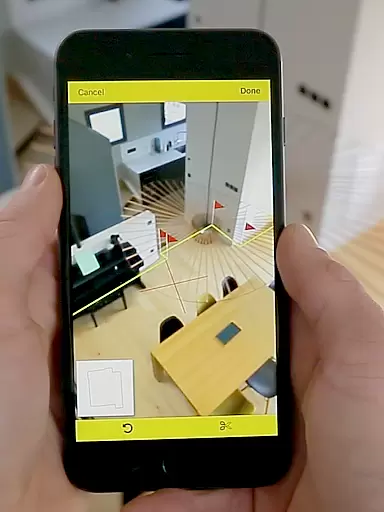
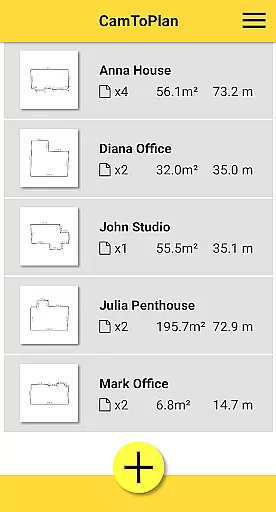
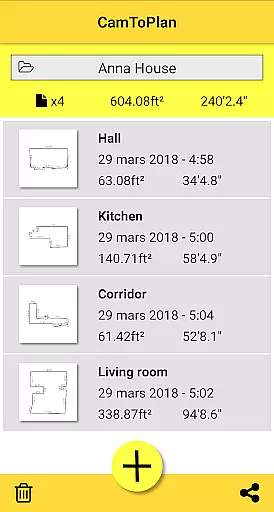
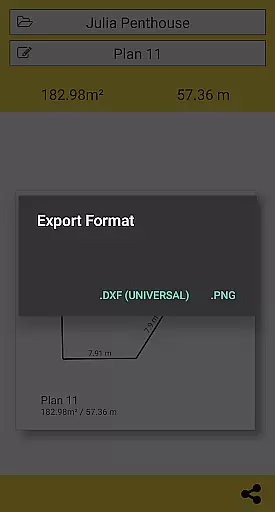
CamToPlan is a revolutionary business application that utilizes augmented reality to measure distances and surfaces, as well as draw plans effortlessly. With its 3D tape measure feature displayed on your screen, users can easily measure baseboards, walls, furniture dimensions, and more without the need to kneel or manually handle traditional measuring tools. The app instantly calculates areas in square meters or feet and generates room plans with all measured dimensions, which can be exported in PNG or DXF formats.
The app's ability to measure both horizontally and vertically makes it an essential tool for professionals such as architects and decorators, as well as for DIY enthusiasts. CamToPlan works seamlessly even in furnished rooms by automatically determining intersection points between the floor and target measurements. It offers flexibility with metric or imperial units selection and provides ease of sharing plans via email, message, or social media with just one click.
CamToPlan stands out with its innovative use of augmented reality, allowing users to take precise measurements using their device's video capability. This eliminates the need for physical contact with surfaces being measured, offering unparalleled convenience over traditional rulers or laser rangefinders. The app's automatic calculation of area and generation of room plans with a single click significantly streamlines workflow for professionals.
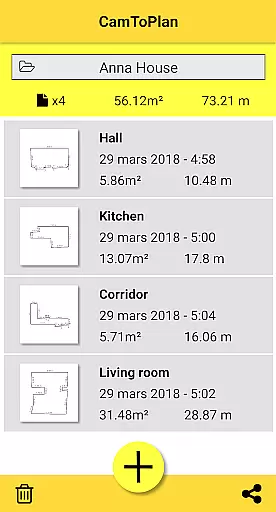
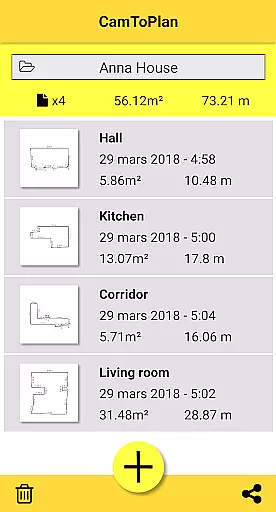
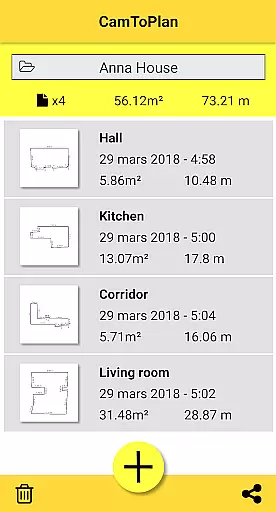
Additional features include the ability to manage folders for better organization of projects and select preferred measurement units (metric or imperial). Despite challenges with certain floor types and lighting conditions, CamToPlan ensures accuracy by allowing safe movement during measurements to get closer to target points. This functionality, combined with its user-friendly interface, positions CamToPlan as a top choice for efficient and accurate spatial planning.
CamToPlan revolutionizes collaborative work in the business environment by offering real-time measurement sharing capabilities. This feature allows architects, decorators, and other professionals to instantly share room plans with team members or clients.
The app's export functionality supports both PNG and DXF formats, enabling seamless integration with professional design software. Measurements can be taken horizontally and vertically, with automatic calculation of surface areas in square meters or feet.
Users benefit from the ability to manage folders directly within the application, maintaining organized project files. The augmented reality feature provides 3D visualization of measurements, making remote collaboration more intuitive and accurate.
This collaborative approach significantly enhances productivity by allowing teams to work together efficiently, regardless of physical location. The app's innovative technology enables precise measurements even around furniture, streamlining the entire planning process.
CamToPlan excels in task management by providing professionals with efficient tools to handle measurement-related projects. The application automatically calculates room dimensions and surface areas, saving valuable time during site surveys.
With its innovative augmented reality interface, users can complete measurement tasks without needing to kneel or manually mark measurement points. The system intelligently identifies intersection points between walls and floors, even when partially obscured by furniture.
The app's task management capabilities are enhanced by its support for both metric and imperial units, catering to international project requirements. Users can safely move while taking measurements, with the application maintaining accuracy through its advanced extrapolation algorithms.
These features collectively contribute to more efficient task completion, allowing professionals to focus on their core work rather than spending excessive time on manual measurements. The ability to export data in industry-standard formats further streamlines project workflows.
User-friendly interface
Augmented reality technology
Instant area calculations
Flexible unit selection
Effortless sharing options
Requires good lighting
Accuracy varies with floor type
May struggle with uniform floors
Occasional measurement errors
Subscription fees apply

Zoom built for Chrome OS
 3.90
3.90
All Your Gig Work. One App.
4.30
FX Plus adds media, networking, and cloud capabilities to FX File Explorer.
4.10
BuildCalc - the easiest AND the most advanced construction calculator app.
4.80
viewing and sharing PDFs and other files—anytime, anywhere!
4.1
Paychex Flex - Save Time and Stay Connected
4.60
All document reader, pdf viewer app, read docs & excel files
3.80
From Gone to Back Again — In Just a Few Taps
4.50
Access All PDF Files
3.40
FaxCover - Create fax cover pages. Works with any app or fax machine.
4.90
Create curriculum vitae, a professional cover letter creator and resume designer
4.80
TurboScan turns your phone into a full-featured PDF document scanner.
4.80
Start earning fast. Apply Today.
4.80
USPS Mobile®Access USPS.com’s most popular tools on-the-go.
4.70
AI-powered document scanner with auto enhance for perfect PDFs.
4.60
Ship, Track, Find a Location or Get a Quote with UPS. Anytime. Anywhere.
4.60
Collaborate seamlessly with Google Chat, part of Google Workspace
4.50
Build a store in minutes with our full suite of AI tools. Start for free!
4.20
Convert Your Lovable.dev Website into a Mobile App Instantly!
4.2


User Reviews