
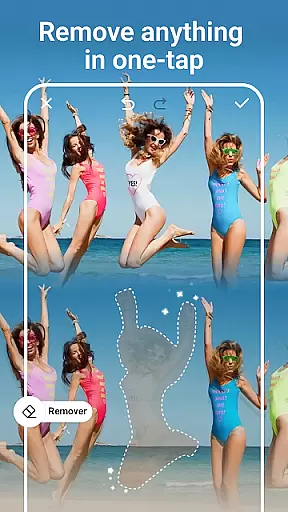
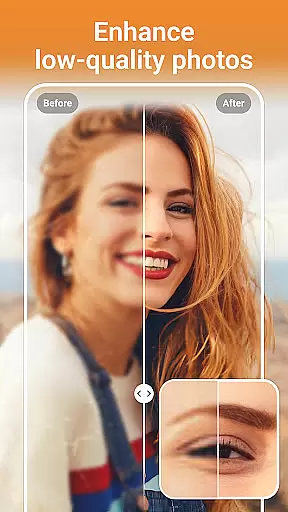
AI Photo Editor - PhotoArt is a comprehensive photography application that utilizes artificial intelligence to provide users with an extensive suite of photo editing tools. The app's core functionality revolves around AI-driven features such as One-Tap Enhance, Magic Eraser, AI Face Swap, and creative filters which allow for professional-grade edits without the need for advanced skills.
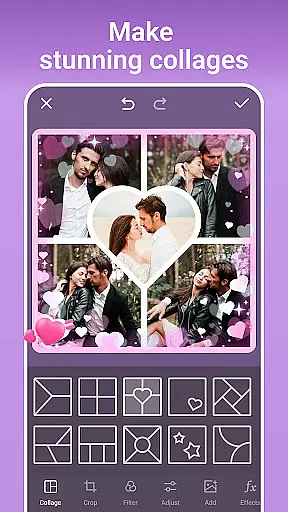
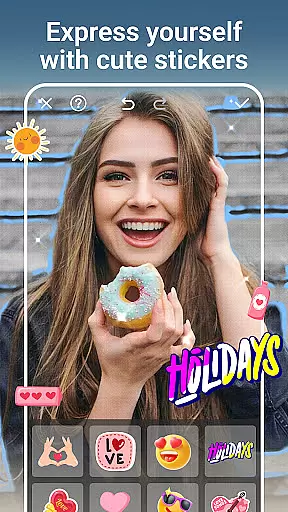
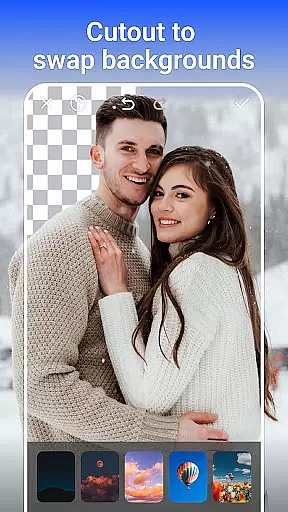
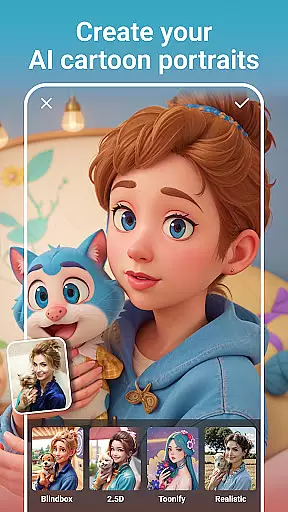
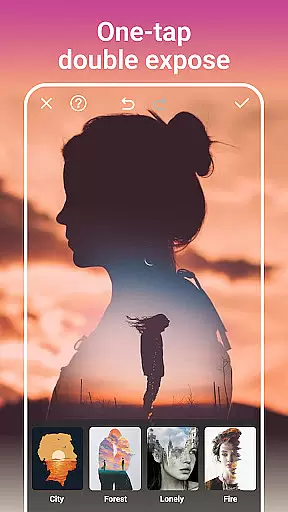
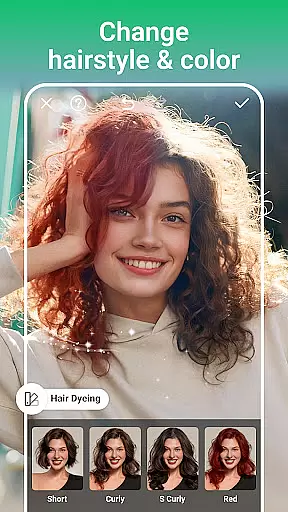
Beyond basic adjustments, PhotoArt offers sophisticated options like AI Background Removal, Double Exposure effects, and facial retouching capabilities. Users can explore over 100 filters and effects to find their signature style or experiment with portrait enhancements and cartoon transformations. Whether you're looking to restore old photos, create collages, or design custom stickers, this app caters to a wide range of creative needs.
The true value of PhotoArt lies in its accessibility and versatility; it enables both amateur and experienced photographers to produce watermark-free, high-quality art ready for sharing on social media platforms like Instagram and Facebook.
PhotoArt stands out with its rich array of features tailored to meet all your photo editing requirements. At the heart of the app are powerful AI tools including One-Tap Enhance for quick fixes, Magic Eraser to remove unwanted objects seamlessly, and AI Face Swap that allows fun yet realistic face exchanges.
For those seeking creative expression, there’s a plethora of artistic effects at your disposal. Transform portraits using AI Cartoon Filters or delve into vintage styles with retro filters. Advanced color adjustment tools like HSL, Highlight, Split Tone, and Curves offer precise control over image tones while Double Exposure lets you blend images creatively.
Practical utilities abound as well: boost resolution for clearer visuals, tidy up shots by removing distractions intelligently, change backgrounds effortlessly, and craft stunning collages from favorite snapshots—all designed to enhance storytelling through imagery.
Real-time capture and preview functionality is essential for any photography app as it allows users to see exactly what the camera sees before taking a shot. This ensures that users can make necessary adjustments on the fly, resulting in better-composed photographs.
AI Photo Editor - PhotoArt offers an intuitive real-time capture experience with its advanced AI-driven features. Users can leverage live filters, effects, and adjustments while framing their shots. The instantaneous preview feature provides a glimpse of how these enhancements will look, empowering users to create visually stunning images without any guesswork.
The benefit of this real-time functionality is immense. Photographers can experiment with different styles, such as retro or black and white, and see the results immediately. This saves time during post-processing and enhances creativity by allowing users to visualize their artistic vision instantly.
With PhotoArt's real-time capabilities, users gain more control over their photography process. Whether capturing everyday moments or professional-grade photos, the ability to preview edits in real time significantly elevates the overall user experience.
AI beauty and enhancement features are crucial for modern photo editors as they allow users to refine and perfect their images effortlessly. The naturalness of these enhancements is key to maintaining the authenticity of the original photo while still improving its aesthetic appeal.
PhotoArt stands out with its sophisticated AI algorithms that ensure beauty enhancements look realistic and not over-processed. From skin retouching to body reshaping, every tool is designed to enhance natural beauty without compromising the genuineness of the photograph.
Users benefit greatly from this approach as it allows them to achieve polished yet believable results. Whether smoothing out skin imperfections or experimenting with makeup styles, PhotoArt ensures that each edit enhances the subjectu2019s inherent features naturally.
This focus on natural enhancement sets PhotoArt apart in the crowded field of photo editing apps. By prioritizing subtlety and realism, it empowers users to create high-quality, visually appealing images that remain true to life.
User-friendly interface
Advanced AI features
Versatile editing tools
High-quality results
Regular updates
Some features may require in-app purchases
Occasional performance lags
Limited offline functionality
Ads present in free version
Learning curve for beginners

A collection of tools and reference tables for DPs, ACs, DITs and Operators.
 4.70
4.70
Search, tag and rate your way to an organized image gallery
4.40
Viewfinder, Light meter, Reciprocity failure time, DOF & Bellows Extension
4.60
The #1 app for B&W film developing featuring an advanced darkroom timer.
4.10
Easily create custom gifts, cards, photo books & more on the Shutterfly app!
4.60
Fit multiple photos on one post. Create carousels & scroll layouts for Instagram
4.50
Enhance, upscale, and transform your images — on your device, without limits
4.70
Discover & download millions of art for The Frame TV or Hisense CanvasTV
4.60
Effortlessly make high-quality GIFs from images & videos without any watermarks.
4.70
Find time and duration of different sunlight phases at any location
4.90
Create funny photos and videos with the popular Time Warp Scan filter.
4.90
Perfect body tune & face app - photo retouch, makeup, slim body & beautify face.
4.80
The original Rarevision VHS look seen everywhere!
4.70
Safe & smart flight with Go Fly drone controller for 40+ drone camera, zone map
4.50
HD Camera Pro with HD Video shooting, Panorama, Photo editor , Beauty Camera.
4.50
Natural Beauty, Selfie Retouch
4.30
What celebrity do you look like? Celebs will find your celebrity match!
4.10
Perfect photos with body shaping, BG changer and object remover.
3.70
Professional video recording application with manual controls for filmmakers!
2.80


User Reviews