
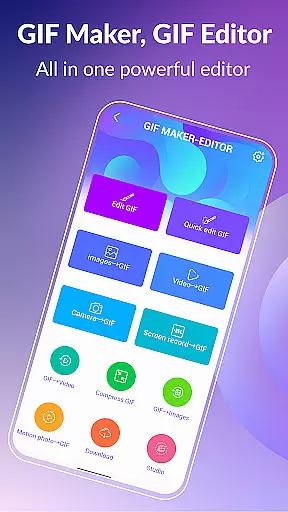
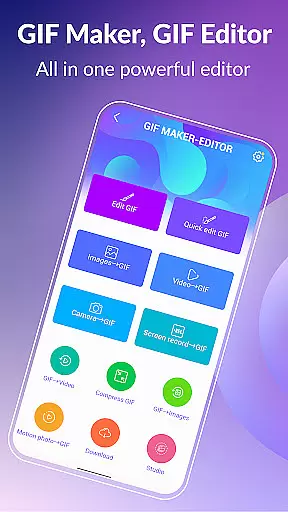
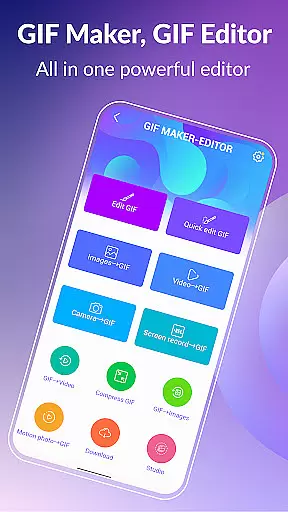

GIF Maker & GIF Editor Pro is a comprehensive photography app designed for creating and editing high-quality animated GIFs without watermarks. With support for up to 600 frames and 720x1280(HD) pixels, this app offers an intuitive interface that allows users to transform images, videos, screen recordings, and existing GIFs into stunning animations.
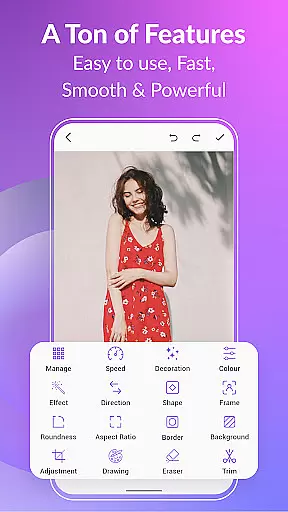
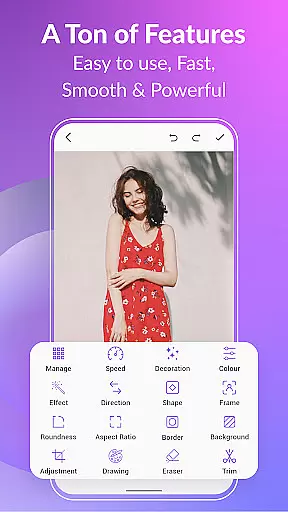
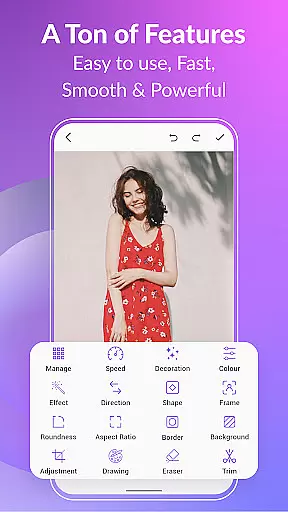
The app supports popular video and image formats including PNG, JPEG, MP4, MPEG, FLV, 3GP, and GIF. Users can customize their creations with features like crop, resize, speed adjustment, emoji, filters, trim, stickers, aspect ratio modification, and more. Whether you're looking to create GIFs from videos or images, compress file sizes, convert GIFs to videos, or add stylish effects, GIF Maker & GIF Editor Pro provides the tools needed to unleash your creativity.
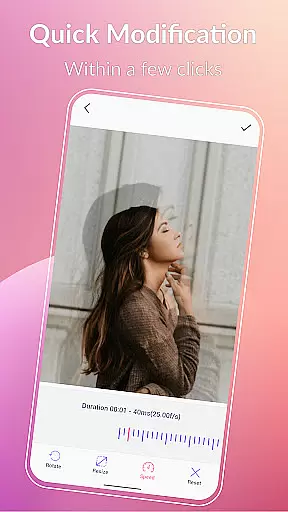
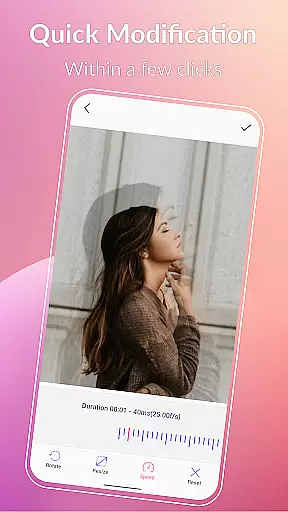
GIF Maker & GIF Editor Pro stands out with its extensive feature set tailored for both casual users and professionals. The app allows conversion of video clips, combination of multiple images, and screen recording into high-quality GIFs. With support for up to 600 frames and 50 frames per second, it ensures smooth animations.
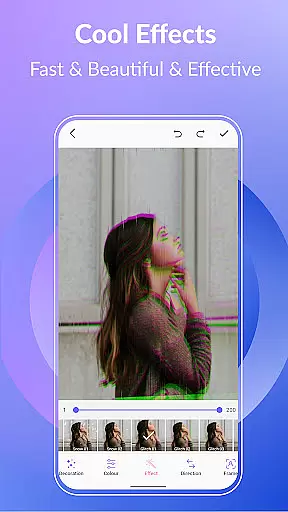
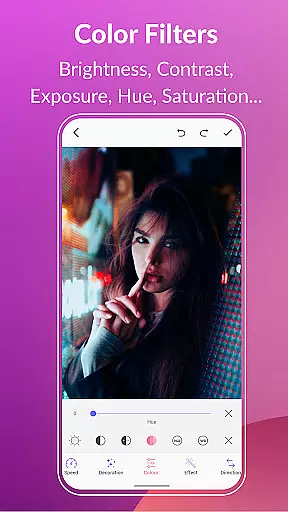
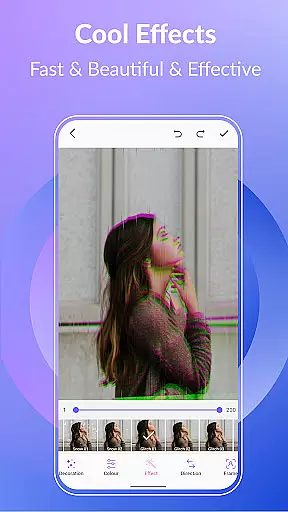
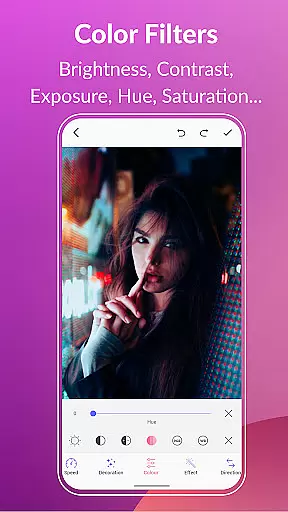
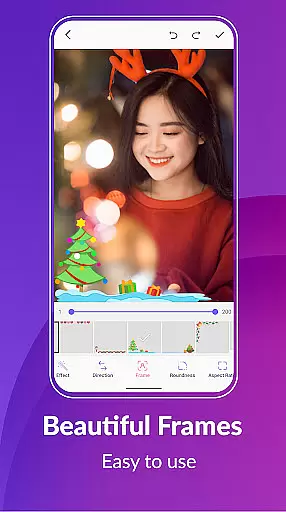
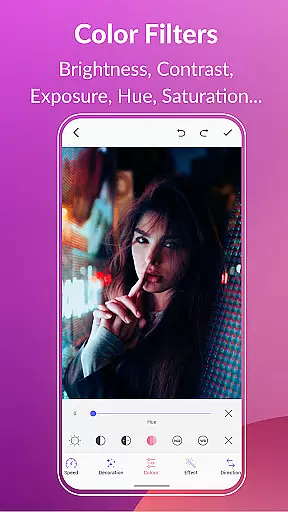
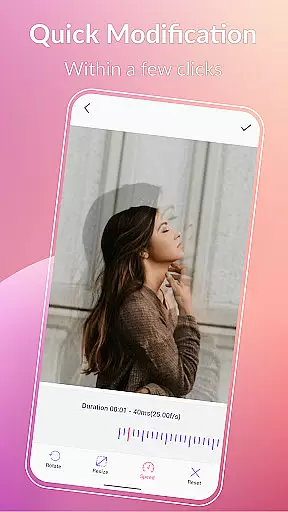
Advanced editing options include background customization (transparent, solid color, gradient), quick edit tools for resizing and speed adjustment, and creative effects such as 1977, Amaro, Brannan, Early Bird, Hefe, Glitches, and VHS. Users can also apply color filters to adjust brightness, contrast, exposure, hue, saturation, and white balance.
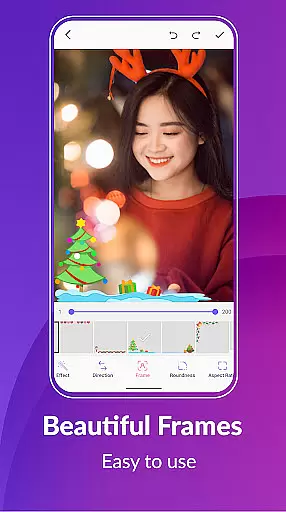
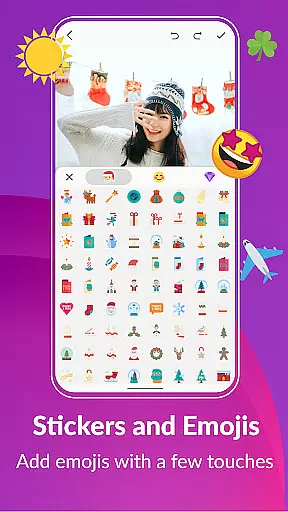
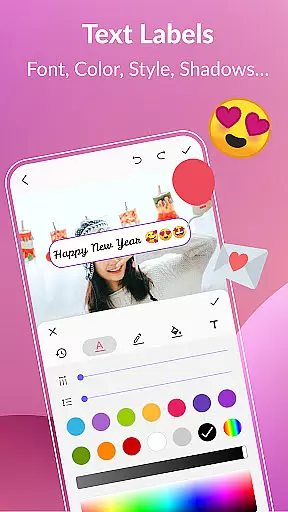
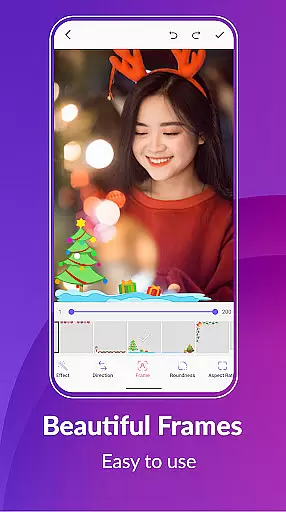
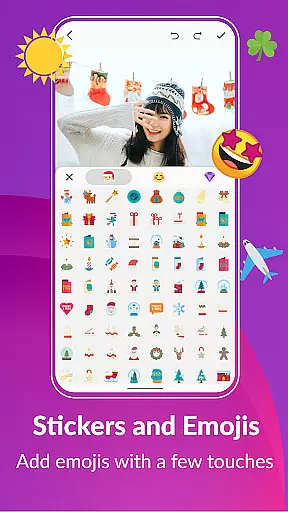
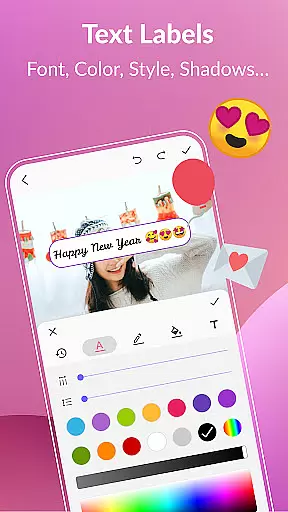
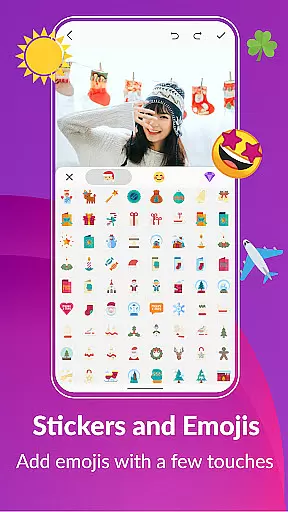
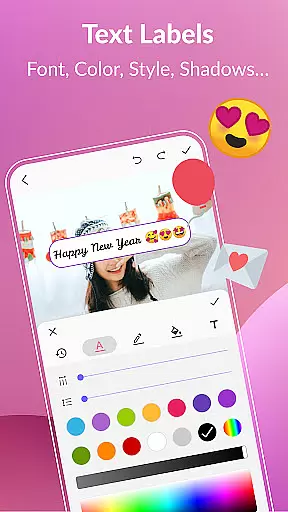
Additional functionalities encompass adding text labels with various styles, colors, and timing adjustments, incorporating stickers and emojis, managing GIF collections, exporting frames, and sharing creations on platforms like WhatsApp, Facebook, Messenger, Twitter, and others. This versatility makes GIF Maker & GIF Editor Pro an indispensable tool for anyone interested in GIF creation and editing.
Real-time capture and preview functionality is essential for any photography app as it allows users to see exactly what they are recording before finalizing their GIFs. With GIF Maker, GIF Editor Pro, the real-time capture feature provides a seamless experience by enabling users to create animated GIFs from videos, images, and screen recordings with precision.
The application supports a wide array of formats including PNG, JPEG, MP4, and more, ensuring that no matter the source material, you can capture it in real time without any hiccups. The high frame support of up to 600 frames and resolution up to 720x1280 pixels guarantees that your creations maintain clarity and detail.
Users benefit from the intuitive interface that makes real-time adjustments effortless. Whether tweaking the aspect ratio, applying filters, or adding text, every change appears instantly in the preview window. This immediate feedback empowers creators to fine-tune their work on the fly, ensuring the final output matches their vision perfectly.
AI beauty and enhancement features have become a staple in modern photography apps, offering tools that perfect images while maintaining a natural look. GIF Maker, GIF Editor Pro leverages advanced AI algorithms to provide users with powerful yet subtle enhancement options that elevate their GIFs without making them appear artificial.
From color filters that adjust brightness, contrast, and saturation to AI-driven effects like VHS and Glitches, the app ensures that each modification enhances the original content's style. These AI enhancements adapt to the unique characteristics of each GIF, preserving authenticity while boosting visual appeal.
Moreover, the app offers various customization options such as stickers, emojis, and text labels, which can be added and timed precisely to enhance storytelling within the animation. By prioritizing naturalness in its AI enhancements, GIF Maker, GIF Editor Pro delivers professional-quality results that resonate well with both casual users and seasoned creators.
User-friendly interface
High-quality output
Extensive format support
Versatile editing tools
Multi-language support
Premium version required
Large file sizes
Limited free features
Occasional bugs
Steep learning curve

Effortlessly organize, view and share your photos & videos with Gallery app!
 4.40
4.40
All-in-One Editor & AI Photo Enhancer, Beautify & Retouch, Collage, Cartoonify
4.20
Application for remote controlling DSLR
3.00
Light-weight Media Gallery app for Android made with Jetpack Compose
4.60
GCamera allows all GCam features on all phone models! Better photos with GCamera
3.30
Collage your moments in one tap: 1000+ layouts, filters, stickers, and texts.
4.90
Fit multiple photos on one post. Create carousels & scroll layouts for Instagram
4.50
Unblur, enhance & restore photos with powerful AI photo enhancer tools.
4.60
PhotoSync Bundle Add-On License. Enables all features and services in PhotoSync.
4.60
Find time and duration of different sunlight phases at any location
4.90
A collection of tools and reference tables for DPs, ACs, DITs and Operators.
4.70
Create collages easily! Nice pic collage maker & background eraser for Instagram
4.50
Search, tag and rate your way to an organized image gallery
4.40
Future baby face generator: AI kids generator, kid face! What my baby look like?
4.40
[3DSteroid Pro] is a stereoscopic application for Android.
4.30
Professional photography on your mobile phone
4.20
Luminar: Photo Editor - easy picture editing with AI
4.20
Remote control of the phone camera from your Wear OS smartwatch
3.70
An interval timer to automate photo taking process for timelapse
2.90


User Reviews