
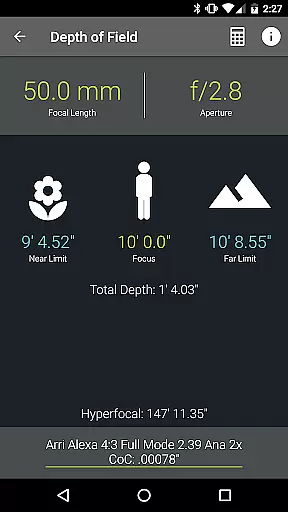
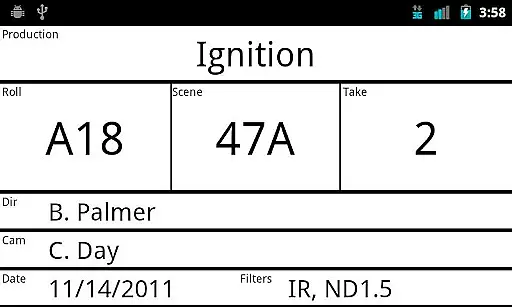
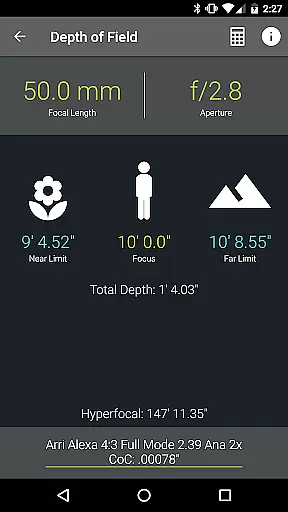
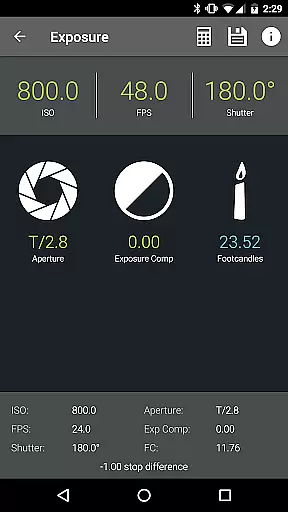
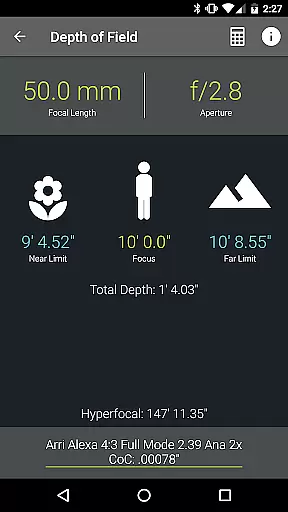
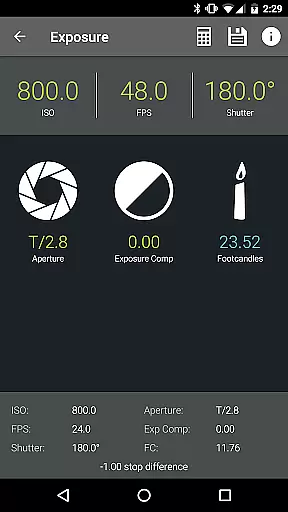
Pocket AC is an essential mobile application tailored for cinematographers and videographers, providing a comprehensive suite of tools and reference materials crucial for film production. The app features advanced calculators for Depth of Field, Exposure, and Focal Length Equivalents, alongside practical utilities like the Insert Slate and Camera Log functionalities.
Designed by a professional camera assistant, Pocket AC supports efficient production planning and execution. Its real-time collaboration feature allows multiple users to work on the same camera log simultaneously. With extensive camera specifications and lens catalogs, it serves as an indispensable resource for both novice and experienced filmmakers.
This app proves particularly valuable during pre-production and on-set operations, offering quick access to critical data and enabling seamless communication among crew members. By streamlining workflows and centralizing important production information, Pocket AC significantly enhances productivity and accuracy in cinematographic projects.
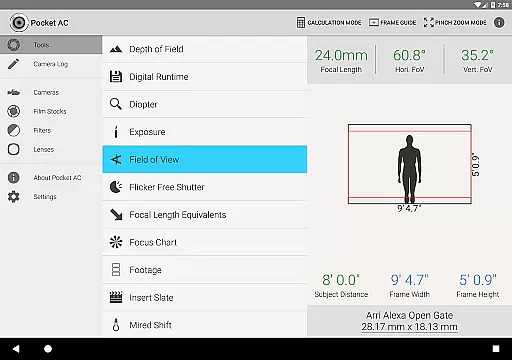
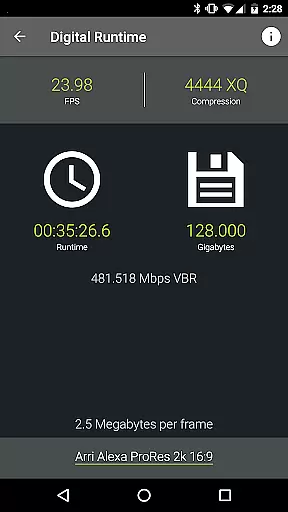
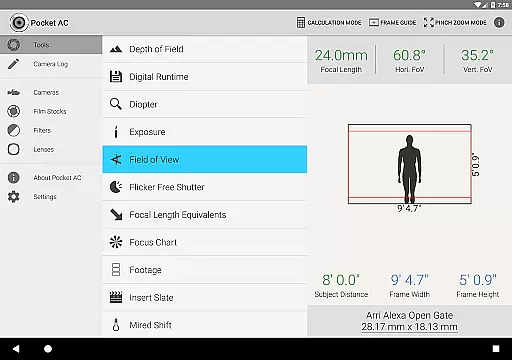
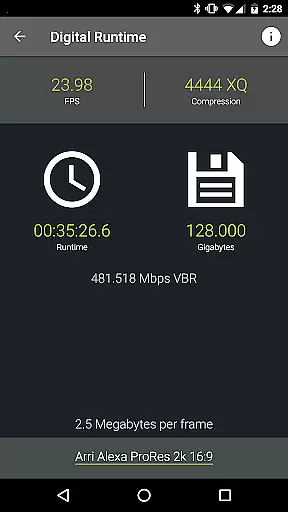
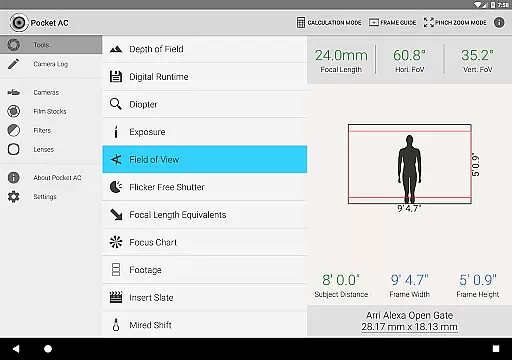
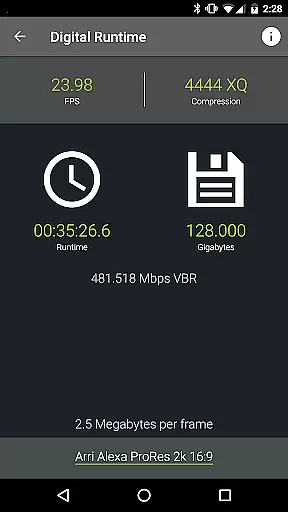
Pocket AC distinguishes itself through its diverse range of specialized tools designed for film industry professionals. The app includes sophisticated calculators such as Data Transfer, Digital Runtime, and Shutter Angle computations, which are vital for technical planning and execution. Additionally, its Field of View preview with focal reducer support offers precise lens simulation capabilities.
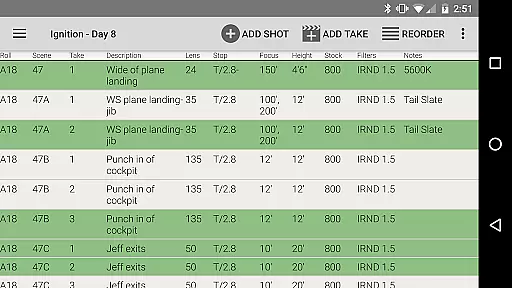
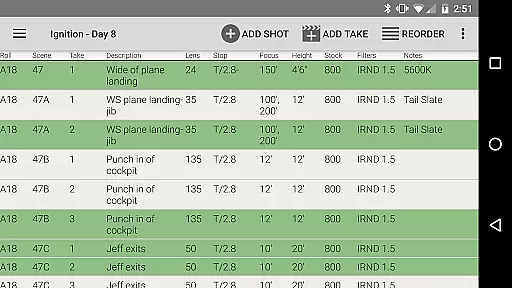
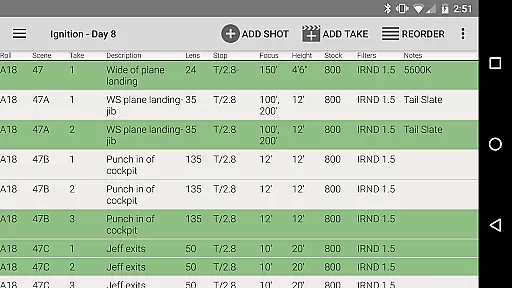
The integrated Camera Log function revolutionizes production documentation by allowing users to quickly record shot details and export comprehensive reports in various formats including PDF and CSV. Real-time collaboration features enable multiple ACs to work on the same log simultaneously, while built-in presets accelerate the logging process. The app's extensive database covers over 140 camera models and 2000 lenses, providing unparalleled reference value.
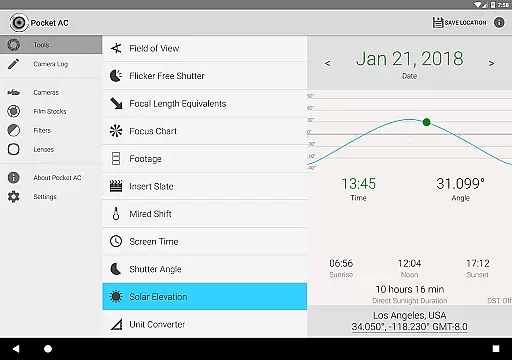
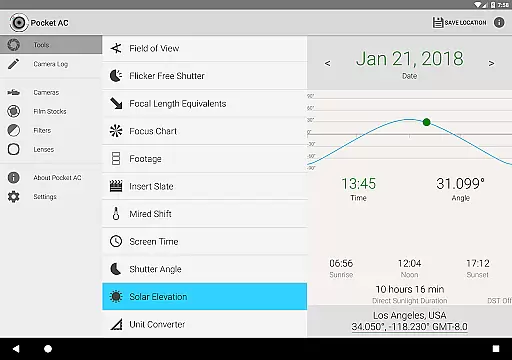
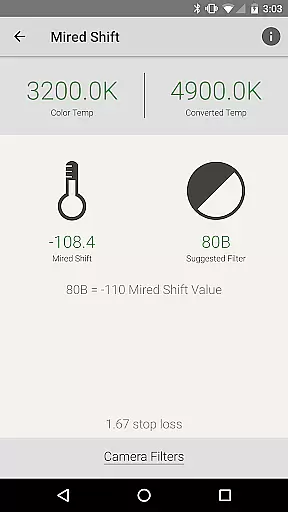
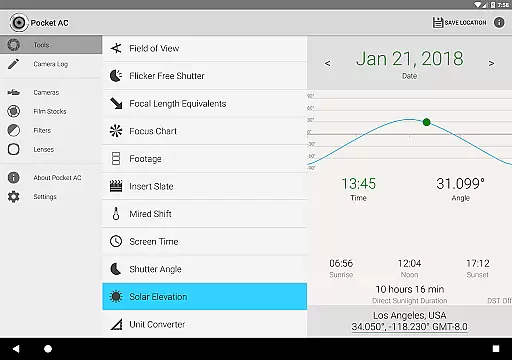
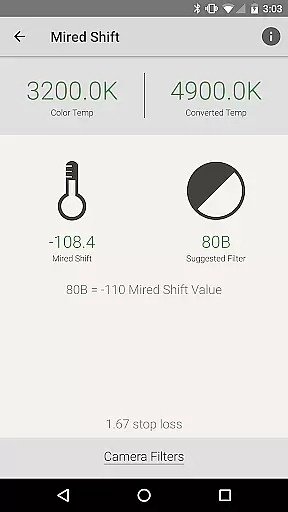
What sets Pocket AC apart is its commitment to covering all aspects of cinematography workflow. From Mired Shift calculations to Solar Elevation tracking, each feature is meticulously designed to address specific industry needs. The inclusion of unit converters and detailed production statistics further demonstrates the app's comprehensive approach to supporting professional filmmaking operations.
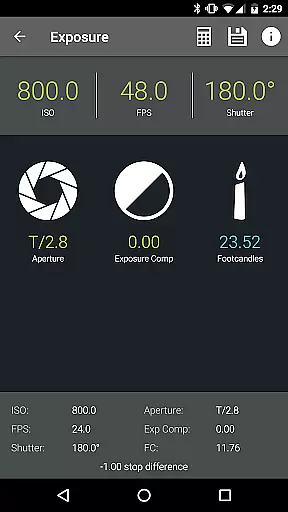
Pocket AC offers cinematographers and videographers an extensive suite of real-time capture tools that streamline production workflows. The application's real-time functionalities include depth of field calculators, exposure settings, and field of view previews, all designed to enhance the precision and efficiency of camera setups.
Through its intuitive interface, users can access critical data such as focal length equivalents and solar elevation charts, ensuring optimal shooting conditions. These features collectively empower filmmakers to make informed decisions on the fly, reducing setup times and improving shot accuracy.
The app's real-time preview capabilities extend to its support for focal reducers, commonly known as 'Speed Boosters,' allowing operators to visualize changes instantly. This immediate feedback loop is invaluable during complex shoots where quick adjustments can make a significant difference in final output quality.
While primarily focused on technical cinematography tools, Pocket AC also incorporates features that enhance image quality through precise calculations rather than traditional AI beauty enhancements. The app provides detailed lens catalogs and filter suggestions that help achieve natural-looking enhancements without compromising authenticity.
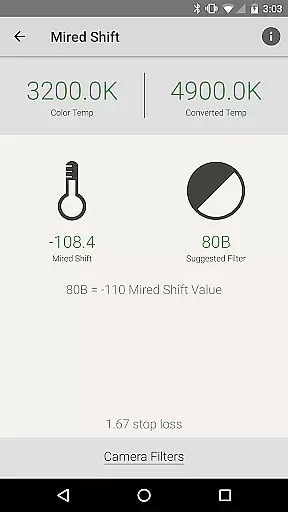
Users can leverage the mired shift calculator and comprehensive lens database to fine-tune visual elements, ensuring that enhancements remain subtle and true to the original scene. This approach maintains the integrity of the captured image while still offering enhancement options that are both effective and unobtrusive.
The application's emphasis on accurate data and reference tables ensures that any modifications made to achieve desired visual effects are grounded in professional standards. This methodology aligns with industry best practices, providing users with reliable tools to enhance their work naturally and professionally.
User-friendly interface
Comprehensive toolset
Real-time collaboration
Extensive camera database
Professional-grade calculators
Steep learning curve
Subscription required
Occasional bugs
Limited free features
High system requirements

Remote control of the phone camera from your Wear OS smartwatch
 3.70
3.70
Natural Beauty, Selfie Retouch
4.30
Create collages easily! Nice pic collage maker & background eraser for Instagram
4.50
Create Business Headshots, Polaroid Filter, Retake Photos,Profile Pics,AI Photos
4.50
Photo Exif Editor allows to view, add and modify EXIF data of multiple photos
4.50
A reflected light meter with spot metering and incident light metering.
4.40
USB Storage Access for Photos, Videos, Music and Documents
3.80
Create AI photos & videos with Enhancer; restore, fix, beautify, enhance photos
4.50
Welcome to ProShot, the most powerful camera app on Android.
4.20
Create funny photos and videos with the popular Time Warp Scan filter.
4.90
See your baby AI baby face generator AI baby maker Face generator babymaker fun!
4.70
Enhance, upscale, and transform your images — on your device, without limits
4.70
A must-have app for landscape photographers
4.60
Add Watermark - Sign your pictures with a text or logo. Effective, quick, easy!
4.50
Professional camera app that brings DSLR manual photography controls to Android.
4.20
All-in-One Editor & AI Photo Enhancer, Collage, Cartoonify, Funny Stickers & BGS
4.10
How old age camera Gender Swap App Face Shape Hairstyle App Hair Styler App fun!
4.00
Application for remote controlling DSLR
3.00
Remote control the phone camera shutter from your smartwatch and take a picture
1.60


User Reviews