
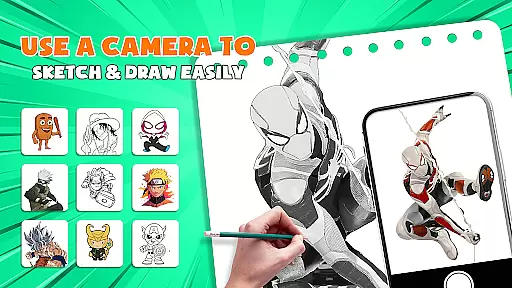
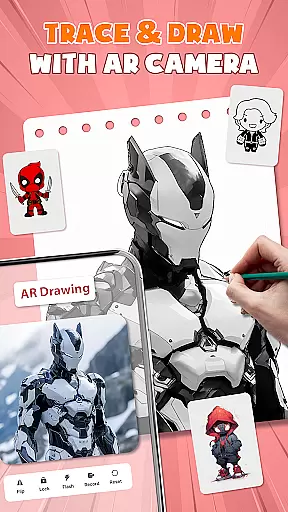
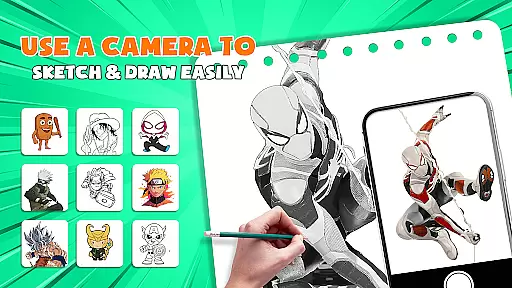
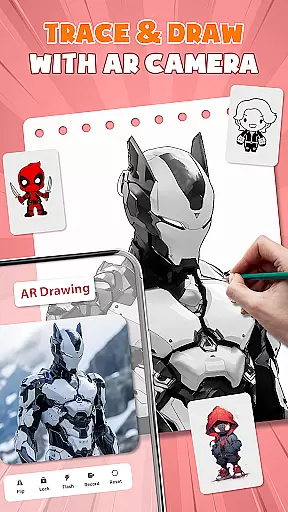
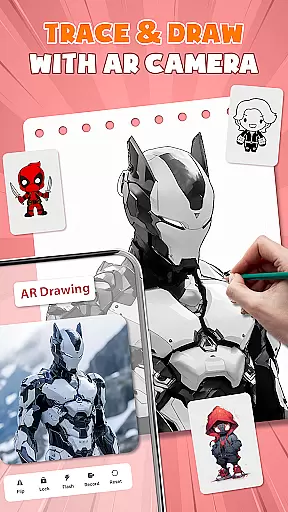
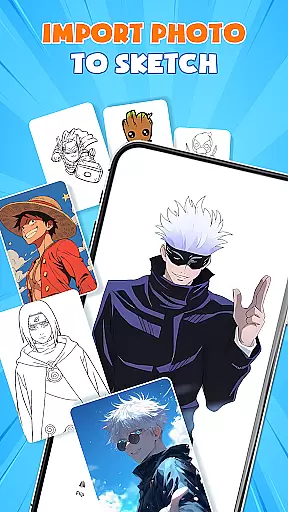
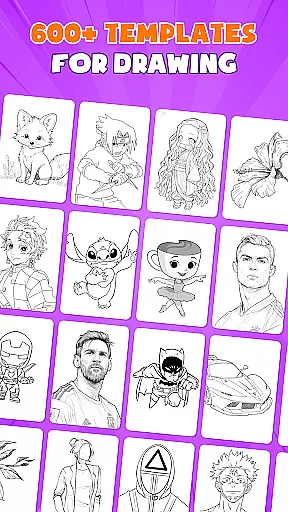
AR Drawing - Paint & Sketch is an innovative art application that combines augmented reality technology with traditional drawing techniques. This app allows users to create stunning anime-style artwork using advanced AR tracing and sketching tools. With features like AR projection, precise tracing overlays, and a vast library of free templates, the app caters to both beginners and professional artists.
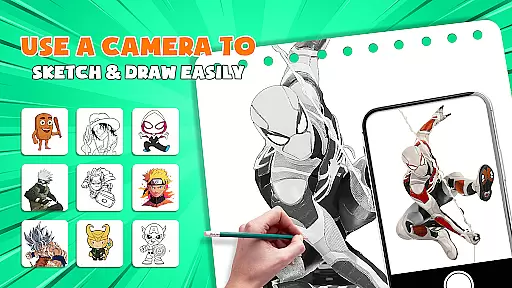
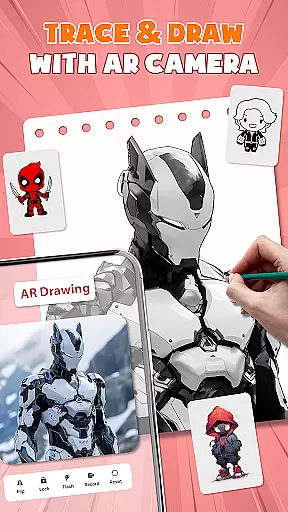
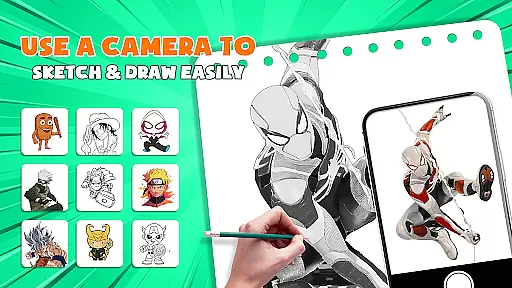
The application's standout feature is its ability to transform your device into a mobile projector for accurate tracing. Users can import images, adjust settings in AR view, and trace directly onto paper or canvas. The app also includes comprehensive painting tools, anime-specific effects, and a unique drawing game mode that makes learning fun and engaging. Whether you're creating detailed pencil sketches or vibrant anime artwork, this app provides all the necessary tools in one comprehensive package.
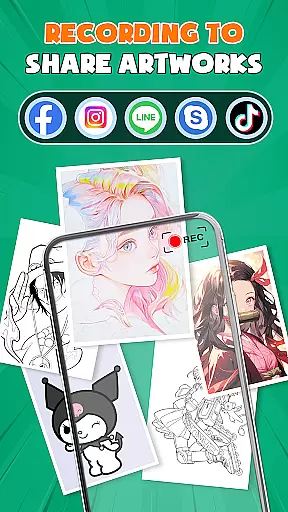
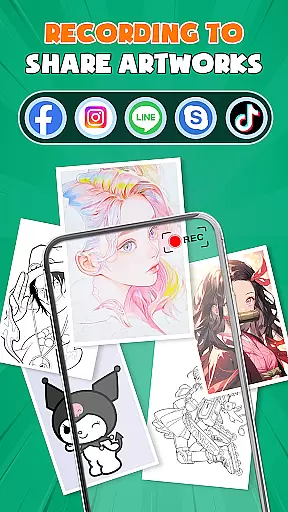
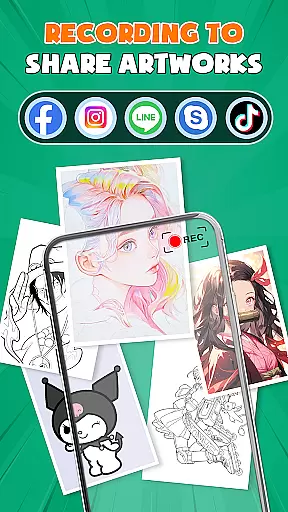
Perfect for modern artists who want to expand their creative process, AR Drawing - Paint & Sketch connects users through its community platform. Share your creations, receive feedback, and participate in drawing competitions. The app's intuitive interface and professional-grade features make it an essential tool for anyone interested in digital art, from casual hobbyists to serious anime enthusiasts.
AR Drawing - Paint & Sketch offers an impressive array of features designed to enhance the artistic experience. At its core, the app provides multiple specialized modes including AR projection, anime studio, and picture importer functionality. The AR projection feature allows users to trace real-world objects with precision, while the anime studio mode offers dedicated tools for creating Japanese-style artwork.
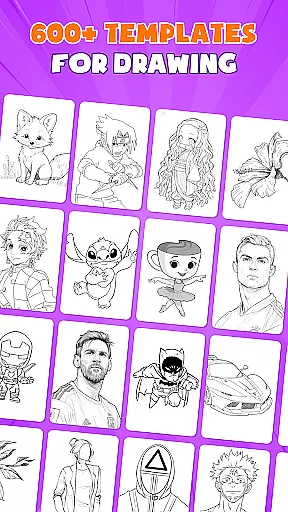
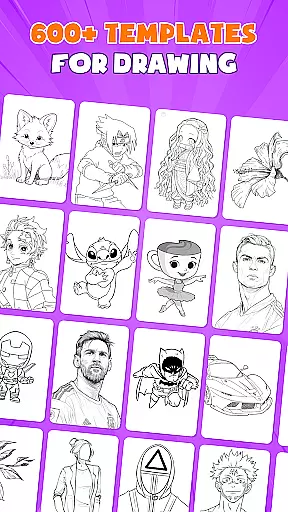
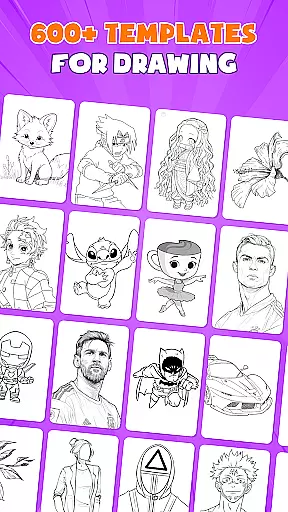
The application includes over 1000 free sketch templates and supports various drawing styles from basic sketches to complex anime compositions. Its comprehensive toolset encompasses everything from basic pencil drawing to advanced color painting features. Users can experiment with different brush types, shading techniques, and layer management systems. The app's unique combination of traditional drawing methods with modern AR technology creates an unparalleled artistic experience.
Additional notable features include tattoo drawing mode, photo import capabilities, and a robust community platform. These elements work together to provide artists with complete control over their creative process while fostering a supportive environment for skill development and artistic growth. The app's seamless integration of these features makes it a versatile choice for artists of all levels.
AR Drawing - Paint & Sketch offers an extensive suite of creative tools that cater to both amateur and professional artists. The app includes AR projection and tracing features, allowing users to turn their devices into mobile projectors for precise tracing. This functionality is complemented by a full suite of painting apps features, including vibrant brushes and shading options through AR pencil drawing.
In addition to traditional sketching and coloring, the app provides specialized modes such as Anime Studio and Tattoo & Pencil Art. These modes offer tailored experiences with features like ar anime drawing sketch effects, draw anime presets, and realistic tattoo or detailed pencil sketch creation. With over 1000+ free templates available in the art drawing apps library, users can easily find inspiration and start their projects with pre-made art drawing sketch templates.
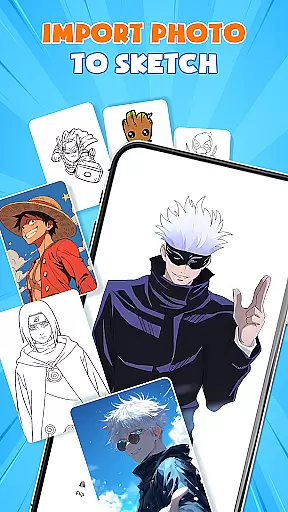
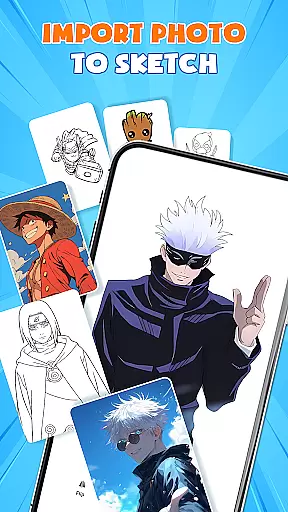
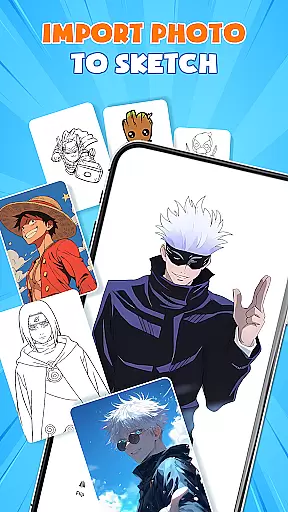
The inclusion of picture importer functionality adds another layer of versatility, enabling users to import images from their gallery, adjust opacity, and trace directly. This feature transforms any photo into instant artwork, making it simple for users to create professional-looking pieces without needing advanced skills. Such comprehensive toolsets ensure that artists have everything they need at their fingertips.
One of the standout features of AR Drawing - Paint & Sketch is its canvas and format flexibility, which empowers users to create art on various surfaces effortlessly. Whether you're working on paper, canvas, or even digital formats, this app adapts seamlessly to your chosen medium. By using your phone, you can place it over any surface and start tracing, ensuring precision and ease regardless of where you choose to create.
The app supports multiple drawing modes, including paint mode for coloring and finishing masterpieces. Users can switch between different modes to suit their artistic needs, whether they are sketching initial outlines or adding final touches. Additionally, the ability to adjust size, position, and transparency within the AR view allows for unparalleled control over how your artwork takes shape on the canvas.
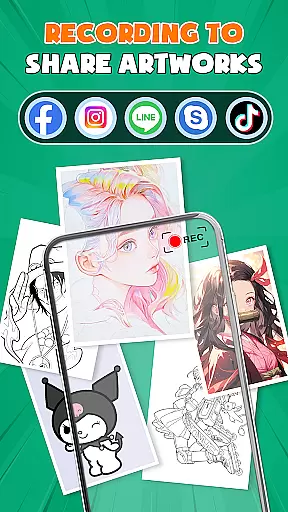
Furthermore, AR Drawing - Paint & Sketch facilitates exporting and sharing your creations directly from the app. Once completed, users can save their work in various formats, ensuring compatibility across platforms and devices. This flexibility not only enhances user experience but also encourages creativity by removing limitations typically associated with traditional drawing apps.
User-friendly interface
Extensive template library
Precise AR tracing
Vibrant color options
Active artist community
High system requirements
Steep learning curve
Limited offline features
Occasional performance issues
Premium content costs

Meet the magic aı 3d photo generator and smart AI video generator app.
 3.20
3.20
Digital Drawing: Draw & Paint
4.10
Create stylish invitation cards using templates for weddings, birthdays & RSVP.
4.20
Draw on screen: FP sDraw is a simple and lightweight drawing app
4.70
Create color palette from Image, RGB & RYB Color wheel harmonies, Color Scheme
4.50
Photo editor for art, avatars, filters & fun transformations.
4.60
Get creative and make art with your Sesame Friends!
4.00
Your homescreen as an elegant glass with customized blur, lighting, and visuals.
3.70
Draw, fidget, and spin glow art! Relax and express your creativity with a finger
4.60
Make your phone cooler and have a fantastic experience
4.80
Create stunning art with AI.
4.80
Mobile pixel art editor. Simple. Fast. Portable.
4.80
Remove Background, Magic Eraser, Photo Enhancer, Story Templates, Collage Maker
4.30
800+ Drawing, Painting Lessons App to Practice, Sketch & Paint Art.
4.30
Text to Image, Image to Video & AI Chat
4.20
AI Art Generator transforms your words into AI generated art & paintings.
3.70
Experience next-gen icons with a modern liquid glass look.
3.60
Inky runs Inkscape on Android devices and Chromebooks
2.90
Your Essential Color Theory Guide: Red, Yellow, Blue (RYB)
4.0


User Reviews