
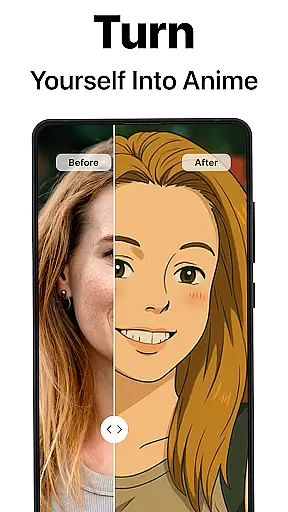
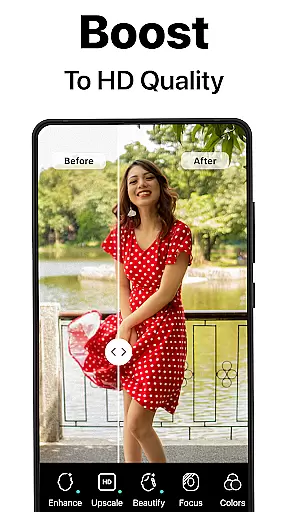
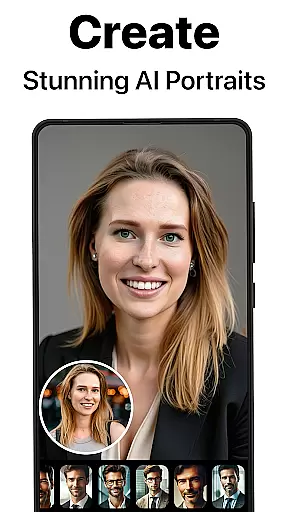
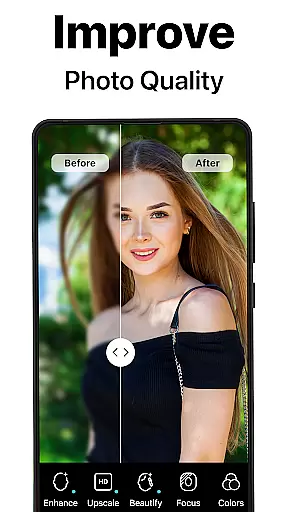
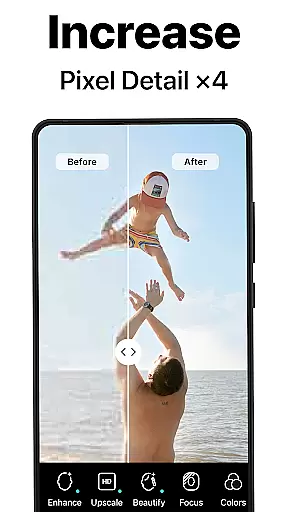
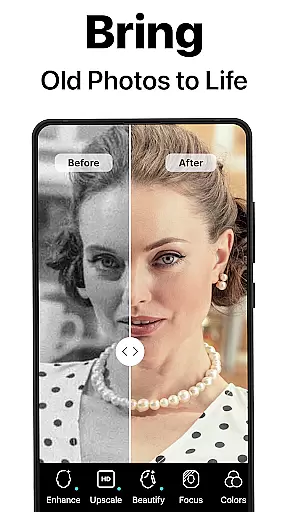
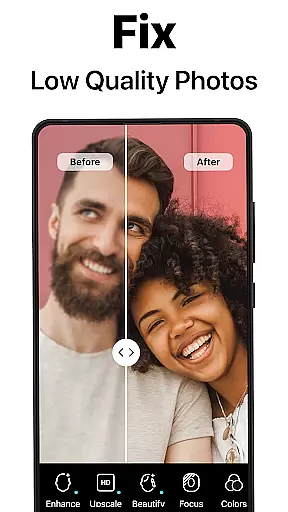
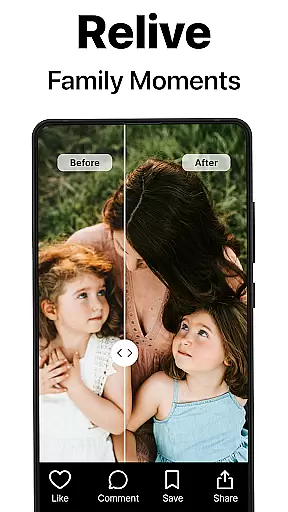
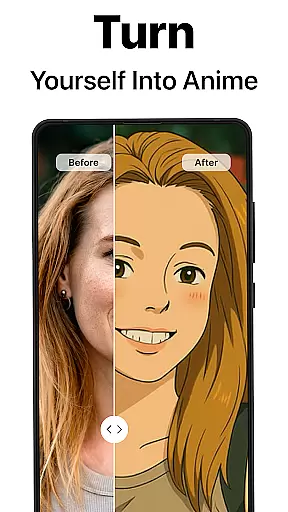
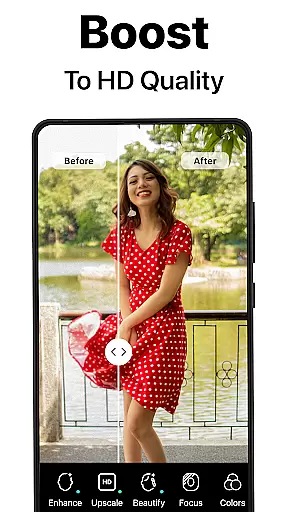
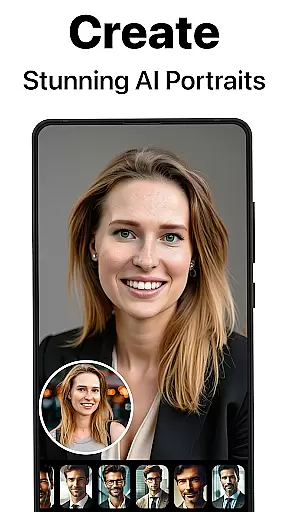
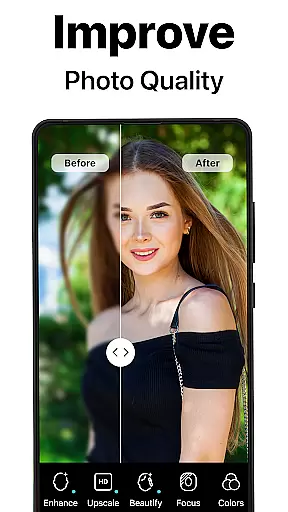
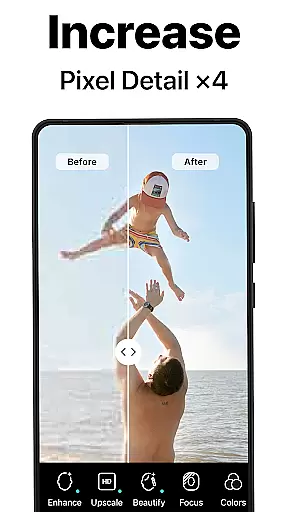
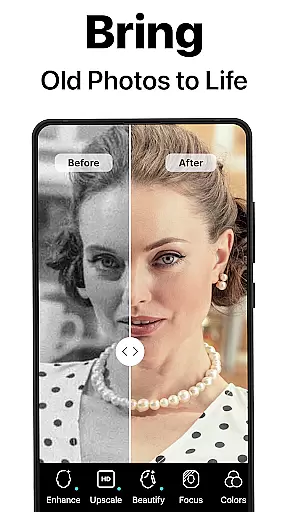
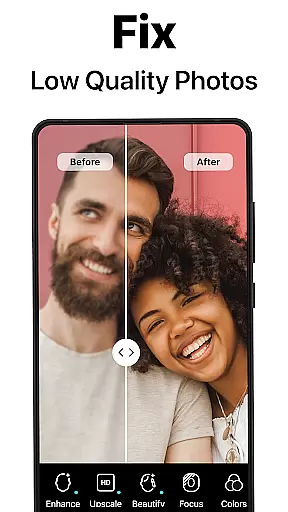
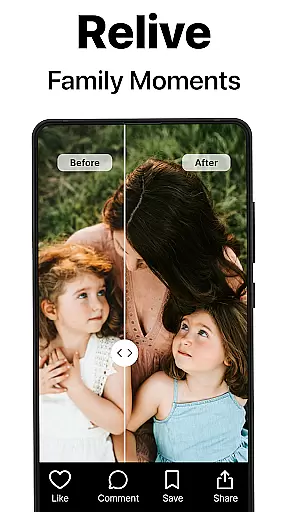
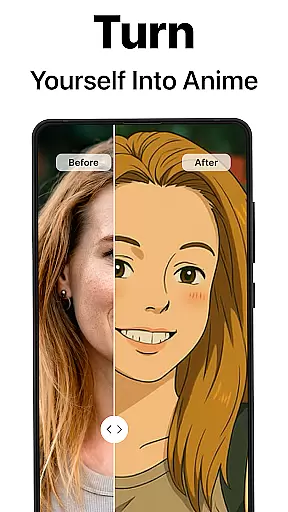
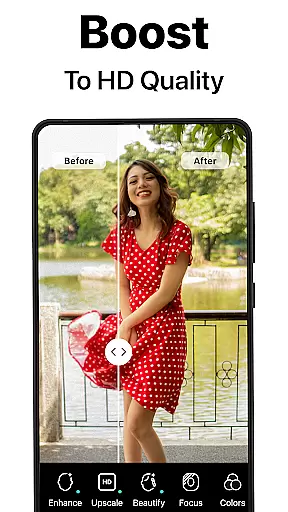
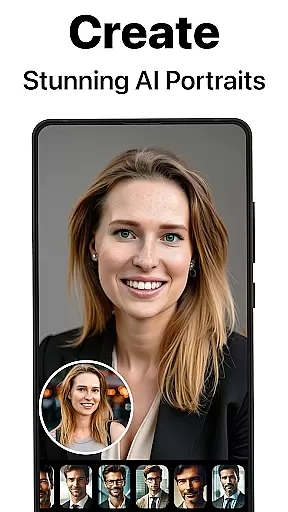
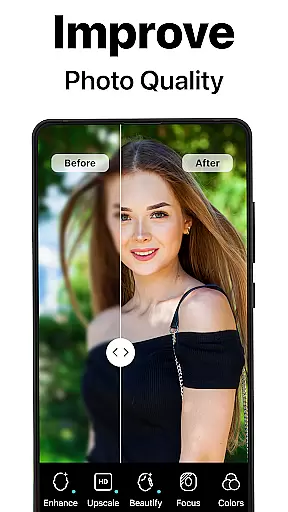
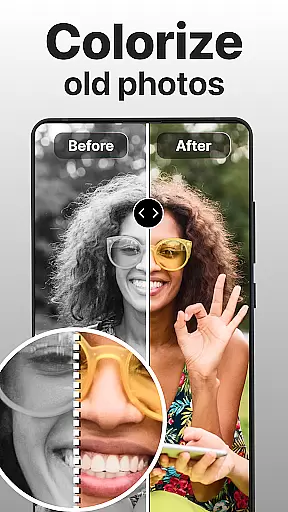
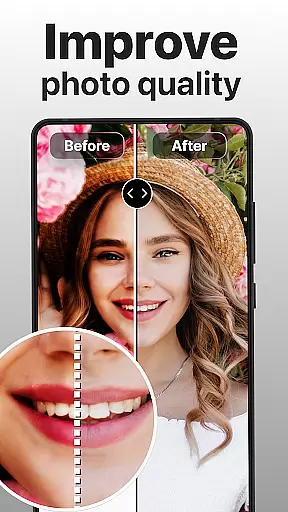
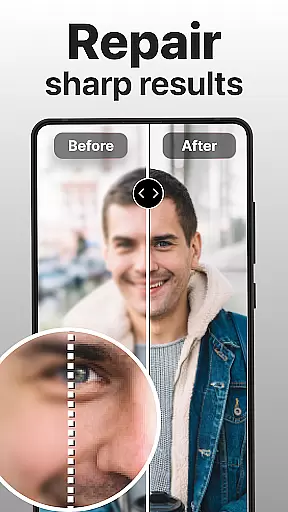
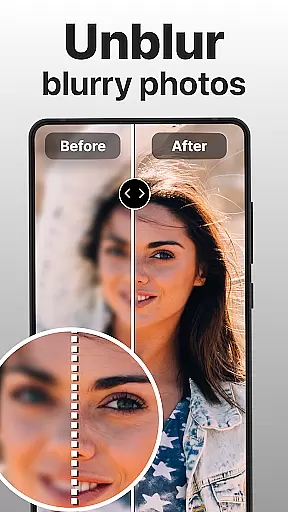
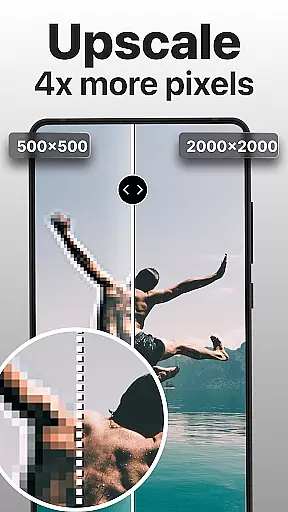
PhotoBoost is a powerful photography app that uses advanced AI technology to enhance, restore, and transform your photos. The app specializes in sharpening blurry images, reviving pixelated photos, and colorizing old black-and-white pictures. Its standout feature is the AI Avatars functionality, which allows users to create unique artistic representations of themselves across various themes and styles.
With capabilities ranging from photo upscaling to creating stunning "before and after" comparisons, PhotoBoost caters to both practical and creative needs. Whether you're looking to restore cherished family memories or generate eye-catching social media content, this app provides the tools to achieve professional-quality results.
The app's versatility makes it suitable for photographers, social media enthusiasts, and anyone looking to preserve their personal memories in the best possible quality. By combining speed, precision, and an extensive library of customizable options, PhotoBoost ensures users can elevate their digital imagery effortlessly.
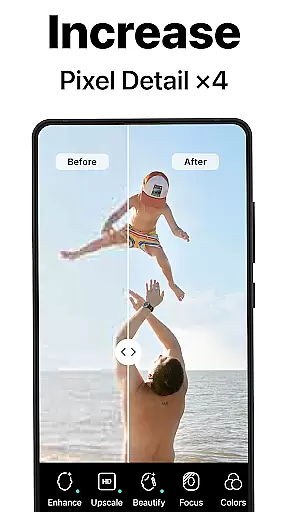
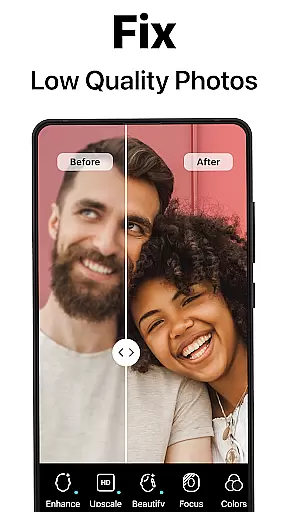
PhotoBoost stands out with its comprehensive suite of features designed to meet diverse photo editing needs. At its core, the app offers instant photo sharpening, which transforms low-resolution or blurry images into crisp, high-definition visuals. This feature is particularly useful for enhancing images intended for social media or printing.
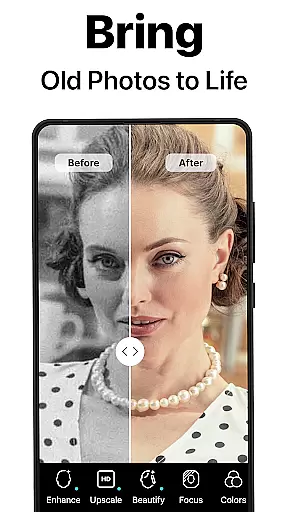
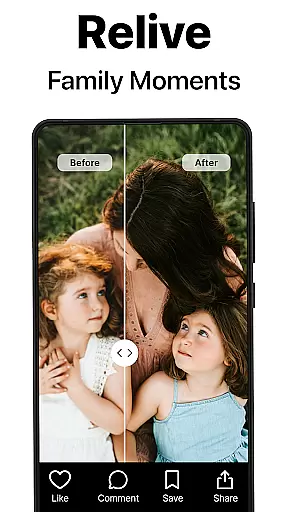
Another key highlight is the AI-powered restoration tool, which repairs damaged or faded photos while also offering colorization for black-and-white images. Users can digitize old family albums and relive precious moments with vibrant clarity. Additionally, the Advanced AI Upscaling feature allows users to enlarge images without losing quality, making it ideal for creating large-format prints.
The AI Avatars feature is a game-changer, providing hundreds of thematic styles for transforming selfies into creative masterpieces. From festive holiday themes to fantasy-inspired designs, this functionality encourages artistic expression. With unmatched speed and variety, PhotoBoost delivers polished results within seconds, setting a new standard in mobile photo enhancement.
Real-time capture and preview functionality is essential for ensuring that every photo taken meets the user's expectations. PhotoBoost excels in this area by providing instantaneous feedback on images as they are captured, allowing users to make necessary adjustments before finalizing their shots.
The app leverages advanced AI technology to enhance the clarity and quality of photos during the capture process. This ensures that even if the initial shot is suboptimal due to lighting or focus issues, the app can automatically correct these elements in real time, delivering a polished result.
For users, this means fewer retakes and more confidence in their photography. Whether capturing important family moments or creating content for social media, the ability to see a high-quality preview ensures that the final image will be as intended, saving both time and effort.
Ultimately, PhotoBoost's real-time capture and preview feature empowers users to take better photos with minimal effort, enhancing their overall photography experience while ensuring professional-grade results without the need for extensive post-processing.
AI beauty and enhancement features have become a cornerstone of modern photography apps, and PhotoBoost stands out by offering enhancements that maintain a natural look. The app uses sophisticated AI algorithms to subtly improve facial features, skin texture, and overall appearance without making the edits obvious or overdone.
One of the key aspects of PhotoBoost is its ability to adapt enhancements based on individual features, ensuring that each edit complements the unique characteristics of the subject. This personalized approach avoids the pitfalls of generic filters that can often lead to unnatural results, preserving the authenticity of each photo.
Users benefit from this feature by achieving professional-quality edits that enhance their natural beauty. Whether itu2019s smoothing out skin imperfections or adding a touch of vibrancy to the eyes, PhotoBoost ensures that every enhancement looks genuine and enhances the subject's true features.
By focusing on natural-looking enhancements, PhotoBoost not only improves the aesthetic quality of photos but also boosts user confidence in sharing their images, knowing that the edits highlight their best attributes while maintaining an authentic appearance.
User-friendly interface
Fast processing speeds
Versatile editing tools
Extensive avatar library
High-quality enhancements
Premium subscription required
Limited free trial features
Advanced tools may overwhelm beginners
Occasional ads in free version
Internet connection needed

Long exposure camera with computational photography
 2.60
2.60
All-in-One Editor & AI Photo Enhancer, Beautify & Retouch, Collage, Cartoonify
4.20
Trendy TikTok time warp scan funny filter app brings you unique photos & videos.
4.40
HD Photo gallery and photo manager to edit, hide private photos, videos & albums
4.1
All-in-One Editor & AI Photo Enhancer, Collage, Cartoonify, Funny Stickers & BGS
4.10
Android Native system HD camera app. Never been so simple and faster.
4.70
Light-weight Media Gallery app for Android made with Jetpack Compose
4.60
A reflected light meter with spot metering and incident light metering.
4.40
Astrophotography with your smartphone, photo live stacking and much more!
3.90
A collection of tools and reference tables for DPs, ACs, DITs and Operators.
4.70
1M influencer's special filter
4.60
Enhance, retouch & create your story - Share the moment with Photoshop Express.
4.60
Transform photos into videos! Create realistic or anime-style images easily!
4.50
AI photo enhancer with Sora 2! Enhance, descratch, and colorize your old photos.
4.50
Easily stitch panoramas from multiple photos or video.
4.40
Future baby face generator: AI kids generator, kid face! What my baby look like?
4.40
RAW video capture with advanced controls
4.40
Transform Photos: Edit, Beautify and Craft Memories & Make Collages!
4.10
Snap photos remotely using your Garmin watch as the camera trigger
4.0


User Reviews