
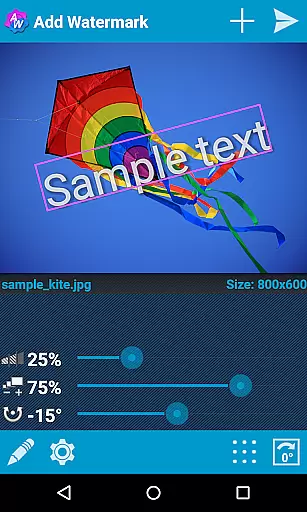
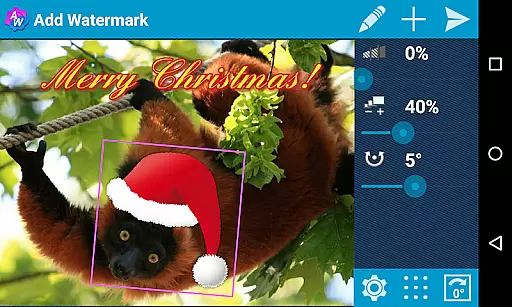
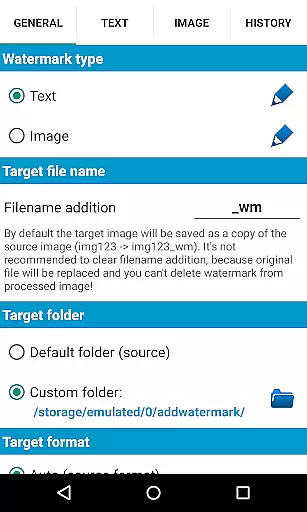
Add Watermark is a powerful photography app designed to help users protect their digital content by adding customizable watermarks to images. The app allows you to add both text and logo watermarks, with precise control over size, transparency, rotation, and alignment.
With features catering to professional photographers and bloggers, the app supports batch processing, auto-processing through sharing, and includes 72 built-in fonts along with the ability to import custom fonts. You can also use transparent PNG images as watermarks and share your watermarked images directly to platforms like Instagram and Facebook.
Whether you're looking to brand your photos for business or safeguard personal memories, Add Watermark provides an essential toolset to ensure your images are marked securely and professionally.
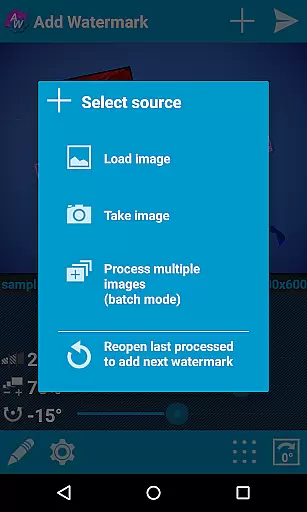
The app offers an extensive range of features that make watermarking efficient and versatile. Its standout feature is the batch mode, which allows users to process multiple images simultaneously, saving valuable time for professionals handling large volumes of photos.
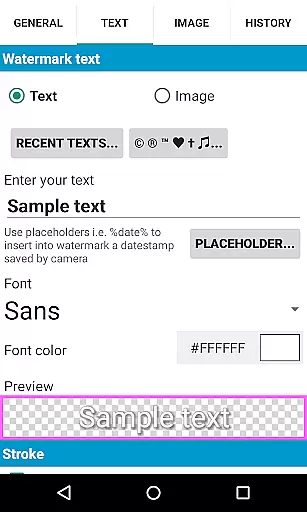
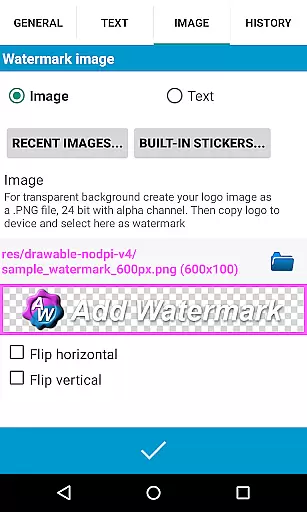
Users can customize text watermarks with various fonts, colors, and effects, or use image-based watermarks with support for transparent PNG files. The app also enables automatic timestamp insertion and supports EXIF metadata, ensuring that important photo details remain intact.
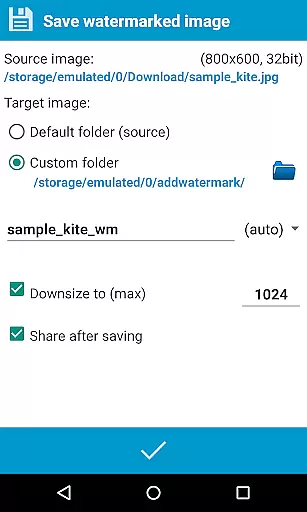
Additional capabilities include saving in both JPG and PNG formats, resizing options, and cloud backup for settings. These features collectively provide a comprehensive solution for anyone seeking to watermark images with precision and ease.
Real-time capture and preview functionality is essential for ensuring that users can see the results of their edits immediately. In Add Watermark, this feature allows photographers and content creators to visualize how watermarks will appear on their images before finalizing them.
The app provides a dynamic interface where users can adjust watermark attributes such as size, transparency, and rotation in real time. This instant feedback loop enables precise customization, ensuring that the watermark complements the image without overshadowing its content.
Furthermore, the ability to preview changes with different fonts and effects enhances the creative process. Users can experiment with various styles and settings, making it easier to achieve the desired aesthetic outcome while maintaining professional standards.
While Add Watermark does not focus on AI beauty enhancements, it excels in providing natural and seamless watermark integration. The emphasis on authenticity ensures that added watermarks enhance rather than detract from the original image's quality.
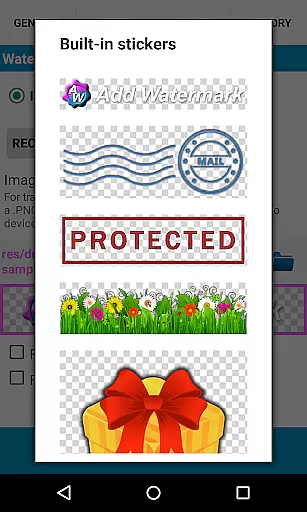
Users have access to a variety of built-in fonts and sticker collections, allowing for aesthetically pleasing yet subtle watermark designs. The support for transparent PNG images as watermarks further contributes to a natural look, preserving the integrity of the underlying photo.
Additionally, features like timestamp insertion and GPS tagging offer functional enhancements without compromising visual appeal. These elements provide valuable context to images while maintaining a clean and professional appearance, crucial for photographers and bloggers who rely on authentic representation.
User-friendly interface
Batch processing available
Extensive customization options
Supports transparent PNG watermarks
Quick sharing to social media
Free version has limitations
No advanced editing tools
Limited font options in free version
Auto mode requires full version
Occasional bugs reported

Gallery show photo, video, slideshow, is perfect 3D effect private photo albums.
 4.80
4.80
All-in-One Editor & AI Photo Enhancer, Beautify & Retouch, Collage, Cartoonify
4.20
Viewfinder, Light meter, Reciprocity failure time, DOF & Bellows Extension
4.60
Cartoon and artistic effects for your photos and videos
4.70
Light-weight Media Gallery app for Android made with Jetpack Compose
4.60
Automatically backup your photos and videos to computer, NAS and Cloud services
4.60
Easily create custom gifts, cards, photo books & more on the Shutterfly app!
4.60
Unblur, enhance & restore photos with powerful AI photo enhancer tools.
4.60
Edit photos with the picture generator: PS2 & AI Clay filters, cartoon effects.
4.50
Amazing Photo Effects - The most fun you can have with your photos!
4.70
Take videos and pictures with the popular TikTok TIME WARP SCAN filter.
4.60
Enhance, retouch & create your story - Share the moment with Photoshop Express.
4.60
Movie camera, supports pro recording settings for filming. Try it and be amazed!
4.50
Create AI photos & videos with Enhancer; restore, fix, beautify, enhance photos
4.50
Fit multiple photos on one post. Create carousels & scroll layouts for Instagram
4.50
Search, tag and rate your way to an organized image gallery
4.40
A light meter for true photographers.
4.20
live datamoshing
4.00
Application for remote controlling DSLR
3.00


User Reviews