
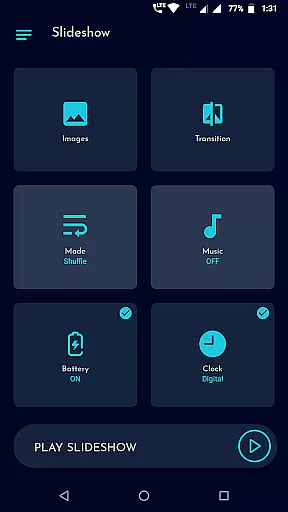
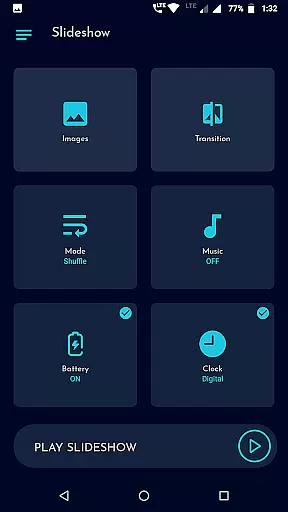
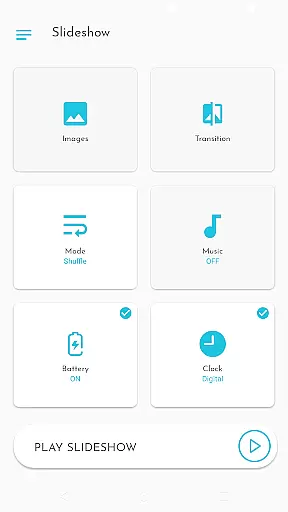
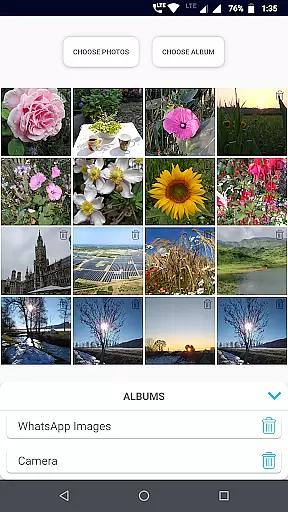
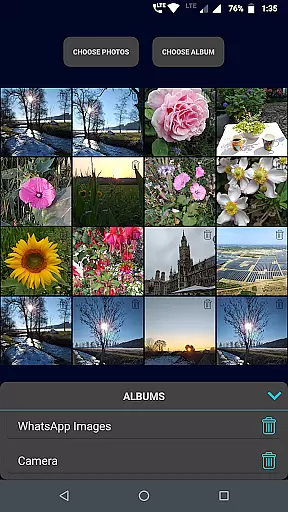
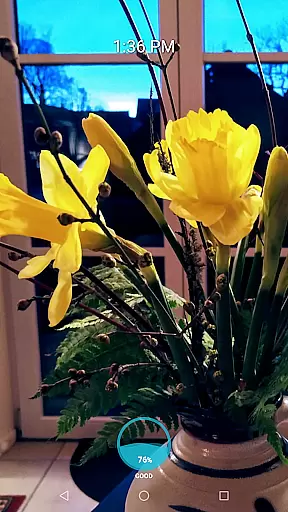
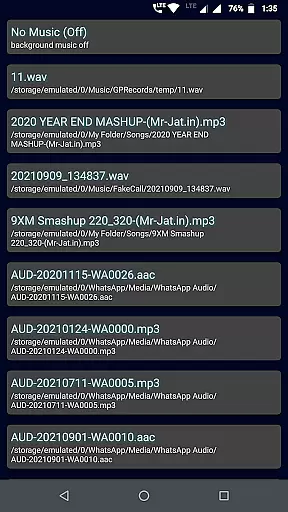
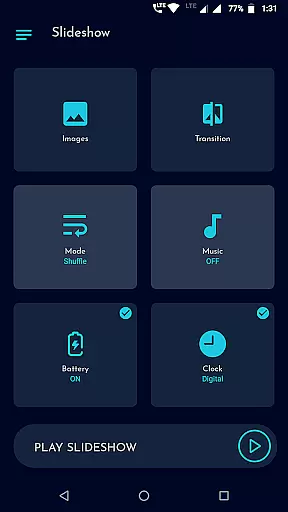
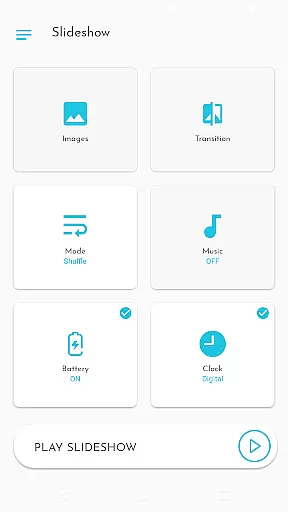
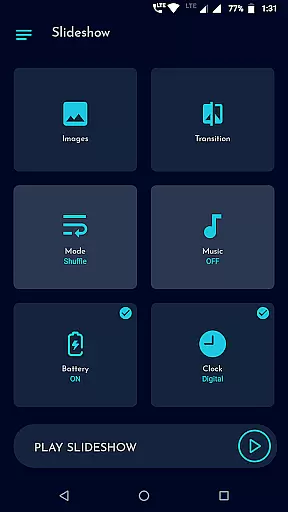
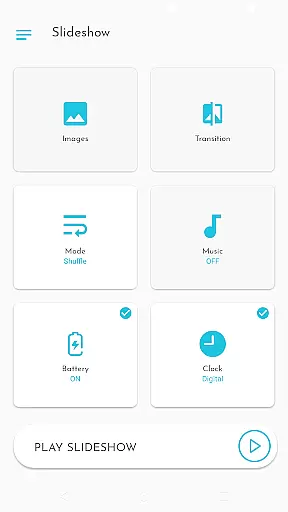
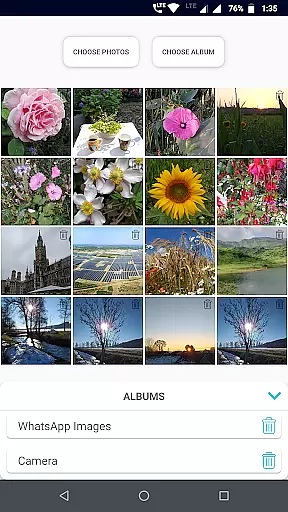
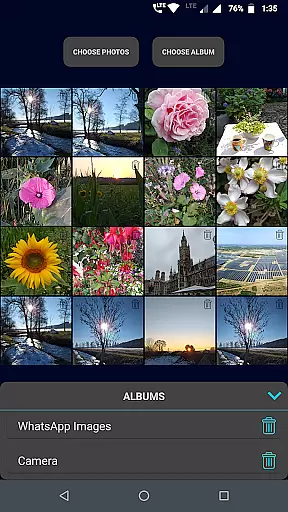
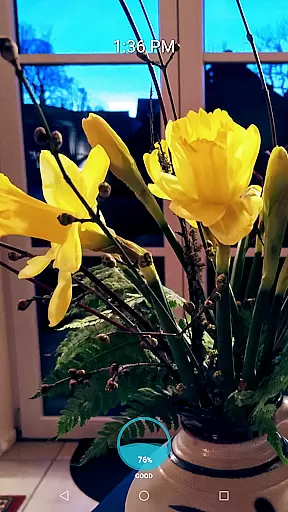
Gallery Slideshow is a photography app designed to display your gallery photos as dynamic slideshows on your phone screen with music and transition effects. The core functionality revolves around allowing users to select multiple photos or entire folders for seamless slideshow playback.
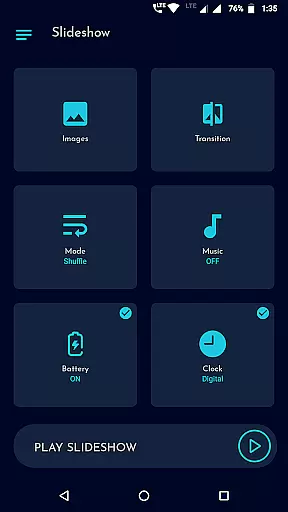
What sets this app apart is its simplicity and focus on enhancing the viewing experience without generating videos or offering photo editing features. It provides cool transitions, shuffle options, background music selection, and even battery percentage or clock displays during the slideshow.
Ideal for personal entertainment or sharing memories with friends, Gallery Slideshow brings life to your stored images by transforming them into engaging visual presentations right on your device.
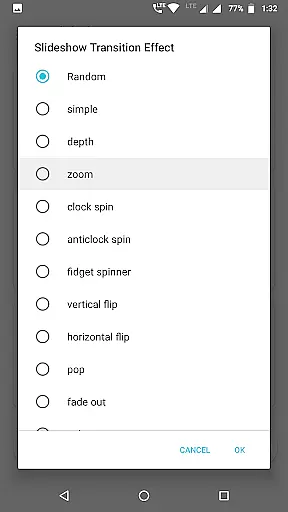
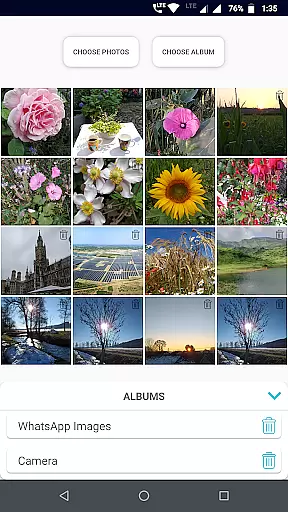
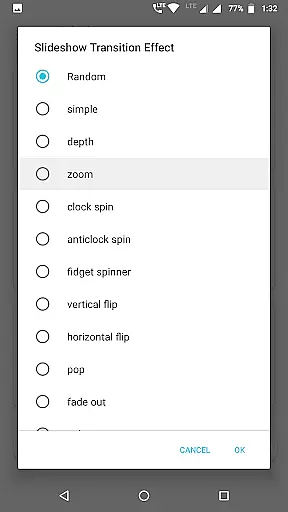
Gallery Slideshow offers a variety of features that enhance photo viewing experiences. Users can choose any number of photos or entire folders for creating customized slideshows. With many cool transition effects available, you can personalize how your images flow from one to another.
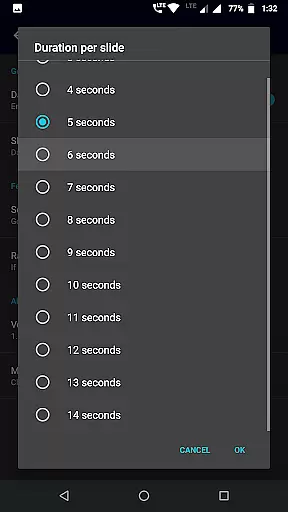
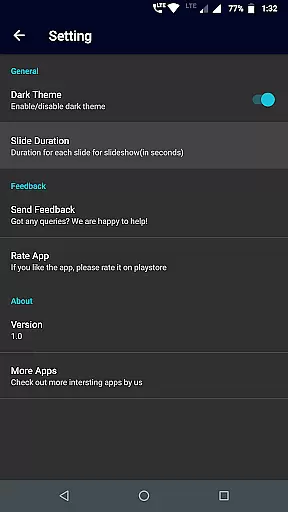
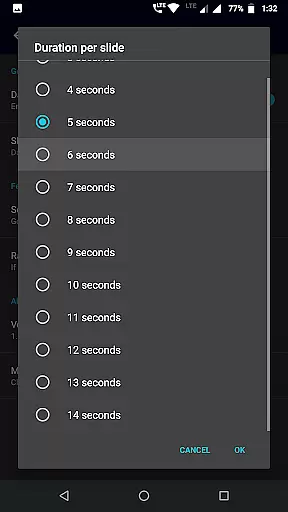
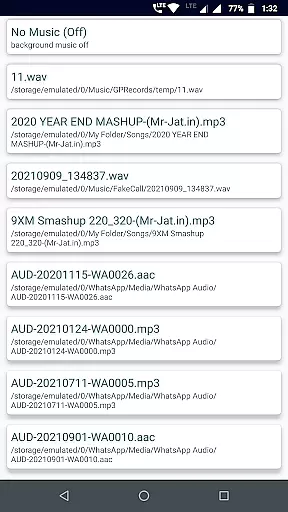
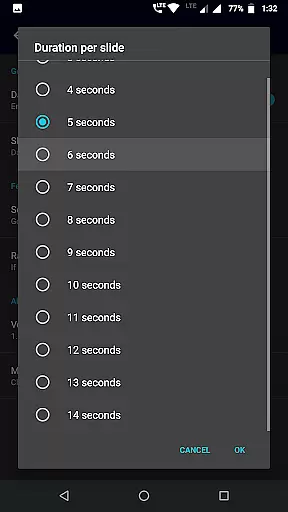
The app also includes practical options such as sequence or shuffle modes, background music selection, and adjustable durations between slides. Additional functionalities like showing battery percentage, digital/analog clocks, make it more than just a simple slideshow tool.
These features collectively ensure that users have full control over their viewing experience while enjoying visually appealing transitions and customizable settings tailored to their preferences.
Real-time capture and preview functionality is essential for photography apps as it allows users to see exactly what the camera is capturing. Gallery Slideshow offers a unique take on this feature by enabling users to view their selected photos with added elements such as music and transitions.
The app provides an immersive experience by letting users choose from multiple transition effects, enhancing the visual appeal of their photo viewing session. This real-time enhancement gives users a dynamic way to relive their memories without creating a video file.
Users benefit from the ability to customize their slideshow with options like shuffle, sequence, and duration settings. These features ensure that each slideshow is tailored to individual preferences, providing a personalized and engaging viewing experience.
By integrating background music and optional display features such as battery percentage and clocks, Gallery Slideshow transforms a simple photo viewing task into an enriched multimedia event, all in real time on the user's device screen.
While Gallery Slideshow does not focus on AI beauty enhancements typically found in photo editing apps, it emphasizes natural presentation and user engagement through its core functionalities. The app ensures that original photos are displayed without alterations, preserving their authenticity while adding tasteful transitions and music.
The emphasis on naturalness is evident in the app's dedication to maintaining the integrity of the user's gallery photos. Instead of applying heavy filters or AI-driven modifications, it focuses on delivering a genuine slideshow experience enhanced by thoughtful touches like clock displays and battery indicators.
Users can appreciate the simplicity and honesty of their unedited photos while enjoying customizable options that add a layer of sophistication to the viewing process. This approach respects the original content while elevating the overall aesthetic with subtle enhancements.
Gallery Slideshow stands out by offering a pure, unaltered slideshow experience that leverages existing photo quality and adds value through creative but natural presentation tools, ensuring that the essence of each photo remains intact.
User-friendly interface
Customizable transitions
Background music support
Flexible photo selection
Battery and clock display
No video creation
Limited editing tools
Basic feature set
No cloud integration
Folder-only playback

Long exposure camera with computational photography
 2.60
2.60
Add Watermark - Sign your pictures with a text or logo. Effective, quick, easy!
4.50
HD Photo gallery and photo manager to edit, hide private photos, videos & albums
4.4
Natural Beauty, Selfie Retouch
4.30
Create AI Photos, Improve and restore quality of blurry, old or damaged pics.
4.20
HD Camera Pro with HD Video shooting, Panorama, Photo editor , Beauty Camera.
4.50
Create amazing frames with up to five photos. Rounded corners, effects and more!
3.60
Smart, light, and fast photo and video gallery
4.30
Edit photos with the picture generator: PS2 & AI Clay filters, cartoon effects.
4.50
Cartoon and artistic effects for your photos and videos
4.70
The original Rarevision VHS look seen everywhere!
4.70
Take videos and pictures with the popular TikTok TIME WARP SCAN filter.
4.60
Cut and paste photo editor & eraser to customize photos easy and swap faces fun
4.50
Photo editor & gallery. Crop pictures & edit photos offline, no wifi!
4.50
Create AI photos & videos with Enhancer; restore, fix, beautify, enhance photos
4.50
GCamera allows all GCam features on all phone models! Better photos with GCamera
3.30
Application for remote controlling DSLR
3.00
An interval timer to automate photo taking process for timelapse
2.90
Snap photos remotely using your Garmin watch as the camera trigger
4.4


User Reviews