
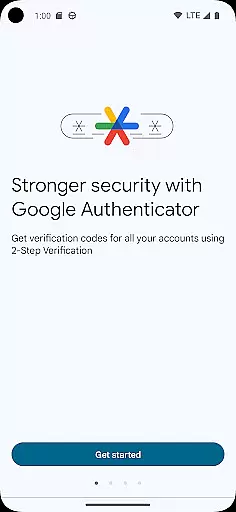
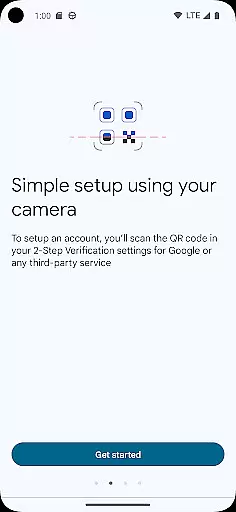
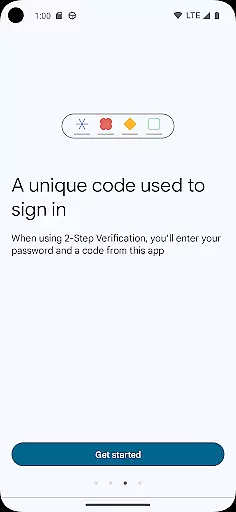
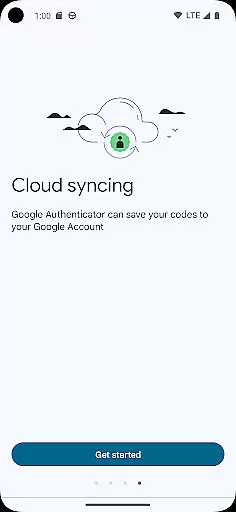
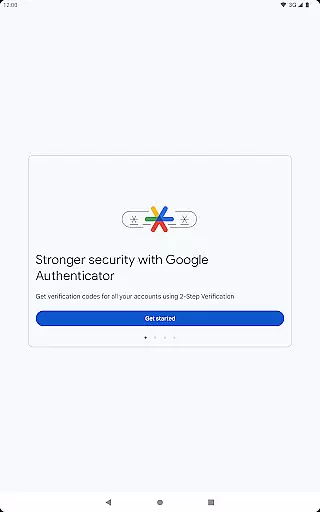
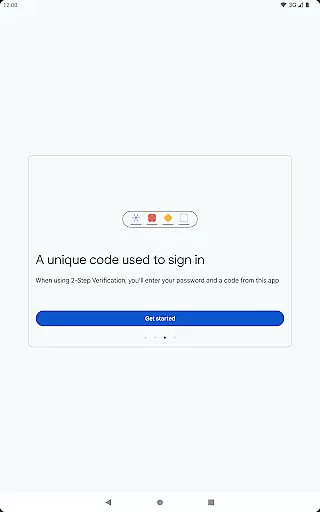
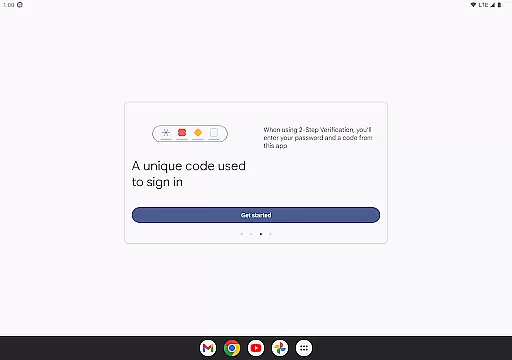
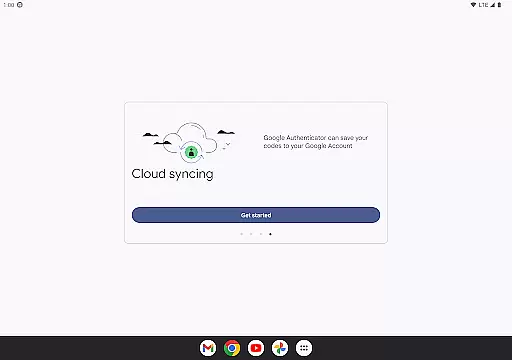
Google Authenticator is a security tool that provides an additional layer of protection for your online accounts through two-factor authentication. When signing in, users must enter both their password and a unique code generated by the app on their mobile device. This ensures enhanced account security even if passwords are compromised.
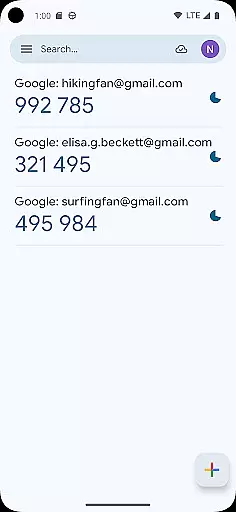
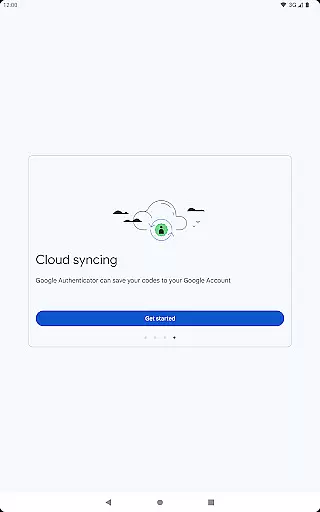
The app operates independently of network connectivity, generating time-based or counter-based codes directly on your phone. It supports syncing across devices via your Google Account, automatic setup using QR codes, and management of multiple accounts. These features make it an essential tool for anyone seeking to strengthen their online security while maintaining ease of access.
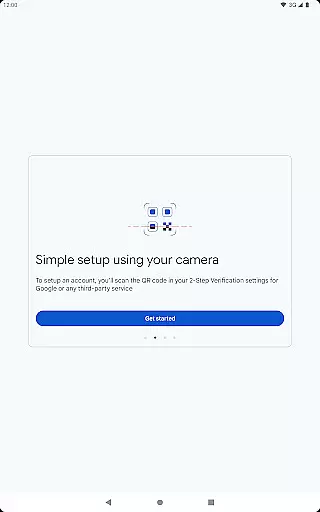
Google Authenticator offers several key features that enhance its functionality as a security tool. The app allows users to sync their authentication codes across multiple devices through their Google Account, ensuring accessibility even if a device is lost. Automatic account setup is made simple with QR code scanning, reducing manual input errors.
For users managing numerous accounts, the app supports multiple profiles and provides options for both time-based and counter-based code generation. Transferring accounts between devices is seamless using QR codes, making device upgrades hassle-free. These comprehensive features collectively create a robust solution for secure account management.
Google Authenticator excels in providing highly accurate and effective two-factor authentication. The app generates time-based or counter-based codes that are always in sync with the servers of your online accounts, ensuring a seamless verification process every time you sign in.
The core functionality is designed to work even without an internet connection, making it reliable in various scenarios. This offline capability guarantees that users can access their accounts securely, regardless of network availability.
By supporting multiple account management and automatic setup through QR codes, the app streamlines the process of adding and managing different services. This makes it an essential tool for anyone looking to enhance their online security across various platforms.
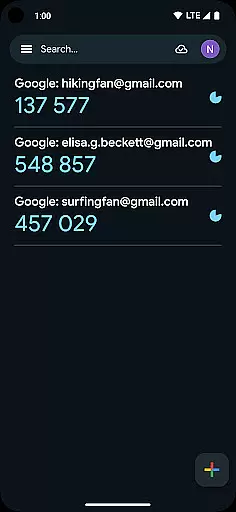
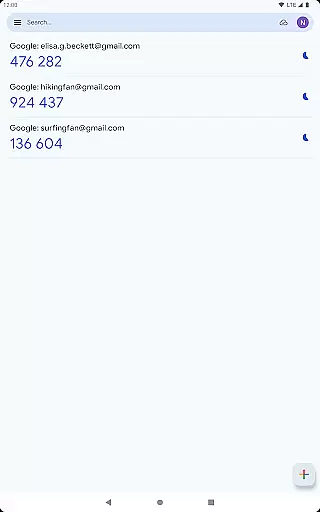
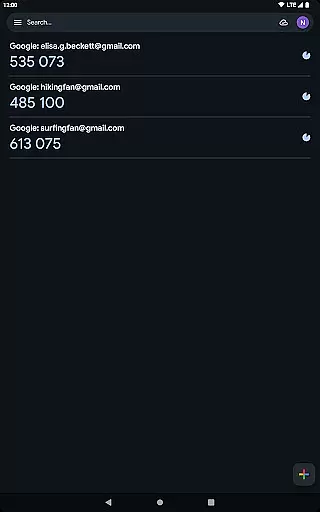
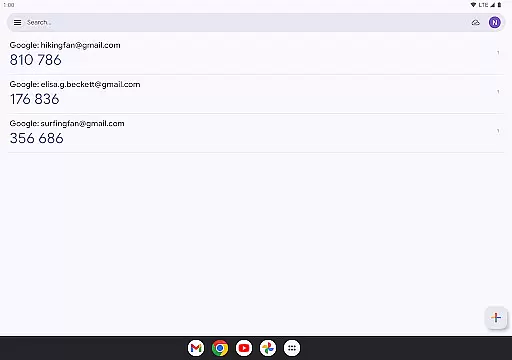
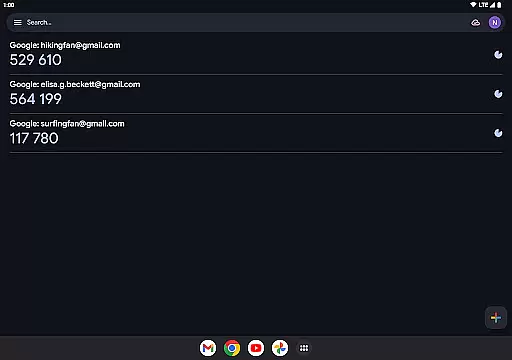
The interface of Google Authenticator is crafted to offer maximum simplicity and ease of use. With a clean layout that displays all your accounts in one place, users can quickly find the verification code they need without any hassle.
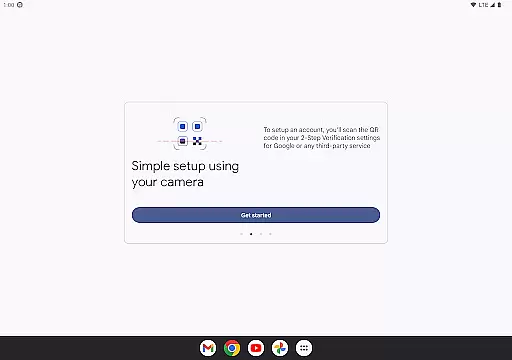
Adding new accounts is made intuitive through QR code scanning, which eliminates manual input errors and speeds up the setup process. This user-friendly approach ensures that even those who are not tech-savvy can easily configure and use the app.
Despite its powerful security features, the app maintains a minimalistic design that focuses on functionality. This balance between simplicity and effectiveness makes Google Authenticator an ideal choice for securing online accounts without complicating the user experience.
Enhanced Security
Easy Setup
Offline Functionality
Multi-Account Support
Device Syncing
No Backup Option
Limited Customization
QR Code Required
No Desktop Version
Manual Entry Needed

 4.50
4.50
HD Camera captures every special moment.
4.60
Extremely fast, secure, and protects your privacy
4.80
Fluid navigation gestures for all of us!
4.30
VESC Tool can monitor and configure VESC-compatible devices over BLE and Wifi
4.20
Bedrock Together: Join any bedrock server on Xbox/PS
4.80
The Ultimate Bluetooth Keyboard & Mouse. Securely control your PC, Mac, and more
4.50
Planner and Tracker for Stardew Valley
4.60
The Ultimate Flex Drivers Utility App - Convenient Tapping & Block Filters
4.70
The ultimate tool for network analysis, wifi scanning and problem detection.
4.90
Easily install aab(Android App Bundle) files on your Android device with our app
4.80
ADB support Android 4.X-Android 13(Support wireless pair mode).No root required!
4.70
Creation, Learning, Entertainment & More — The All-in-One AI Search Engine
4.70
App to pay for FUTO Keyboard
4.60
With videos, electrical calculators, and built-in ebook, Ugly’s has your answer.
4.50
Just swipe the edge to do something!
4.40
Quickly check the frequency of the Earth
4.30
View detailed information about your Nissan Leaf the dealer never shows you.
4.10
Introducing Smart Printer, your ultimate destination for printing solutions!
4.00


User Reviews