
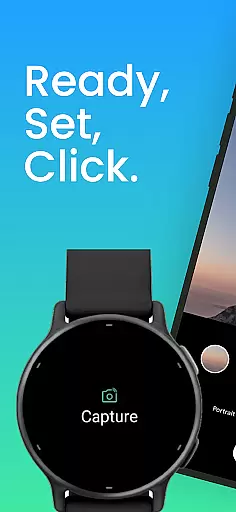
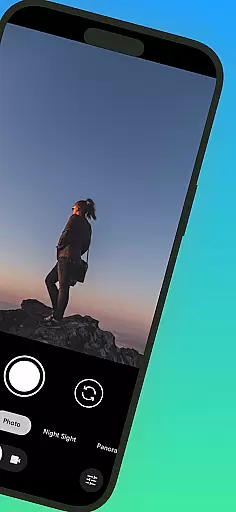
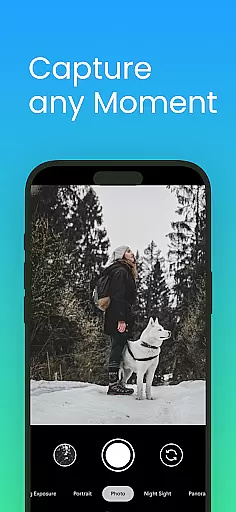
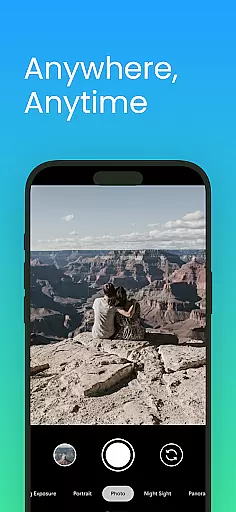
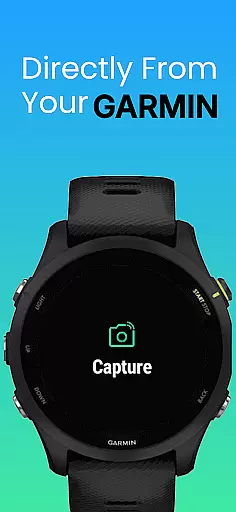
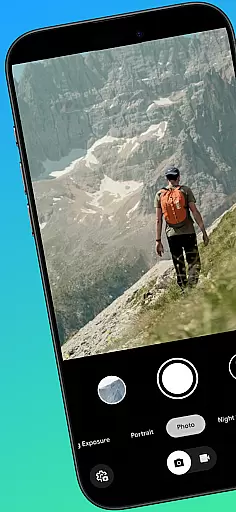
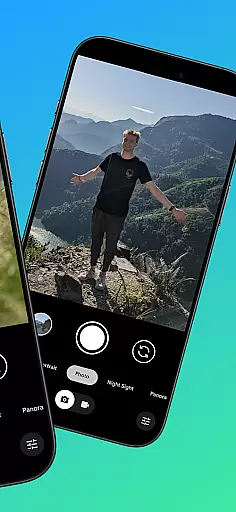
CameraClick is a powerful photography app that connects Garmin smartwatches with Android phones, enabling wireless remote control of your phone's native camera. This seamless integration allows users to capture photos and videos directly from their wrist, making it ideal for group shots, solo adventures, or action recordings.
The app works by leveraging Android’s AccessibilityService to interact with the existing camera app on your phone. It preserves your preferred quality settings, lens choice, and storage path while offering compatibility across a wide range of devices. Whether you're an athlete recording workouts or a creator capturing nature, CameraClick provides reliable and easy-to-use functionality.
With support for popular Android devices like Google, Samsung, Motorola, and more, this app ensures consistent performance for various users. Its intuitive design and practical use cases make it a valuable tool for enhancing your mobile photography experience.
CameraClick stands out with its innovative features tailored for photographers and everyday users alike. The app's core functionality lies in its ability to wirelessly trigger your phone's native camera app using your Garmin smartwatch. This eliminates the need for additional equipment and ensures high-quality captures without compromising settings.
One of the standout features is its compatibility with Android’s AccessibilityService, which allows direct interaction with the camera shutter button. This ensures broad compatibility across different camera apps and device brands, including Google, Samsung, Xiaomi, and OnePlus. Additionally, CameraClick supports both photo and video modes, giving users flexibility in how they capture moments.
Another notable feature is its user-friendly interface designed for simplicity and efficiency. By preserving your default camera settings and integrating seamlessly into your workflow, CameraClick enhances convenience without adding complexity. These features collectively position the app as a versatile solution for remote photography needs.
Real-time capture and preview functionality is essential for ensuring that every photo or video taken meets the user's expectations without delay. CameraClick excels in this area by providing seamless integration between your Garmin smartwatch and Android phone.
By leveraging the native camera app on your phone, CameraClick allows you to trigger the camera directly from your wrist. This means you can see the scene through your phoneu2019s lens and capture it instantly, preserving your preferred quality settings and lens choices.
The application uses Androidu2019s AccessibilityService to interact with the camera shutter button, making it compatible with a wide range of devices. This ensures that whether you're using a Google Pixel, Samsung Galaxy, or any other supported device, you'll experience minimal latency between the action on your watch and the resulting image or video on your phone.
With CameraClick, users gain the ability to take photos or start/stop video recordings remotely, which is particularly useful for capturing group shots, solo adventures, or recording activities from a distance. This real-time functionality empowers creators, athletes, and everyday users to capture moments effortlessly and reliably.
While CameraClick does not focus heavily on AI beauty and enhancement features, it offers natural and authentic photo-taking experiences by utilizing your phoneu2019s native camera app. This ensures that any built-in beautification or enhancement features you have come to rely on are preserved.
CameraClick works seamlessly with your existing camera settings, meaning that if your phoneu2019s camera app includes AI-driven enhancements, they will function as intended. The app triggers the same camera interface you are familiar with, maintaining your preferred quality settings and lens choice.
Using Androidu2019s AccessibilityService, CameraClick interacts directly with the camera shutter button, ensuring compatibility across various devices and camera apps. This approach respects the integrity of the original image while still allowing for any AI enhancements provided by your phoneu2019s camera software.
Whether capturing nature, filming workouts, or taking spontaneous photos, CameraClick ensures that any AI beauty or enhancement features work naturally within the context of your usual photography workflow. This results in images and videos that reflect genuine moments without artificial alterations unless desired.
Wireless control
Native app support
Wide compatibility
User-friendly design
Reliable performance
Limited iOS support
Requires permissions
Device-specific issues
No advanced editing
Premium Garmin integration

Add Watermark - Sign your pictures with a text or logo. Effective, quick, easy!
 4.50
4.50
Application for remote controlling DSLR
3.00
An interval timer to automate photo taking process for timelapse
2.90
Edit like a pro with Hypic. Apply filters, AI effects, & magic touch.
4.40
Perfect body tune & face app - photo retouch, makeup, slim body & beautify face.
4.80
Add a dreamy vibe to your selfies and videos with soft style filters
4.4
Enhance, upscale, and transform your images — on your device, without limits
4.70
Welcome to ProShot, the most powerful camera app on Android.
4.20
Solocator stamps photos you take with GPS location, Compass Direction, Date/Time
3.80
HD Camera Pro with HD Video shooting, Panorama, Photo editor , Beauty Camera.
4.50
Safe & smart flight with Go Fly drone controller for 40+ drone camera, zone map
4.50
Create AI photos & videos with Enhancer; restore, fix, beautify, enhance photos
4.50
Search, tag and rate your way to an organized image gallery
4.40
Easily stitch panoramas from multiple photos or video.
4.40
Shooting photos and records video easily and efficient with professional Camera
4.30
Natural Beauty, Selfie Retouch
4.30
Virtual makeup, hair filters & body tuner—edit from face to full body!
4.20
Photobooth mini FULL app will allow you to add more fun to your parties
4.00
How would you look like with a differently shaped nose, chin or lips?
3.90


User Reviews